
Resources / Blog
Before the first
installation.
Practical reading for the decisions between a product idea and a working entrance.
Visitor planning
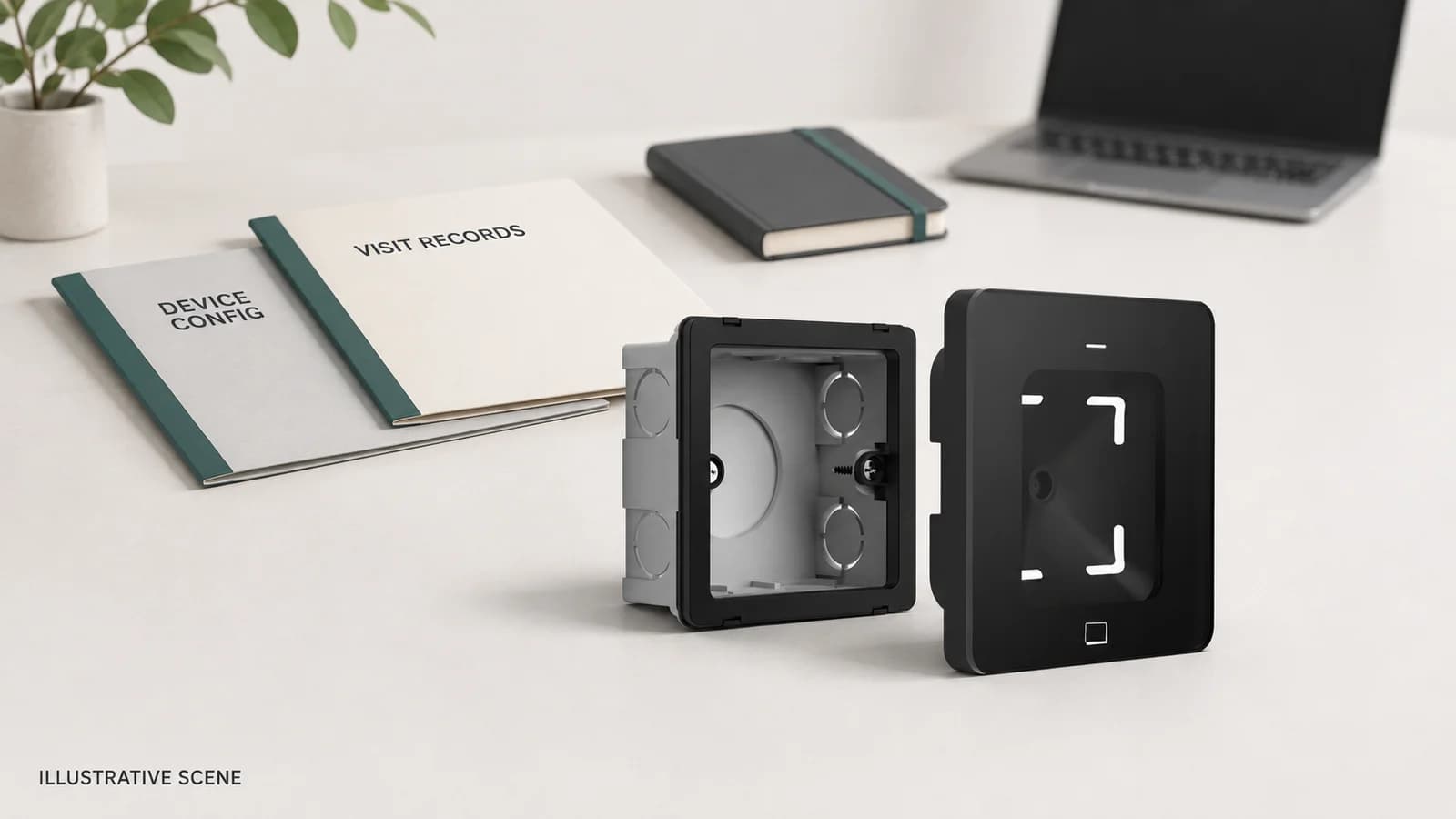
Best Visitor Management Software: Check the Exit Plan Before You Buy
The best visitor management software for your project needs a workable exit plan. Test exports, record relationships, active credentials and device handover before choosing a platform or service provider.
Read article ↗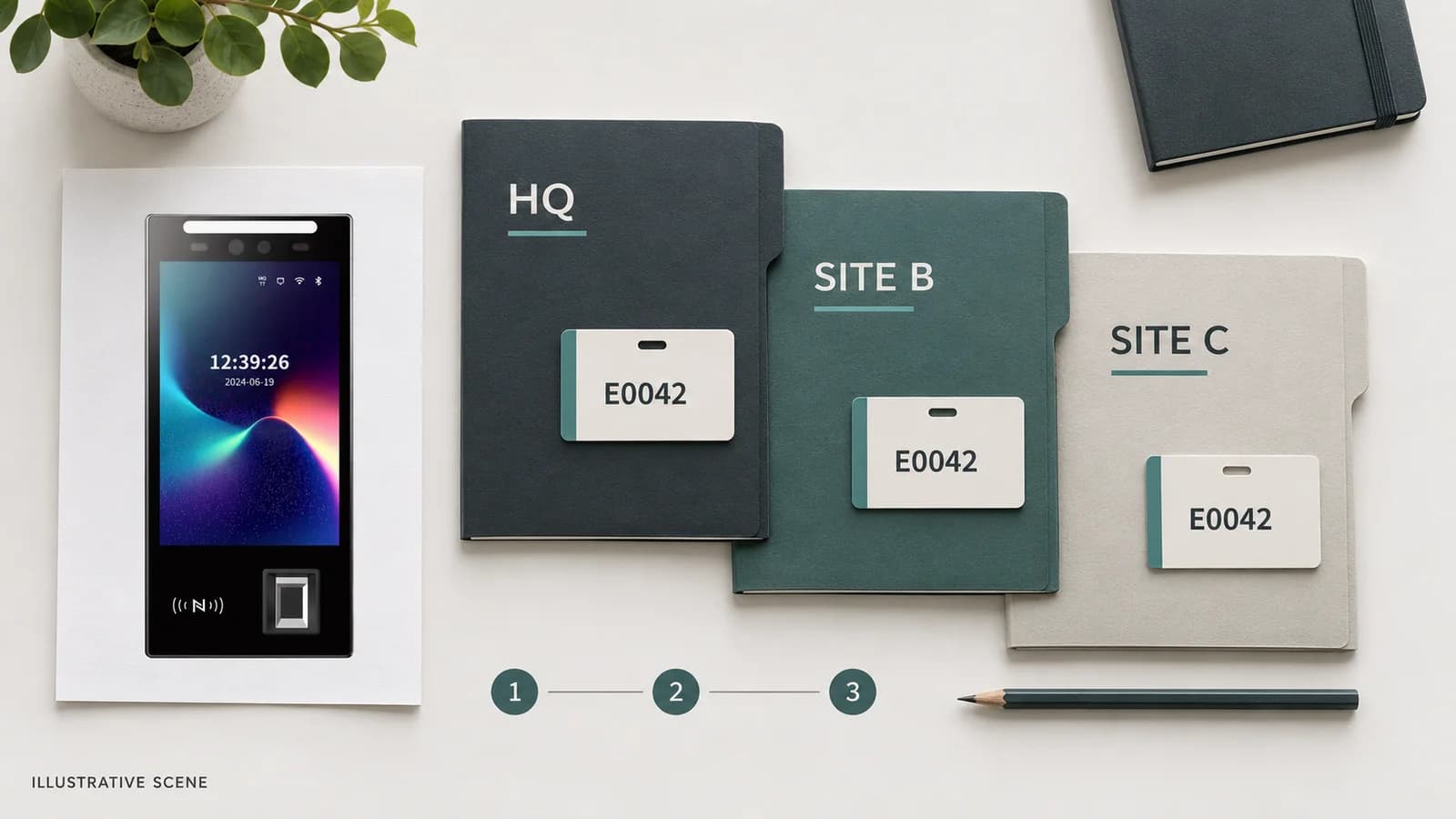
Attendance rollout
Enterprise Time and Attendance Software: Keep Employee IDs Stable During a Site-by-Site Rollout
Enterprise time and attendance software needs stable employee mappings and clear event ownership during a phased rollout. Agree each site's cutover and reconciliation before accepting new results.
Read article ↗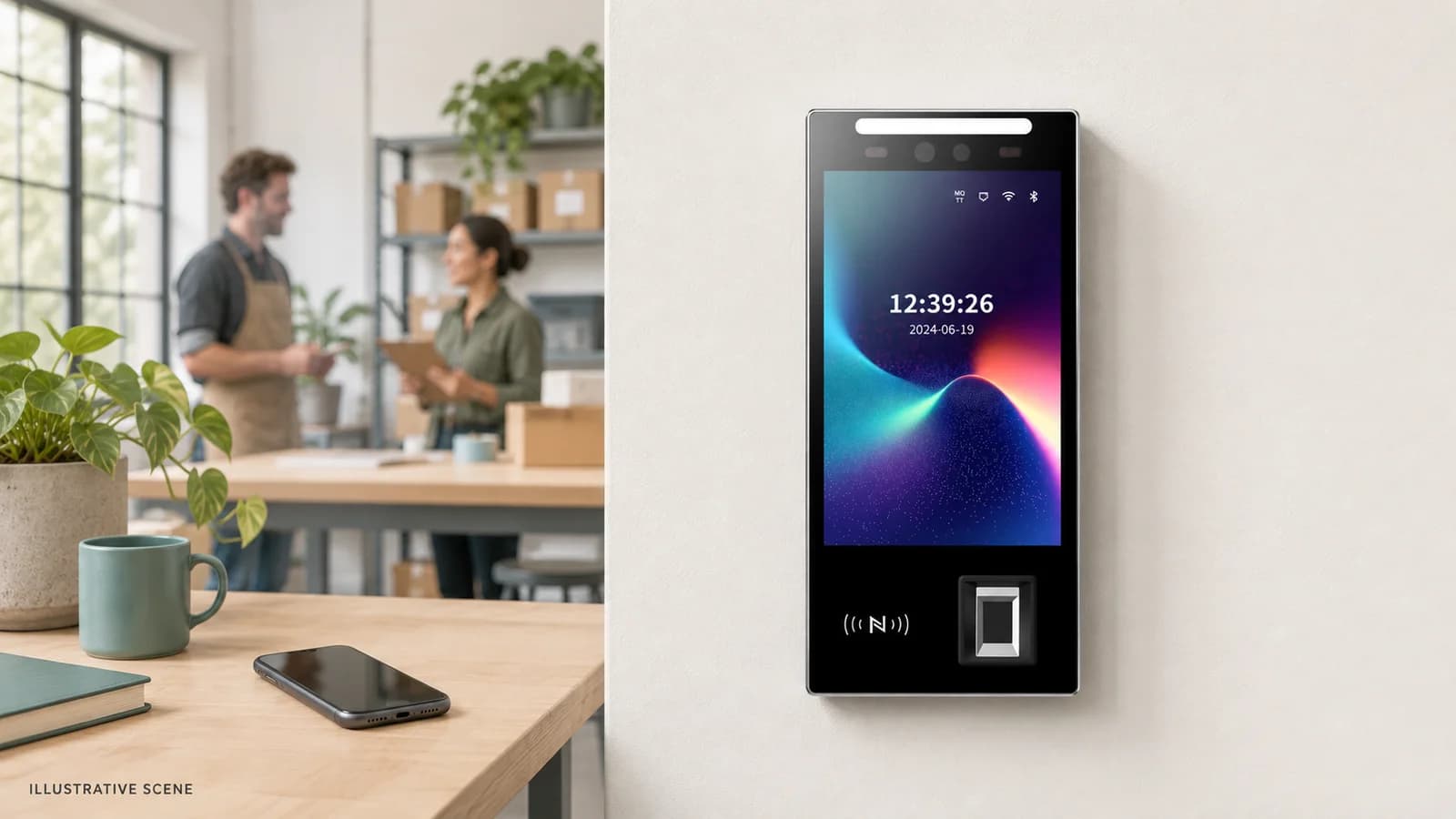
Attendance deployment
Time and Attendance Systems for Small Businesses: Shared Terminal or Mobile Clock-In?
Compare time and attendance systems for small businesses by work location, employee access and daily administration before choosing shared or mobile clock-in.
Read article ↗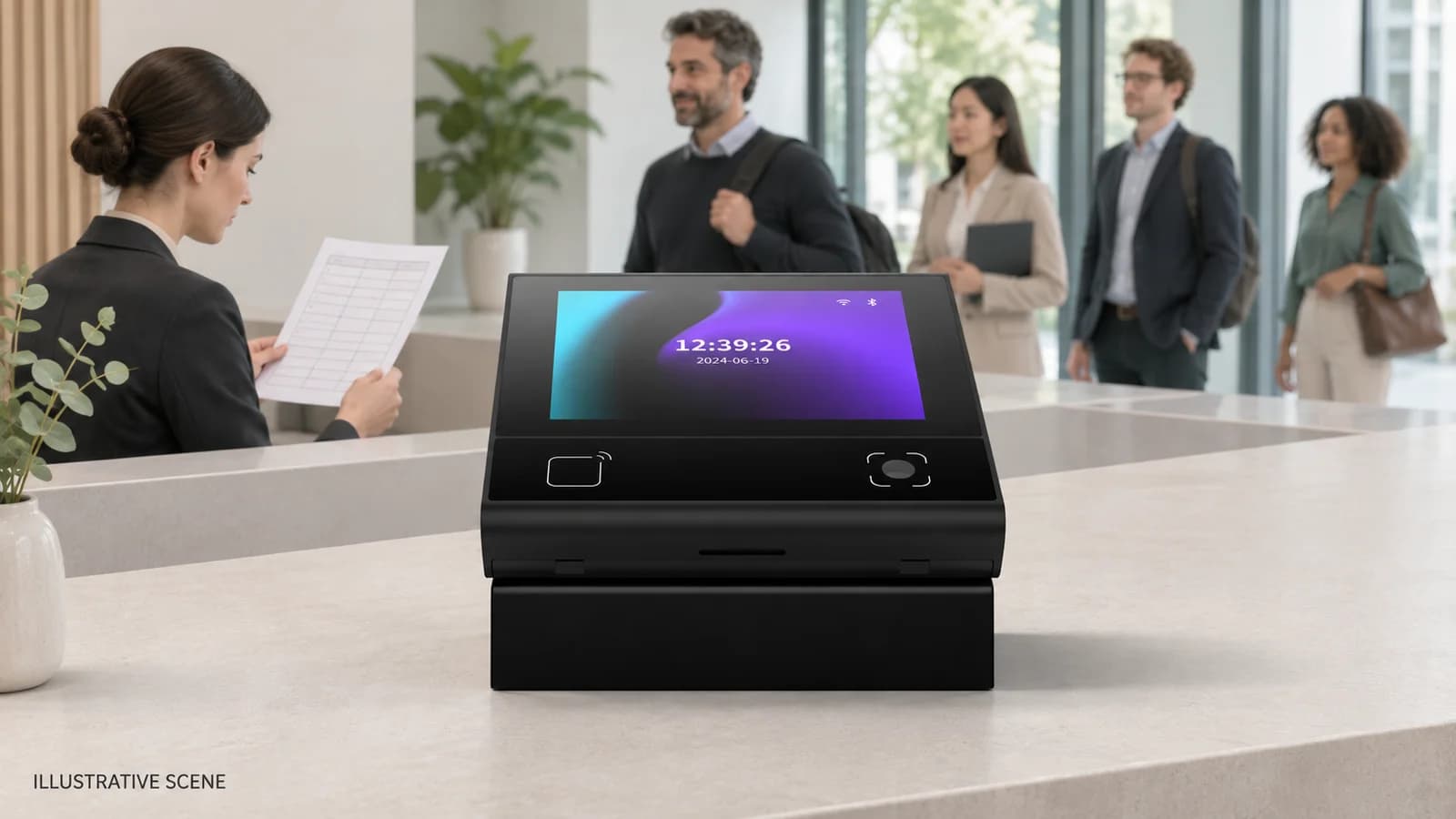
Visitor planning
Visitor Sign-In Software: Handle Group Arrivals Without Losing Individual Records
Visitor sign-in software should connect a group booking to each person's actual visit. Plan late arrivals, additions, early departures and terminal roles without treating the group leader's check-in as everyone's attendance.
Read article ↗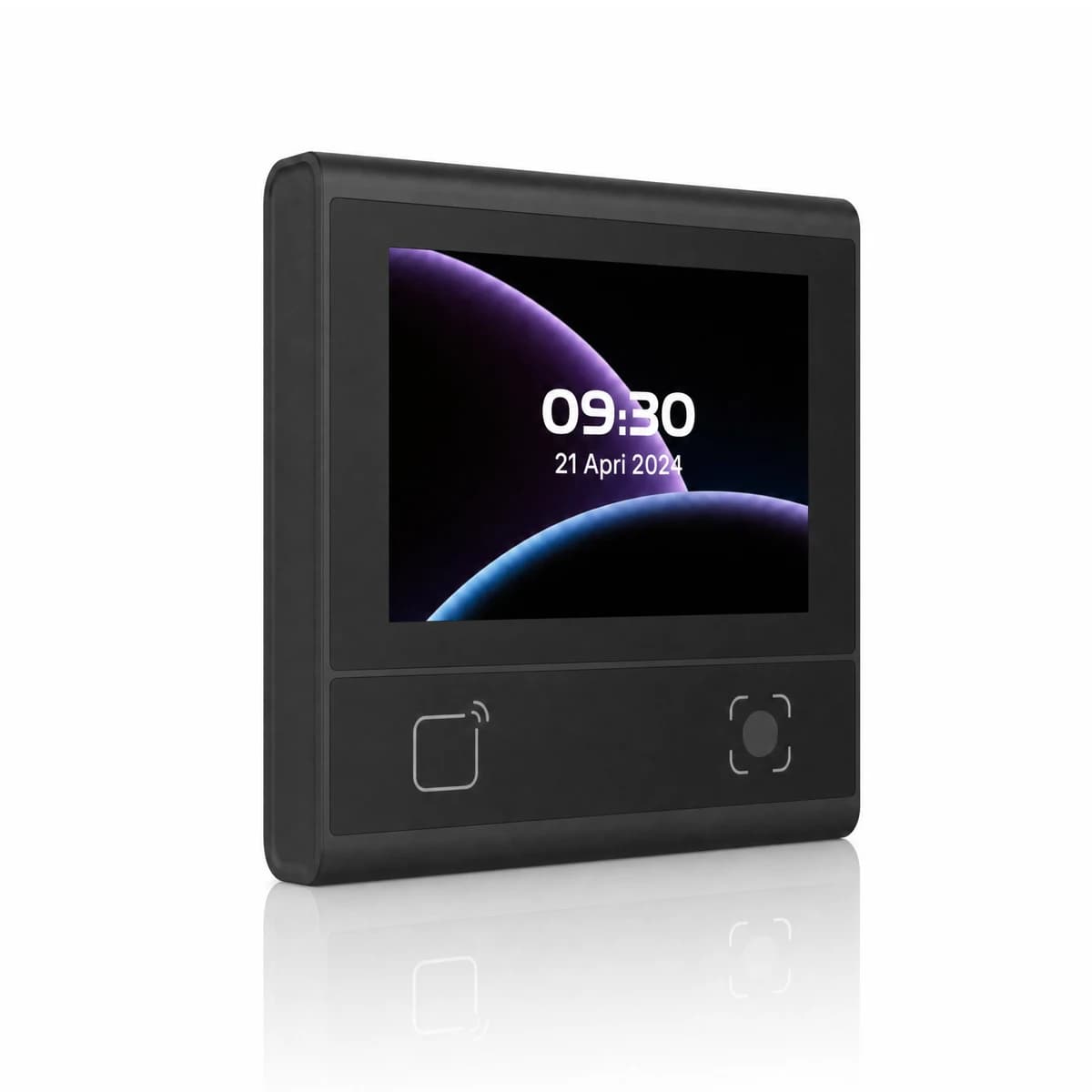
Visitor workflows
Cloud-Based Visitor Management System: Send Each Guest to the Right Office
A cloud based visitor management system needs clear office and host ownership. Plan location selection, same-name hosts, changed appointments and local reception responsibilities before evaluating an FC6820 interaction.
Read article ↗
Project planning
Employee Attendance and Leave Management System: Avoid False Absences
An employee attendance and leave management system should distinguish approved leave from a missing punch. Define raw events, approval states and reviewed outcomes before evaluating an FCV4907 attendance interaction.
Read article ↗Project planning
Time and Attendance Software Pricing: How to Build a Comparable Quote
Compare time and attendance software pricing with one shared scope for employees, sites, terminals, deployment, integration and maintenance. Build a quote request that exposes missing work without assuming a Feocey price or licensing model.
Read article ↗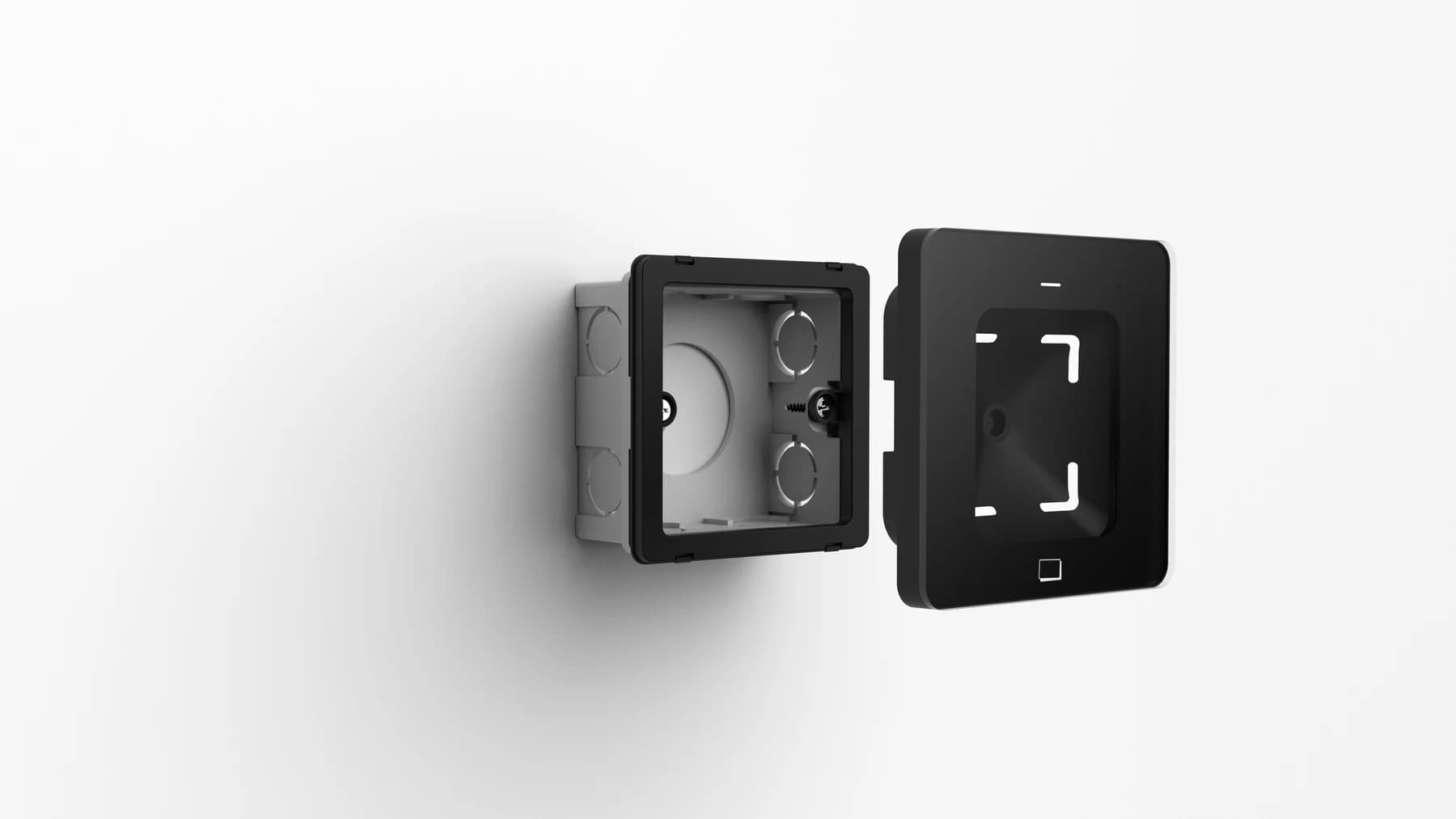
Visitor planning
Visitor Management System Price: What Reception and Door Integration Add
Compare visitor management system price by separating software, reception locations, terminals, door integration and maintenance. Build a quote that defines the work behind each line item before evaluating FC6820 or FC7735 hardware.
Read article ↗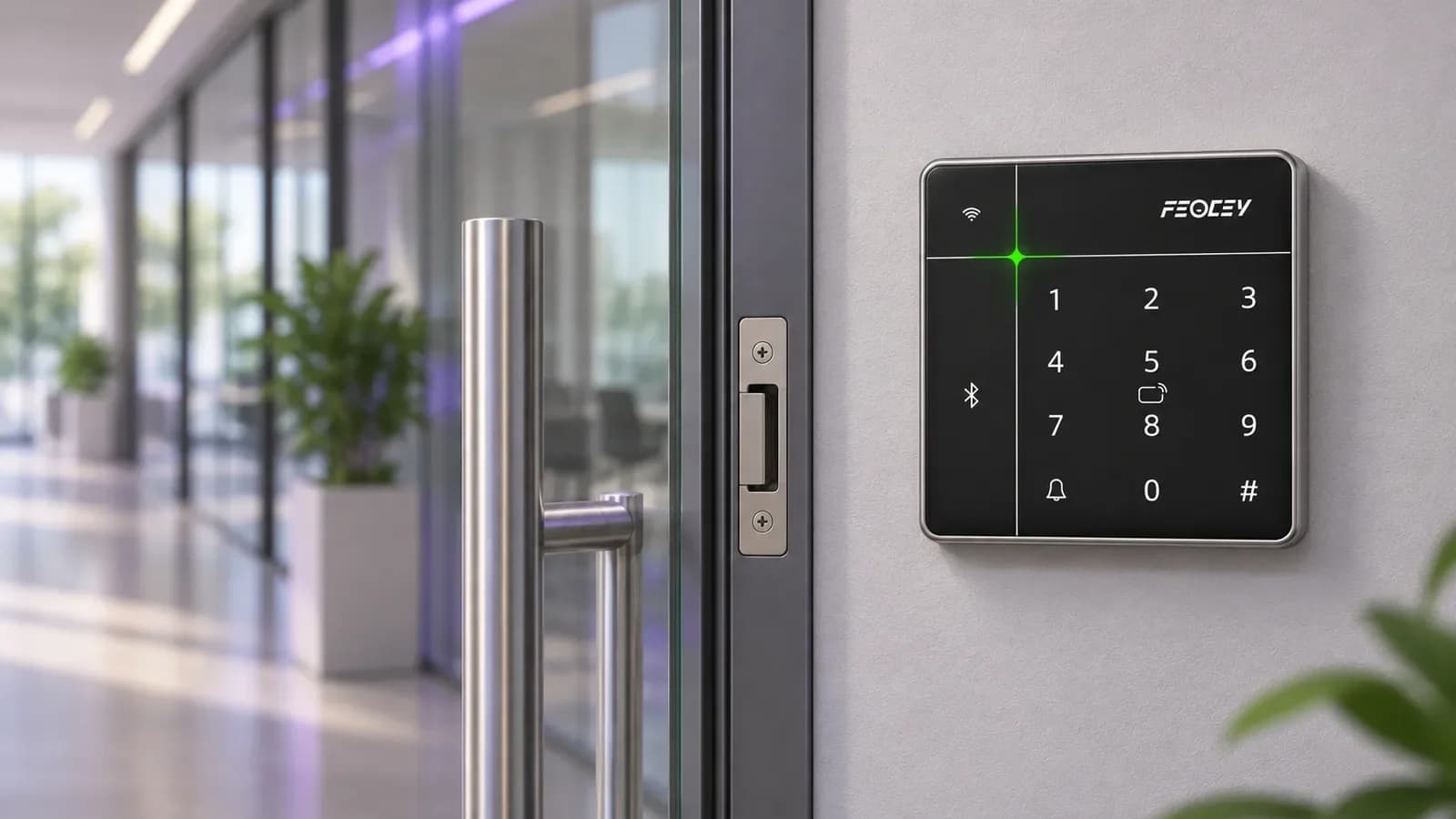
Access control cost
Access Control System Cost: What a "Per-Door" Quote Really Includes
Installers say $4K per door isn't unusual. See what a per-door access control quote covers (reader, lock, REX, controller, labor) and how to compare bids.
Read article ↗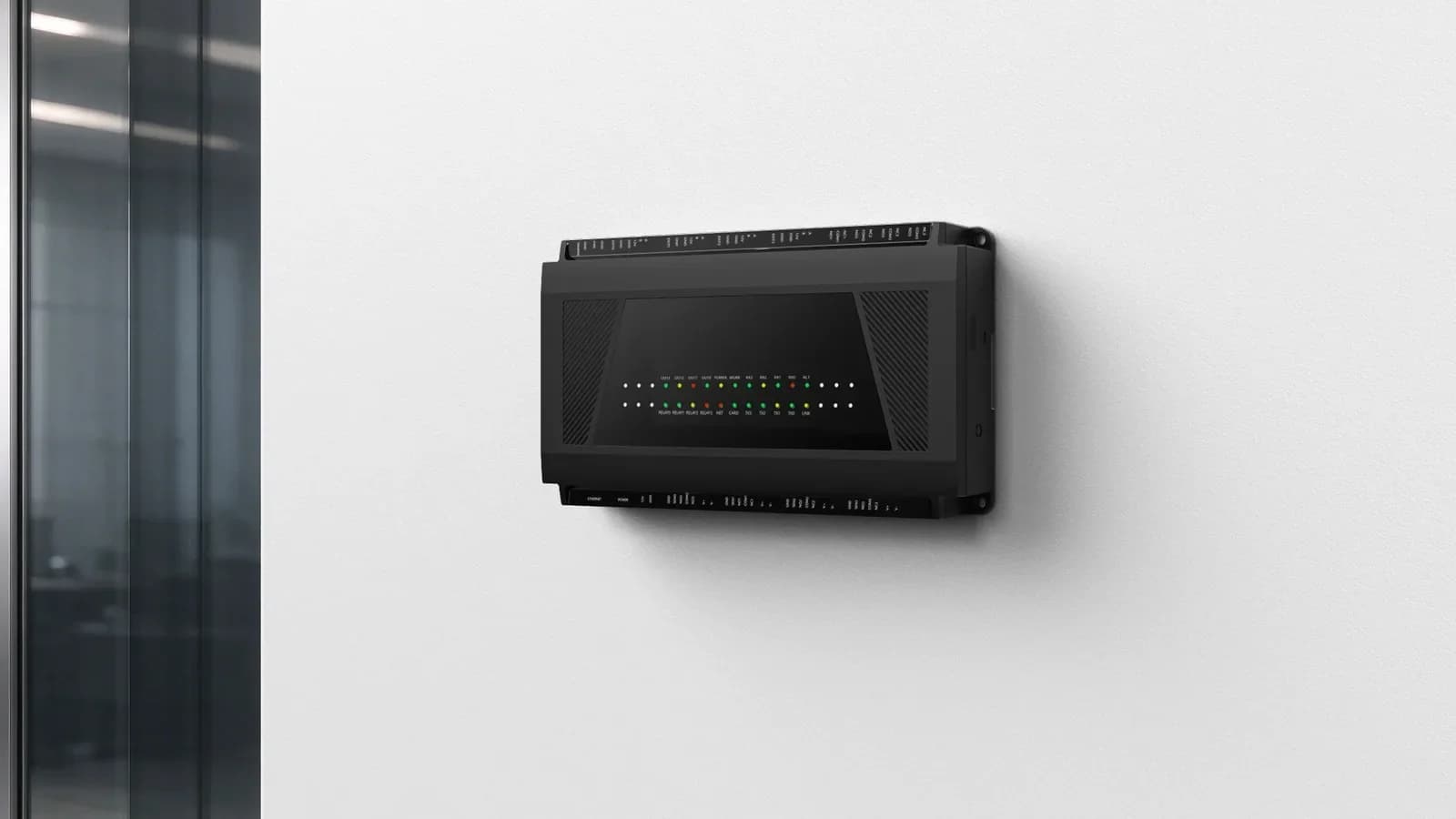
Cloud access control
Cloud Based Access Control Systems: Standardizing Multiple Sites Without Losing Offline Entry
Inherited a mix of door systems across sites? Plan cloud based access control around what each door decides locally, what syncs and what happens offline.
Read article ↗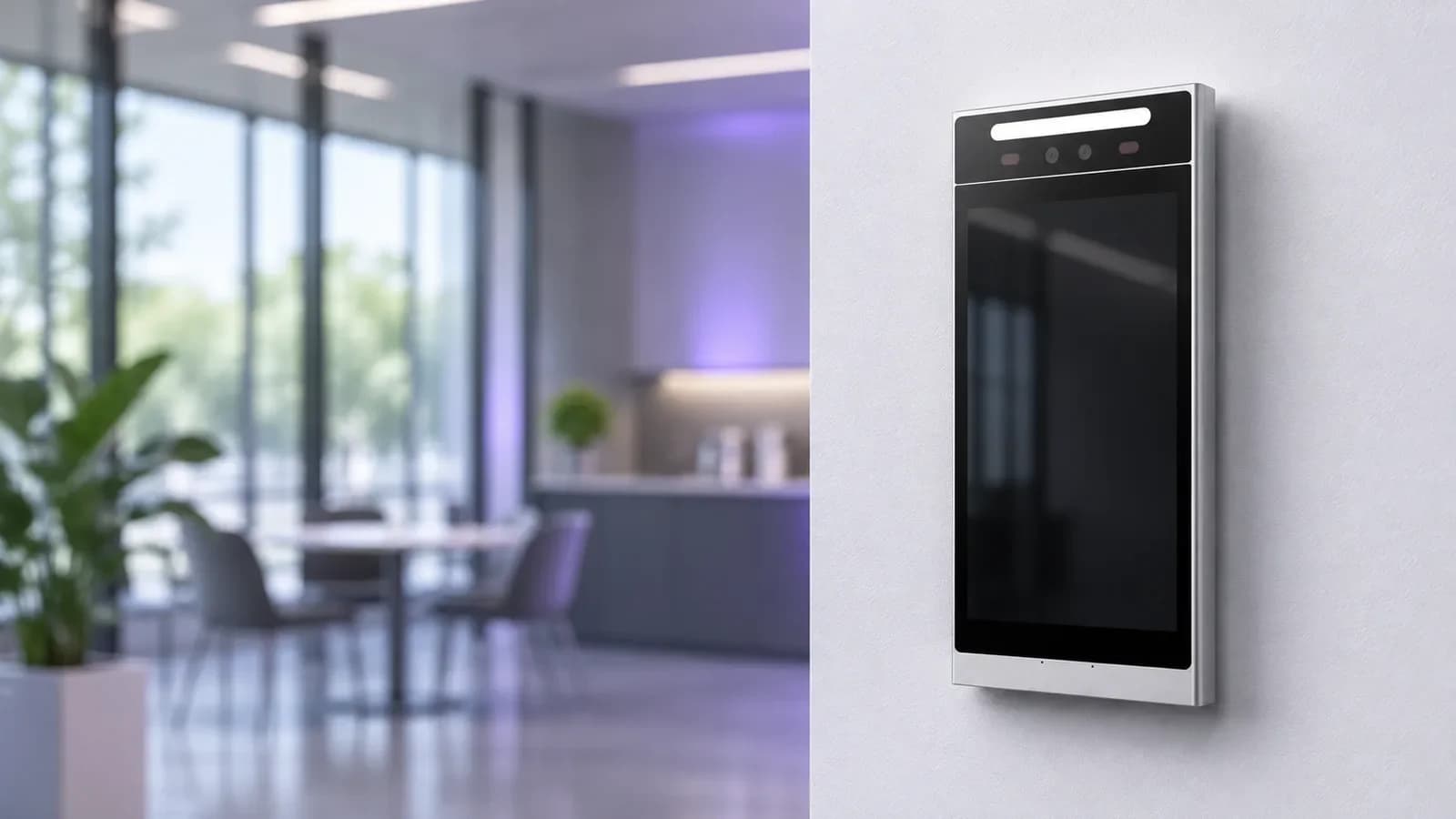
Time attendance
Facial Recognition Time Clock: What Employers Should Check Before Employees Push Back
Before you install a facial recognition time clock, check where face data is stored, what each punch saves, how leavers are removed, and why staff object.
Read article ↗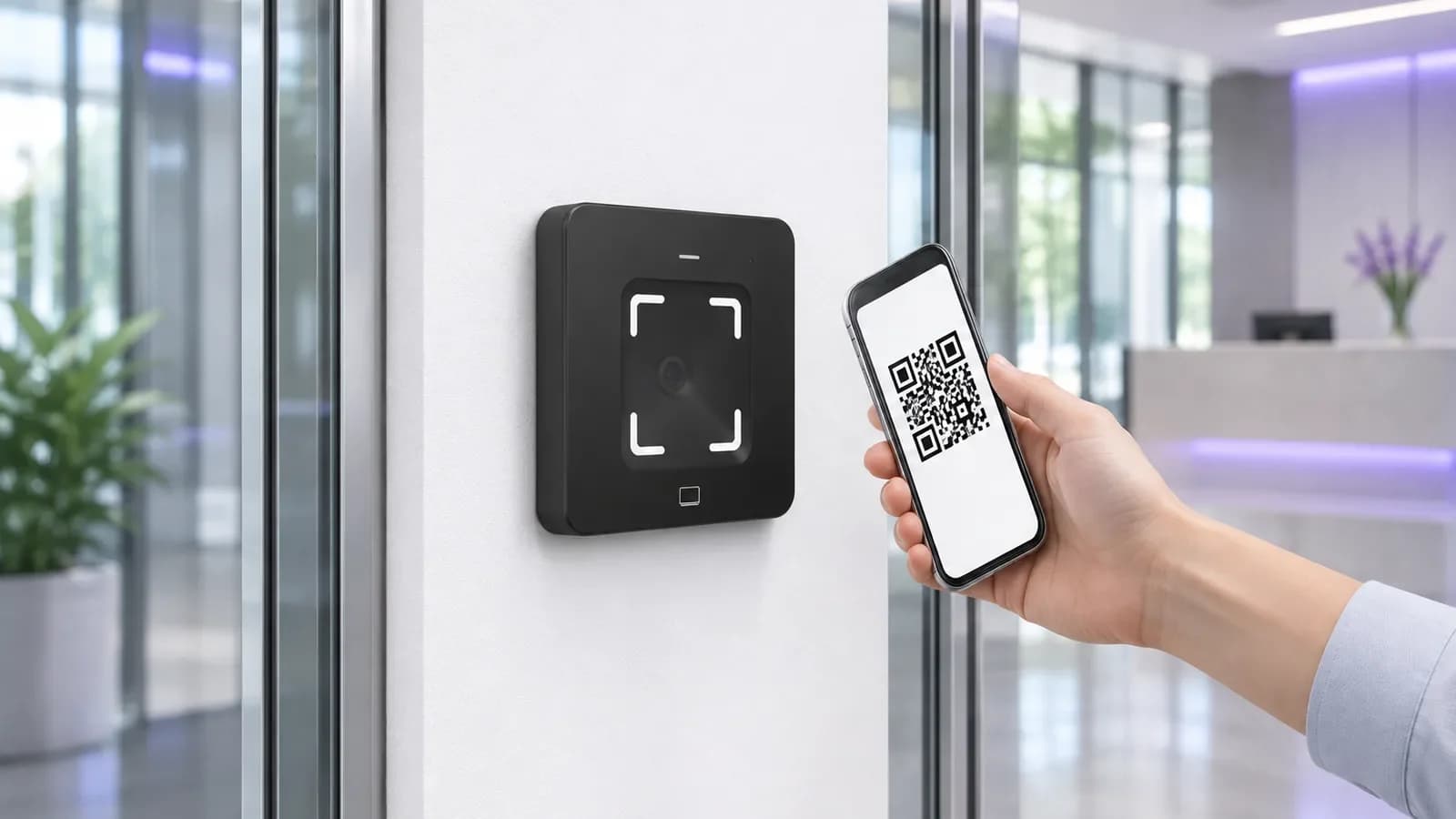
Visitor management
Integrated Visitor Management System: Stop Re-Typing Visitors Into Your Door Software
Visitor signs in on a tablet, then reception re-types them into the door system? See how an integrated visitor management system hands a QR pass to doors.
Read article ↗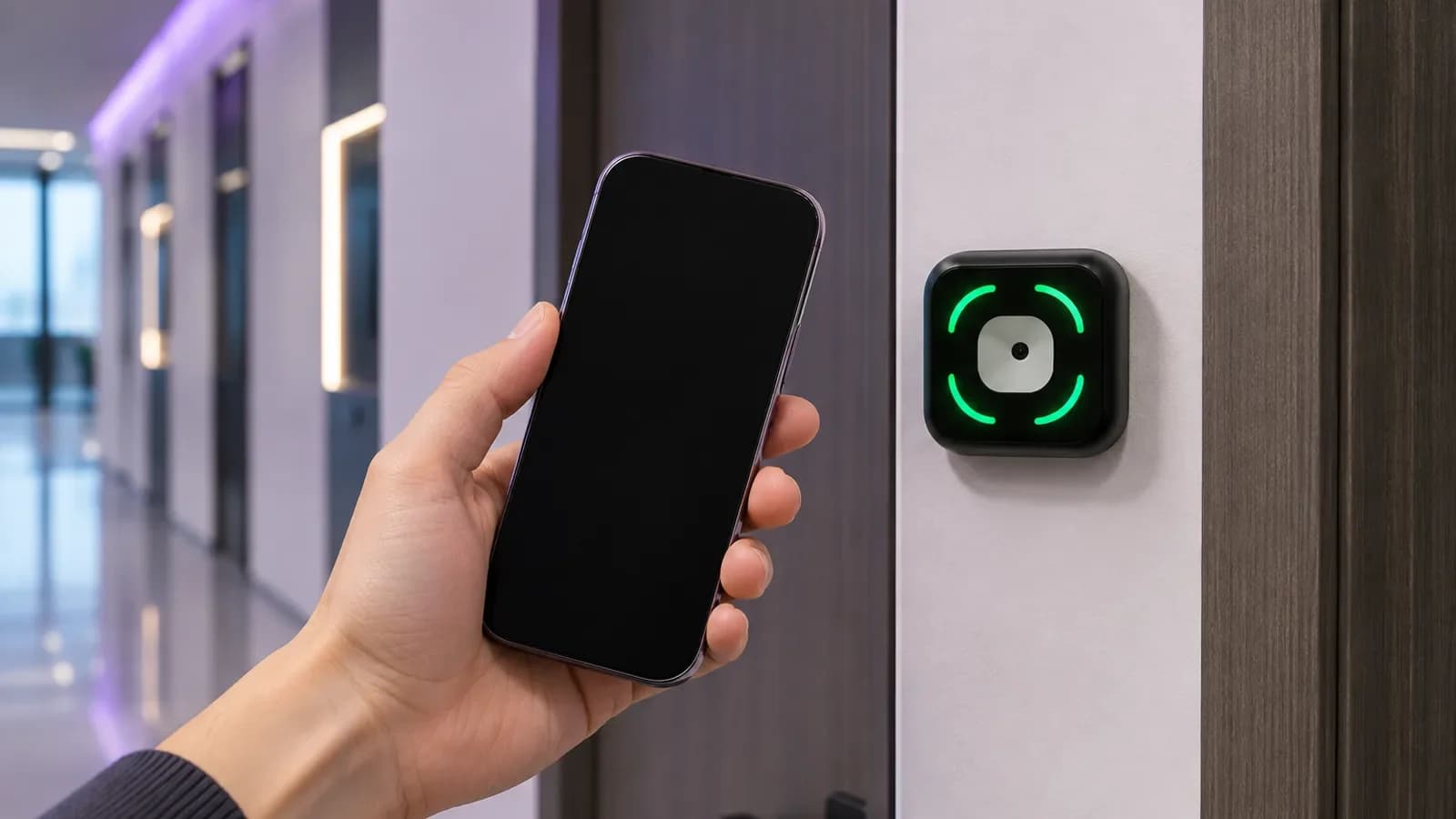
Mobile credentials
Mobile Access Control: QR, NFC or App? Choosing a Phone Credential That Lasts
Mobile access control lets a phone open the door, but credential type matters. Compare QR, NFC and app credentials, plus per-user fees and revocation.
Read article ↗
Smart locks
Smart Locks for Rental Property: What Breaks Between Guests (and How to Plan for It)
A guest resets the router and the next check-in fails. Plan smart locks for rental property around offline entry, app-free codes and battery warnings.
Read article ↗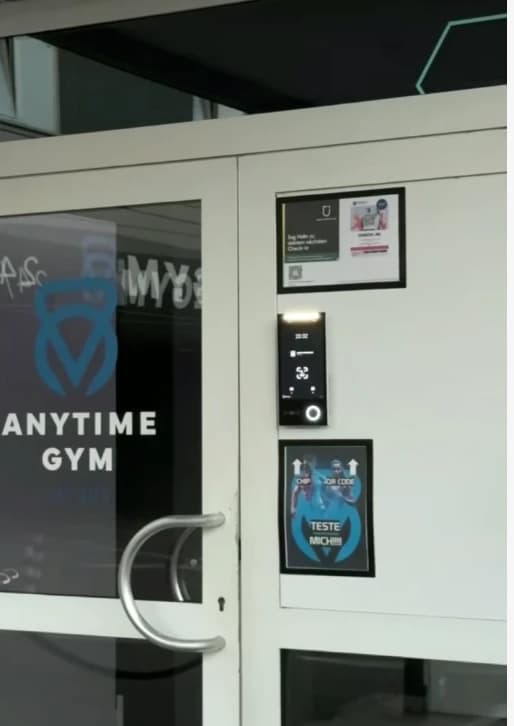
Attendance integration
Cloud-Based Time and Attendance Software: 7 Checks for Network Outages and Recovery
Cloud-based time and attendance software needs a tested recovery plan. Check FCV4905 event capture, delayed records and employee feedback before rollout.
Read article ↗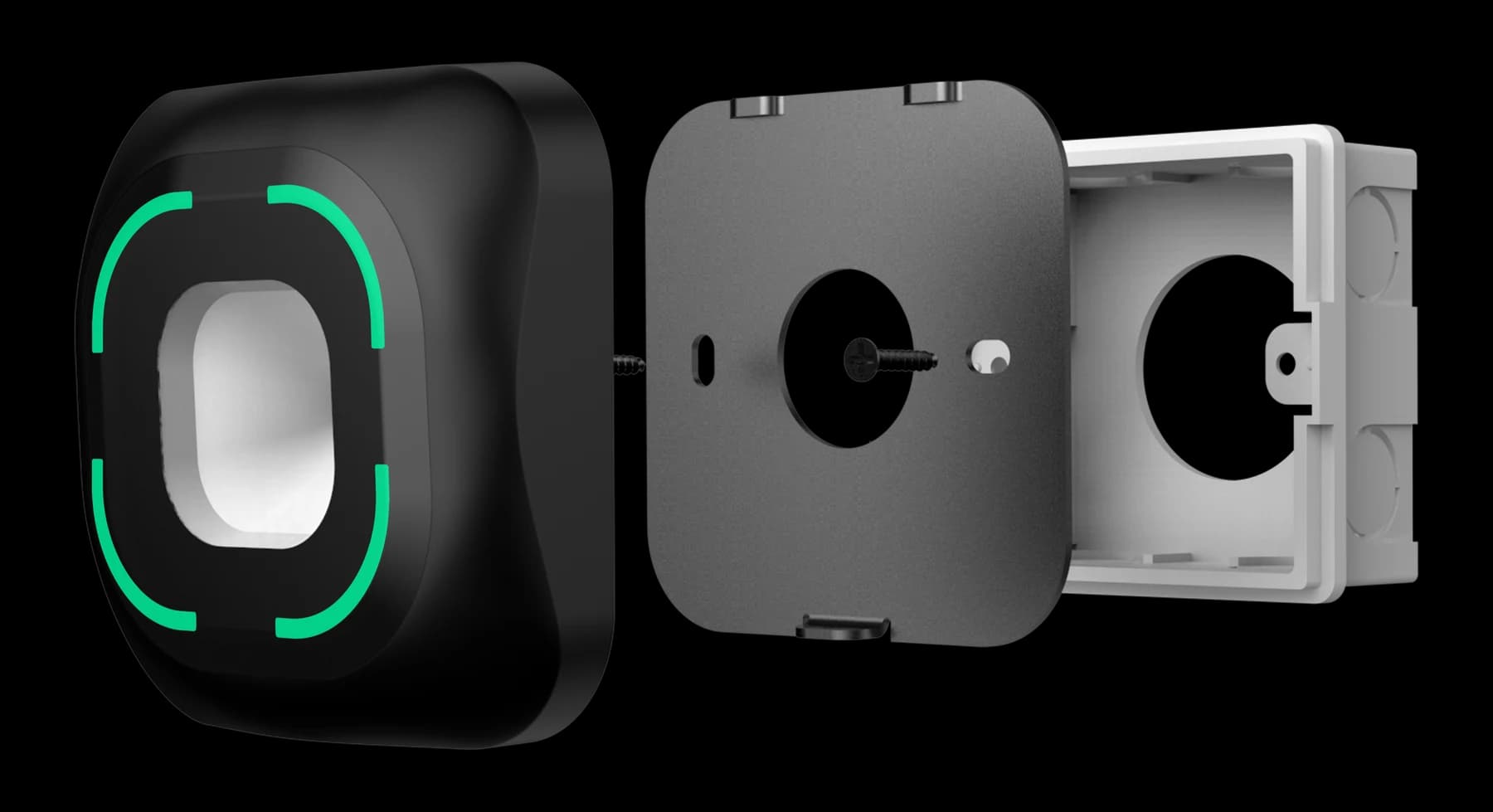
Coworking operations
Coworking Membership Software: Offboarding Without Leaving Old Door Permissions
Coworking membership software needs a complete offboarding path. Check FC7780 credentials, tenant moves, guest passes and permission removal at every entrance.
Read article ↗
Gym membership integration
Gym Software with Door Access: Handle Membership Freezes, Expiry and Reactivation
Gym software with door access needs explicit membership-state rules. Plan FCV5005 feedback, permission changes and reactivation before unattended entry.
Read article ↗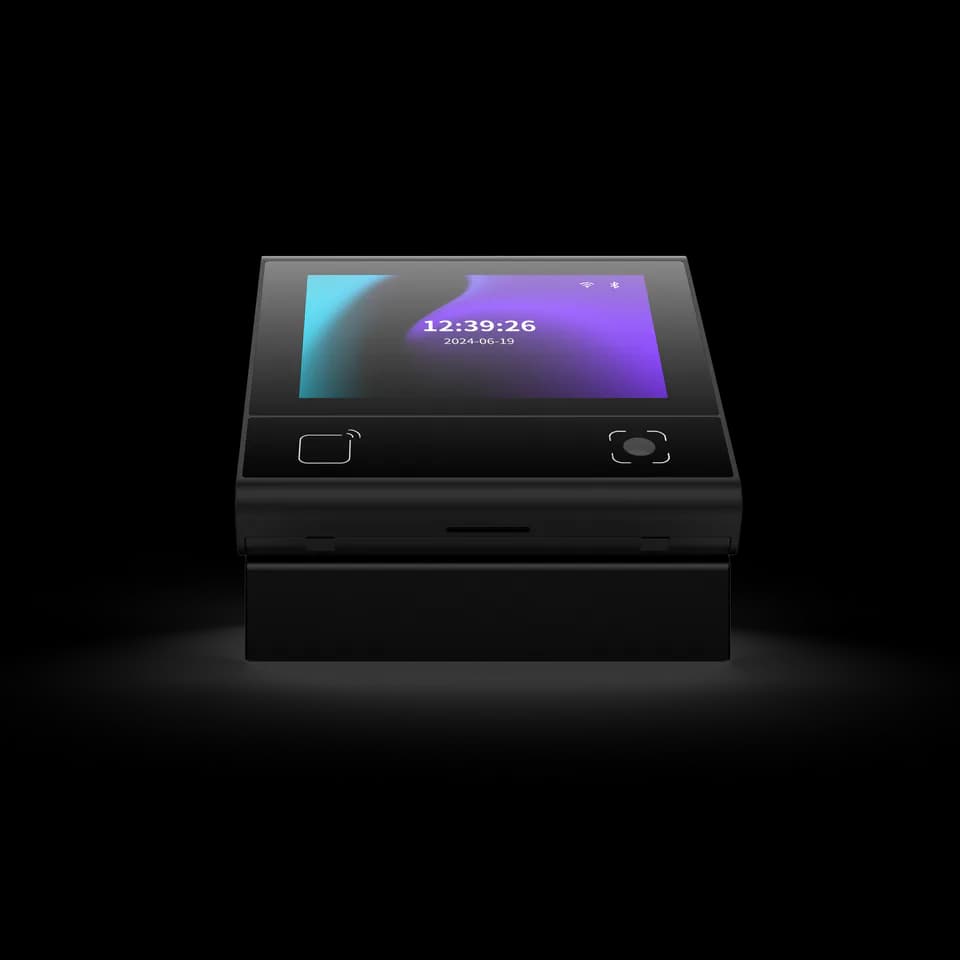
Visitor solutions
Manufacturing Visitor Management System: Separate Contractor Induction from Door Access
A manufacturing visitor management system must connect host approval, contractor induction and zone permissions. Plan the FC6820 interaction at each handover.
Read article ↗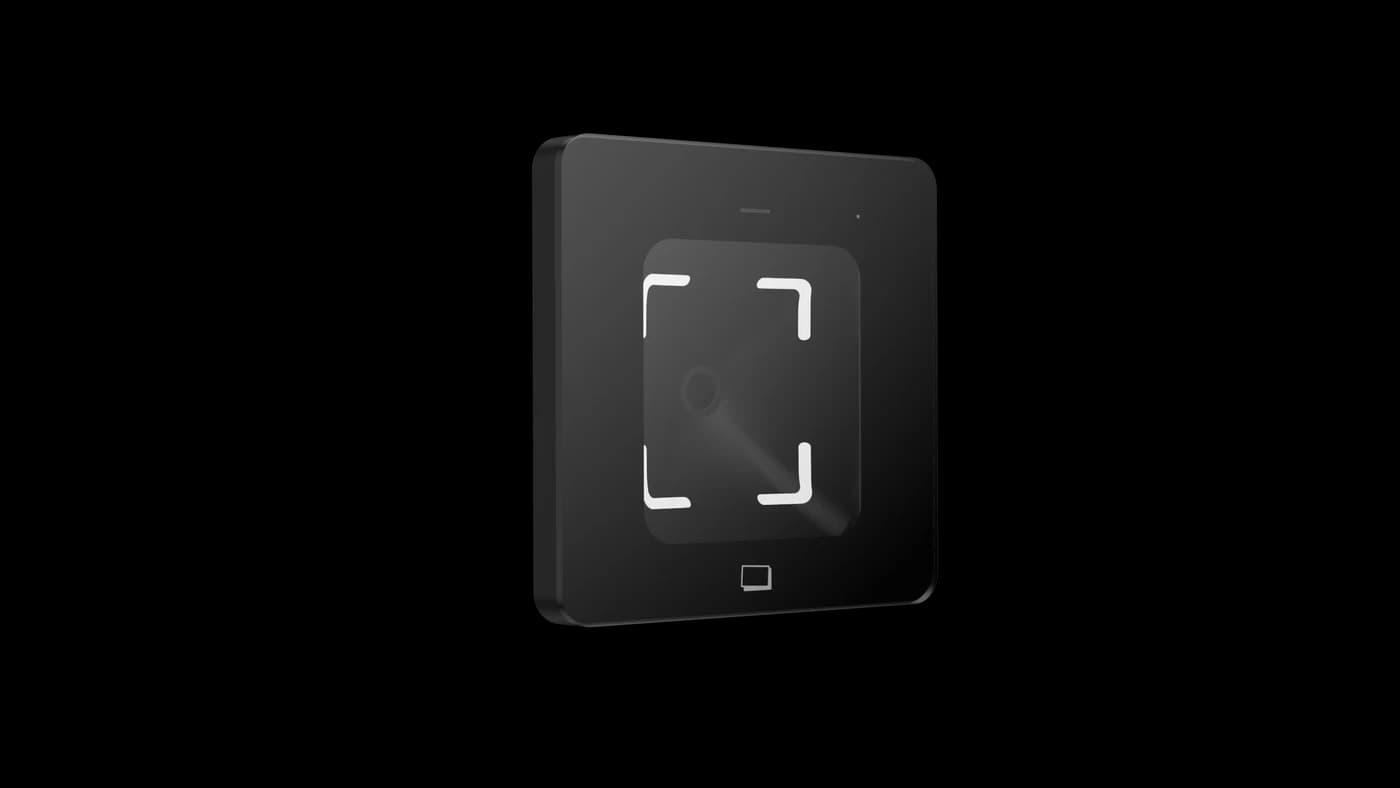
QR reader integration
QR Code Reader Integration: Preserve the Payload from Scan to Host
QR code reader integration should preserve the intended data. Test FC7735 interface versions, leading zeros, framing and host parsing before door control.
Read article ↗Ticketed venue integration
QR Ticket Scanner Integration: Plan Multi-Gate Validation Before Opening Day
QR ticket scanner integration needs a shared validation rule across entrances. Use an FC7735 pilot to test admission, re-entry, updates and network exceptions.
Read article ↗Attendance planning
Staff Attendance Software Requirements: Plan Shift Changes Before Choosing a Terminal
Staff attendance software needs clear shift-change rules. Use an FCV4907 evaluation to test overnight work, breaks, shared terminals and exceptions.
Read article ↗Visitor hardware
Visitor Management Hardware: Choosing the Best Fit for Self-Service Check-In
Visitor management hardware should fit the reception task. Compare FC6820 touch interaction with FC7735 scanning before planning self-service check-in.
Read article ↗Attendance integration
Biometric Time and Attendance Software: 7 Checks Before HR Handover
Connect biometric clock-in events to an agreed HR process. Check employee identifiers, event meaning, exceptions and reconciliation before accepting an FCV4907 attendance integration.
Read article ↗Project planning
Coworking Software Checklist: Day Passes, Room Bookings and Door Permissions
Use this coworking software checklist to separate day-pass validity, room reservations and door permissions. Plan the host system, an FC7780 reading point and an ordered pilot before committing to a wider installation.
Read article ↗Project planning
Gym Booking Software and Access Control: Keep Reservations Separate from Check-Ins
Connect gym booking software to access control without confusing a reservation, membership entitlement and an actual visit. Use a practical state table, an FCV5005 evaluation path and a pilot checklist.
Read article ↗Visitor workflows
Office Visitor Management System: 7 Reception-to-Exit Handover Checks
Plan an office visitor management system around host approval, reception, permitted areas and departure. Use an FC6820 interaction as part of a defined workflow, with clear handovers to people and door-control equipment.
Read article ↗QR access control
FC6820 QR Access Control: Top Integration Checks for Temporary Passes
Choose the FC6820 device role and matching application before integrating visitor passes. Follow a practical sequence for permissions, repeated requests and offline acceptance.
Read article ↗QR access control
FC7735 QR Code Reader: 7 Checks for Safer Visitor Access
Plan FC7735 visitor QR access around permission expiry, reuse rules and a matched host. Seven checks turn a successful scan into a testable entrance workflow.
Read article ↗
Face access control
FCV4905 Face Recognition Access Control: Finding the Best Fit for Staff and Visitors
Choose FCV4905 face access around the people using the entrance. Compare staff enrollment, temporary visitor handling and alternative credentials before selecting the configuration.
Read article ↗Face access control
FCV5005 Face Terminal: A Practical Guide to Multi-Credential Access Integration
Plan FCV5005 multi-credential access by assigning clear roles to the terminal, management platform and door equipment, then test each permission path and exception.
Read article ↗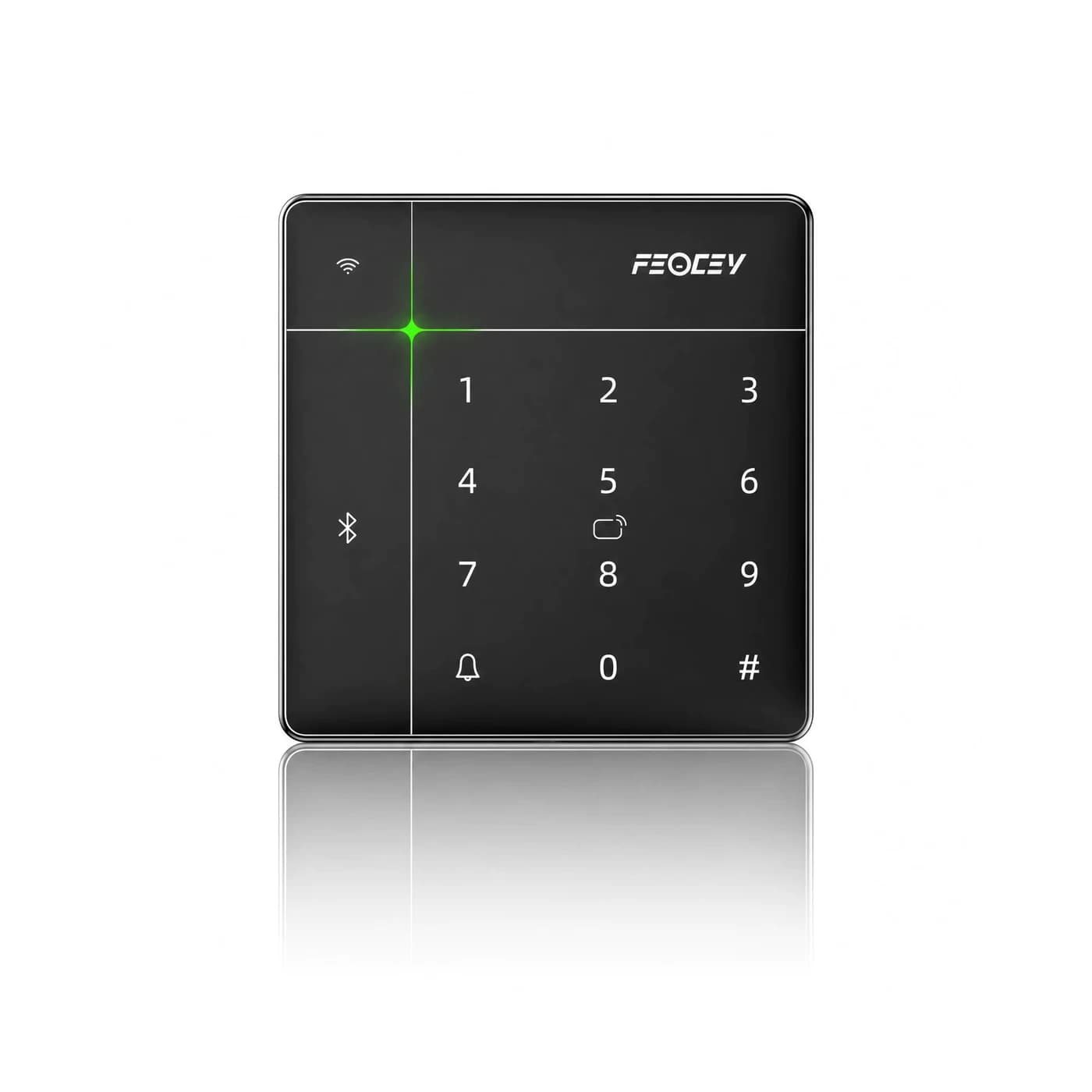
Access Control
Planning Access Control for a Warehouse
A warehouse access control project needs a clear door schedule, defined user workflows, and careful separation of reader, controller, and lock responsibilities. This guide covers site survey, credential selection, power and wiring, integration with warehouse management systems, and pilot testing.
Read article ↗Access Control Planning
Access Terminal Integration Questions Before Ordering
Before ordering access terminals, clarify integration points across credentials, controllers, power, and host systems. This article provides a structured checklist to avoid mismatched interfaces and ensure the complete workflow is validated.
Read article ↗Access Control Planning
Choosing Credentials for a Gym Entrance Project
A practical guide to selecting the right credential type for a gym entrance, covering membership workflows, device compatibility, and testing before rollout.
Read article ↗Access Control Planning
Reader or Controller: Allocating the Access Decision
In access control, the access decision—granting or denying entry—can reside in the reader or the controller. This article clarifies the roles of each component, the implications for system design, and how to plan a reliable installation using approved Feocey hardware references.
Read article ↗Installation & Maintenance
Documenting Firmware and Wiring for Repeat Installations
A practical guide to creating repeatable documentation for access control and intercom installations, covering firmware version control, wiring diagrams, and handover records to ensure consistency across multiple sites.
Read article ↗Access Control Planning
Planning Mobile Answering for FCV5005 Video Intercom
A practical planning guide for enabling mobile answering on the FCV5005 video intercom. It covers call flow design, application and account setup, network requirements, testing, and handover, using only confirmed facts from approved sources.
Read article ↗Access Control Planning
Four-Door Access Control Site Survey Checklist
A practical site survey checklist for planning a four-door access control system, covering door hardware, wiring, power, network, and user workflows to avoid integration surprises.
Read article ↗Access Control Planning
Access Hardware Pilot Acceptance and Handover Checklist
A practical checklist for piloting access control hardware before full deployment, covering acceptance criteria, testing workflows, and handover documentation. Based on Feocey product references and planning guides.
Read article ↗Installation planning
Can a Wiegand reader connect to an RS485 controller?
Check reader output, controller input, credential format and door-control responsibility before combining access devices. A worked example using FCS525 and FCC4904 documentation.
Read article ↗
Product selection
Choosing a smart lock in five steps
Start with the door, then choose access methods, connectivity and the operating arrangements that fit your property.
Read article ↗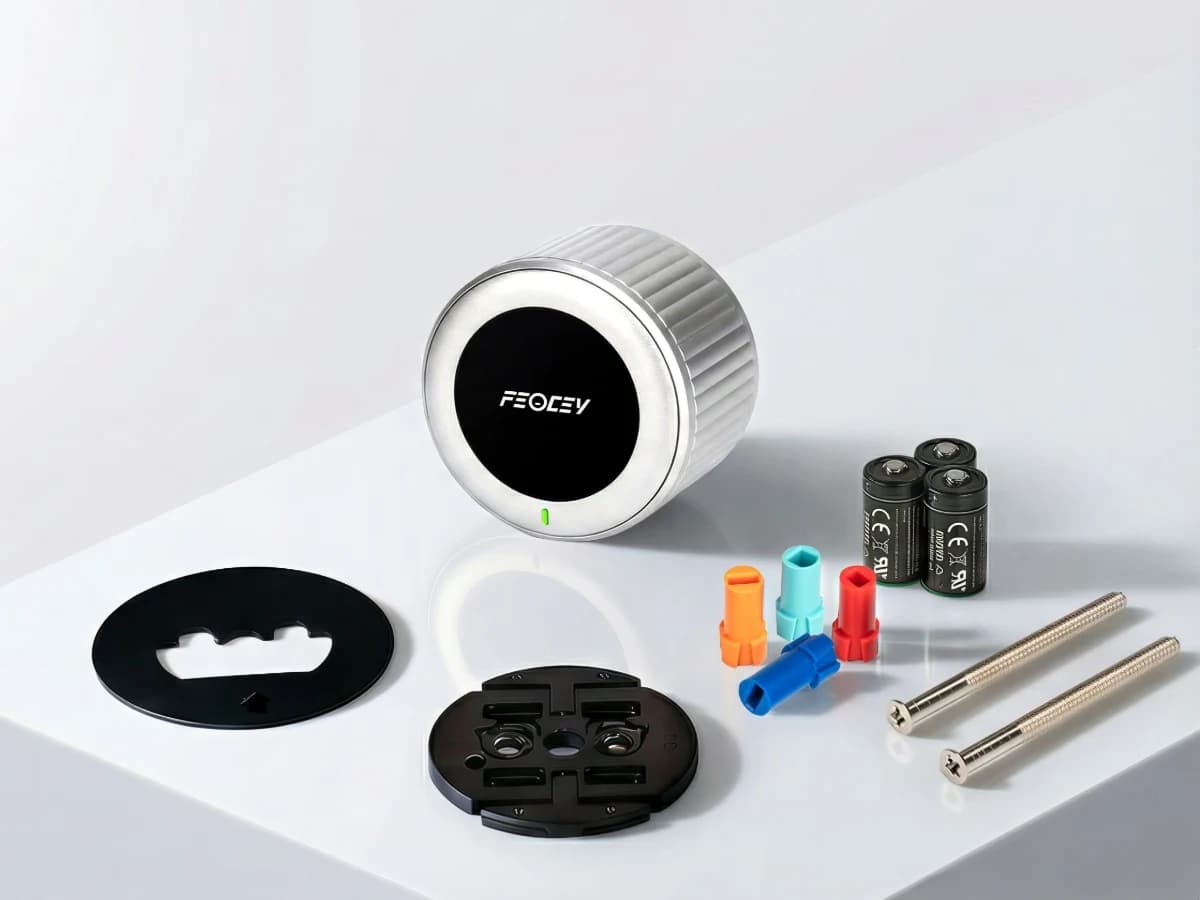
Integration
How a connected smart lock works
Follow a command through the app, connection and lock mechanism, and understand which details depend on the selected product.
Read article ↗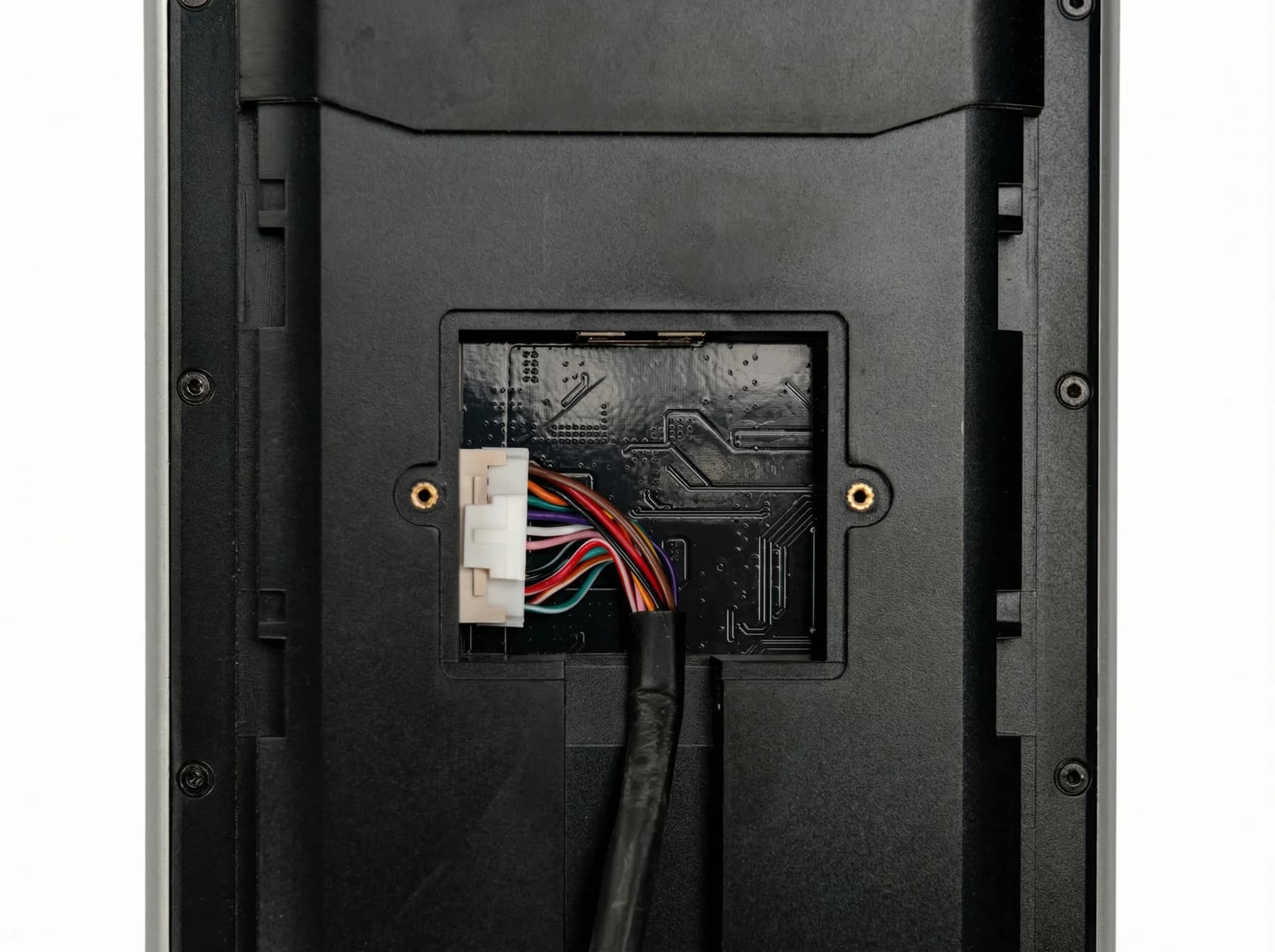
Integration
PoE for access control: what to check
Check device support, available power and the complete door installation before choosing a PoE configuration.
Read article ↗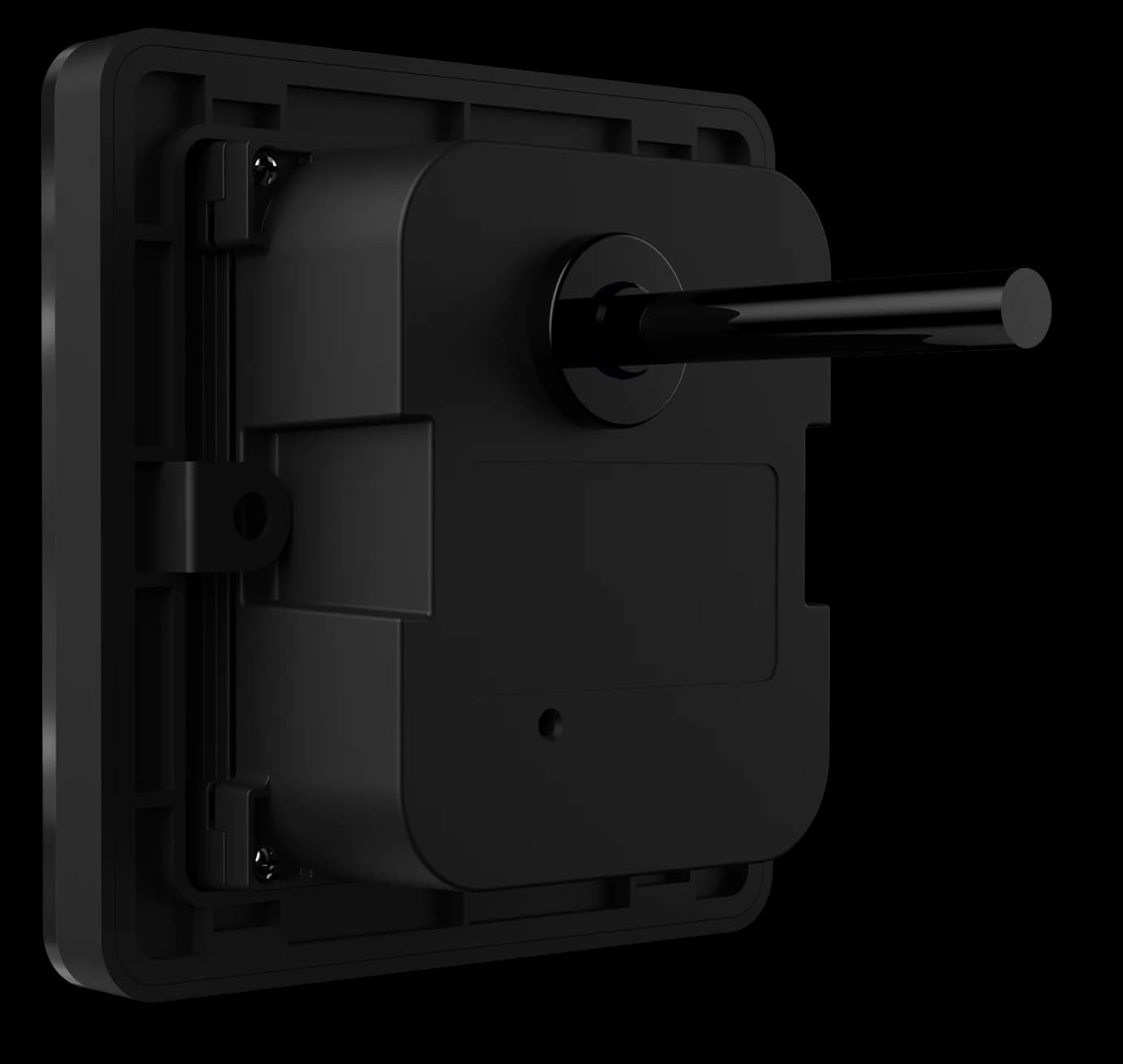
Integration
OSDP in access control: questions for an integration
Understand the reader-to-controller link and verify protocol support on both sides of the installation.
Read article ↗Project planning
Choosing a door entry intercom system
Plan the visitor call, answering destination and authorised door release as one workflow, using documentation for the exact terminal and application.
Read article ↗Project planning
Choosing access control for a gym
Choose the membership rules, reading point and door-control workflow together, then test the exceptions before opening the entrance.
Read article ↗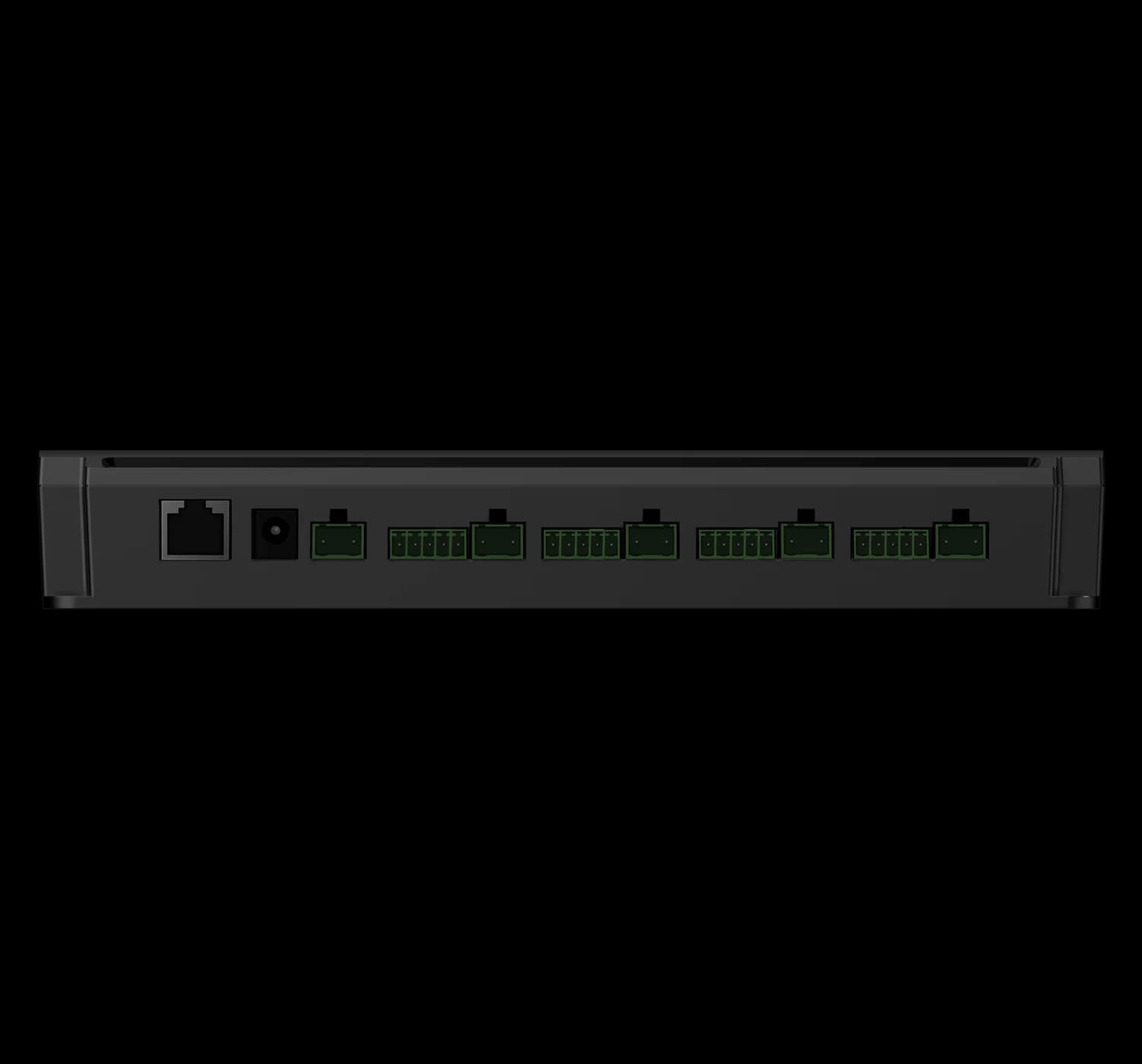
Installation
Planning access control for an office building
A practical sequence for surveying doors, defining tenant access and handing over a maintainable installation.
Read article ↗
Project planning
Planning resident and visitor access in a community
Bring regular entry and visitor calls together while keeping enrolment, privacy and fallback access clear.
Read article ↗Project planning
Choosing a time and attendance system
Connect the clock-in device to the rules, approvals and payroll process your organisation actually uses.
Read article ↗Product selection
How to evaluate a face recognition terminal
Evaluate the complete interaction, integration and operating environment before choosing a terminal.
Read article ↗