Customization

Make it work
your way.

Hardware, software and device application development. Start with a clear requirement and shape the right project together.

01 / Hardware Customization

Hardware that fits your project.

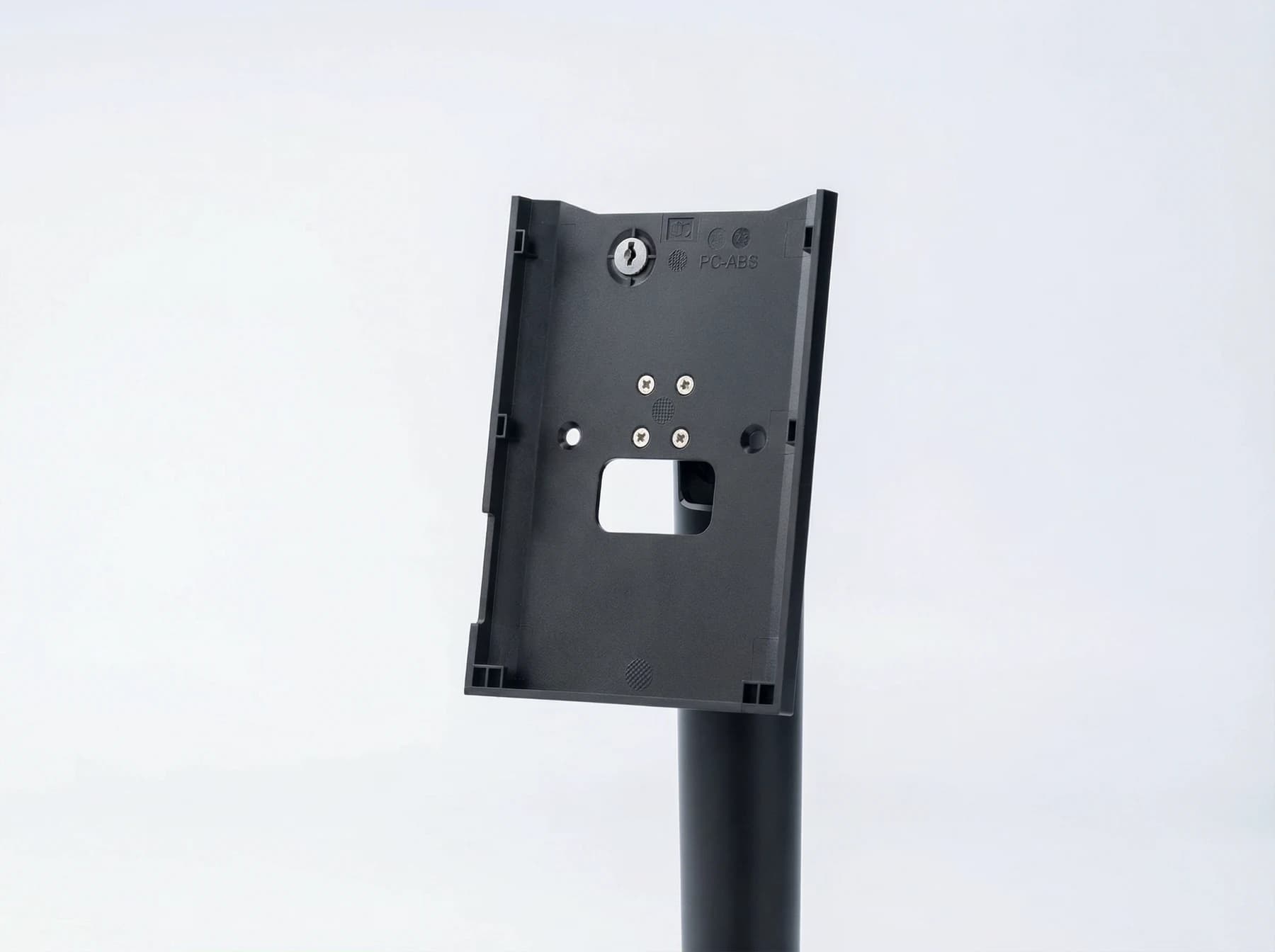
Start with the device and the environment around it. Review enclosure, branding, mounting, credential modules and interfaces as part of an OEM / ODM brief.

Bring the installation drawing, preferred product, interface requirements and expected quantities.

Explore FCV5003 →
FCV5003 product and installation reference

02 / Software Customization

Connect the steps that matter.

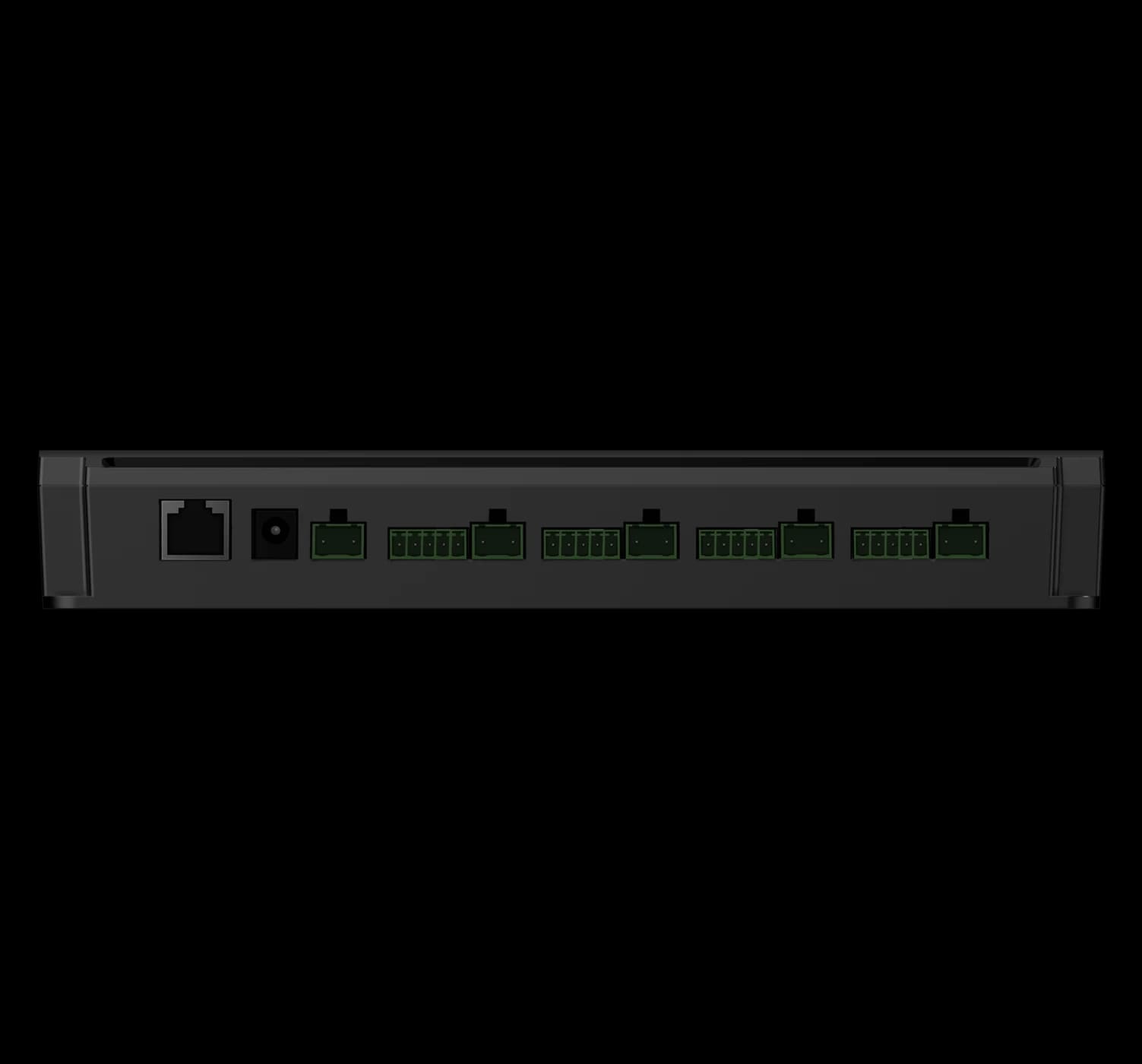
Define what happens on the device and what belongs in your management platform. Discuss application logic, data exchange and the boundaries of an integration.

Bring the workflow, existing platform documentation, expected data and a description of success.

Explore FCC4904 →
FCC4904 product and installation reference

03 / DejaOS Development

Your application. On the device.

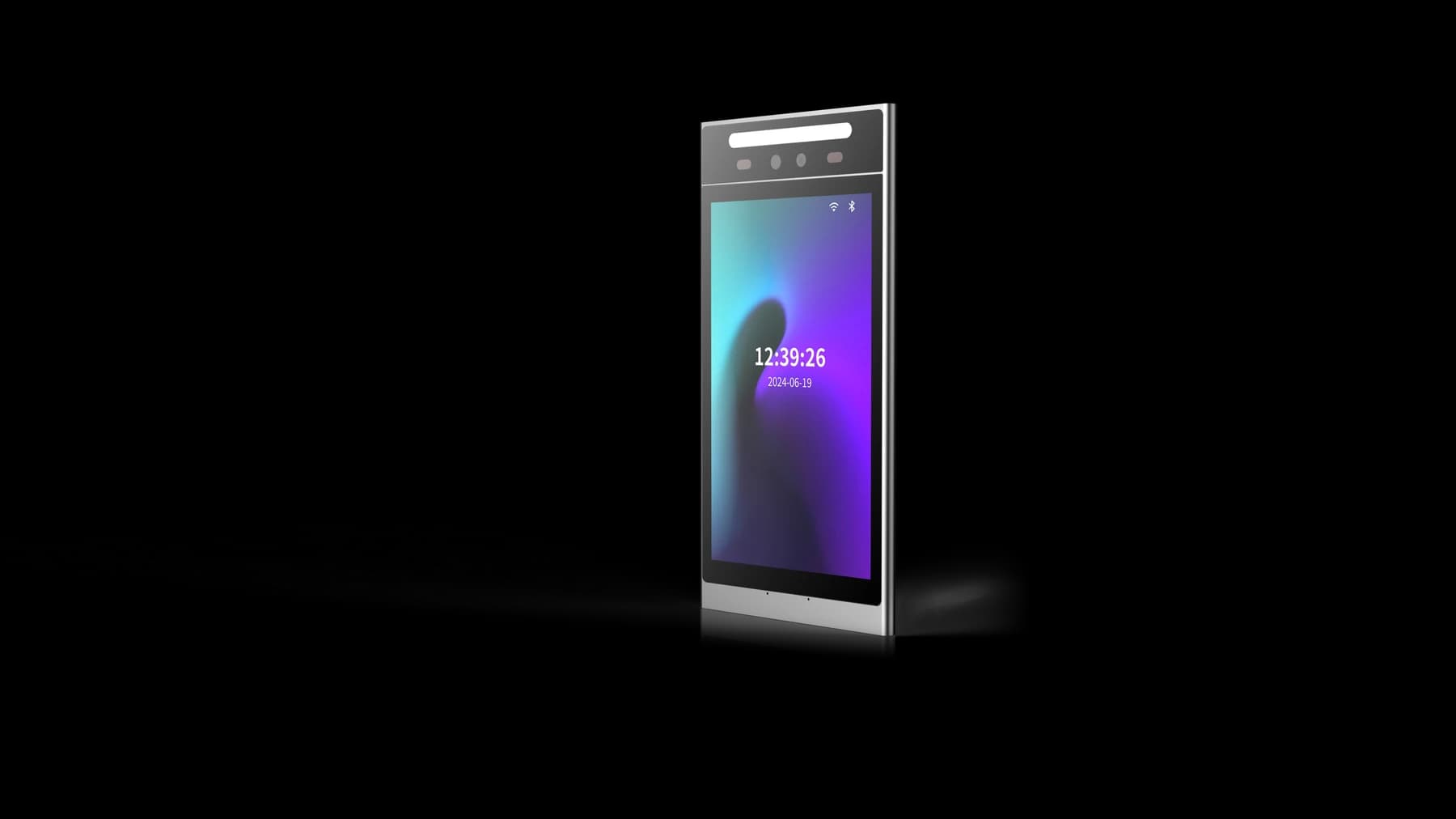
Explore JavaScript device applications and interface development on supported Feocey models. Match the SDK, hardware modules and deployment approach to the project.

Bring the target model, interface sketches and the device behavior you want to build.

Explore FCV5005 →
FCV5005 product and installation reference

Build a shared brief.

  1. Define the requirement

    Describe the users, location, host system, interface and expected quantities. Separate essential functions from optional changes.

  2. Evaluate on hardware

    Agree a sample configuration and a practical acceptance test. Check the device, application, mounting and connections together.

  3. Prepare delivery

    Record the accepted hardware and software versions, branding, packaging, quantity and support scope. Confirm feasibility, schedule and commercial terms for the project.

REQUIREMENTS & ACCEPTANCE

Turn the brief into a testable handoff.

A useful brief separates the existing device, the requested change and the evidence that would show it works. Use the references below to prepare that discussion.

01 / HARDWARE

Fit, connections and service access

Identify the model and supplied version. Mark the mounting surface, available space, connector access and cable route on your installation drawing. List the host, power and peripheral interfaces you need.

Sample check

Check the assembled device in its intended mounting position, with cables fitted and access available for maintenance. Record any mechanical change separately from software requests.

02 / SOFTWARE

Define the device–platform boundary

Describe what runs on the device and what the host platform decides. Specify the input, response and error behavior for each step, including credential expiry and a lost connection. Share API examples without live credentials or customer records.

Sample check

Run the agreed sequence against the selected host and firmware. Record expected and actual results; an interface name alone does not confirm protocol compatibility.

03 / DEJAOS

Match the application to the device

Name the target model, hardware modules and SDK version. Outline the screens and device behavior, then confirm which APIs and deployment tools are available for that exact configuration.

Sample check

Run the application on the agreed sample, exercise its required modules and record startup, normal use and recovery behavior. Confirm the version and deployment procedure used for acceptance.

Record what the sample approval covers.

Keep the model, hardware revision, firmware or application version, drawings, test results and unresolved items together. Agree who supplies the host integration, installation, training and ongoing support. Feasibility, quantities, schedule, commercial terms and any warranty commitments are confirmed for the individual project.

Review operating workflows →Prepare a technical support request →Send your project brief ↗

A few things worth knowing.

What should I share when choosing a device?

Tell us which credentials people will use, where the device will be installed, which interfaces are required and what should happen in the software workflow. A mounting drawing, host-equipment description or simple process diagram helps us identify the questions that must be confirmed before recommending a configuration.

Does every configuration include the same features?

No. Credential modules, interfaces, mounting parts, network options and software can vary within the same product family. Confirm the exact model and selected options in writing before designing an enclosure, cable set or integration around it.

How can I get a manual or datasheet?

Find available documents by model in the download center. If the manual, specification or installation drawing you need is not listed, send the model and configuration to our team so we can identify the matching document.

Does registering a person automatically grant access?

Not necessarily. Identity enrollment and access permission are separate steps in many systems. Confirm that the person, credential, target device, schedule and permission group have been linked and that the authorization was delivered successfully.

Is a network connection the same as a connection to the management platform?

No. A device can have local network access without maintaining its platform or messaging connection. Check the physical network, IP settings and service connection separately, using the indicators or logs available for the selected system.

What is DejaOS used for?

DejaOS provides a JavaScript development environment for supported devices. Developers can build device interfaces and application workflows using the modules available for the selected hardware, SDK and firmware.

Does every Feocey product support DejaOS?

No. Check support for the exact overseas model and configuration before choosing a development device. Use the current official documentation and confirm the matching SDK, firmware and hardware modules.

Can an example for one device run on another?

Some JavaScript application logic and resources can be reused, but native modules, SDK versions, screen dimensions and hardware capabilities must match the target. Treat an example as a starting point and validate every hardware-dependent part on the actual device.