
Hardware procurement
Access Control Hardware: Confirm the Quoted, Shipped, and Installed Configuration
Confirm that the access control hardware you quoted, received and installed is the same configuration—model, options, firmware and interfaces—before treating a shipment as accepted.
Before you choose
Key takeaways.
- Compare the quote, the shipment record, the labeled unit as received, and the unit as installed before treating a family name as an accepted configuration.
- Check model and option set, credential modules, interfaces, firmware or application version, and mounting or accessory kit; hold or return when a mandatory item does not match.
- Do not use a successful bench read or a later workflow pilot to close a missing packing-list or firmware record.
Start with four records, not a family name
Project buyers, integrators, and OEM or ODM partners often approve a reader or terminal by family name, then discover that the unit on the bench is not the configuration they designed around. Credential modules, interfaces, mounting parts, network options, and software can differ inside one product family. The decision this brief supports is simple: do not treat a shipment as the accepted configuration until the quoted options, the labeled unit as received, and the unit as installed have been compared in writing.
This is a configuration-identity check. It is not a full access-workflow pilot, and it is not a lifecycle or spare-parts policy. No inspected lot, defect rate, or customer result is claimed here. The fields are a form. They have to be filled from the documents and units in front of you.
Collect, for each line on the bill of materials, four records that can be laid side by side:
If one of those records is missing, write that down as an open item. A family photograph on a catalog page is not a substitute for the option list. A packing list that only repeats the family name is not yet a configuration identity.
This check belongs before you design an enclosure, a cable set, or a host mapping around the unit, and again before you copy the first door to a larger rollout. Feocey’s FAQ states that credential modules, interfaces, mounting parts, network options and software can vary within the same product family, and that the exact model and selected options should be confirmed in writing before that design work. The same wording appears on product pages such as the FCS525 keypad and IC card reader page. That is planning guidance. It is not a record of a particular shipment.
Questions to ask before the first order—interfaces, power, and host behavior—remain in Access terminal integration questions before ordering. This article does not repeat that pre-order list. It asks whether the unit that arrived, and the unit that was installed, still match what was agreed.
- The quote, order, or approved configuration note, including the exact model and selected options
- The packing list, shipment record, or other dispatch document that travelled with the goods
- The device as received: labels, option markings, and any firmware or application version you can read without changing the unit
- The installation or bench record: what was actually mounted, connected, and left in service
Compare the details that actually change the installation
A model code is necessary, but it is rarely sufficient. Compare at least the items that would force a redesign or a retest if they differed.
**Model and option set.** Write the full commercial model and the selected options, not only the family. If the quote used a shorthand, ask the supplier to expand it into the same names that appear on the label or packing list.
**Credential module or reader options.** Card format support, keypad presence, QR or barcode reading, and face or other biometric options can vary inside a family. If the project was designed around one of those options, confirm it on the received unit before the enclosure or the enrollment plan is treated as finished.
**Interfaces.** Note the electrical or data interfaces that were quoted—such as Wiegand, RS-485, a network port, or a lock output—and compare them with the connectors and labels on the unit, then with the cable actually landed at the door or panel.
**Firmware or application version.** Record the version visible on the unit as received, and the version left in service after any permitted update. A later install that updates firmware without recording the change is a new configuration, even if the plastic housing looks the same.
**Mounting parts and accessory kit.** Brackets, gaskets, power leads, and back boxes can differ by option. Confirm that the kit that arrived is the kit the drawing assumed. If a document is available in the download center for that model, use it to name the options, but still compare the physical unit. Feocey’s FAQ also asks buyers who cannot find a listed manual or drawing to send the model and configuration so the matching document can be identified. That request is another reason to keep the written configuration, not only a family name. If the quote uses an internal option code and the label uses a commercial name, ask the supplier to provide a one-line cross-reference before you accept the match. Do not let two teams translate the same code differently at receiving and at installation.
Record the comparison on one identity sheet
Use one sheet for each model or option set you intend to standardize. The sheet is a receiving and installation record. It is not a Feocey factory traveler, and it is not a claim about US stock.
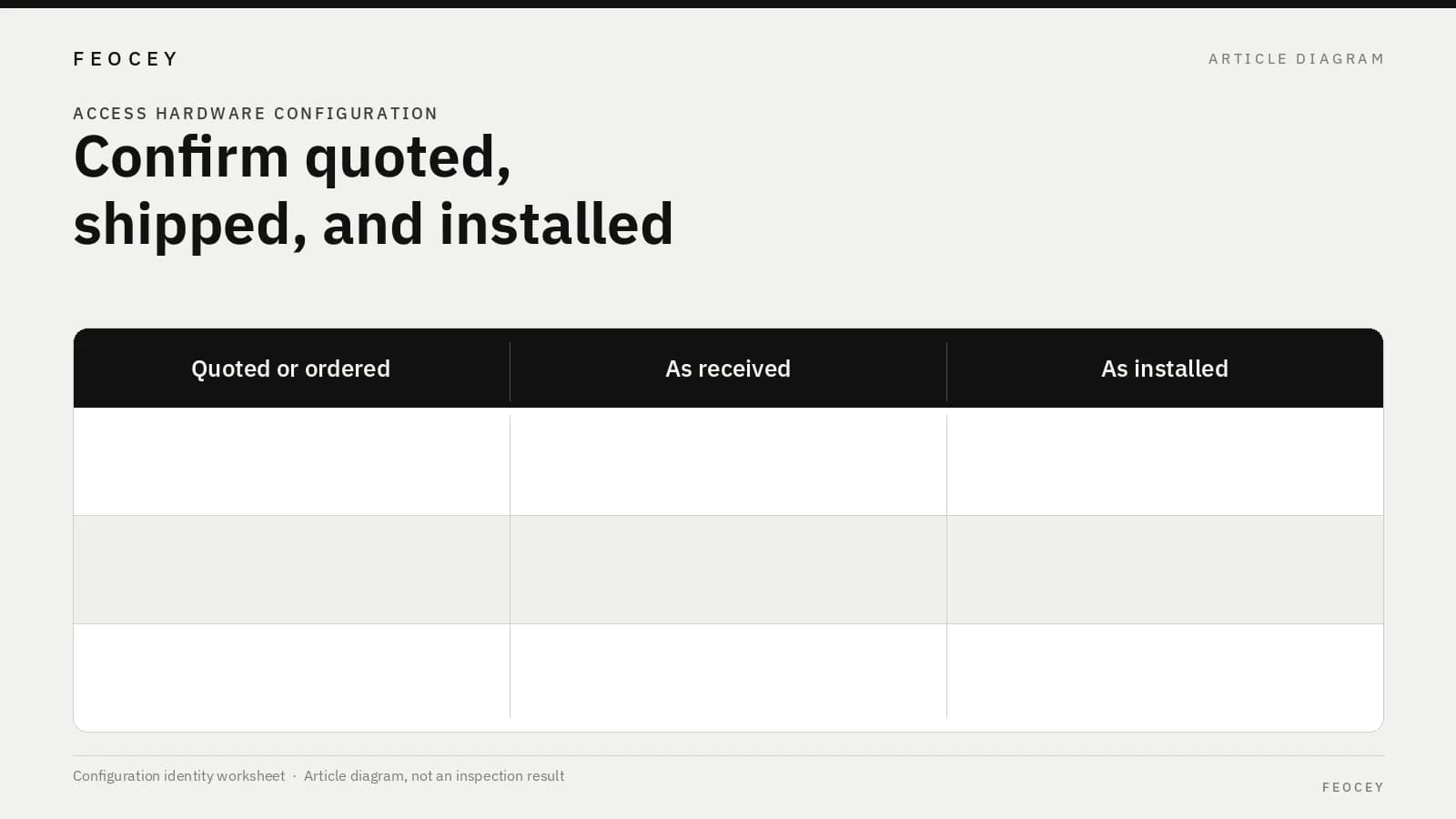
Complete the cells from the quote, the shipment documents, and the unit in front of you. If a value is unknown, write “not stated” or “not readable” and who will obtain it. A blank cell is not a match.
The Decision column should say accept, hold, or return, with a short reason, and the name of the person who made that call. “Looks the same” is not a reason. If only the model name matches and the option set is still unclear, the row is a hold.
| Configuration item | Quoted or ordered | As received / labeled | As installed | Decision |
|---|---|---|---|---|
| Exact model and option set | — | — | — | — |
| Credential module or reader options | — | — | — | — |
| Interfaces in the design | — | — | — | — |
| Firmware or application version | — | — | — | — |
| Mounting parts or accessory kit | — | — | — | — |
| Matching document used (manual, drawing, or quote exhibit) | — | — | — | — |
Decide whether to accept, hold, or return before copying the first door
Write the decision rule before the first carton is opened, so a mismatch is not bargained away on the bench.
**Accept** only when the quoted item, the received unit, and the installed unit match on the rows that the project marked as mandatory, or when a written exception names the difference and the person who accepted it.
**Hold** when a label is unreadable, a packing list is incomplete, a firmware version cannot be confirmed, or an accessory is missing, and the unit is not yet released into service.
**Return or reject** when a mandatory option, interface, or mounting arrangement does not match the approved configuration and no written exception exists. Do not let a successful badge read on the bench close a missing-option issue. A unit can communicate and still be the wrong configuration for the enclosure, the panel, or the enrollment plan. If the unit must be powered to read a firmware version, do that as a receiving step and record the version before the door is treated as installed. Likewise, do not treat a later workflow pilot as a substitute for this check. A pilot confirms that an accepted configuration performs the access sequence in the intended environment; see Access control hardware pilot: a practical acceptance checklist. This sheet decides whether the unit is the configuration you meant to pilot. If a sample was approved earlier, confirm that the production units use the same written option set. Feocey’s FAQ tells buyers to confirm a sample configuration in writing, test it in the intended environment, and record any differences before planning a larger rollout. Use that sequence. Do not silently treat the sample as interchangeable with a later, undocumented option set.
Keep the check limited to configuration identity
This brief does not describe a Feocey warehouse inspection process, a standard incoming-test fixture, or a guaranteed option map for every product family. It applies the public planning rule already stated on the FAQ and on product pages such as FCS525: confirm the exact model and selected options in writing, because those options can vary within a family.
Name who owns the sheet: the person who can hold a unit, the person who may grant an exception, and the person who updates the accepted configuration if a later change is approved. This brief also does not replace as-built documentation for a later, repeat installation. Once a configuration has been accepted, the practice of recording firmware and wiring for the next door is covered in Documenting firmware and wiring for repeat installations. Use that article after the identity check, not instead of it.
Do not read this sheet as evidence of VMS compatibility, universal badge reuse, locker item sensing, a wireless lock-and-gateway system, or full-line turnstile compliance. Those are separate questions, and they are not answered by a packing-list match.
Common mistakes, short answers, and the next project step
The items below are planning errors, not results from a counted inspection lot.
**Is a matching family name enough to accept the shipment?** No. Confirm the exact model, selected options, interfaces, and, where it matters to the design, the firmware or application version. A family name can cover more than one build.
**Does this article claim that Feocey inspected a particular production lot?** No. It is a buyer-side configuration-identity record. The Feocey FAQ and product-page language cited above are planning guidance. They are not a completed incoming-inspection report.
**When should this sheet be closed?** Close it when the quoted, received, and installed values match, or when a named person has accepted a written exception. Until then, do not treat the door as a standard to be copied.
**What should we send next?** Complete the sheet for the first model or option set, attach the quote exhibit and the as-received labels or version readings, and keep holds visible. After a configuration is accepted, record firmware and wiring for repeat installation, and only then use that accepted unit in a workflow pilot.
- Designing an enclosure or cable set from a family photograph instead of a written option list
- Recording only the model name and skipping modules, interfaces, and firmware
- Installing the first door before the as-received labels have been compared with the quote
- Treating a successful bench read as proof that the option set is correct
- Copying a sample result onto production units without confirming the same written configuration
- Using a later workflow pilot to close a missing packing-list or firmware record
Source references
Feocey access terminal integration questions before ordering ↗Feocey access control hardware pilot: a practical acceptance checklist ↗Feocey documenting firmware and wiring for repeat installations ↗Put the guide to work
Find the reference for your model.
Compare each device with your requirements. Confirm configuration and compatibility for the complete installation.
Discuss your project ↗