
Access control integration
RFID Access Control Migration: Check Card Identity Before Reusing Badges
Before reusing RFID badges, compare card formats, reader output and user mappings. A number printed on the badge is not a complete migration record.
Before you choose
Key takeaways.
- A printed badge number is a label, not a complete credential record.
- Compare format, reader output, stored value, and person mapping on both systems before deciding reuse.
- A Feocey or incoming-system reuse decision needs the actual card technology, format, reader, and host application; this worksheet is not a supported-card list.
Separate the printed badge number from the credential used by the system
Reusing existing RFID badges requires a mapping check. Integrators and IT or security buyers can use this worksheet to compare the printed badge number, the card format, what the outgoing reader actually outputs, how the old platform stored the value, and how the incoming system will interpret it. A badge that still works at the old door can fail, collide, or attach to the wrong person after a platform or reader change. Nothing in this guide establishes that a given badge population can be reused with Feocey, or with any other new system, until that comparison is done for the actual cards, readers, and applications.
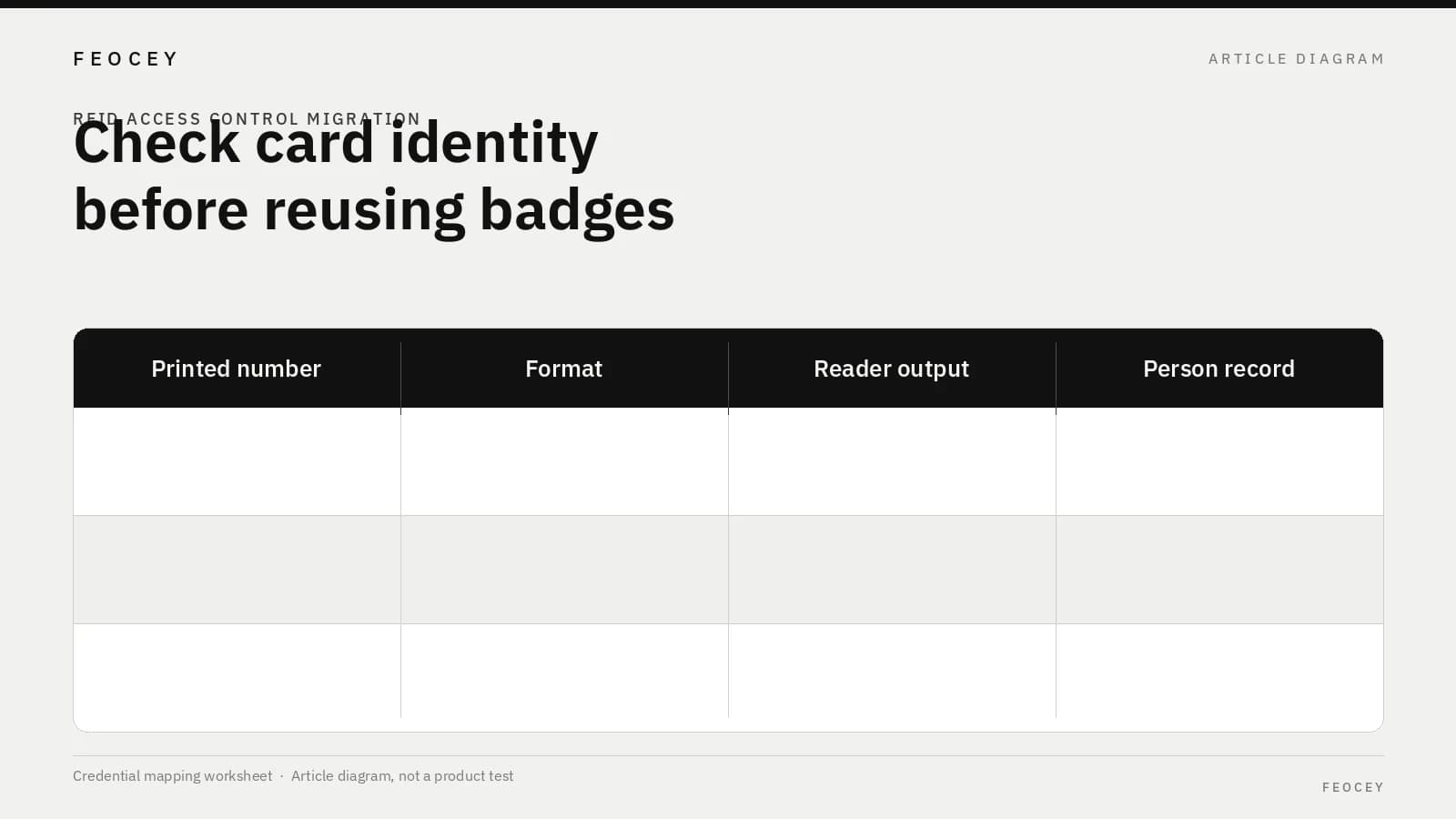
The number printed on a badge is a label. The access system may use a different value: a facility or site code plus a card number, a raw bit string, a reversed or padded form, or an identifier that never appears on the card face. Treat at least the fields in the list and table below as separate until you have evidence they are the same thing.
A migration plan that starts from printed numbers alone is not yet a credential inventory.
An earlier Feocey article on reusable visitor-badge stock notes that a printed stock ID is not the same as the electronic credential value. This article does not repeat that process. The new work is comparing format, reader output, and person mapping across both access systems.
- The printed or engraved badge number
- The card technology and format used by the outgoing system
- The data the outgoing reader presents to its host
- The credential value stored in the outgoing enrollment record
- The person or identity record attached to that value
- The format and value the incoming system will accept
| Field | What it is |
|---|---|
| Printed or engraved badge number | A label on the badge, not automatically the system value |
| Card technology and format | The encoding used by the outgoing system, as documented |
| Outgoing reader output | The data the reader presents to its host |
| Stored enrollment value | The credential value in the outgoing record |
| Person or identity record | The user attached to that value |
| Incoming format and value | What the incoming system will accept |
Inventory the outgoing credential and reader behavior
Collect a representative, de-identified sample: typical employee badges, a contractor or temporary credential if those use a different format, and exceptions such as reissued cards or merged sites. Use synthetic or masked sample IDs. Do not collect card keys or treat this article as a method for reading secrets from a card.
If two sources disagree, for example a short decimal platform value and a longer reader output, write both down. The disagreement is the migration risk.
The Feocey FCS525 keypad and card reader lists selectable Wiegand 26 and Wiegand 34 output. Confirm the output format of the reader you will actually install. That listing is not evidence that FCS525, or any Feocey reader, can interpret an arbitrary existing badge population, or that it connects to a particular controller.
Electrical matching of a reader interface to a new controller is covered in the Wiegand reader and RS485 controller compatibility checklist. This article does not teach wiring or converters.
- The format or encoding the outgoing system is believed to use, and the source (vendor record, reader configuration, or a captured output)
- The observed reader output, including bit length or field breaks if visible, and any padding or leading zeros
- The value stored for that person in the outgoing platform
- The assigned user or identity record, using a test label rather than a real name
| Sample record | Format or encoding | Observed reader output | Stored platform value | Assigned identity (test label) |
|---|---|---|---|---|
| Sample A | — | — | — | — |
| Sample B | — | — | — | — |
| Sample C | — | — | — | — |
Compare the incoming interpretation
Ask the incoming platform and reader vendor to interpret the same sample outputs, and record the format, stored fields, and user record they would attach.
Record a site or facility field only when the outgoing or incoming scheme actually uses one. Do not assume every RFID badge is a 26-bit card with a facility code, and do not copy another vendor’s field layout onto a system that does not use it.
- Ask the incoming platform and reader vendor to interpret the same sample outputs
- Record the format, stored fields, and user record they would attach
- Record a site or facility field only when the outgoing or incoming scheme actually uses one
- Do not assume every RFID badge is a 26-bit card with a facility code
- Do not copy another vendor’s field layout onto a system that does not use it
| Incoming check | Project entry |
|---|---|
| Incoming format | — |
| Incoming stored fields | — |
| User record they would attach | — |
| Site or facility field used? (only if the scheme uses one) | — |
Check for collisions and mismatched assignments
A failed read is one problem. A more dangerous outcome is a card that works but is treated as a different person, or as a duplicate of someone else.
Two badges can show the same decimal number and still differ in format, site or facility field, or raw output. The same person can also appear twice if the outgoing and incoming systems store different representations.
Genetec’s published best practices for migrating from AMAG systems discuss card-format differences and cases where the same cardholder number can appear with a different facility code or format. That guidance is Genetec’s own. It is a useful example of why a collision check exists. It is not a general rule, and it does not transfer Genetec’s field positions, defaults, or cleanup tools to Feocey or any other platform. See Migrating from AMAG systems: Best Practices.
Verkada’s documentation on multi-technology credentials describes how that vendor arranges identity and numbering during a move between older and newer card technologies in its own system. Use it as evidence that a manufacturer has to state the mapping. Do not read it as a Feocey claim of Verkada, DESFire, or two-technology support. See Multi-technology credentials overview.
- Two sample credentials that share a displayed number but not a format or site field
- One credential whose stored platform value does not match the reader output
- One user with more than one badge, or one badge historically assigned to more than one user record
- Mark each result as unique and reusable, colliding, mismatched, or unresolved
| Result | Meaning |
|---|---|
| Unique and reusable | The sample maps to the intended test identity and does not collide with another sample |
| Colliding | The credential is treated as a different person, or as a duplicate of someone else |
| Mismatched | The stored platform value and the reader output do not describe the same credential |
| Unresolved | The team cannot yet say which user the credential should become |
Evaluate a representative synthetic mapping set
Do not jump from a handful of successful test flashes to a full reuse decision. Run a small, documented set of the cases that matter, using masked IDs only.
A set that contains only accepted results is incomplete. Include at least one denied case and one unresolved case so the project has a rule for exceptions: re-issue, manual review, or hold that population on the old system.
Existing hardware during a site or platform move is covered in Cloud based access control systems: standardizing multiple sites. QR payload fidelity is a different problem. See QR code reader integration if that is also in scope.
- Accepted identity: The incoming system attaches the credential to the intended test person, and no other sample resolves to that same incoming identity by accident.
- Denied identity: The incoming reader or platform does not accept the credential. That may still be correct if the card is out of scope.
- Unresolved mapping: The output is readable, but the team cannot say which user it should become, or two interpretations remain in conflict.
| Sample ID (synthetic) | Outgoing format / observed output | Incoming interpretation | Person mapping | Result |
|---|---|---|---|---|
| T-001 | — | — | — | Accepted identity / denied / unresolved |
| T-002 | — | — | — | — |
| T-003 | — | — | — | — |
What to send with a reader or migration inquiry
When you ask a vendor or Feocey whether a badge population can be reused, send the worksheet. A card type name alone is not enough.
Confirm Feocey compatibility, if it is in question, for the card technology, credential format, supplied reader, and host application together. The FAQ states that third-party and interface support depends on a matching protocol and the specific model. Feocey does not publish a tested, general card list. Do not read a product page as approval to reuse a badge population.
- Synthetic sample IDs, not live employee names or real card secrets
- Outgoing format references, as known, with the source
- Observed reader outputs from the outgoing installation
- How the outgoing system stored the credential and the user assignment
- The incoming format or interpretation you have been given, or a request to provide one
- Collision or unresolved cases already found
- The person who can approve a reuse, a re-issue, or a hold
| Item to include | Included? |
|---|---|
| Synthetic sample IDs | — |
| Outgoing format references and source | — |
| Observed outgoing reader outputs | — |
| Outgoing stored value and user assignment | — |
| Incoming format or a request for one | — |
| Collision or unresolved cases already found | — |
| Approver for reuse, re-issue, or hold | — |
Common questions
These short answers restate the limits of the mapping worksheet. They are planning notes, not a supported-card list.
- A printed badge number does not fully define the credential until format, reader output, and incoming interpretation are documented.
- This guide does not establish that Feocey can read an existing badge population.
| Question | Answer |
|---|---|
| Does the number printed on a badge fully define the credential? | Not necessarily. The card technology, format, and the value interpreted by the receiving system can differ from the printed label. Document the actual outgoing and incoming behavior before deciding whether a badge can be reused. |
| Does this guide establish that Feocey can read an existing badge population? | No. Feocey compatibility must be confirmed for the card technology, credential format, supplied reader, and host application together. The mapping worksheet helps formulate the inquiry. It is not a supported-card list or a migration utility. |
Source references
Feocey visitor-badge inventory: printed stock ID vs electronic credential ↗Feocey Wiegand / RS485 compatibility checklist ↗Feocey multi-site cloud access control: existing hardware during a move ↗Put the guide to work
Find the reference for your model.
Compare each device with your requirements. Confirm configuration and compatibility for the complete installation.
FCS525 →
Keypad & IC Card Reader
Ask about FCS525 ↗