
Access control integration
Access Control and Video Integration: Specify the Event-to-Camera Handoff
Plan access control and video integration around door IDs, camera mappings, timestamps and operator permissions—not a generic compatibility claim.
Before you choose
Key takeaways.
- An access event does not automatically come with the right camera view.
- Specify door IDs, camera mappings, time basis, event meaning, and operator permissions for the actual platform pair.
- Third-party VMS documents describe those vendors’ own workflows; they are not Feocey compatibility claims.
Define the access event and the video task
An access event does not automatically come with the right camera view. Project buyers, systems integrators, and software-platform partners can use this written handoff specification: which door or reader produced the event, which camera view should open, whose clock is used, who may see the result, and who updates the mapping when a door or camera changes. The useful purchase is an agreed, testable transfer to a separate video management system (VMS). A generic compatibility claim leaves the transfer unspecified.
Start by naming the video job: confirm a doorway after a denied read, review a forced-door or held-door alarm, or retrieve footage after an incident. Each task needs a defined access event, camera view, and operator action. If those three are left implicit, two vendors can both say “integrated” and still deliver different behavior.
A credential presentation, an allow-or-deny decision, and a door actually opening are different observations. A reader can report a check that never becomes a release. A release can be logged without confirmed passage. A door contact or request-to-exit can occur with no recent credential at all.
Write the event types you expect to hand off, and say which should open a live view, a recording, or only a log entry. Treating any reader activity as passage will pull the wrong footage.
- Name the video job: confirm a doorway after a denied read, review a forced-door or held-door alarm, or retrieve footage after an incident
- Each task needs a defined access event, camera view, and operator action
- A credential presentation, an allow-or-deny decision, and physical passage are different observations
- A reader can report a check that never becomes a release
- A release can be logged without confirmed passage
- A door contact or request-to-exit can occur with no recent credential
- Say which events should open a live view, a recording, or only a log entry
| Observation | What it is / is not |
|---|---|
| Credential presentation | A reader check; not automatically a release |
| Access decision | Allow or deny; may be logged without confirmed passage |
| Physical passage | The door actually opening; not implied by reader activity alone |
Build the door-to-camera mapping register
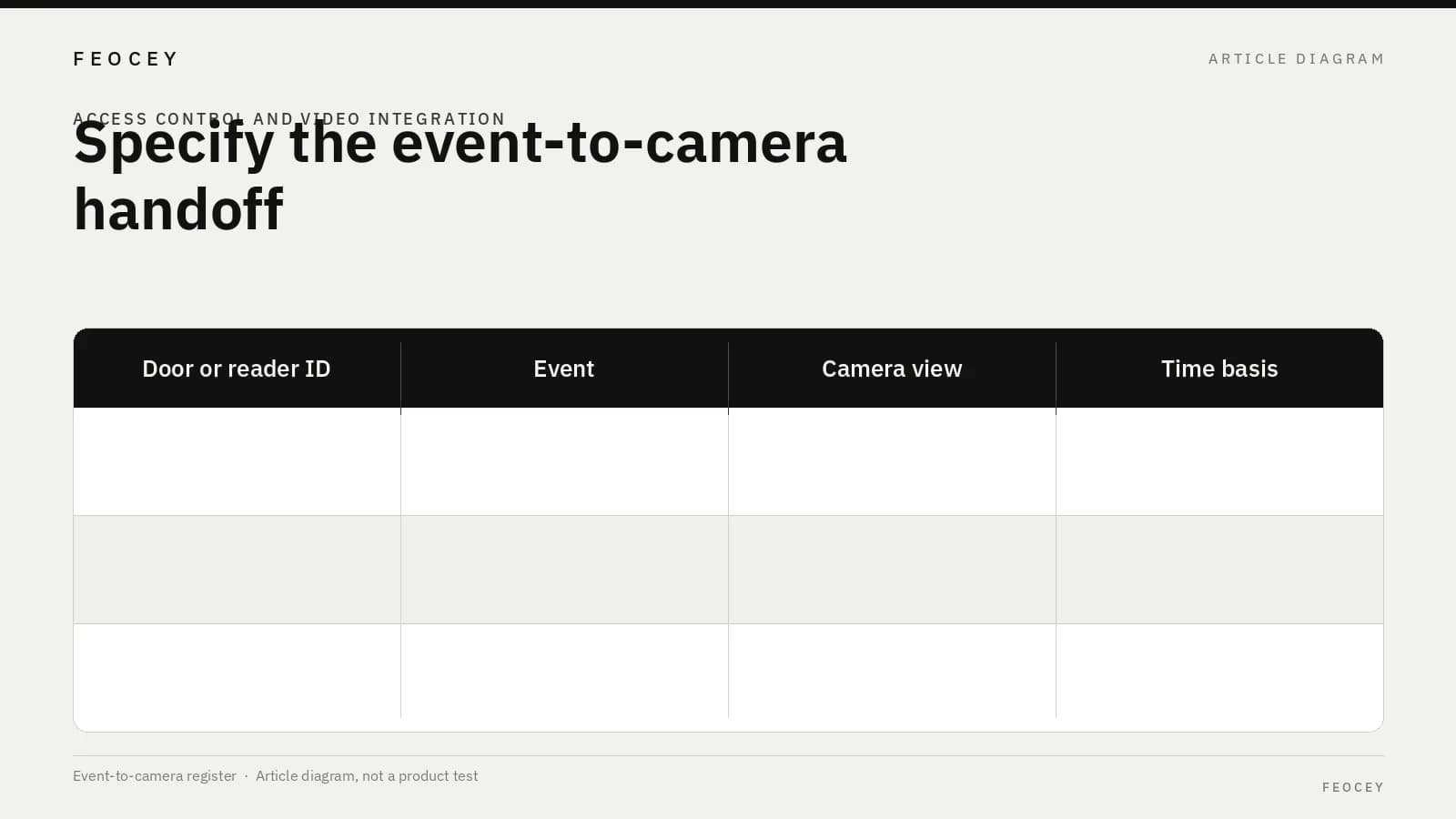
The core deliverable is a register that can be completed, reviewed, and used in commissioning. Use one row per access point, and add a row when the same door needs more than one view, such as the approach and the vestibule interior.
Use identifiers that still make sense after a drawing rename. Record the access-system ID, the on-site label, the VMS camera ID, and the intended view. A friendly name is not enough. Give every mapping an owner: who may change it, and who must be notified when a door is added, a camera is moved, or a view is re-aimed. A mapping that exists only in a demo will drift after the first field change.
This table is a requirements worksheet. It is not a Feocey event schema or a vendor field list.
- Use one row per access point, and add a row when the same door needs more than one view
- Use identifiers that still make sense after a drawing rename
- Record the access-system ID, the on-site label, the VMS camera ID, and the intended view
- A friendly name is not enough
- Give every mapping an owner and a change-notice path
| Field | Project entry (leave blank until confirmed) |
|---|---|
| Access point / door ID (stable) | — |
| Reader ID, if different from the door | — |
| Site or area label | — |
| Access event types in scope | — |
| VMS camera ID | — |
| Intended view (approach, door face, interior, other) | — |
| One door, more than one camera? List each view | — |
| Time reference to use for search | — |
| Operator role allowed to open this view | — |
| Expected navigation (live view, recording, both) | — |
| Configuration owner and change-notice path | — |
| Last verified on (date / method) | — |
Specify the handoff to the selected VMS
Once the register exists, describe the handoff the project will buy: how an access event becomes a view or search in the chosen VMS. Third-party documentation is useful only as an example of that vendor’s own workflow. It does not establish that Feocey, or any access platform, supports that VMS.
Milestone’s XProtect Access administrator documentation describes associating cameras with an access-control integration after that integration exists, including more than one camera per access point. That is Milestone’s product workflow. It is not a Feocey compatibility claim. See Associating cameras with the access control system integration.
Genea’s help article on mapping devices to a camera describes how mapped device events can be associated on Genea’s own video timeline and logs. Use it as a reminder that the mapping has to be purchased and maintained. Do not treat Genea’s interface or timeline as Feocey functions. See How to map devices to a camera.
Agree the time basis in writing. Access controllers, servers, and VMS appliances can be on different clocks. State whether operators search by access event time, VMS time, or a specified conversion, and who keeps the clocks aligned. Denied, granted, and door-held events should not be interchangeable labels. If the VMS can only open a camera and cannot filter by event type, say so in the scope. Write the operator navigation: live video, a recording around the event, or a log that already includes the camera. If the receiving platform cannot do that step, that is a scope gap. It is not a wiring issue.
- State whether operators search by access event time, VMS time, or a specified conversion, and who keeps the clocks aligned
- Denied, granted, and door-held events should not be interchangeable labels
- If the VMS can only open a camera and cannot filter by event type, say so in the scope
- Write the operator navigation: live video, a recording around the event, or a log that already includes the camera
- If the receiving platform cannot do that step, that is a scope gap, not a wiring issue
| Handoff question | Project entry |
|---|---|
| Time basis for search | — |
| Who maintains clock alignment | — |
| Event types in scope (not interchangeable labels) | — |
| Event-type filter available? | — |
| Operator navigation (live, recording, log) | — |
Missing video, unavailable integration and changed mappings
Write the failure cases before accepting the integration.
- The access event exists, but no camera is mapped to that door
- A camera is mapped, but recording or the live view is unavailable for the requested time
- The integration is down or was never commissioned for that site
- A door or camera was added or moved, and the register was not updated
| Failure case | Operator calls | Outcome recorded | Who may correct |
|---|---|---|---|
| Access event exists, but no camera is mapped to that door | — | — | — |
| A camera is mapped, but recording or the live view is unavailable for the requested time | — | — | — |
| The integration is down or was never commissioned for that site | — | — | — |
| A door or camera was added or moved, and the register was not updated | — | — | — |
Limit operator visibility to the agreed task
A handoff can expose more than the project intended, including adjacent doors or another tenant’s entrance. For each operator role, define which access points and views they may open from an access event, and ask the proposed platform pair to demonstrate it. A shared operations screen does not define a permissions model.
- For each operator role, define which access points and views they may open from an access event
- Ask the proposed platform pair to demonstrate that limit
- A shared operations screen does not define a permissions model
| Operator role | Access points / views allowed | Demonstrated? |
|---|---|---|
| — | — | — |
| — | — | — |
| — | — | — |
Request evidence for the actual platform pair
Ask for evidence against the planned access application and firmware, the VMS product and version, and their integration. A brochure that lists “video integration” is not enough. Request the current integration reference for that pair and a test that uses your event types and mapping register.
A network port, a shared switch, or shared use of IP does not prove a supported handoff. For Feocey devices that use the standard access application, the published planning entry is the Feocey FAQ: MQTT protocol documentation matched to the model and firmware, including event reporting, as a device-side cooperation point. That documentation is not a VMS connector, a camera offering, an ONVIF claim, or a retention guarantee.
Have the receiving platform’s integration evaluated separately. Do not treat MQTT event reporting as proof that a named VMS will open the correct view, and do not compile an unofficial “supported VMS” list from this article. Host-system questions that come before a video mapping are covered in Access terminal integration questions before ordering. If the project also needs to locate the access decision, treat that allocation as a separate specification. This camera register does not define it.
- Request the current integration reference for the actual access application, firmware, and VMS version
- Request a test that uses the project event types and mapping register
- A network port or shared use of IP does not prove a supported handoff
- MQTT documentation is a device-side cooperation point, not a VMS connector, camera offering, ONVIF claim, or retention guarantee
- Have the receiving platform’s integration evaluated separately
- Do not compile an unofficial “supported VMS” list from this article
| Evidence requested | Owner |
|---|---|
| Access application and firmware | — |
| VMS product and version | — |
| Current integration reference for that pair | — |
| Test using project event types and mapping register | — |
| MQTT documentation matched to model and firmware, if the standard access application applies | — |
Questions for the integrator and platform vendors
Use these questions in the RFQ, and require written answers for the actual product versions.
- Which access event types will be sent, and which should open a video view?
- How are door and reader IDs represented, and who keeps them stable when labels change?
- How are cameras associated with each access point, and can one door have more than one view?
- What time basis is used for search, and who maintains clock sync?
- After an event, what can the operator open: live video, a recording, a log search, or only a camera list?
- What happens if no camera is mapped, recording is missing, or the integration is unavailable?
- Which roles can open which views, and how is that demonstrated?
- Who owns mapping changes, and how are they tested after a door or camera move?
- What written integration reference applies to this access application, firmware, and VMS version?
- What is out of scope: camera supply, retention, analytics, or a missing connector?
| Item | In scope or out of scope |
|---|---|
| Event-to-camera handoff for the named event types | — |
| Camera supply | — |
| Retention | — |
| Analytics | — |
| Integration connector | — |
Common questions
These short answers restate that video does not attach automatically, and that the cited VMS documents are not Feocey compatibility claims.
- An access event does not automatically have associated video.
- This planning guide does not establish Feocey compatibility with the VMS examples cited in the article.
| Question | Answer |
|---|---|
| Does an access event automatically have associated video? | No. The selected access and video systems need an agreed integration and camera mapping. Specify the access point, relevant camera view, event meaning, and operator workflow, then confirm those capabilities for the actual platform pair. |
| Does Feocey state compatibility with the VMS examples cited here? | No. This planning guide does not establish compatibility. The Milestone and Genea documents describe those vendors’ own workflows. For a Feocey project, request the matching standard-application MQTT reference and have the receiving platform integration evaluated separately. |
Source references
Feocey access terminal integration questions before ordering ↗Put the guide to work
Find the reference for your model.
Compare each device with your requirements. Confirm configuration and compatibility for the complete installation.
Discuss your project ↗