
Visitor management planning
Multi-Tenant Visitor Management: Define Building and Tenant Admin Boundaries
Specify which visitor records building staff and tenant admins may see, change or export. Keep shared-lobby operation separate from tenant permissions.
Before you choose
Key takeaways.
- Separate shared front-desk tasks from each tenant’s administrative scope; a shared kiosk does not justify a shared administrator view.
- Require denied-view, direct-URL, and export tests across two tenant accounts, and record “not demonstrated” when a test cannot be shown.
- Keep kiosk or reader hardware limited to the confirmed interaction; tenant roles, isolation, exports, and delegated approval belong to the specified platform and process unless separately confirmed.
Separate the shared front desk from tenant administration
Sharing a lobby kiosk does not mean every tenant administrator should see every visitor record in the building. Building buyers, property operators, visitor-platform partners, and integrators can use this permissions brief: who may view, change, approve, or export which records, and what happens when a tenant moves out while the building platform keeps running.
The work is an administrative and data-boundary specification. It is not a guide to sending a guest to the right office, and it is not a device feature list. If a proposed platform cannot demonstrate a denied view, that is an unmet requirement. A kiosk cannot make up for it.
Write two layers before you look at screens.
Front-desk or property tasks are the jobs needed to run the shared lobby: receiving a walk-in, calling a host, printing a badge, or recording an exit, using only the fields those tasks require. Tenant administration is the job of a tenant organization: managing its own hosts, invitations, visitor history, and exports.
A person can work at the desk and still be denied a tenant’s full directory or export file. If the project starts from “everyone at reception is a building admin,” you will have to unwind that later. A receptionist who can finish a check-in for two companies in the same lobby does not, by that fact, need the ability to download both companies’ visitor histories.
Routing a visitor to the correct office, including same-name hosts, is already covered in Cloud-based visitor management: getting the visitor to the right office. The seven handovers of a single visit, from request to exit, are in Office visitor management: reception to exit handover. This article does not rewrite those flows. It asks who, across organizations, is allowed to see and change the underlying records.
Specify who can view, modify, approve and export
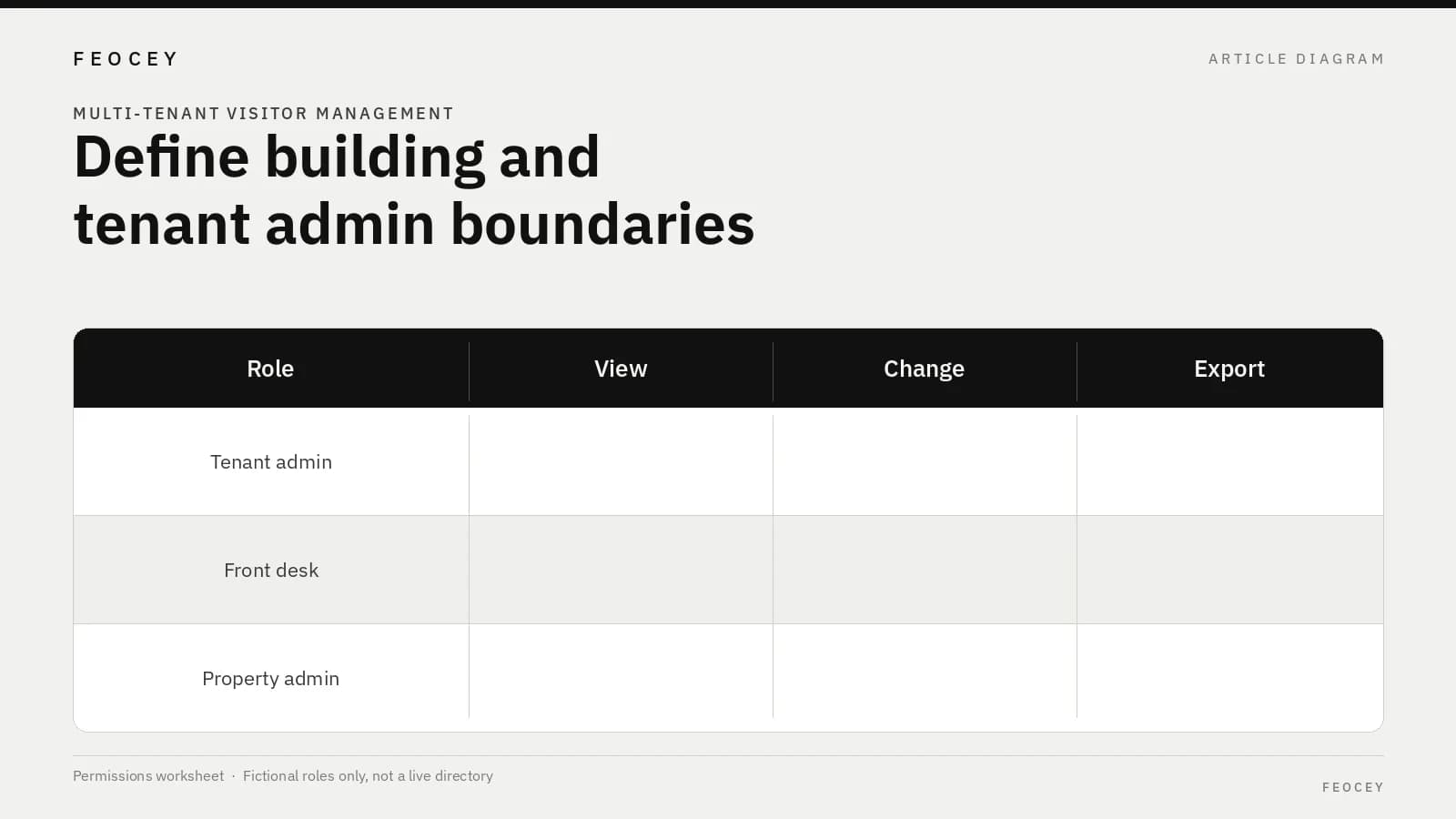
Build a matrix by role and organization. Do not build it from screen names alone. For each role, state the record scope, the fields that role may see, the actions it may take, and whether search or export is allowed.
The table is a requirements example. It is not a description of roles that exist in a Feocey administration console.
If a platform uses different labels—“location admin,” “property admin,” or “directory admin”—map those labels onto the rows above instead of assuming the names already match your boundary. A property-level role that can view every invite in the building is a different decision from a desk role that can only complete the visit in front of it. Write the difference down.
Some visitor platforms document this kind of split in their own products. Envoy’s help article on employee-directory admin roles and data sharing describes admin roles on an Envoy Connect tenant account. It also describes a property-admin scope on a connected building account, including access to invites and visitor logs, and a setting that can turn off property-admin access to the tenant’s employee directory. That is Envoy Connect’s own help content. Do not treat Envoy’s package entitlements, user interface, or access rules as a regulation or as a Feocey feature. See Employee directory admin roles and data sharing.
ReceptionOS publishes a multi-tenant-buildings page that describes one front desk serving many tenants, each with its own visitor list, and a tenant admin who sees only that tenant’s people and visitors. That is a description of ReceptionOS’s product marketing and help positioning. It is not a Feocey isolation feature, and this article does not use that vendor’s security or compliance marketing language as a claim. See ReceptionOS: multi-tenant buildings.
| Role / organization | Record scope | Fields visible | May create / change / approve | Search, export, and any property exception |
|---|---|---|---|---|
| Tenant A administrator | Tenant A visitors and hosts only | As agreed for Tenant A | Tenant A invitations and host records | Tenant A only. None, unless written |
| Tenant B administrator | Tenant B visitors and hosts only | As agreed for Tenant B | Tenant B invitations and host records | Tenant B only. None, unless written |
| Shared front desk | Current lobby activity needed to complete check-in or exit | Minimum fields for the task | Check-in / badge / exit actions only | No tenant-wide export unless written. Named, time-bounded exceptions only |
| Building or property admin | Building tasks (hours, shared-device setup, emergency lists if agreed) | Building-level fields only | Building configuration, not tenant HR data | Building-level reports only, if any. Must be justified in the brief |
Define delegated approval without sharing every tenant record
A host who is out of the office may need a deputy to approve a visit. Delegation should grant the approval action. It should not grant a copy of another tenant’s visitor history or host directory.
Write, for each tenant:
If the platform can only share an entire tenant admin role, record that as a limitation. Do not hide it behind “the lobby staff can help.” A time-bounded deputy for one invitation is a narrower grant than a standing admin login, and the two should not be treated as the same control.
- Who may name a deputy, and for how long
- Whether the deputy can see only the pending request, or also past visits
- Whether a building receptionist may never be used as a deputy unless that tenant writes it down
Plan tenant move-in, administrator replacement and move-out
The building platform may still be running when a tenant leaves. That is not the same as retiring the whole visitor product.
Plan three events:
Exporting one tenant’s data while the property system continues is not the same project as leaving a vendor entirely. The latter is covered in Best visitor management software: plan the exit. Use that article for a platform-offboarding discussion. Use this one for a single tenant departing a still-active building.
Write who holds the move-out keys before the first tenant is created. If only a platform vendor or a single property super-admin can revoke access, and that person is not named, a departing tenant can remain visible after the lease ends. This article does not state a legal retention rule. If the project needs one, the building and the tenant have to supply it from their own counsel and contracts.
- **Move-in:** who creates the tenant organization, who receives the first admin login, and which building-level settings that tenant may not change
- **Administrator replacement:** how a tenant removes a departing admin without involving another tenant, and who at the property can disable a credential if the tenant cannot
- **Move-out:** how tenant admin access is revoked, who may export that tenant’s records, what happens to visits that also involved the shared lobby, and which building-level logs remain
Demonstrate negative cases across two fictional tenant accounts
A permissions demo that only shows a successful login is incomplete. Use two fictional tenants, here called North Desk Studio and Harbor Legal, and require the platform to fail in the right places. The names are labels for a test, not a completed installation or a performance result.
Ask for a witnessed test that includes at least:
If any of those tests cannot be performed, write “not demonstrated” against the requirement. Do not credit the kiosk, the reader, or the badge printer for a software control that was not shown. Record the date, the witness, the account used, and the result for each item. A slide that shows two logos is not a denied-view test.
- A North Desk Studio administrator searches for a Harbor Legal visitor name and does not see it.
- The same administrator cannot open a Harbor Legal invitation by direct record ID or URL.
- A North Desk Studio export does not contain Harbor Legal rows.
- A shared front-desk account can complete a lobby check-in for either tenant’s expected guest without opening that tenant’s full history.
- After a simulated Harbor Legal move-out, Harbor Legal admin logins no longer work, and North Desk Studio records remain isolated.
Give the kiosk and access hardware a limited, confirmed role
An FC6820 can be evaluated as the chosen QR or card and screen interaction, under the configuration actually offered on that product page. Tenant roles, visitor-record isolation, exports, and delegated approval belong to the specified visitor platform and the operating process, unless a separate confirmation says otherwise. A screen and a reader do not prove a visitor SaaS, a multi-tenant permission model, identity governance, or data isolation.
The Feocey FAQ is the planning entry for discussing credential issue, permissions, and events against a device application and protocol. It does not state tenant SSO, SCIM, database isolation, or cross-tenant reporting.
Common mistakes, short answers, and the next project step
The items below are planning errors, not a description of a Feocey visitor product.
**Does sharing one visitor kiosk mean all tenants should share an administrator view?** No. Define front-desk tasks and each tenant’s administrative scope separately. Agree the records and actions each role needs, and have the proposed platform demonstrate both permitted and out-of-scope views.
**Does Feocey state that FC6820 supplies a multi-tenant permission model?** No. FC6820 can be evaluated as the selected QR or card and screen interaction. Tenant roles, visitor-record isolation, exports, and delegated approval belong to the specified platform and operating process unless separately confirmed.
**What should we send next?** Complete the role matrix for the building and at least two tenants, including export and exception rules. Add the five negative tests, then ask the proposed platform to demonstrate them with named test accounts. Bring that pack to any hardware-scope discussion; a device conversation does not replace the denied-view results.
- Treating shared-kiosk use as shared administrator access
- Granting a property or desk role a tenant-wide export because it is convenient
- Allowing a deputy approval to inherit a full tenant-admin view
- Skipping denied-view, direct-URL, and export tests
- Crediting a kiosk or reader for a platform isolation control that was not demonstrated
- Treating one tenant’s move-out as if the whole building platform were being retired
Source references
Feocey cloud-based visitor management: getting the visitor to the right office ↗Feocey office visitor management: reception to exit handover ↗Feocey best visitor management software: plan the exit ↗Put the guide to work
Find the reference for your model.
Compare each device with your requirements. Confirm configuration and compatibility for the complete installation.
Discuss your project ↗