
Resources / Blog
Before the first
installation.
Practical reading for the decisions between a product idea and a working entrance.

Installation & Maintenance
Documenting Firmware and Wiring for Repeat Installations
A practical guide to creating repeatable documentation for access control and intercom installations, covering firmware version control, wiring diagrams, and handover records to ensure consistency across multiple sites.
Read article ↗Access Control Planning
Planning Mobile Answering for FCV5005 Video Intercom
A practical planning guide for enabling mobile answering on the FCV5005 video intercom. It covers call flow design, application and account setup, network requirements, testing, and handover, using only confirmed facts from approved sources.
Read article ↗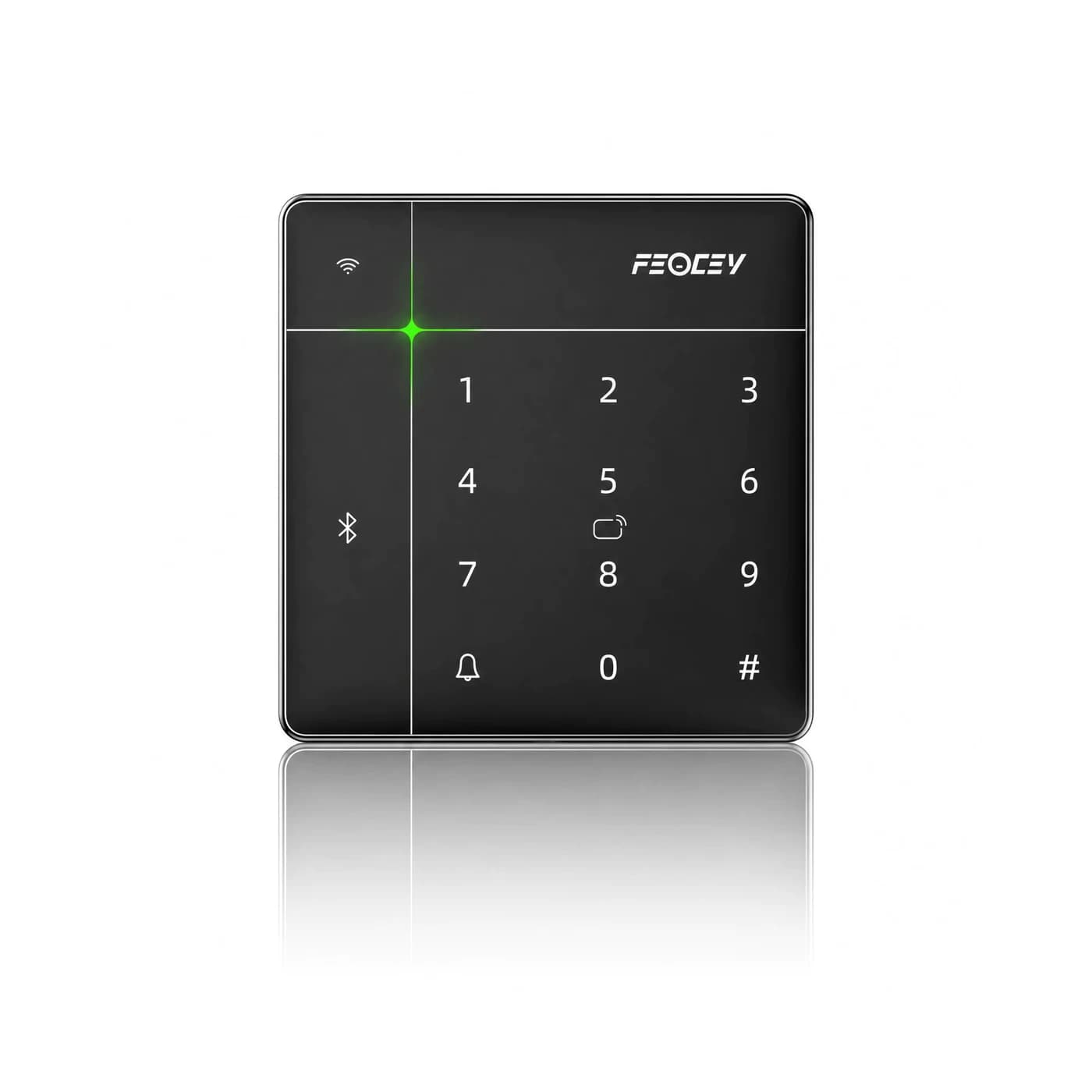
Access Control Planning
Four-Door Access Control Site Survey Checklist
A practical site survey checklist for planning a four-door access control system, covering door hardware, wiring, power, network, and user workflows to avoid integration surprises.
Read article ↗Access Control Planning
Access Hardware Pilot Acceptance and Handover Checklist
A practical checklist for piloting access control hardware before full deployment, covering acceptance criteria, testing workflows, and handover documentation. Based on Feocey product references and planning guides.
Read article ↗Installation planning
Can a Wiegand reader connect to an RS485 controller?
Check reader output, controller input, credential format and door-control responsibility before combining access devices. A worked example using FCS525 and FCC4904 documentation.
Read article ↗
Product selection
Choosing a smart lock in five steps
Start with the door, then choose access methods, connectivity and the operating arrangements that fit your property.
Read article ↗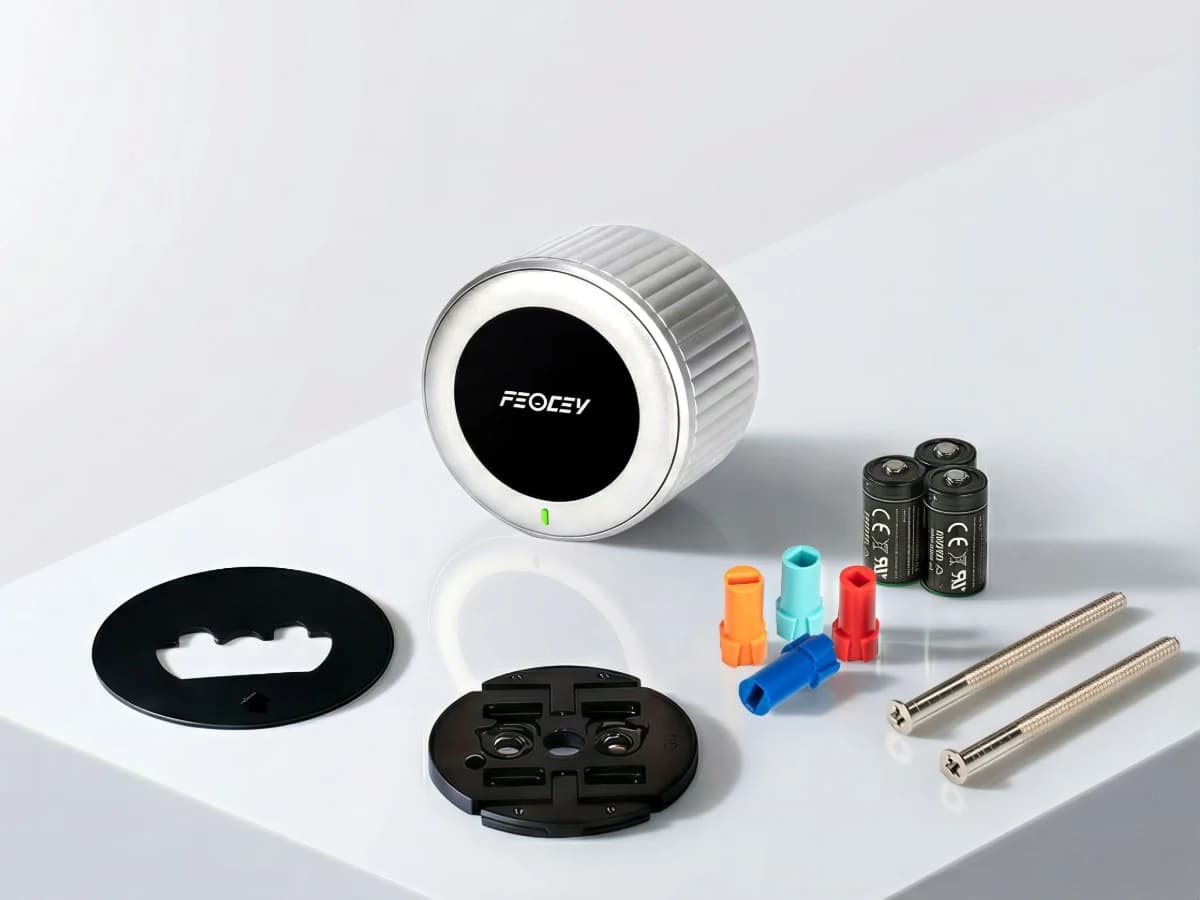
Integration
How a connected smart lock works
Follow a command through the app, connection and lock mechanism, and understand which details depend on the selected product.
Read article ↗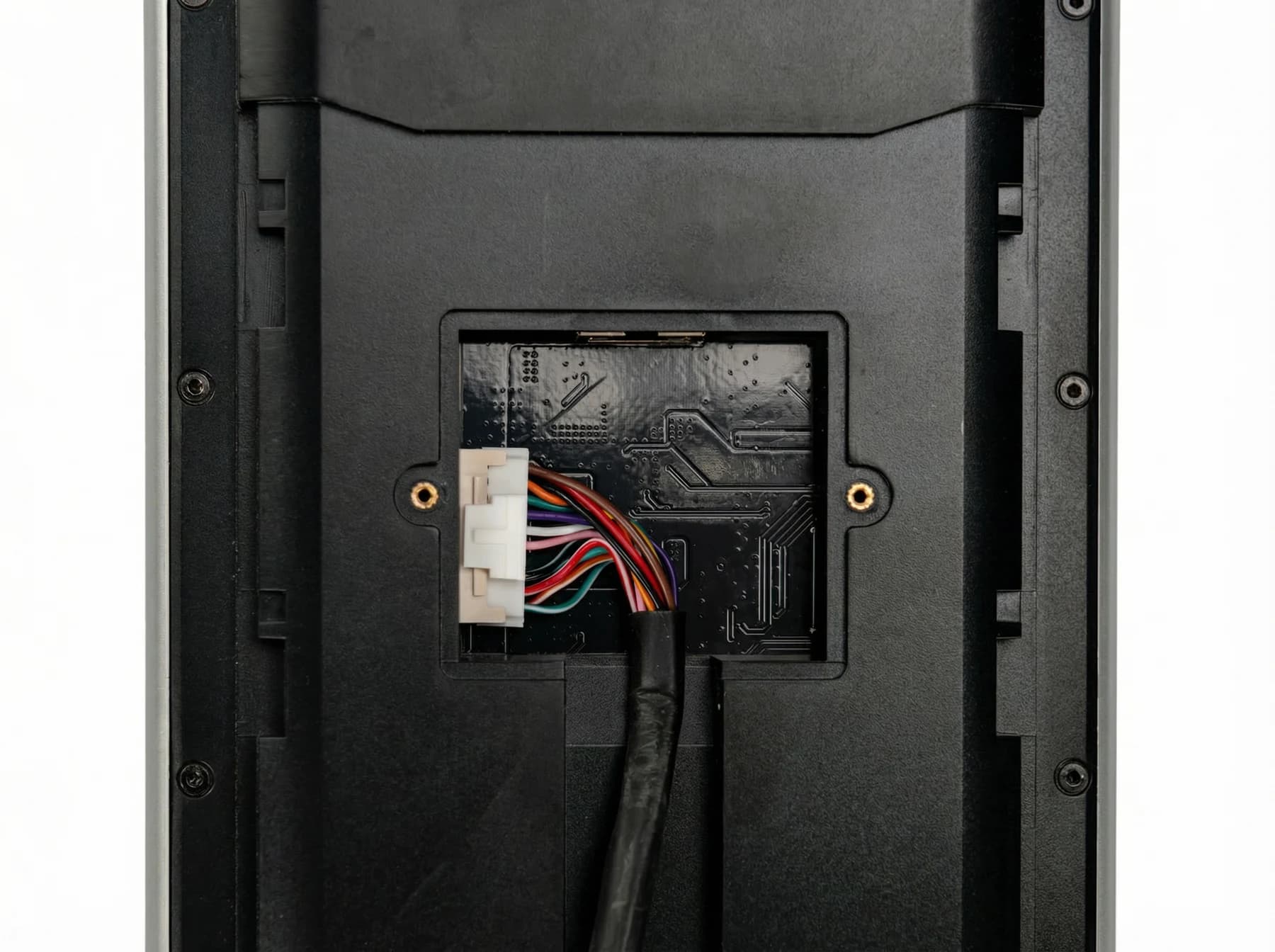
Integration
PoE for access control: what to check
Check device support, available power and the complete door installation before choosing a PoE configuration.
Read article ↗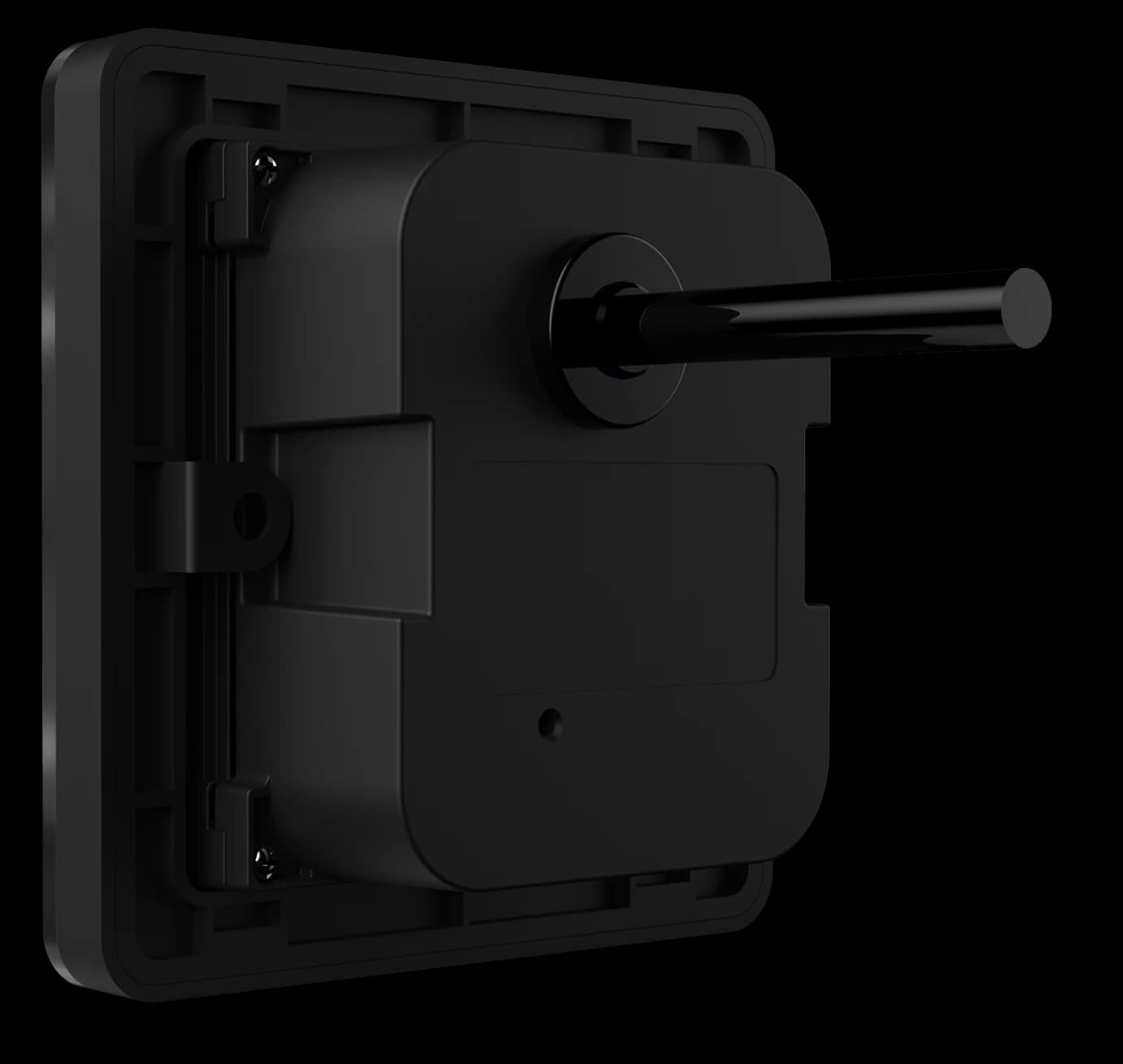
Integration
OSDP in access control: questions for an integration
Understand the reader-to-controller link and verify protocol support on both sides of the installation.
Read article ↗Project planning
Choosing a door entry intercom system
Plan the visitor call, answering destination and authorised door release as one workflow, using documentation for the exact terminal and application.
Read article ↗Project planning
Choosing access control for a gym
Choose the membership rules, reading point and door-control workflow together, then test the exceptions before opening the entrance.
Read article ↗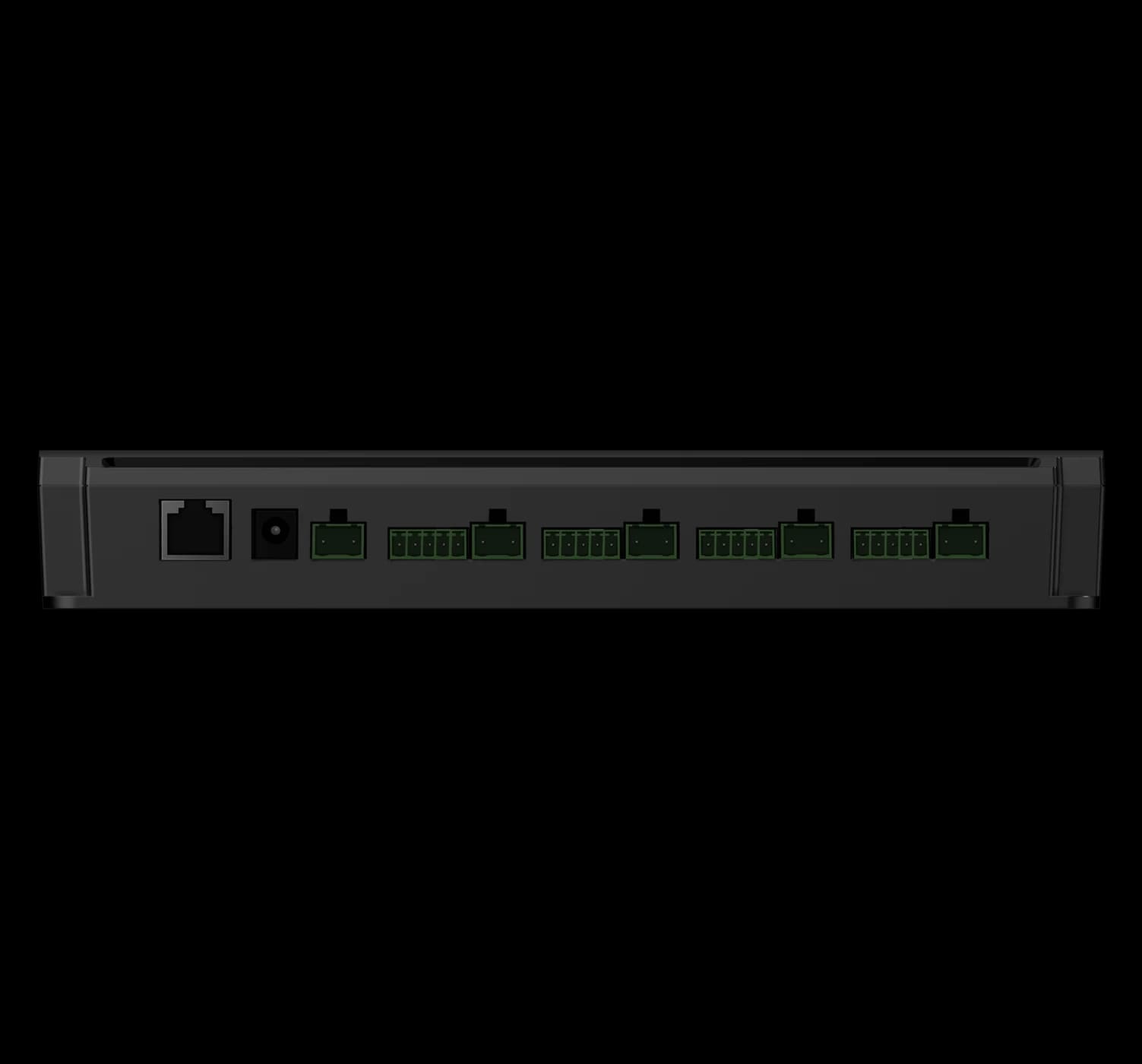
Installation
Planning access control for an office building
A practical sequence for surveying doors, defining tenant access and handing over a maintainable installation.
Read article ↗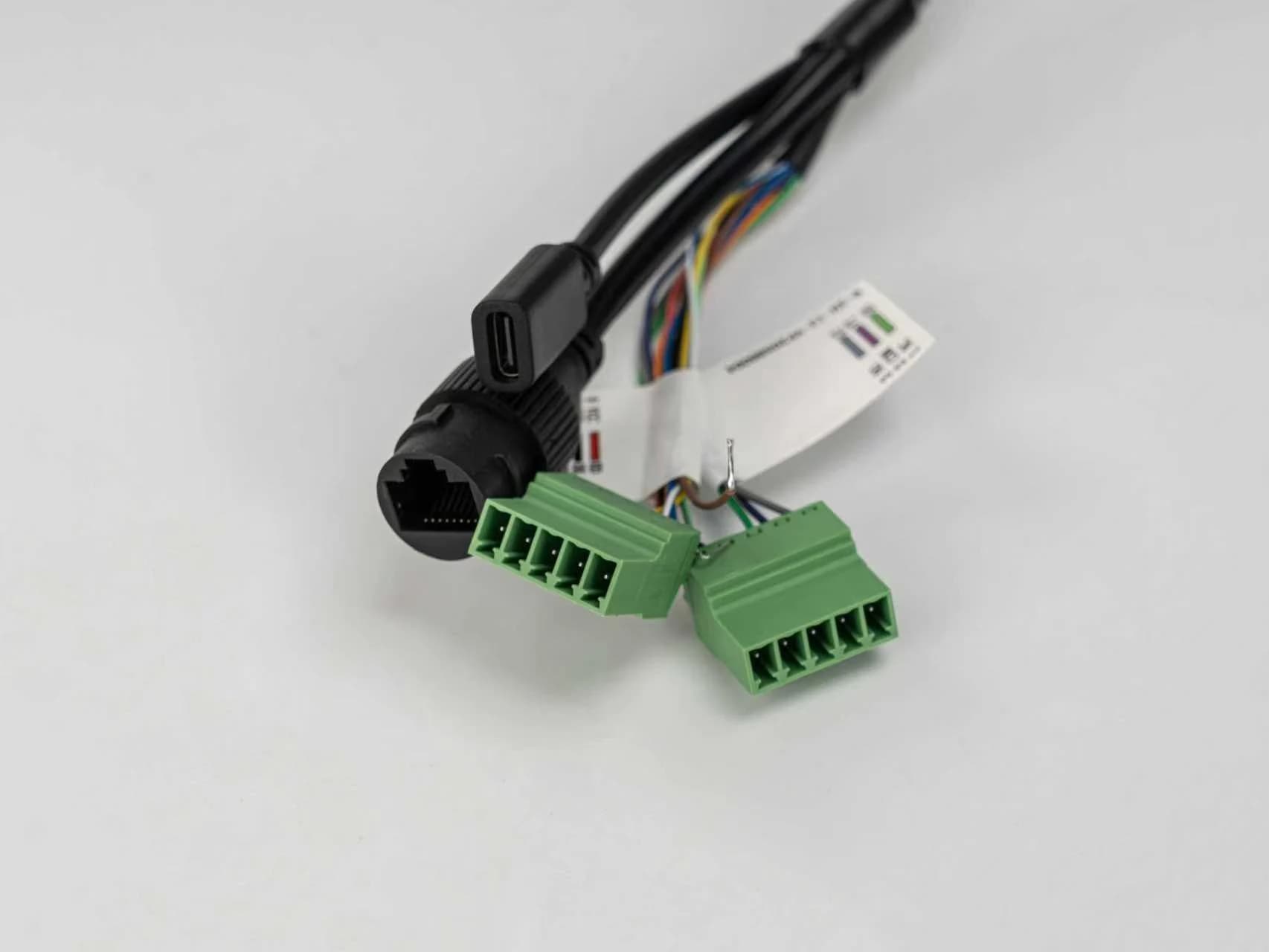
Project planning
Planning resident and visitor access in a community
Bring regular entry and visitor calls together while keeping enrolment, privacy and fallback access clear.
Read article ↗
Project planning
Choosing a time and attendance system
Connect the clock-in device to the rules, approvals and payroll process your organisation actually uses.
Read article ↗Product selection
How to evaluate a face recognition terminal
Evaluate the complete interaction, integration and operating environment before choosing a terminal.
Read article ↗