
Integration
How a connected smart lock works
Follow a command through the app, connection and lock mechanism, and understand which details depend on the selected product.
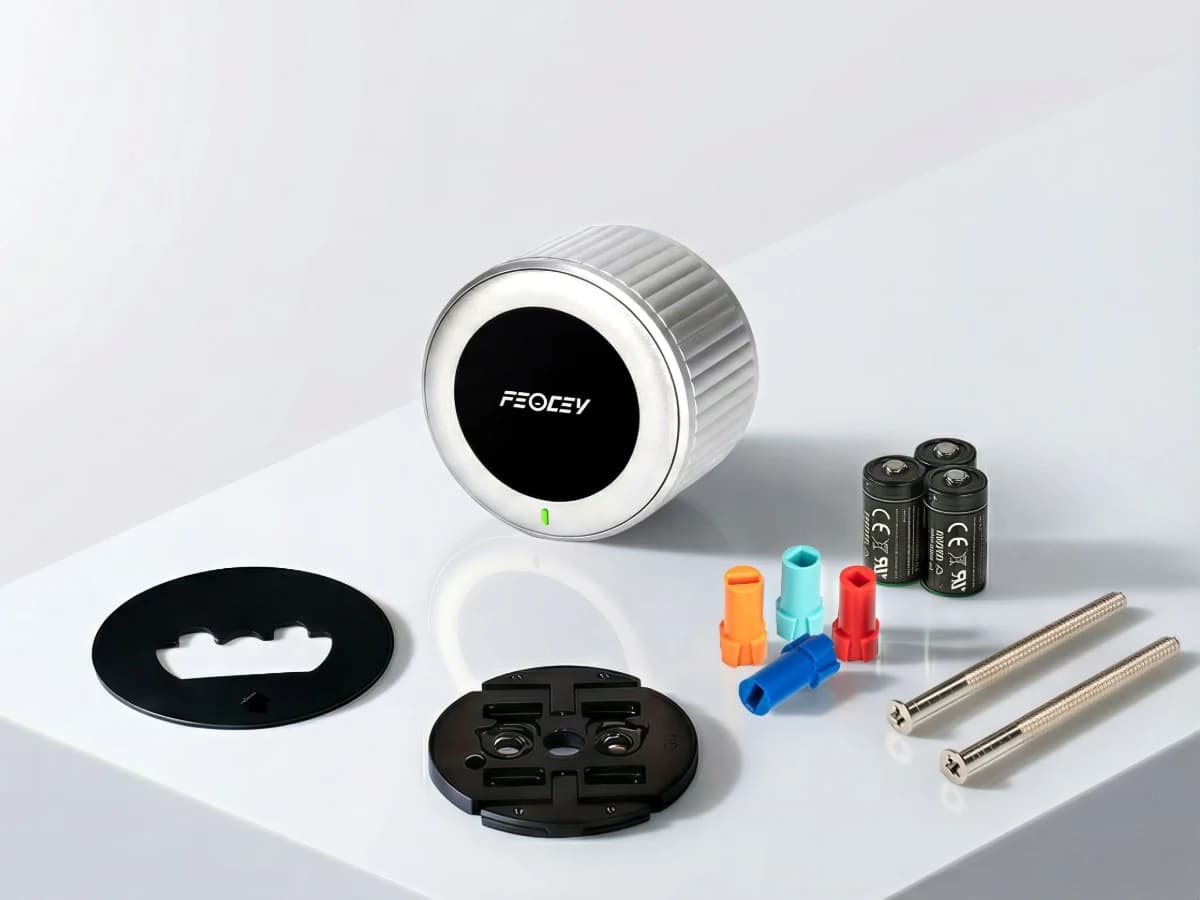
The mechanism still matters
A motorised lock uses an actuator to operate its locking mechanism. In an interior retrofit design, the device works with compatible existing deadbolt hardware. The door, strike and bolt must align so the mechanism moves freely.
An application cannot correct a binding bolt or an incompatible adapter. Begin installation with the mechanical checks in the product instructions, then calibrate or configure the device as required by that model.
A command needs an authorised path
A connected lock receives commands through the interfaces supported by its configuration. A nearby phone may use a local connection; remote control may depend on a network, gateway and application service. The exact path is product specific.
Before deploying, establish where accounts and permissions are managed, how the device is associated with an administrator and how that association is transferred or removed. Ask for the current application and integration reference rather than assuming a generic cloud architecture.
Power supports both movement and communication
The motor, radio and controller share the available power. Usage, network conditions and the mechanism’s resistance can affect consumption. Use the battery type and replacement procedure specified for the supplied product.
For Smart Lock 001, the product reference specifies three CR123A batteries and Bluetooth / 2.4 GHz Wi-Fi connectivity. These facts do not establish a particular runtime, circuit arrangement or remote service behaviour; those details should come from the matching instructions.
Status is part of the interaction
Users need to understand whether a command was accepted and whether the intended movement completed. Review the indications and reporting available in the chosen device and application. Do not treat an app button press as proof that the door is secure.
Automatic locking, schedules, temporary access and event history depend on the supported firmware, accessories and application. Test any required feature explicitly, including the case where the door is not in the expected position.
Test normal use and recovery
Try local and remote operation where supported, battery replacement, network loss and recovery, administrator changes and removal of access. Confirm the fallback method before putting the lock into daily use.
Keep the model, firmware, application version and accepted settings in the handover record. For an integration project, describe the desired command and status flow to Feocey so the appropriate device configuration and documentation can be reviewed.
Put the guide to work
Find the reference for your model.
Compare each device with your requirements. Confirm configuration and compatibility for the complete installation.
X-Gen 1 Smart Lock 001 →
Retrofit smart lock for deadbolt doors
Ask about X-Gen 1 Smart Lock 001 ↗