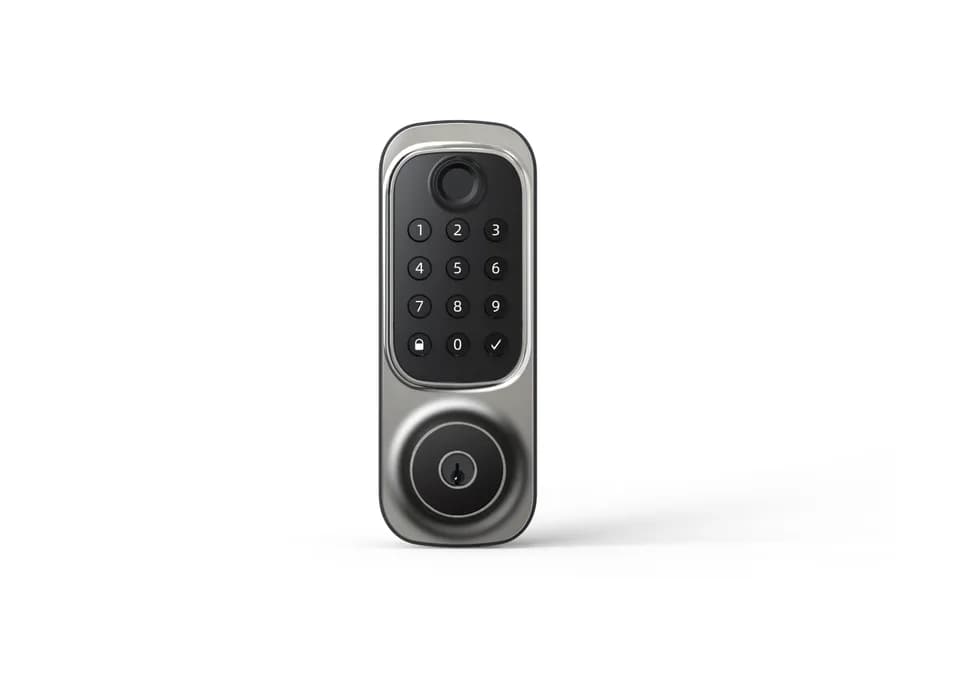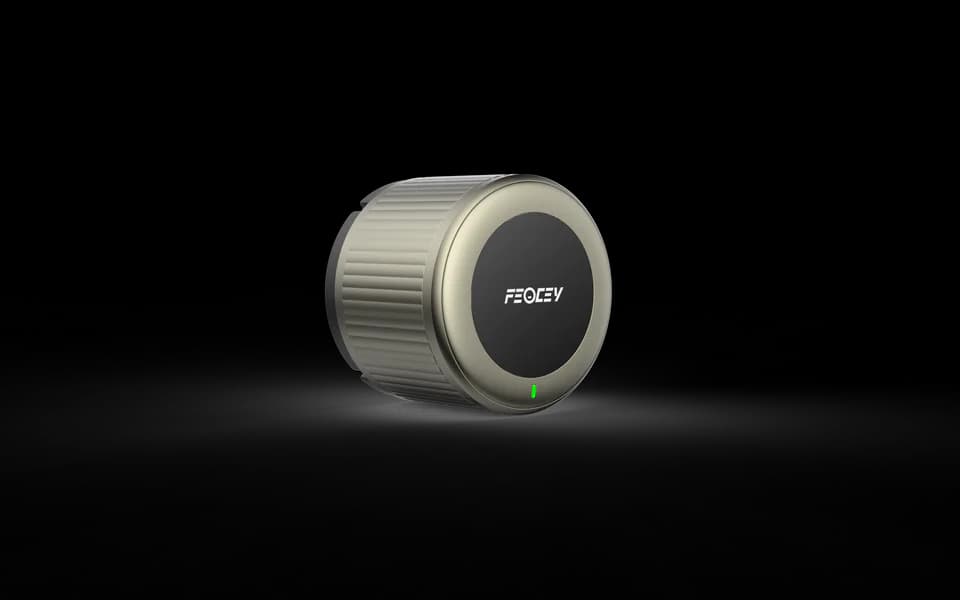
The details on both sides of the door.
Consider the interior form together with your existing door hardware. Share the door dimensions and lock arrangement so we can confirm the fit.


Smart Locks
Retrofit smart lock for deadbolt doors
A retrofit smart lock for compatible deadbolt doors. Replace the interior thumbturn, retain the exterior key cylinder and choose the finish and optional keypad for your setup.
Consider the interior form together with your existing door hardware. Share the door dimensions and lock arrangement so we can confirm the fit.
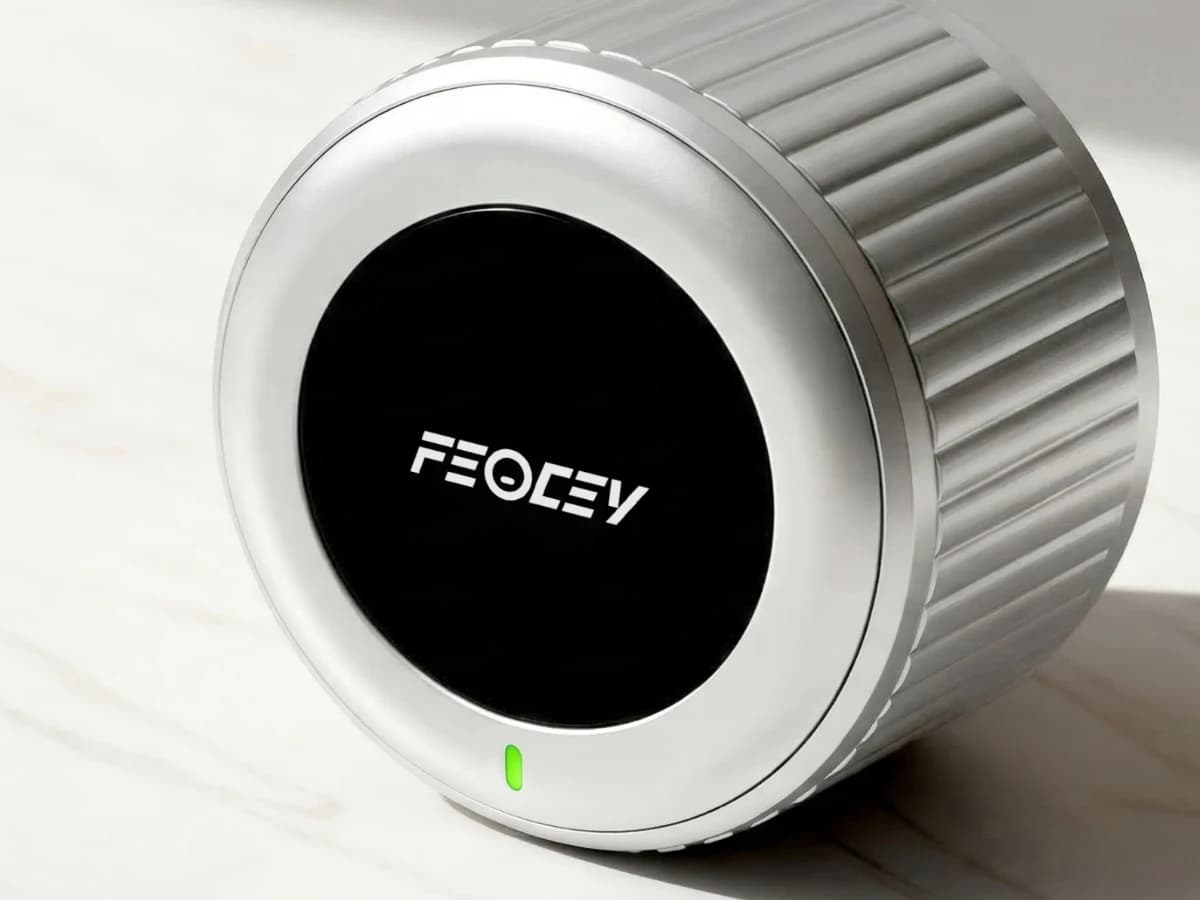
X-Gen 1 Smart Lock 001 / 01
The circular interior body replaces the existing thumbturn on a compatible deadbolt. Your exterior key cylinder remains in place, so the door keeps its familiar appearance from outside.
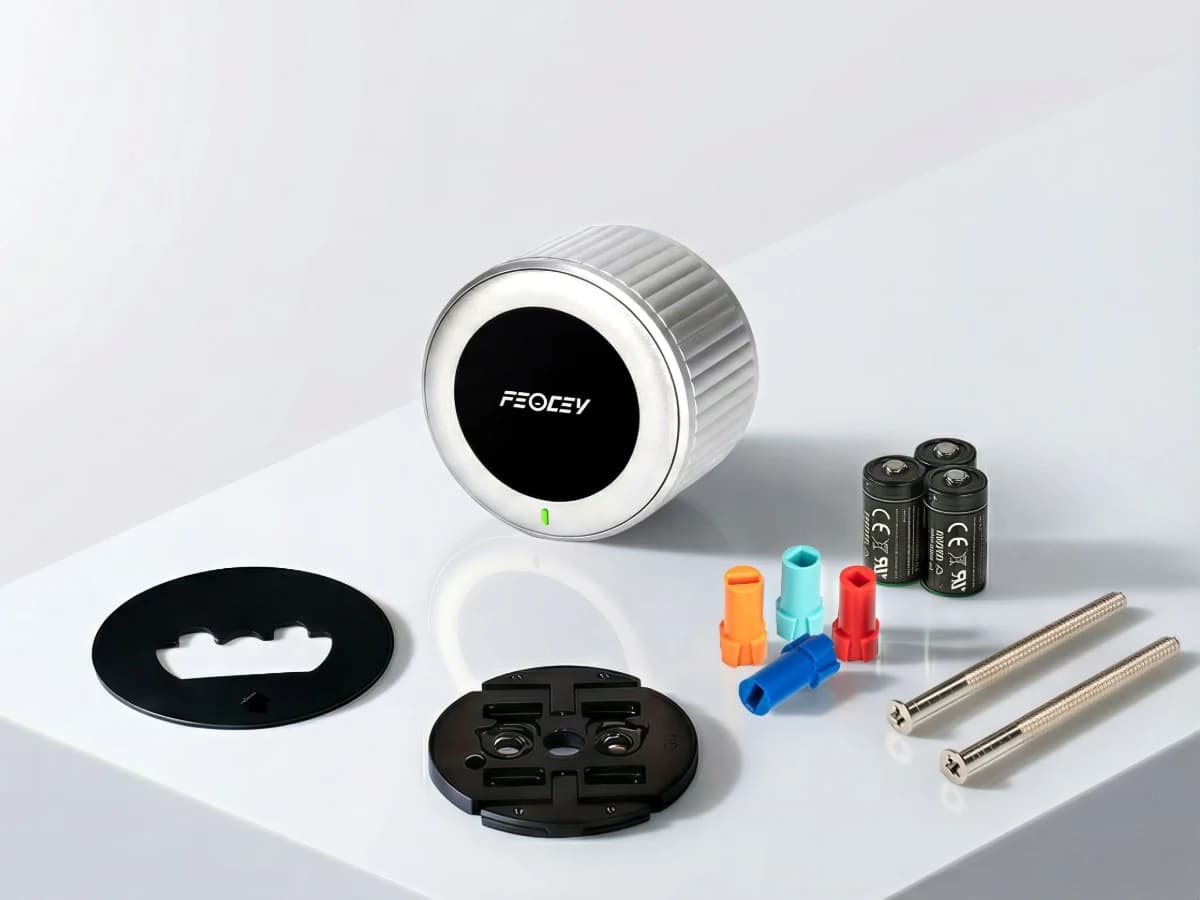
X-Gen 1 Smart Lock 001 / 02
The mounting plate and adapter connect the smart lock to the existing mechanism. Send the door and lock measurements before ordering so the correct assembly can be selected.
Technical details
Options vary by configuration. Use these details to plan your evaluation.
| Installation | Interior thumbturn replacement on compatible deadbolt locks |
|---|---|
| Connection | Bluetooth and 2.4 GHz Wi-Fi |
| Power | Three CR123A batteries |
| Body dimensions | 70 mm diameter × 50.25 mm depth |
| Construction | Aluminum alloy and engineering plastic |
| Keypad | Optional separate accessory; confirm compatibility and bundle |
Installation & connections
Product resources
Manual · English translation · PDF · 1.4 MB · V1.0.3
For the interior thumbturn replacement lock powered by three CR123A batteries. Source translation is supplied unchanged; follow the guide supplied with your exact lock.
No. Confirm door material, thickness, handedness, existing holes, backset and lock-body requirements before selecting a configuration. Photographs of both sides and the door edge, together with measurements, are more useful than a front view alone.
Tell us who issues access, which credentials are planned, how permissions are updated, the expected offline behavior and how the door is prepared. Credential, gateway and management capabilities depend on the selected configuration and must be confirmed together.
Your next step
Tell us where it will be used, how it should connect and the quantity you need.
Continue exploring
Allow Google Analytics to help us understand traffic sources, page visits, submitted inquiries, document clicks, email-link clicks and visits to Alibaba or WhatsApp. We do not send your name, email or inquiry message to Analytics.
Analytics stays off until you allow it. Your choice does not affect inquiries or videos you choose to play. You can change it here at any time.
Current choice: not selected.
Read the website privacy notice