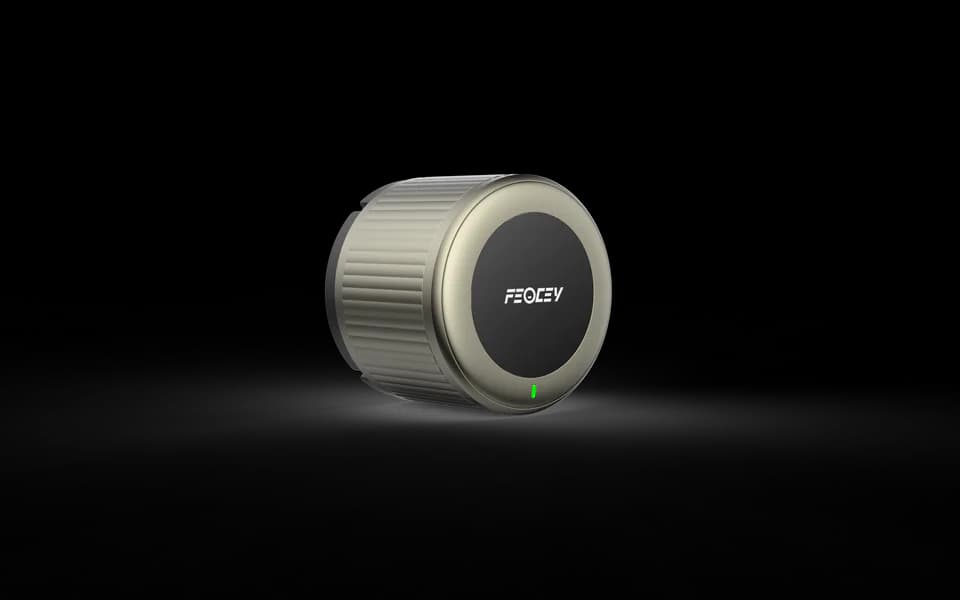
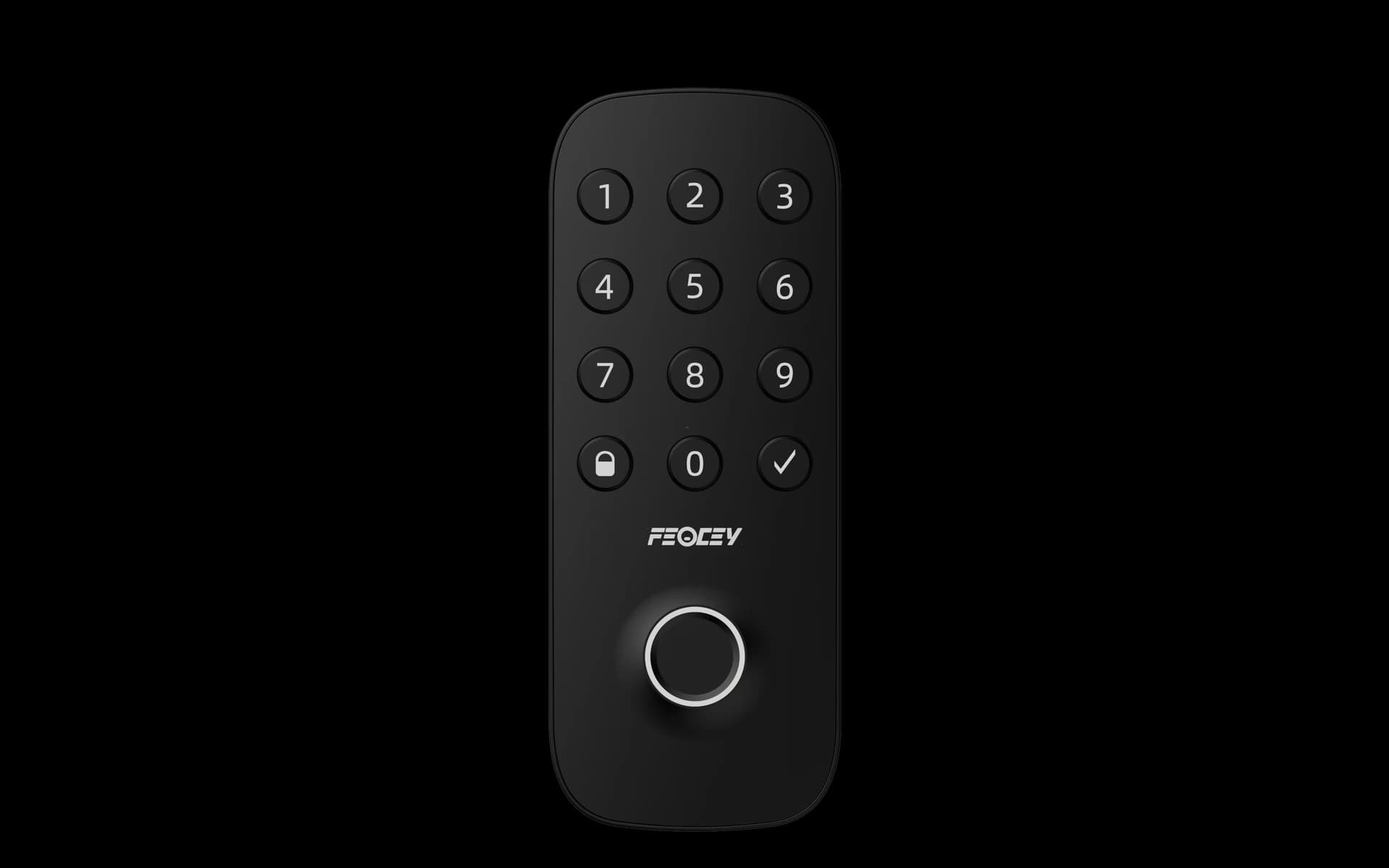
X-Gen 1 Smart Lock 001
Smart Locks
- Fit
- Interior thumbturn replacement on compatible deadbolt locks
- Connection
- Bluetooth / 2.4 GHz Wi-Fi
- Power
- Three CR123A batteries

Products
Compare face terminals, QR readers, controllers, smart locks and gates for member entry, workplaces, visitors and self-service. Choose credentials, interfaces and firmware for the model and workflow you need.
Smart Locks
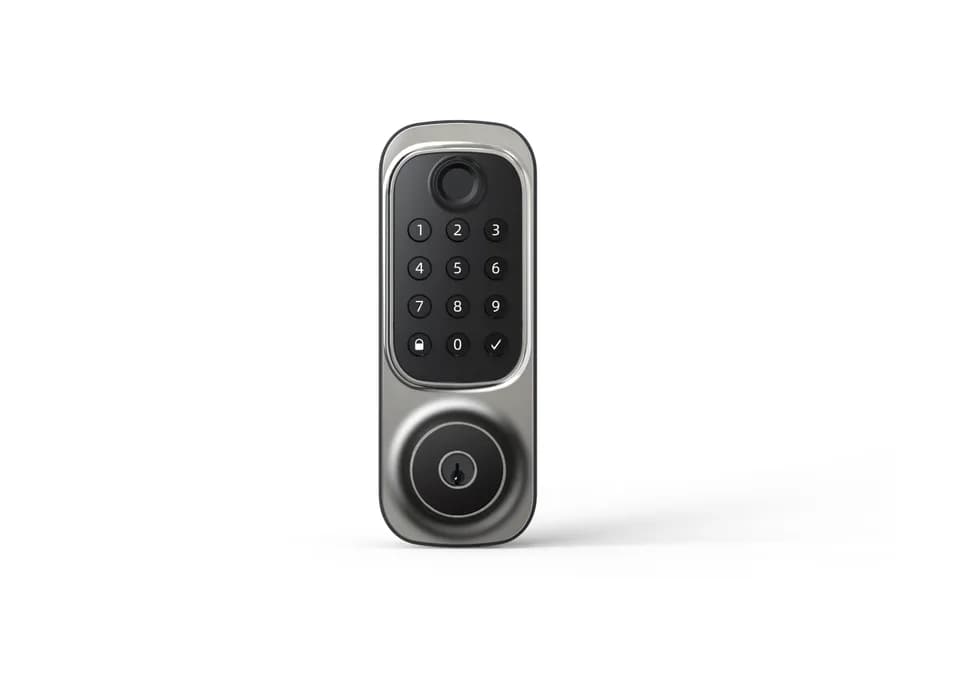
Smart Locks
Explore product →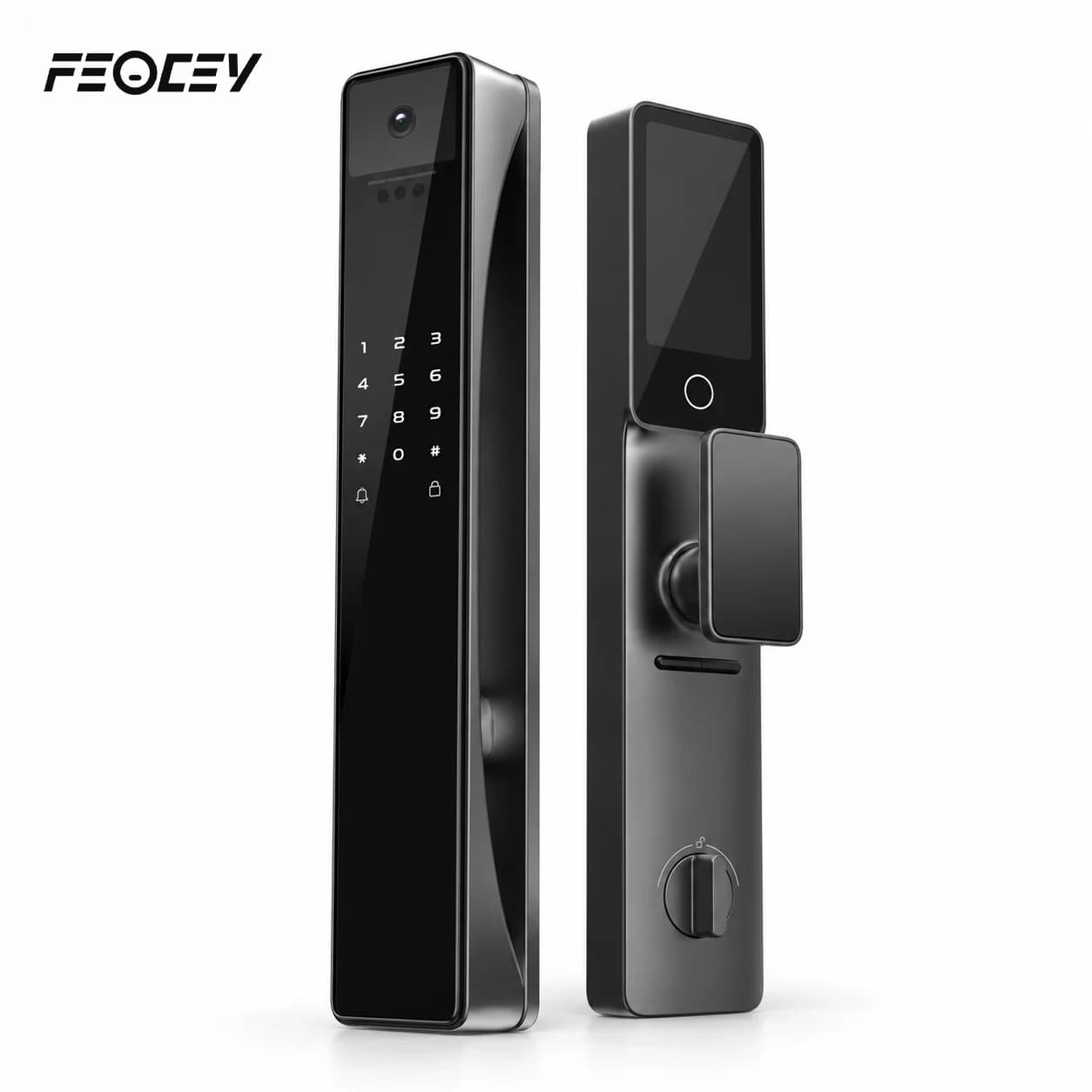
Smart Locks
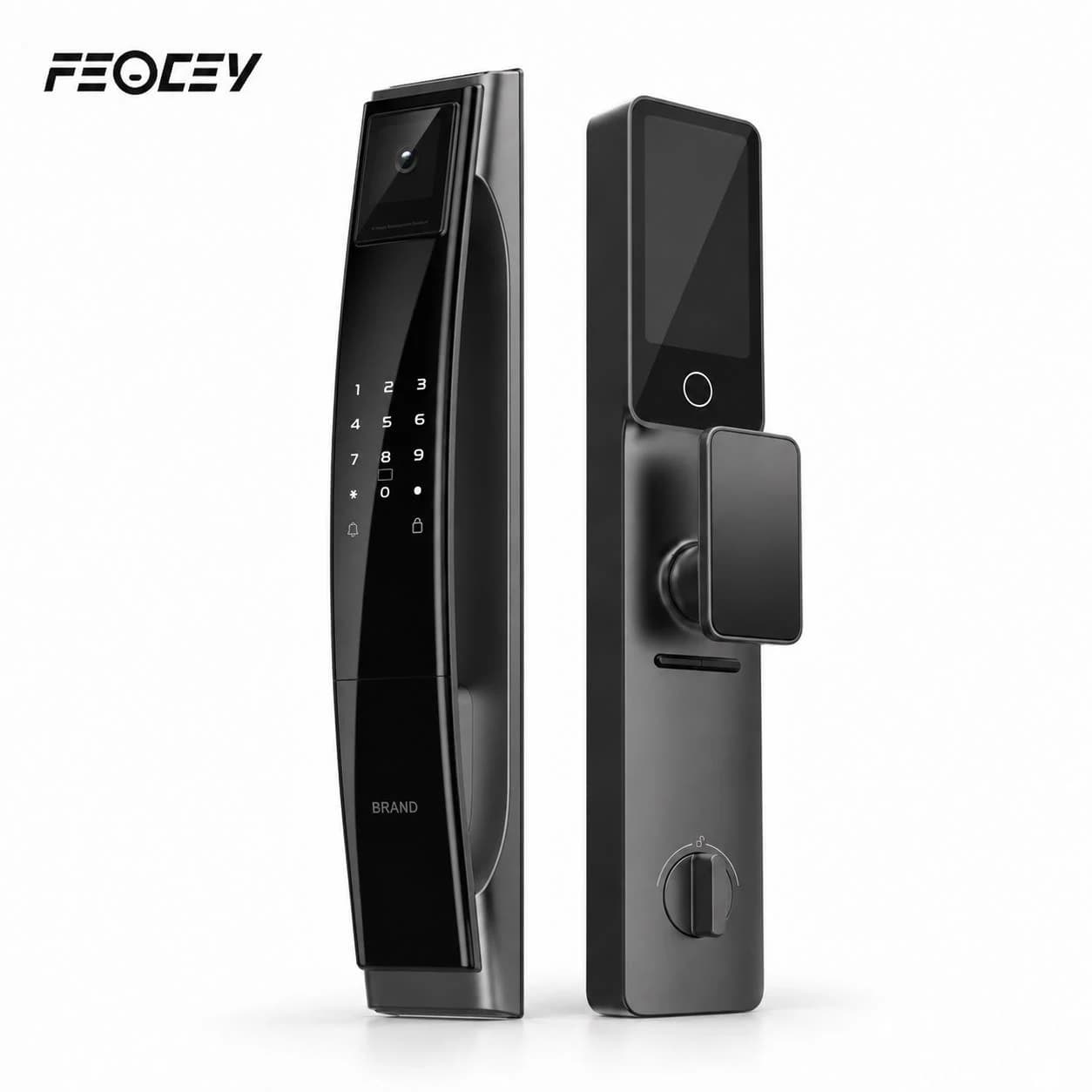
Smart Locks
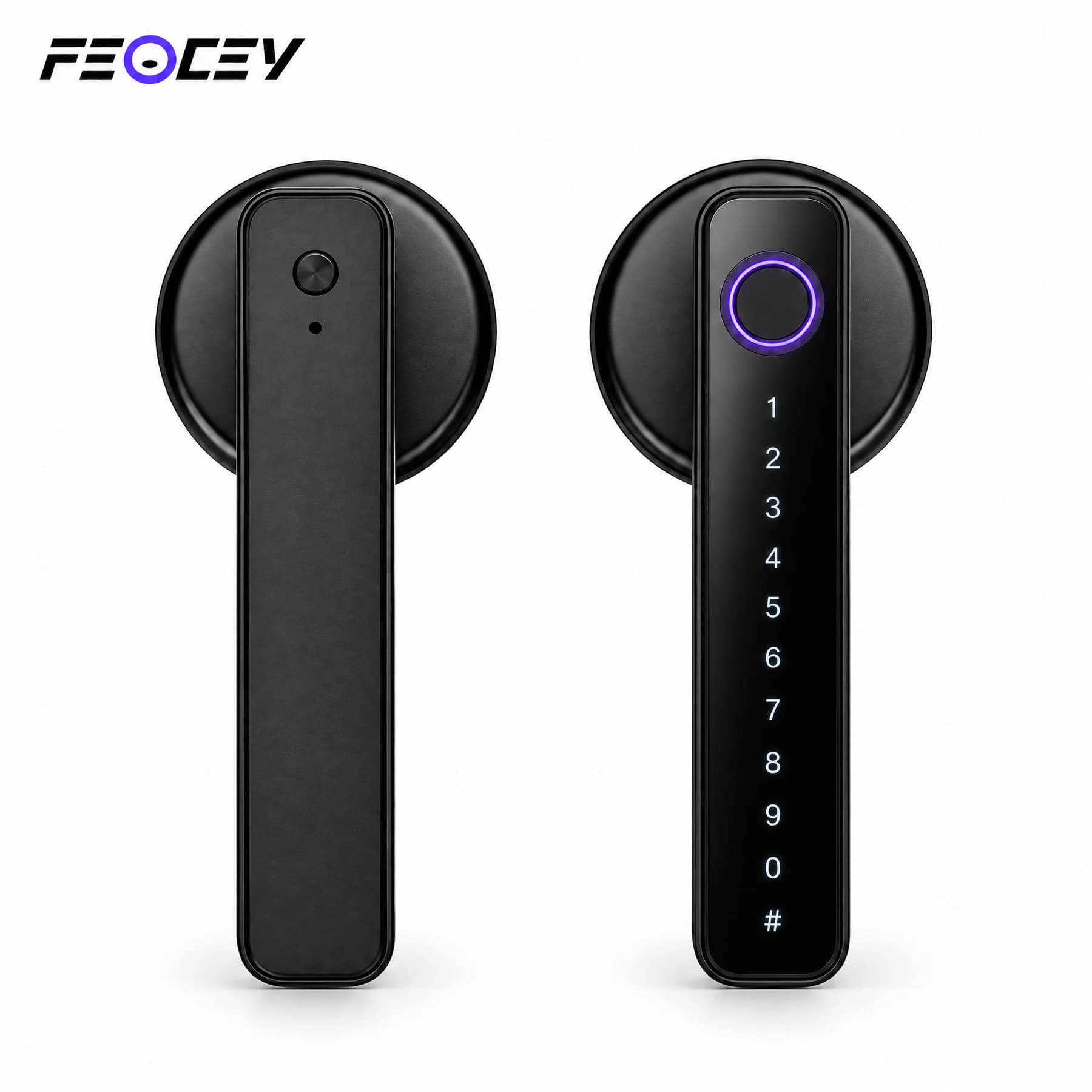
Smart Locks
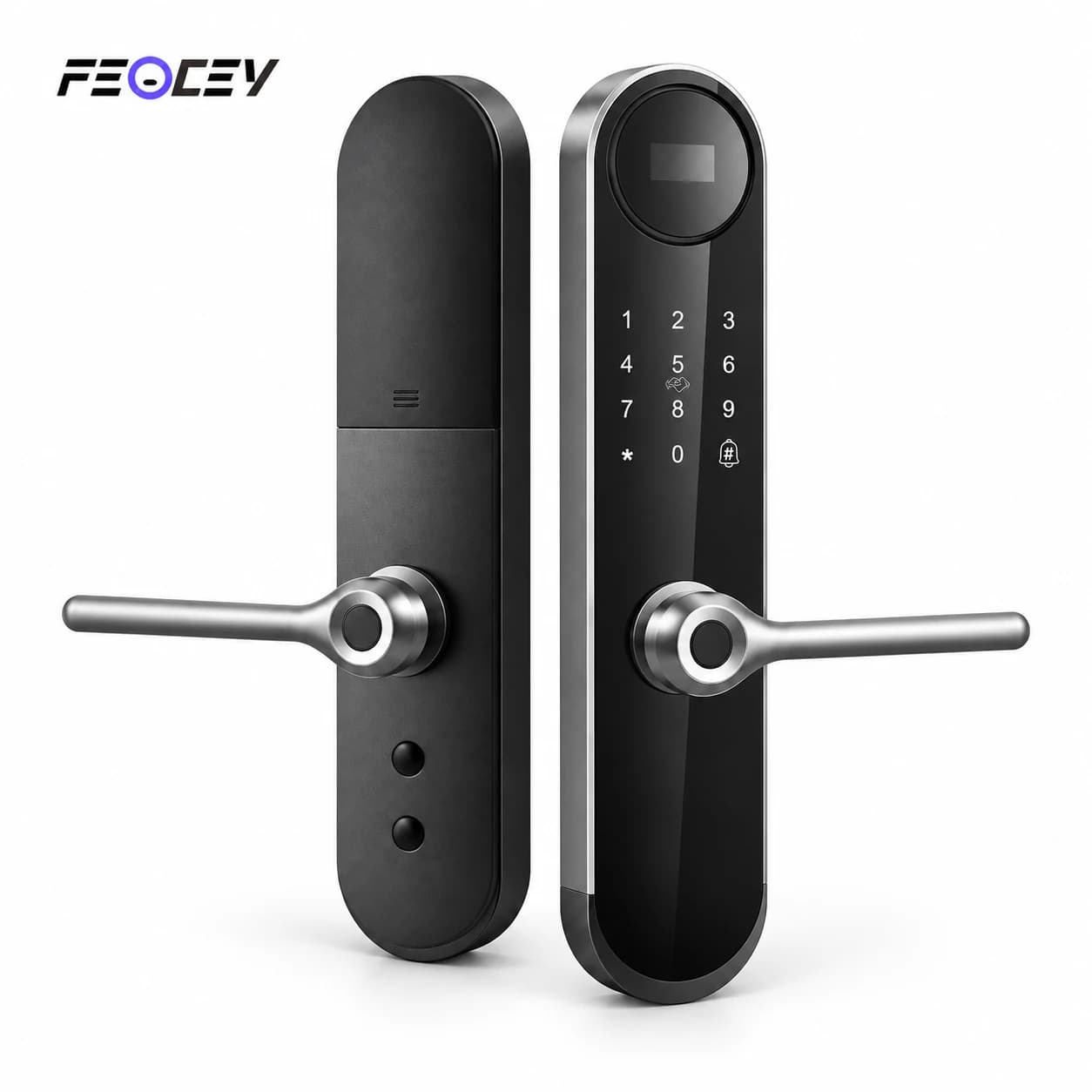
Smart Locks
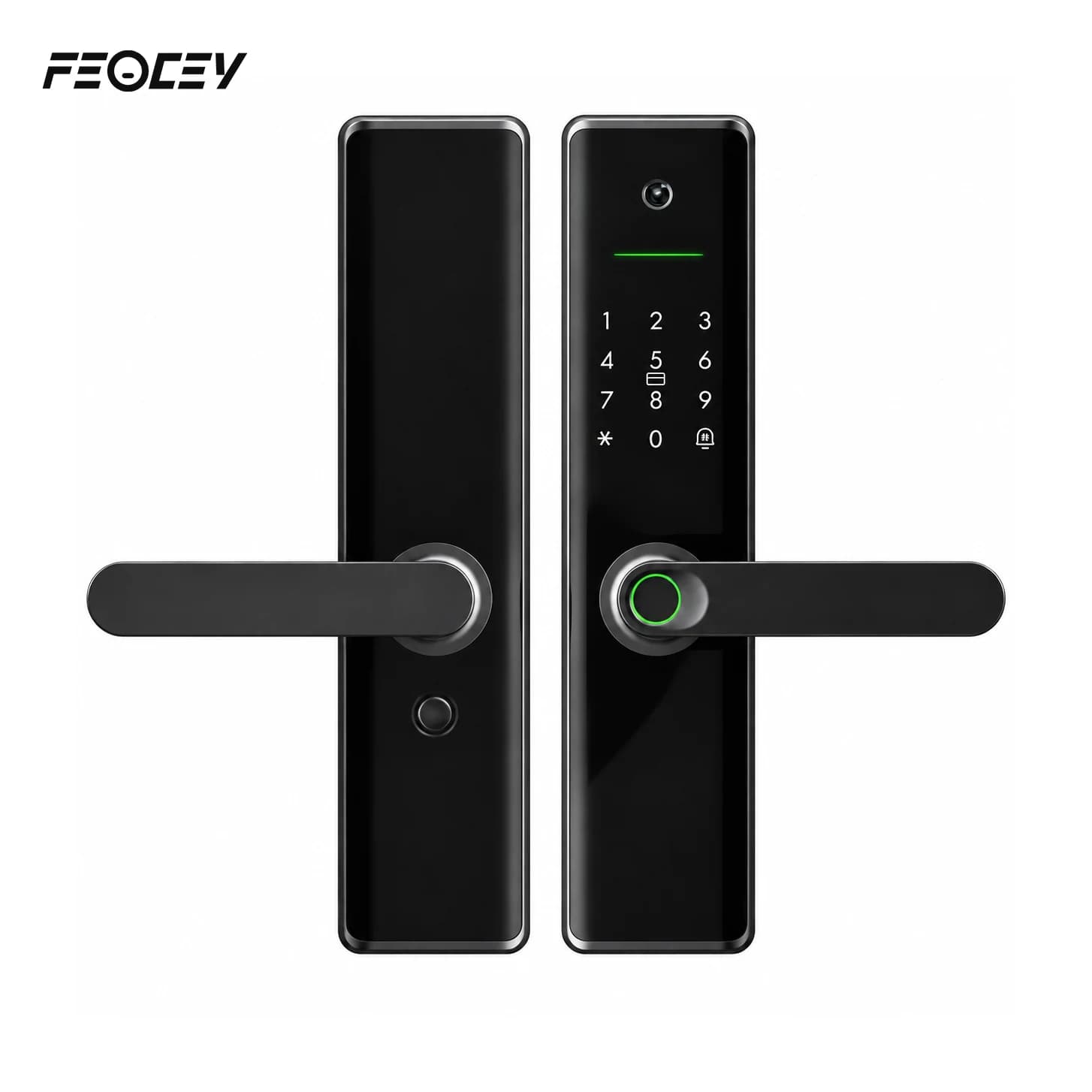
Smart Locks
Smart Locks
Choose the integration path before selecting firmware. A device interface alone does not establish protocol support, and DejaOS development is available only on supported configurations.
Request the protocol reference for the exact model and application firmware. Define credentials, authorization, execution and access-event reporting with your integration team.
Compare standard protocol integration →Compare supported devices and SDK targets when your team needs to develop the interface and business logic that run on the device.
Choose a DejaOS development device →Sample orders for access-control devices and smart locks start at two units. Turnstile quantities depend on the cabinet and lane configuration. Minimum quantities for custom orders are confirmed for the project.
Share the model, planned quantity, destination and installation requirements so we can confirm the sample configuration and quotation.
Discuss a sample order →Tell us which credentials people will use, where the device will be installed, which interfaces are required and what should happen in the software workflow. A mounting drawing, host-equipment description or simple process diagram helps us identify the questions that must be confirmed before recommending a configuration.
No. Credential modules, interfaces, mounting parts, network options and software can vary within the same product family. Confirm the exact model and selected options in writing before designing an enclosure, cable set or integration around it.
Find available documents by model in the download center. If the manual, specification or installation drawing you need is not listed, send the model and configuration to our team so we can identify the matching document.
Sample orders for access-control devices and smart locks start at two units. Turnstile quantities depend on the cabinet and lane configuration. Minimum quantities for custom orders are confirmed for the project. Start with the credential, mounting, interfaces and software flow that matter to the final installation. Confirm the sample configuration in writing, test it in the intended environment and record any differences before planning a larger rollout.
Standard-device integration connects your platform to the supplied device application. It exchanges commands and events through the matching protocol. DejaOS lets you write an on-device application in JavaScript.
DejaOS requires supported hardware and the modules available for that target. Confirm the exact model, application firmware and workflow before choosing either path.
Not necessarily. Keep the supplied device application if its matching protocol supports your workflow. Your platform can implement that protocol.
A custom interface or device behaviour may need application development. Consider DejaOS only on a confirmed supported configuration. Validate the workflow and firmware before deciding.
Allow optional Google Analytics to understand visits and interactions. We do not send your name, email or inquiry text.
Analytics stays off until you allow it. You can change your choice anytime.
Privacy notice