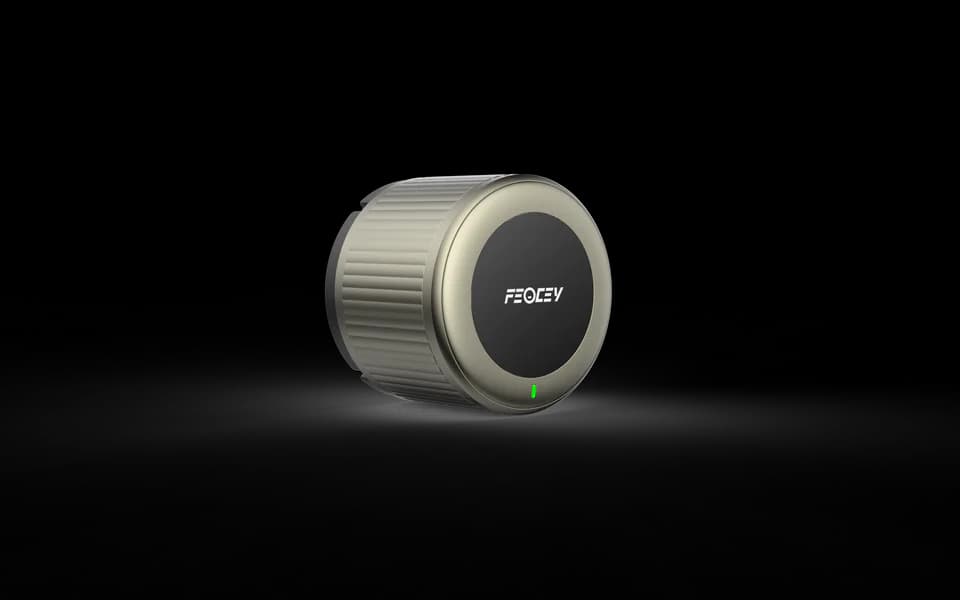
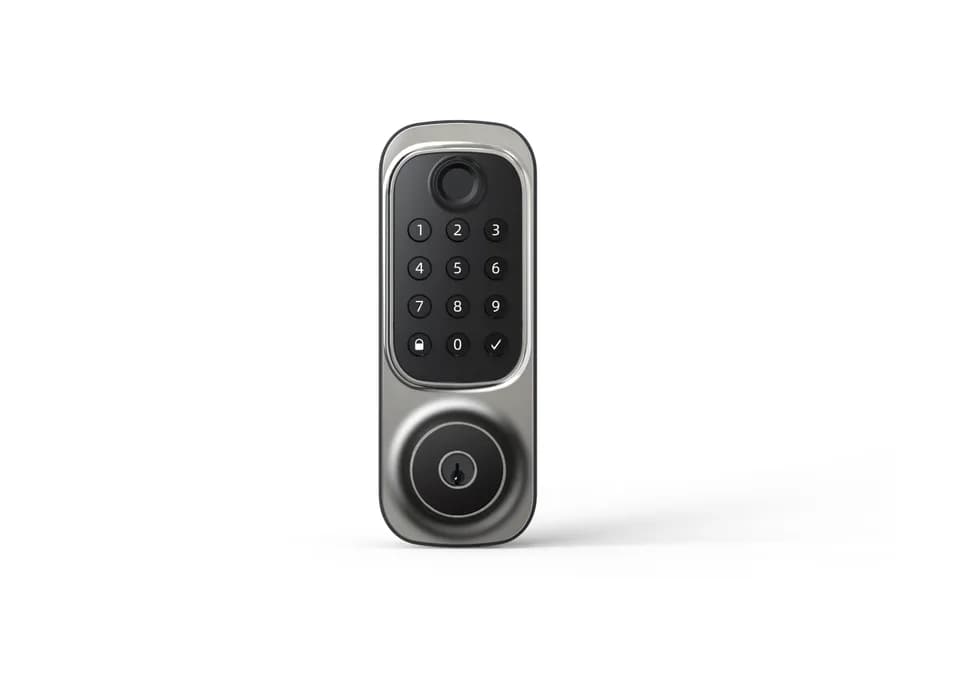
Smart Locks

X-Gen 1 Smart Lock 004

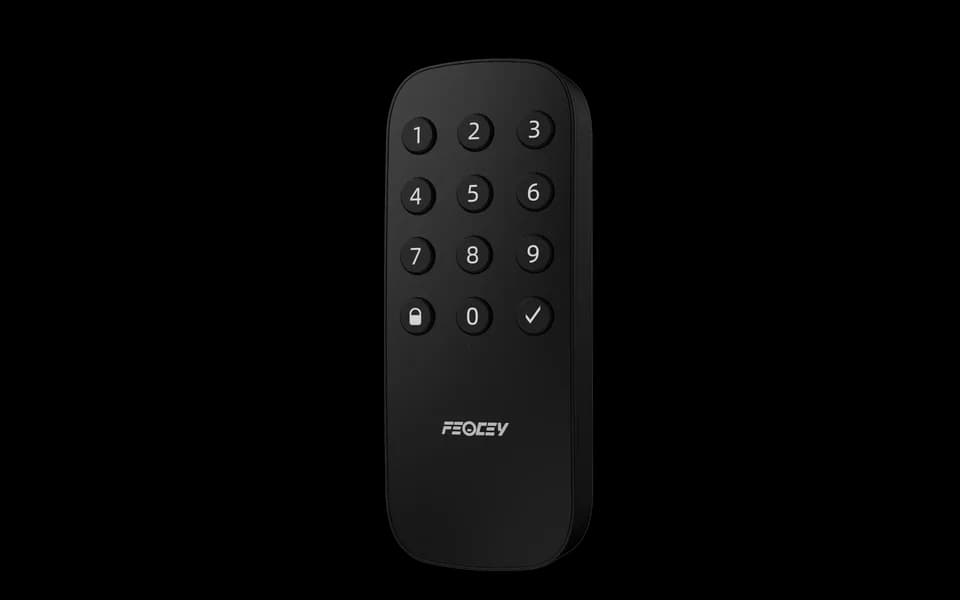
Wireless Bluetooth keypad accessory

A keypad for your compatible lock.

004 is a wireless Bluetooth keypad accessory for PIN entry with a compatible smart lock. It does not include a lock body or replace the door hardware. Match the lock, firmware and application before ordering.

  • Bluetooth keypad accessory
  • 12 keys with backlight
  • Four AAA batteries

X-Gen 1 Smart Lock 004 / 01

Keep the lock and keypad roles separate.

The keypad provides PIN input for a compatible lock system. The matching lock performs the mechanical door action. The supplied specification does not establish universal pairing, card reading or fingerprint access.

Integration outline

Part of your access workflow.

The device, application and access hardware work together. The final behaviour depends on your system configuration.

  1. 01

    Confirm the compatible lock and application

  2. 02

    Mount and pair the keypad

  3. 03

    Test PIN entry and the lock response

In your project

Match the accessory before mounting it.

Send the lock model, firmware and application name so we can confirm the pairing procedure. Choose the mounting surface and leave access for battery replacement. Do not assume the keypad works with every Bluetooth lock.

Technical details

A closer look.

Options vary by configuration. Use these details to plan your evaluation.

X-Gen 1 Smart Lock 004 specifications
Product roleWireless Bluetooth keypad accessory; lock sold separately
Keys12 keys: 0–9, confirm and lock
PowerFour AAA batteries · 6 V
Dimensions56 × 142.5 × 24 mm
MountingAdhesive or screw mounting; match the surface and fixing method
ConfigurationMobile application; confirm the compatible lock and software

Installation & connections

Plan the fit.

  1. Confirm the exact lock model, firmware and application before fixing the keypad in place.
  2. Review the mounting surface, screw or adhesive arrangement and battery access. Use the supplied accessory specification for dimensions.
  3. Complete pairing using the instructions for the confirmed lock and app, then test accepted and rejected PINs with the door open before normal use.

Product resources

Manuals & drawings.

Documents for X-Gen 1 Smart Lock 004 →
  • X-Gen 1 Smart Lock 004 specification

    Specification · English · PDF · 149 KB

    Specification for the separate Bluetooth keypad accessory, not a complete door lock.

    Download PDF

A few things worth knowing.

Can we select a lock from its front design alone?

No. Confirm door material, thickness, handedness, existing holes, backset and lock-body requirements before selecting a configuration. Photographs of both sides and the door edge, together with measurements, are more useful than a front view alone.

What information is useful for a smart lock project?

Tell us who issues access, which credentials are planned, how permissions are updated, the expected offline behavior and how the door is prepared. Credential, gateway and management capabilities depend on the selected configuration and must be confirmed together.

Your next step

Let’s put X-Gen 1 Smart Lock 004
in your project.

Tell us where it will be used, how it should connect and the quantity you need.

Discuss your project