Smart Locks

FC102DH

Residential mortise smart lock

Residential mortise smart lock.

A residential smart lock with exterior and interior panels, multiple credential methods and a 6068 mortise configuration. Review the supplied hardware, door measurements and Tuya option for the home or apartment.

  • Face, palm and fingerprint options
  • Exterior and interior assembly
  • 6068 mortise configuration
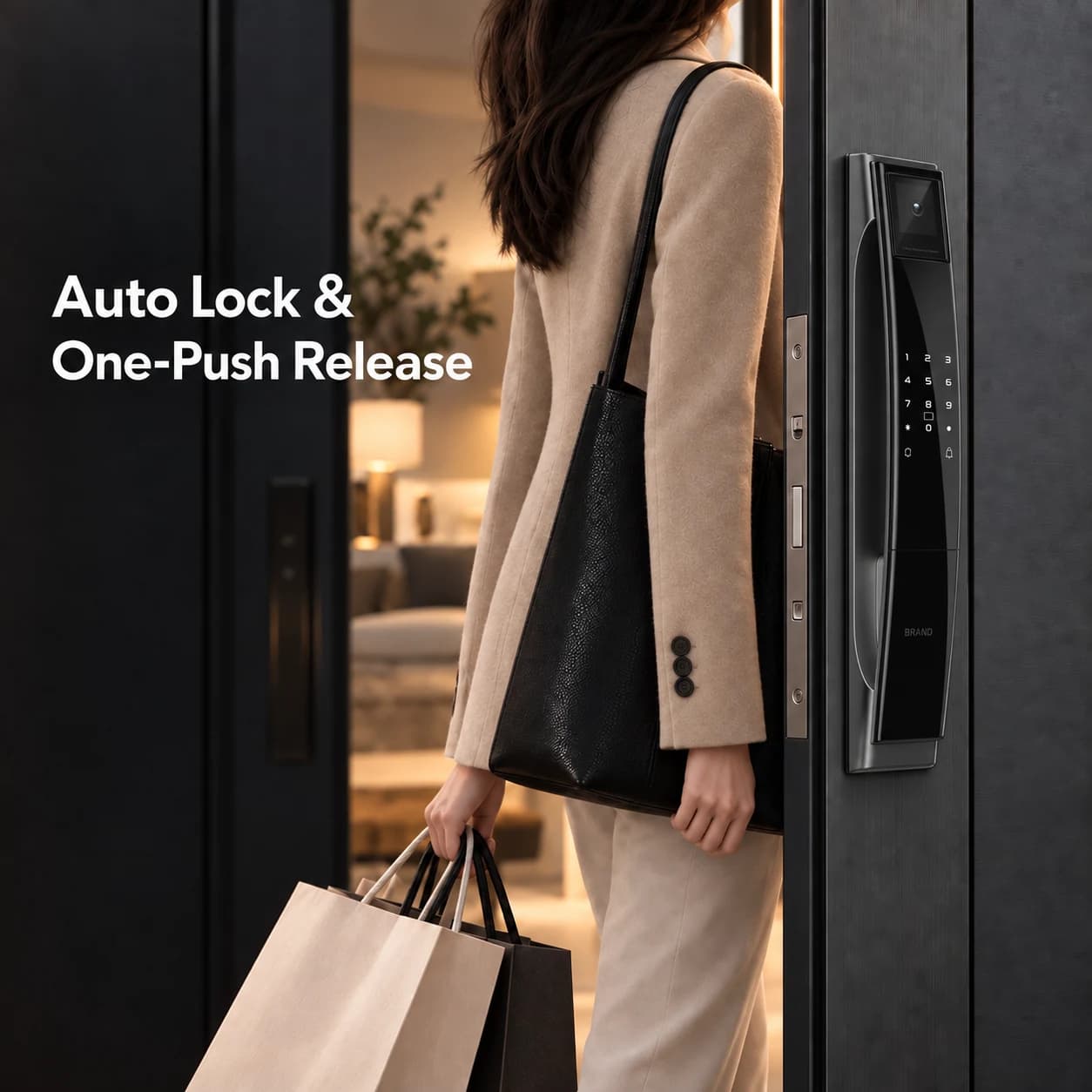
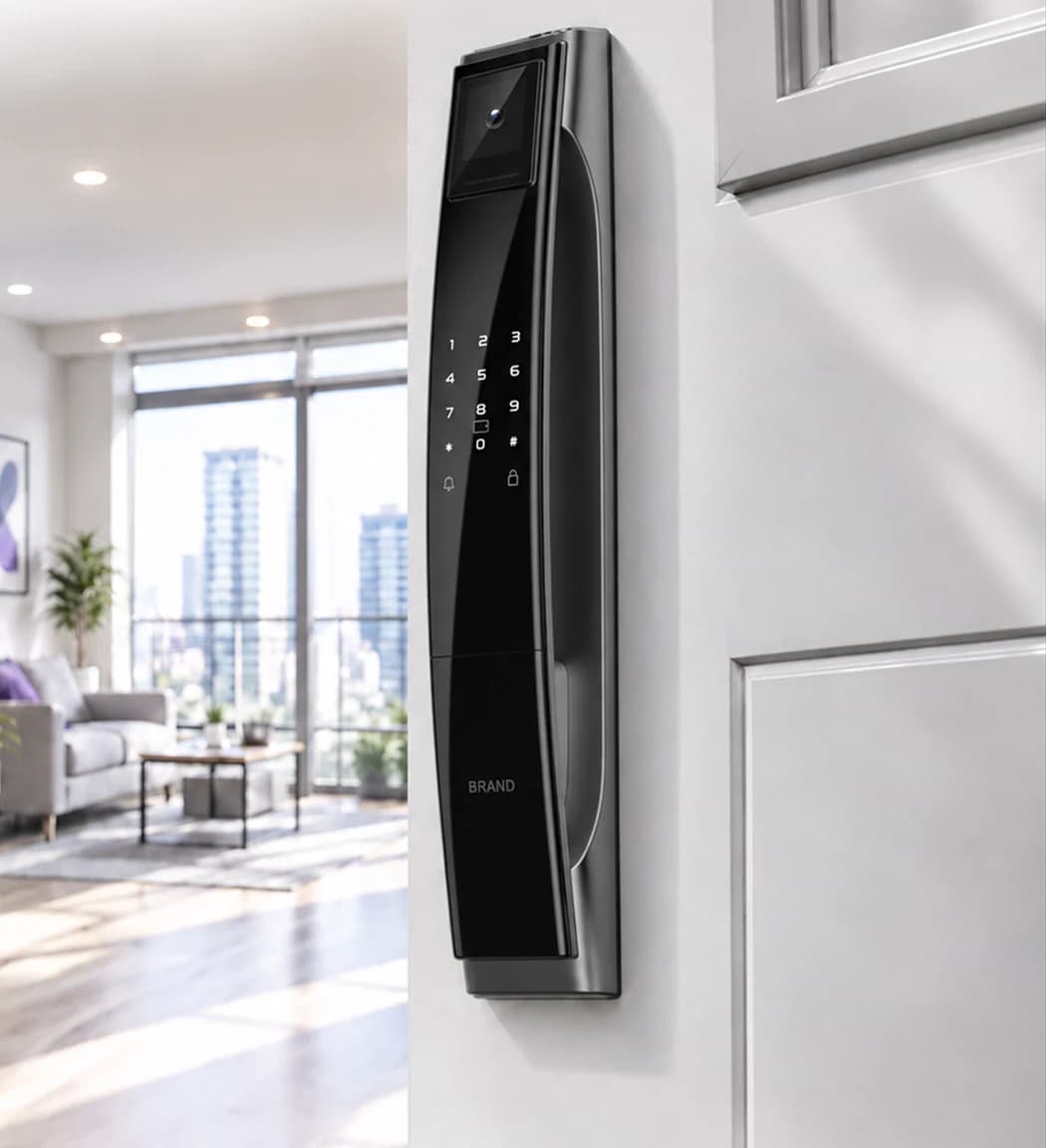
FC102DH mortise smart lock exterior illustrated on an entrance door
FC102DH · Application illustration. Door fit, access functions and the selected Tuya configuration require confirmation.

Residential mortise smart lock.
Match your door.

A residential smart lock with exterior and interior panels, multiple credential methods and a 6068 mortise configuration. Review the supplied hardware, door measurements and Tuya option for the home or apartment.

Format
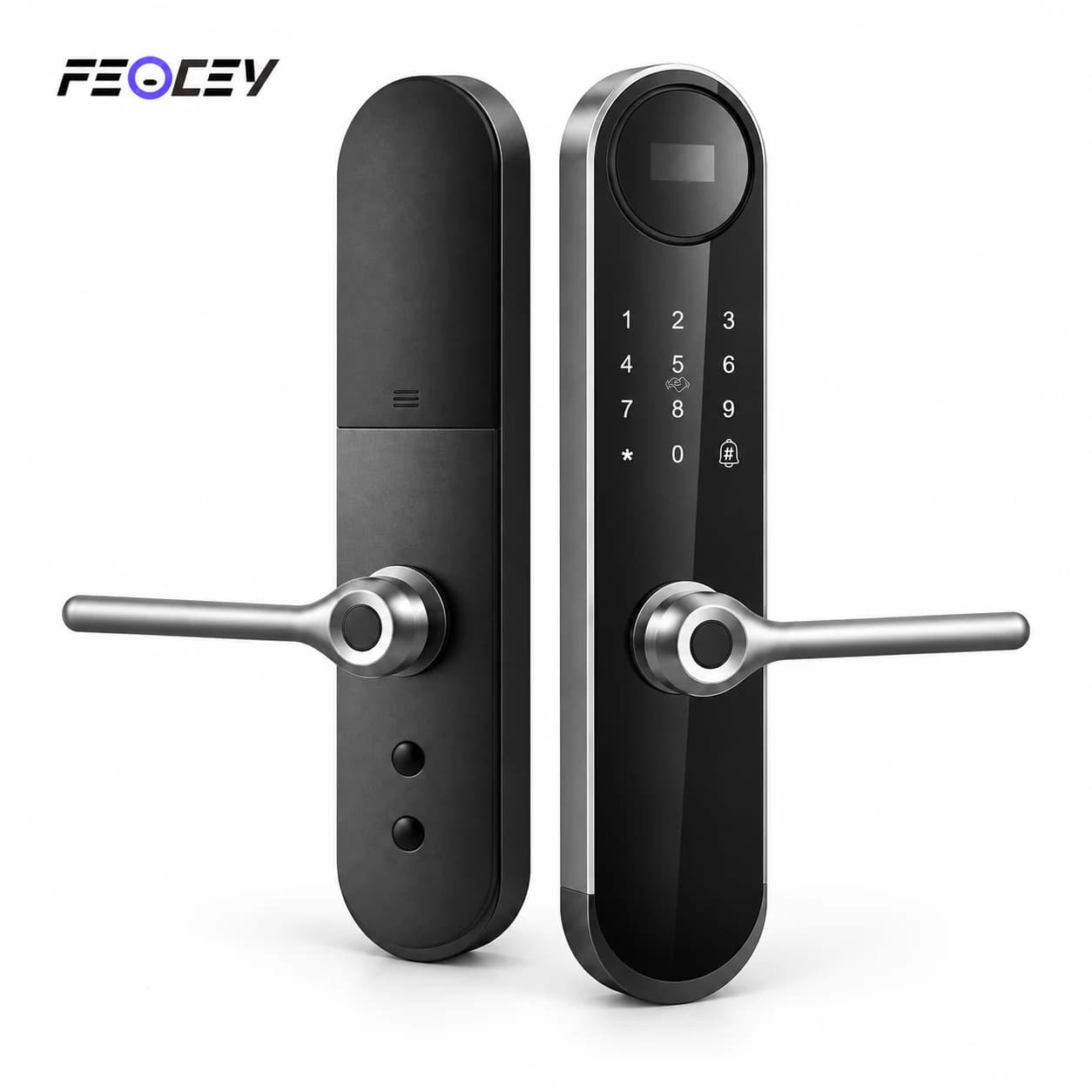
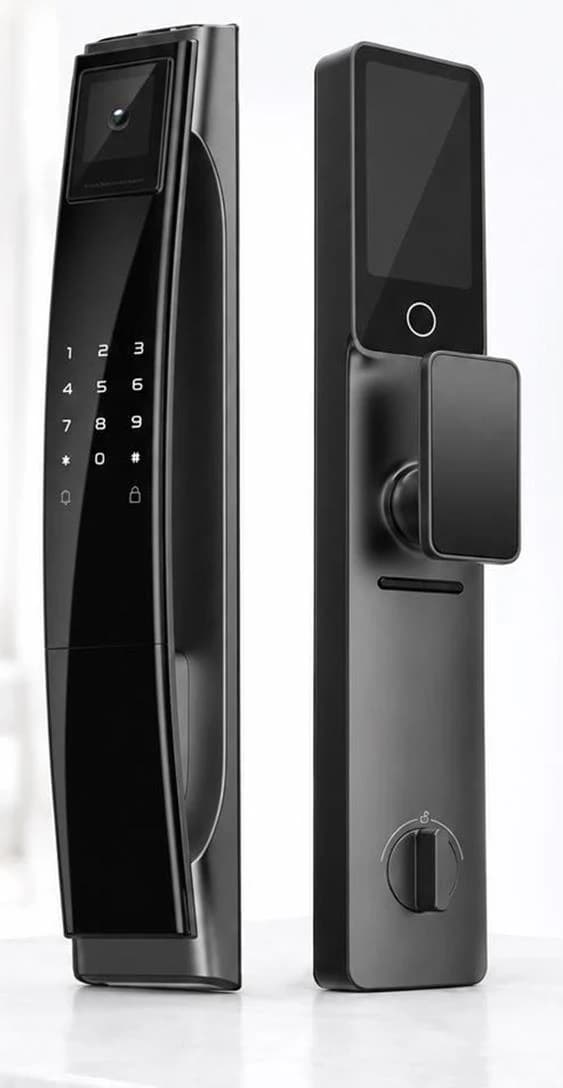
Exterior and interior panels
Lock body
6068 mortise
Platform
Tuya configuration

Supplied product illustration. Functions and installation hardware follow the confirmed order configuration.
Technical specifications.

FC102DH

Parameters follow FC102DH-specific supplier information. Its independent manual is pending; confirm capacity, door fit and operating instructions for the supplied assembly.

FC102DH specifications
Exterior panel420 × 74 × 55 mm, supplier parameter reference
Interior panel420 × 74 × 25 mm, supplier parameter reference
Lock body6068 mechanical / electronic mortise configuration; confirm the supplied version
Door fitConfirm the door thickness, mortise preparation and opening direction for the supplied FC102DH assembly
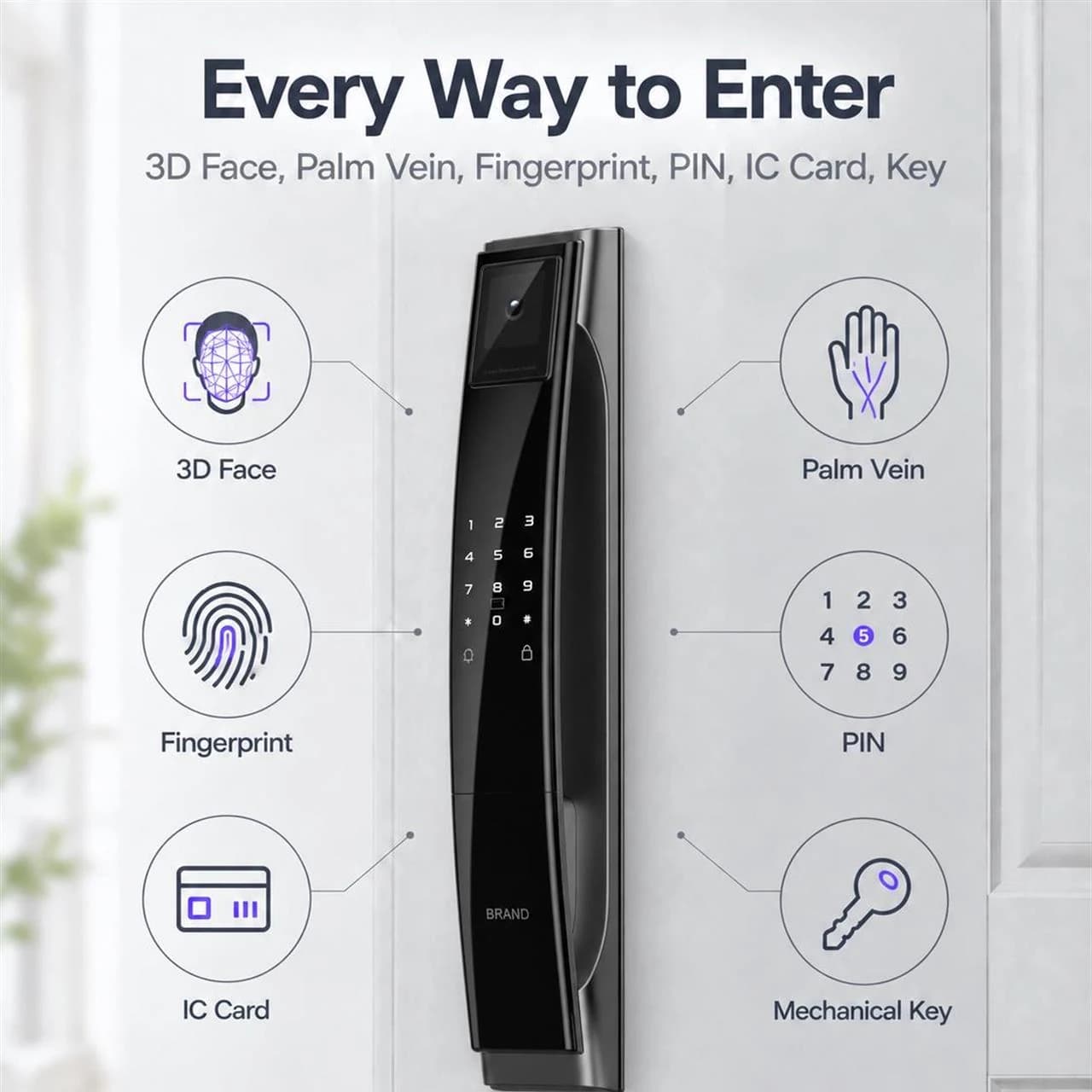
Access methods3D face, palm, fingerprint, PIN, IC card and mechanical key; confirm enabled functions
App optionOptional Tuya app configuration; confirm the network module and operating workflow
More specifications
FC102DH additional specifications
Working voltage6.5–8.0 V, supplier parameter reference
Battery5000 mAh lithium battery, supplier configuration
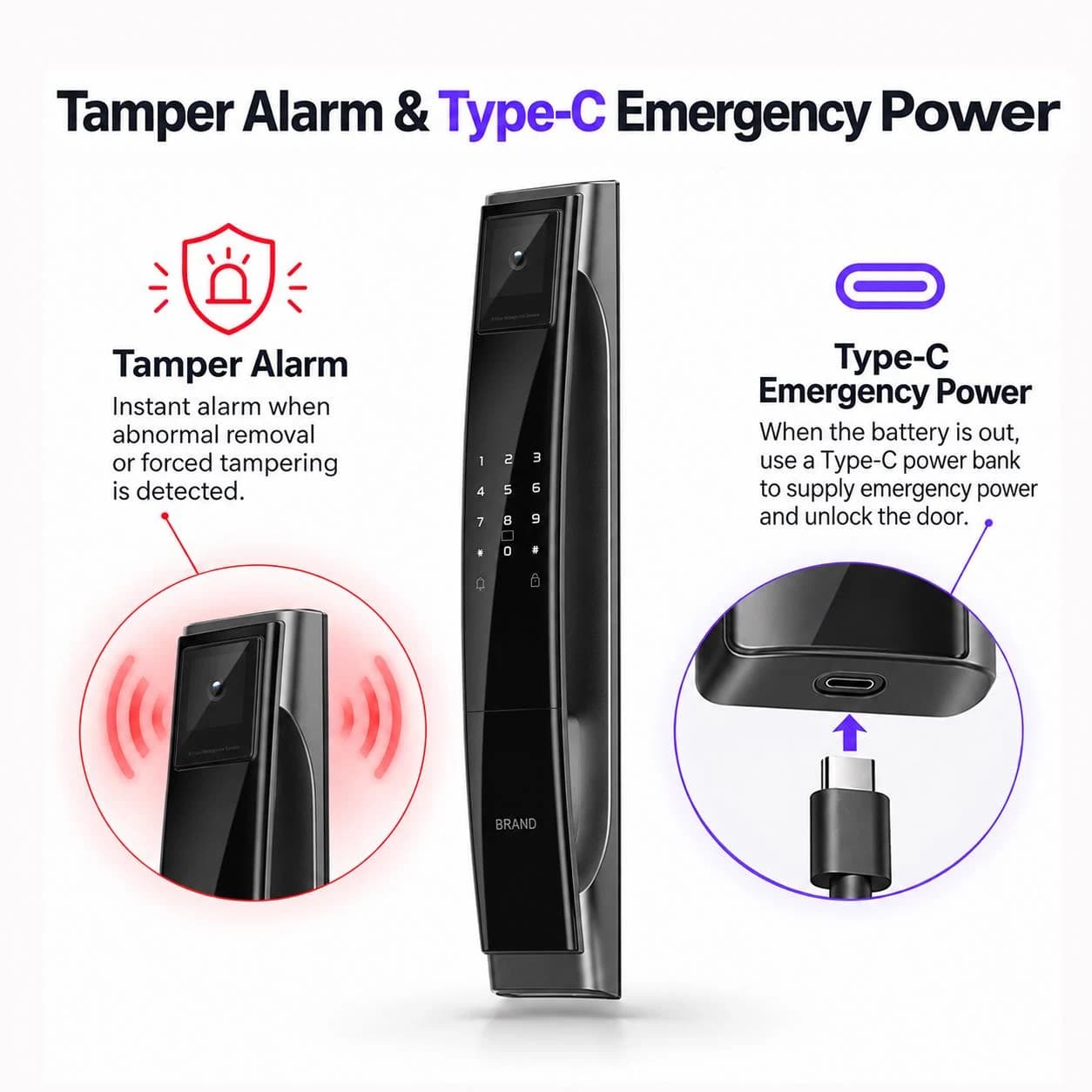
Emergency accessMechanical key and Type-C emergency power
MaterialsAluminum alloy and IML panel, supplier parameter reference
FC102DH illustrated face, palm, fingerprint, PIN, card and mechanical-key access methods
FC102DH · Credential-method illustration. Capacity and enabled functions follow the matching model documentation.

Choose the credential.
Enrol the household.

The model information describes face, palm, fingerprint, PIN, IC card and mechanical-key access. Confirm the enabled credential functions and enrolment limits for the supplied FC102DH firmware. Its independent capacity and operating instructions must be confirmed for this model.

Supplied product illustration. Functions and installation hardware follow the confirmed order configuration.
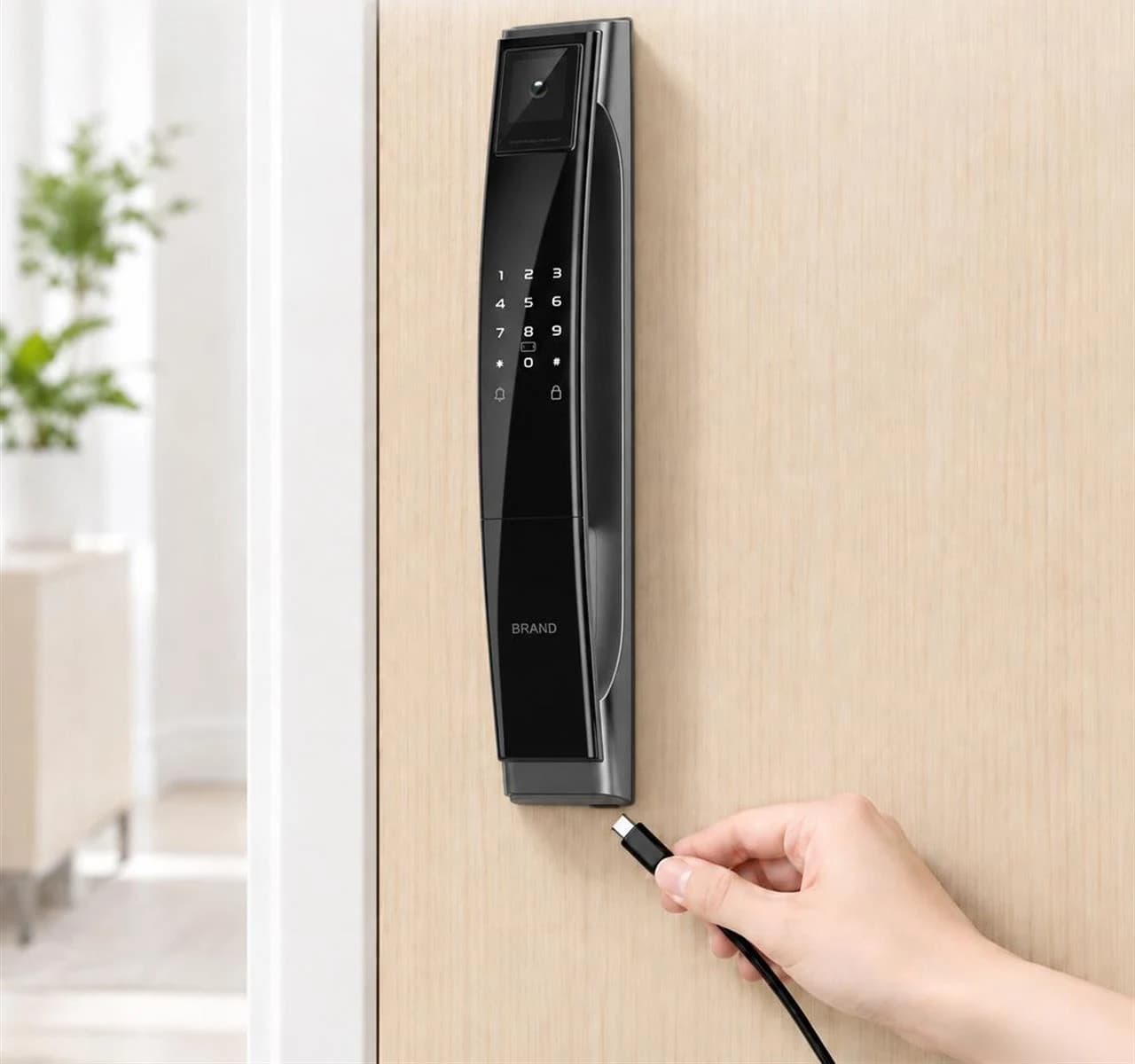
FC102DH door-mounted exterior lock panel with an illustrated Type-C emergency connection
FC102DH · Supplied emergency-power scene. This illustration does not establish battery endurance or charge-cycle performance.

Plan the power.
Keep backup access.

The supplier configuration lists a 5000 mAh lithium battery and 6.5–8.0 V operation. Keep the matching mechanical key available and confirm the Type-C emergency-power and charging instructions for the supplied assembly.

Follow the battery and emergency-power instructions for the supplied lock.

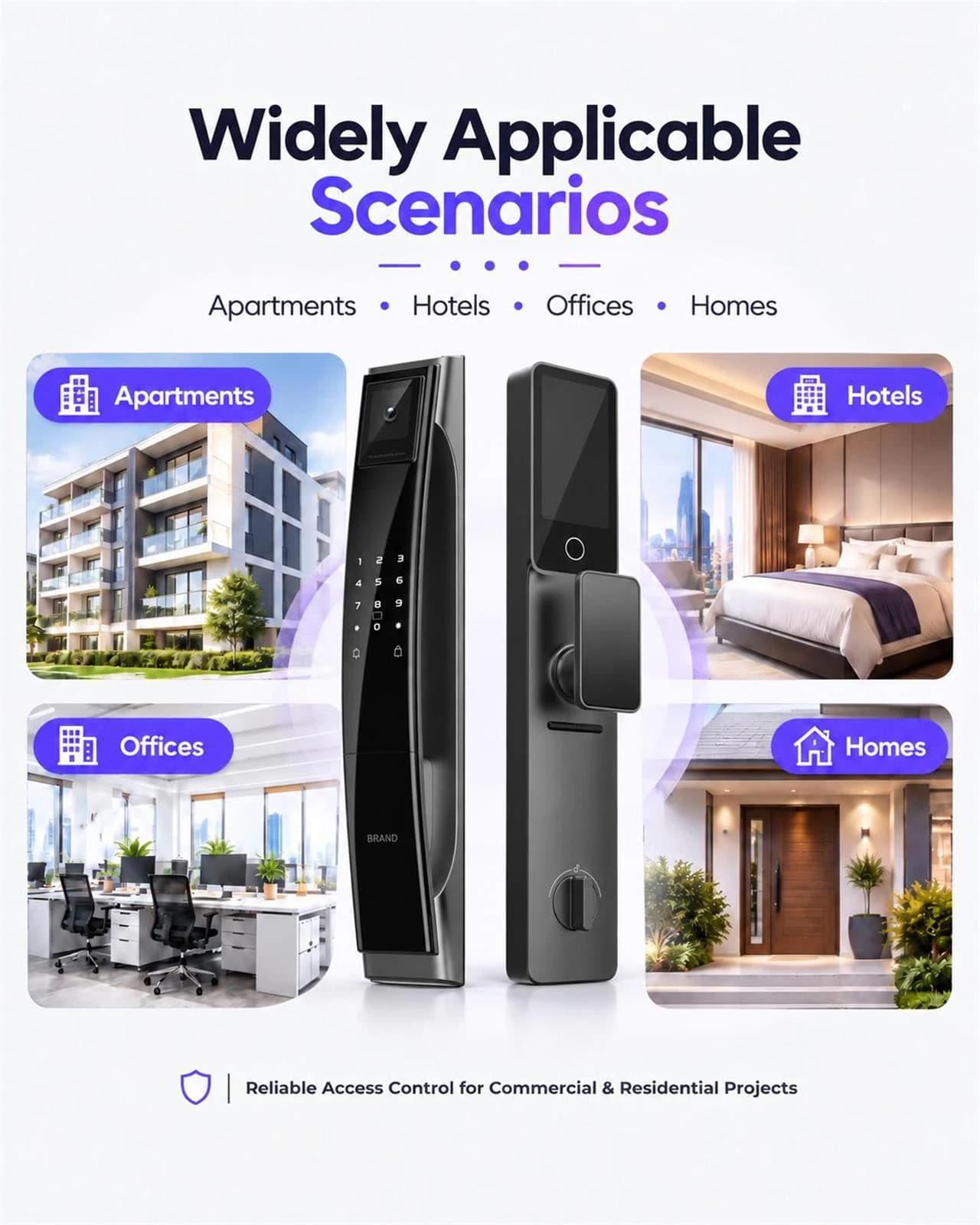
FC102DH exterior and interior panels illustrated with home, apartment, office and hotel entrance settings
FC102DH · Application illustration. Door fit, access functions and the selected Tuya configuration require confirmation.

Review the door viewer.
Match the configuration.

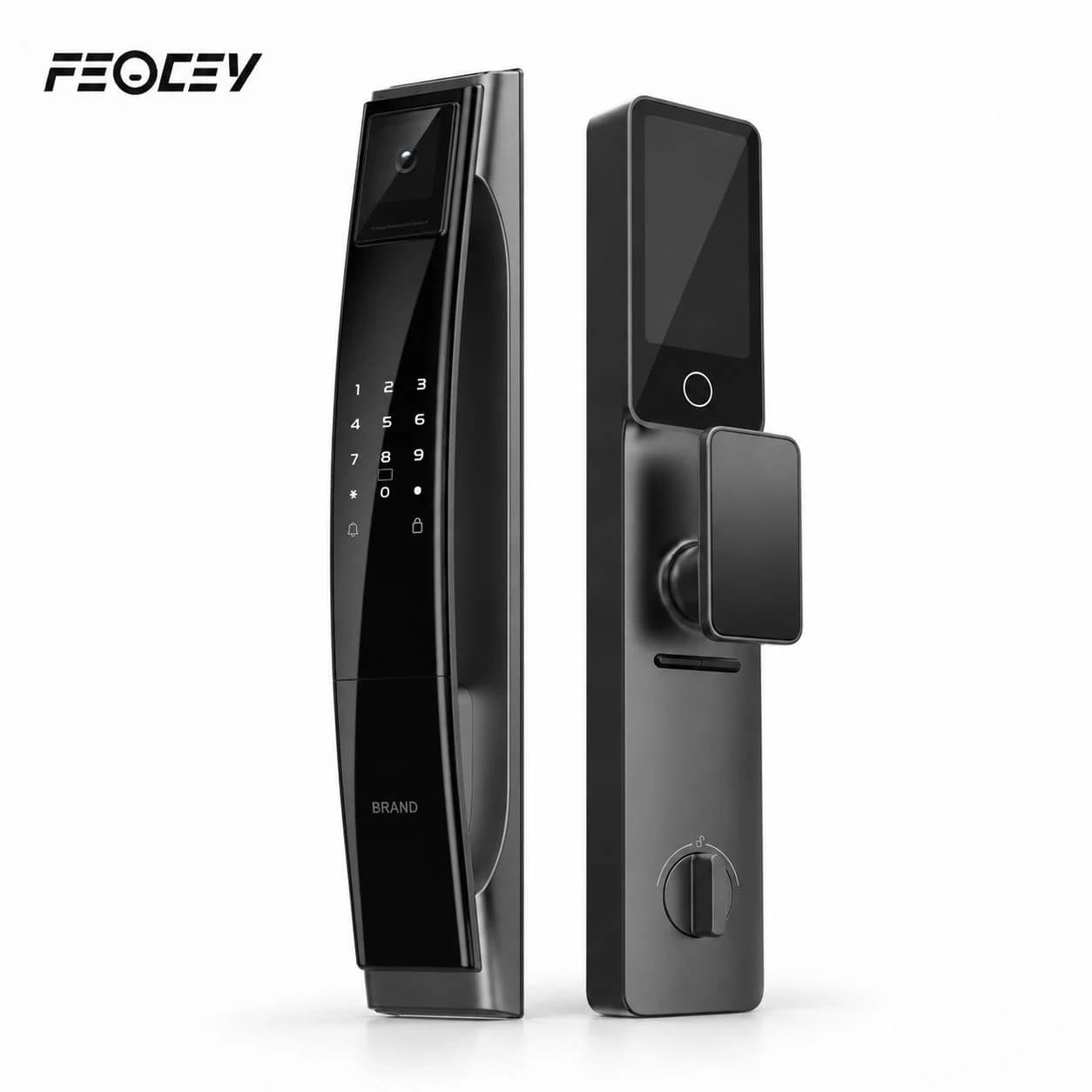
The supplied product views show a door-viewer configuration for home and apartment entrances. Confirm the camera, interior display and enabled Tuya functions for the selected FC102DH version before specifying a visitor-interaction workflow.

Supplied product illustration. Functions and installation hardware follow the confirmed order configuration.
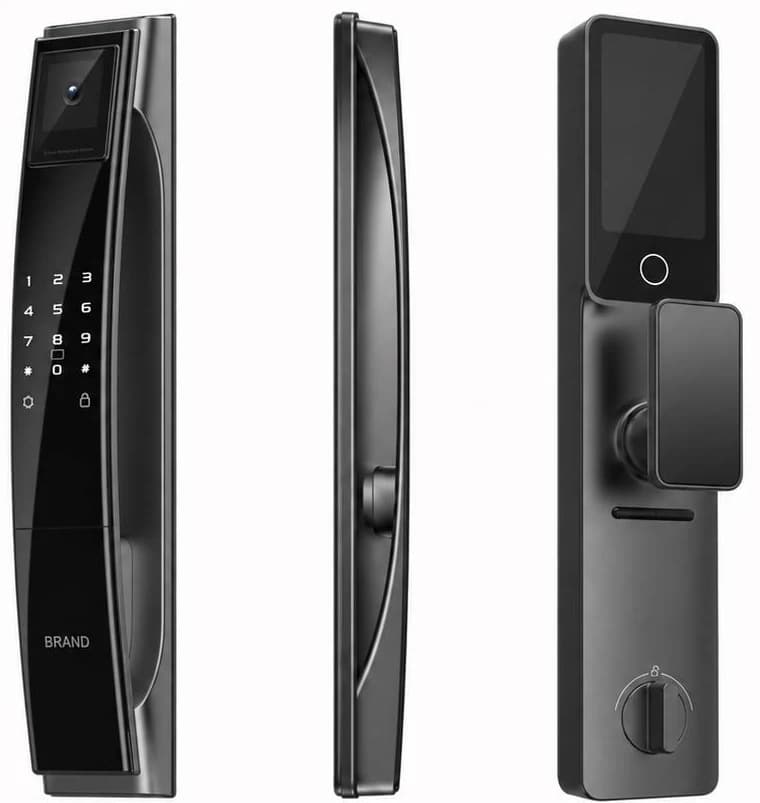
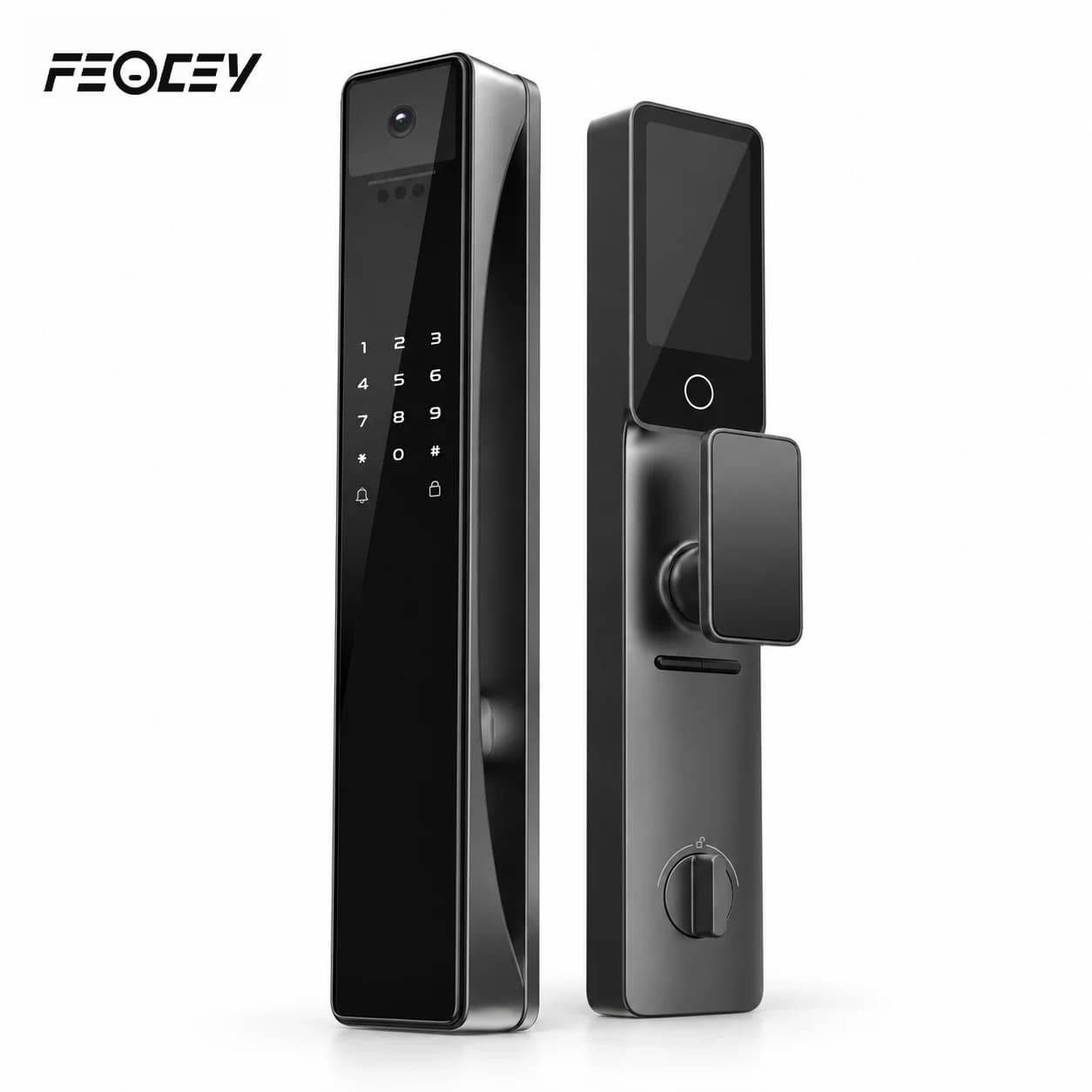
FC102DH supplied exterior, side and interior panel views
FC102DH · Panel-reference views. Confirm the supplied assembly and model-specific installation drawing.

Measure the door.
Match the lock body.

Review the 6068 mortise, door thickness and opening direction with your installer. The current supplier parameters list a 420 × 74 × 55 mm exterior panel and 420 × 74 × 25 mm interior panel. Request the matching installation drawing and manual before preparing the door.

Request documents for FC102DH

Door and panel dimensions are not a promise of compatibility with every door standard. Confirm the exact preparation.

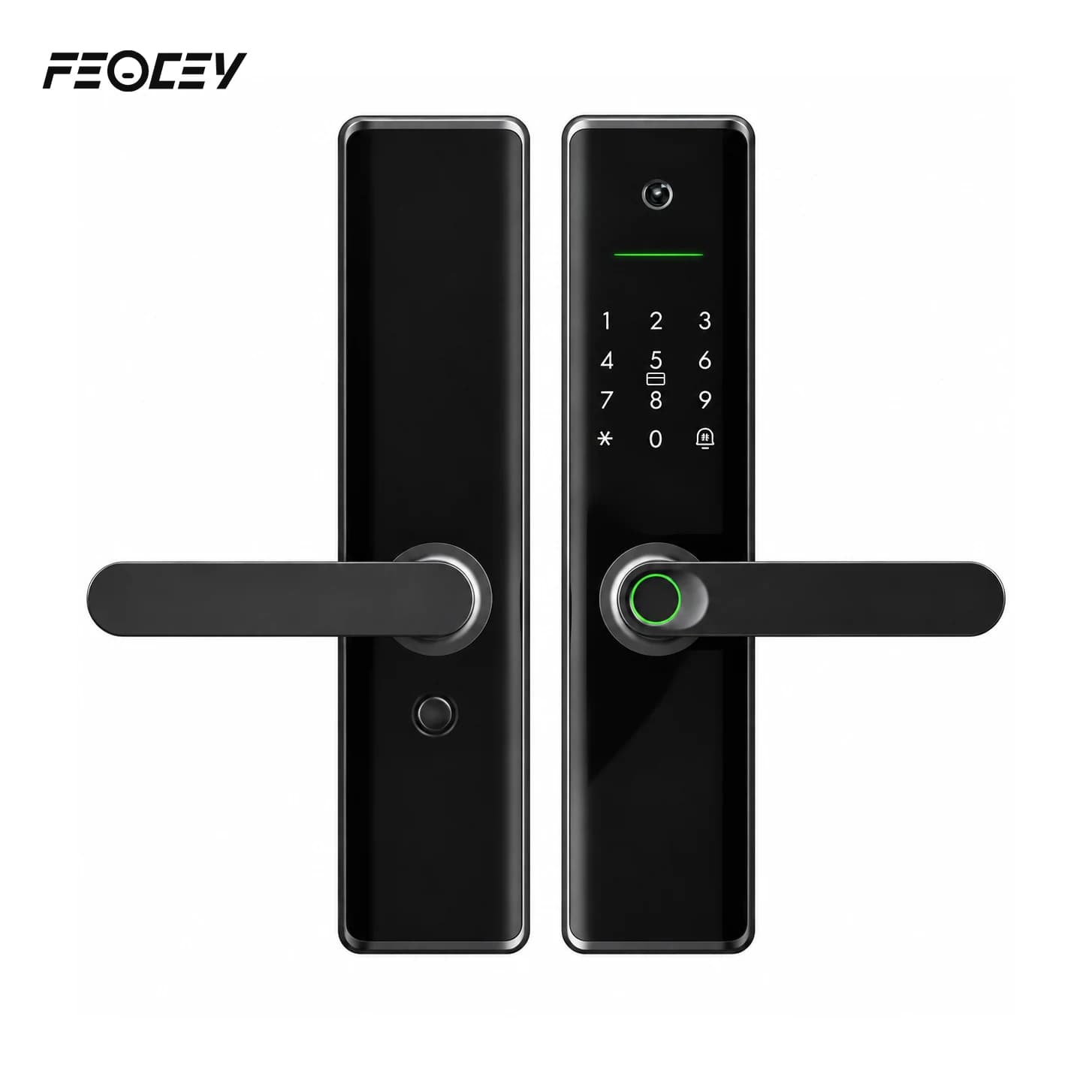
FC102DH exterior and interior lock-panel assembly shown without door-fit promises
FC102DH · Panel assembly illustration. Confirm the selected mortise, door thickness and installation drawing.

Follow the template.
Test with the door open.

Confirm the exact mortise, spindle, cable route and fixing pattern for FC102DH. Use its approved order drawing and template, then test the complete mechanical and electronic operation with the door open. Request the independent FC102DH manual before installation and setup.

Request documents for FC102DH

An independent FC102DH manual is pending. Request the exact installation drawing and instructions.

Product resources.

Manuals and integration support for FC102DH.

Documents for FC102DH →

Request the manual, dimension drawing and integration reference for your FC102DH configuration.

Request documents for FC102DH

Your questions, answered.

How can we get the FC102DH installation and setup manual?

Request the FC102DH manual and installation drawing with the lock-body and software configuration. Use the reference for the exact supplied assembly before preparing the door or configuring access.

What installation details does FC102DH need?

Confirm the FC102DH lock body, door thickness, opening direction and fixing positions with the installer. Request its matching installation drawing.

What should we confirm for FC102DH app access?

FC102DH model information identifies Tuya. Confirm the exact network version, firmware and enabled functions, and request its own setup reference.