Smart Locks

FC8286LD

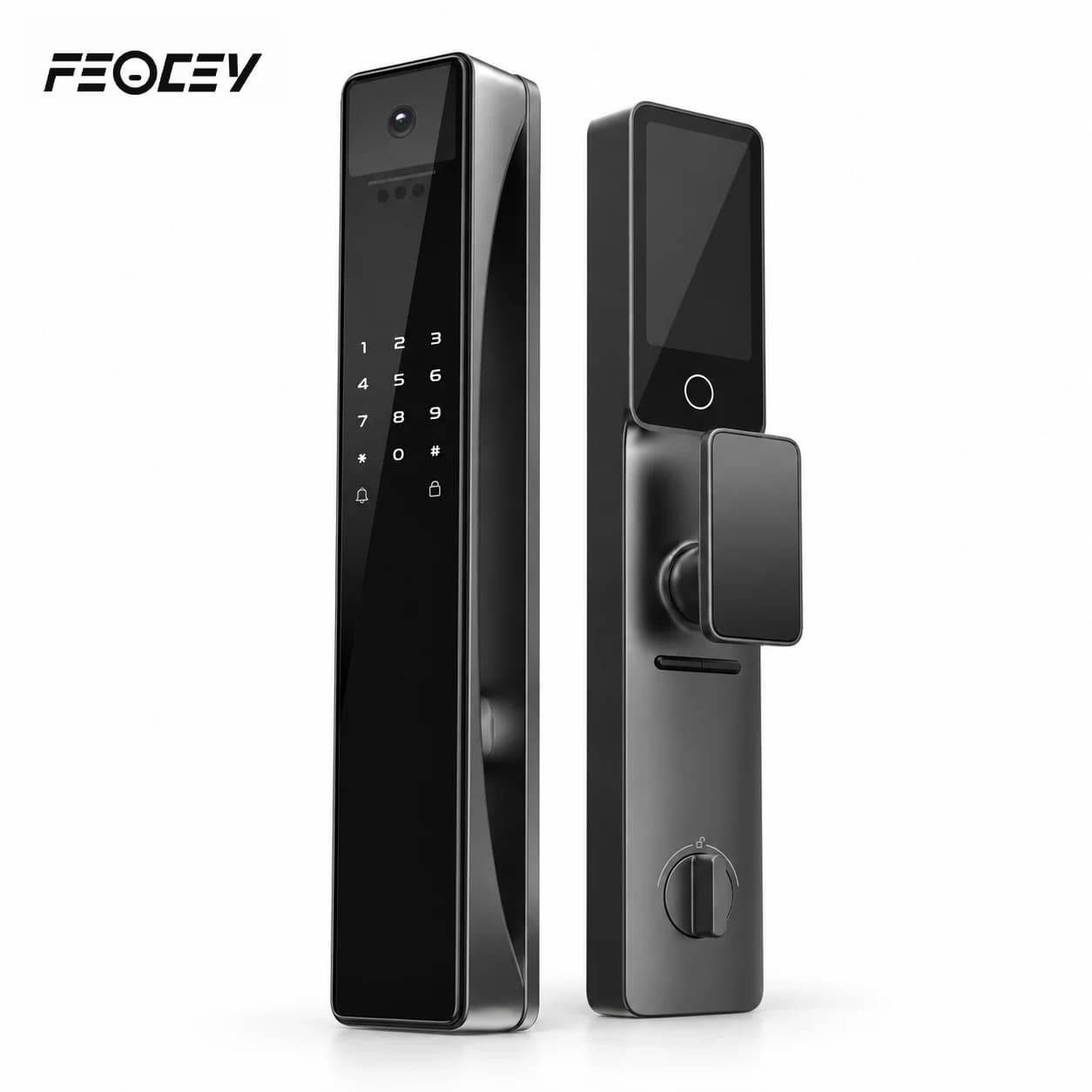
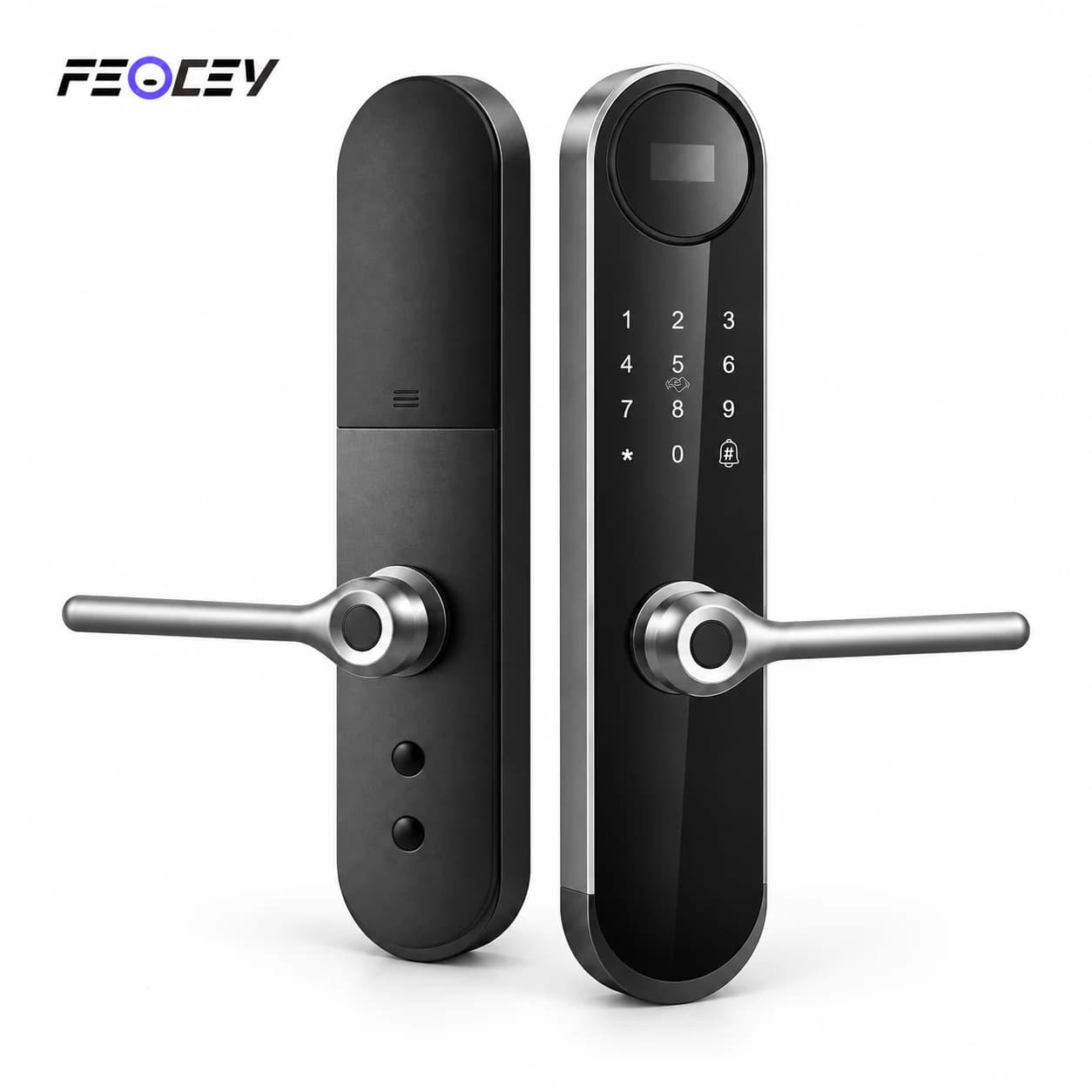
Mortise smart lock with OLED display

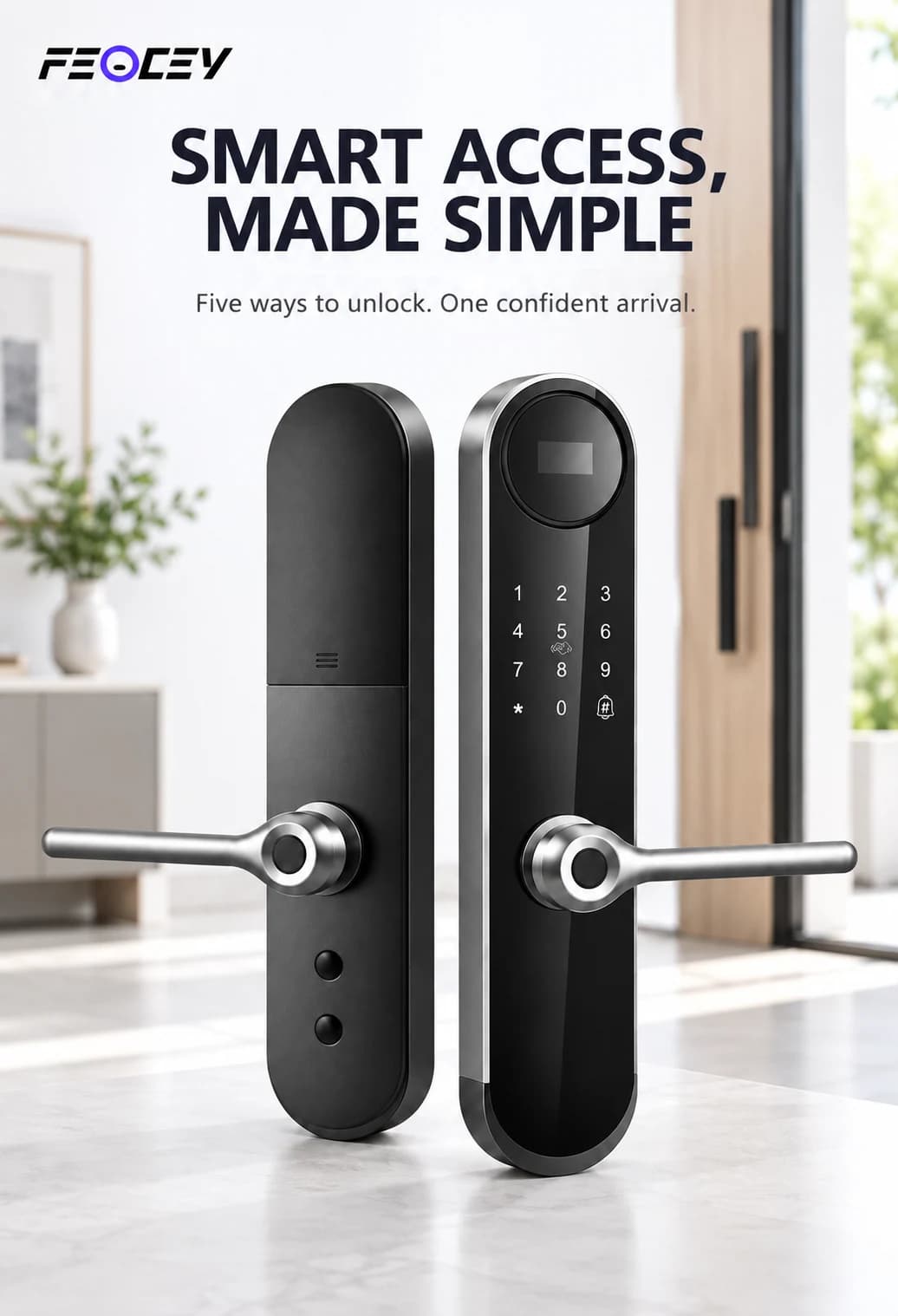
Mortise smart lock with OLED display.

A fingerprint mortise lock with a 0.96-inch OLED status display, PIN and card access, and a mechanical key. Match the mortise and Tuya Wi-Fi configuration to the door and household workflow.

  • 0.96-inch OLED display
  • Fingerprint, PIN and card access
  • Tuya Wi-Fi request workflow
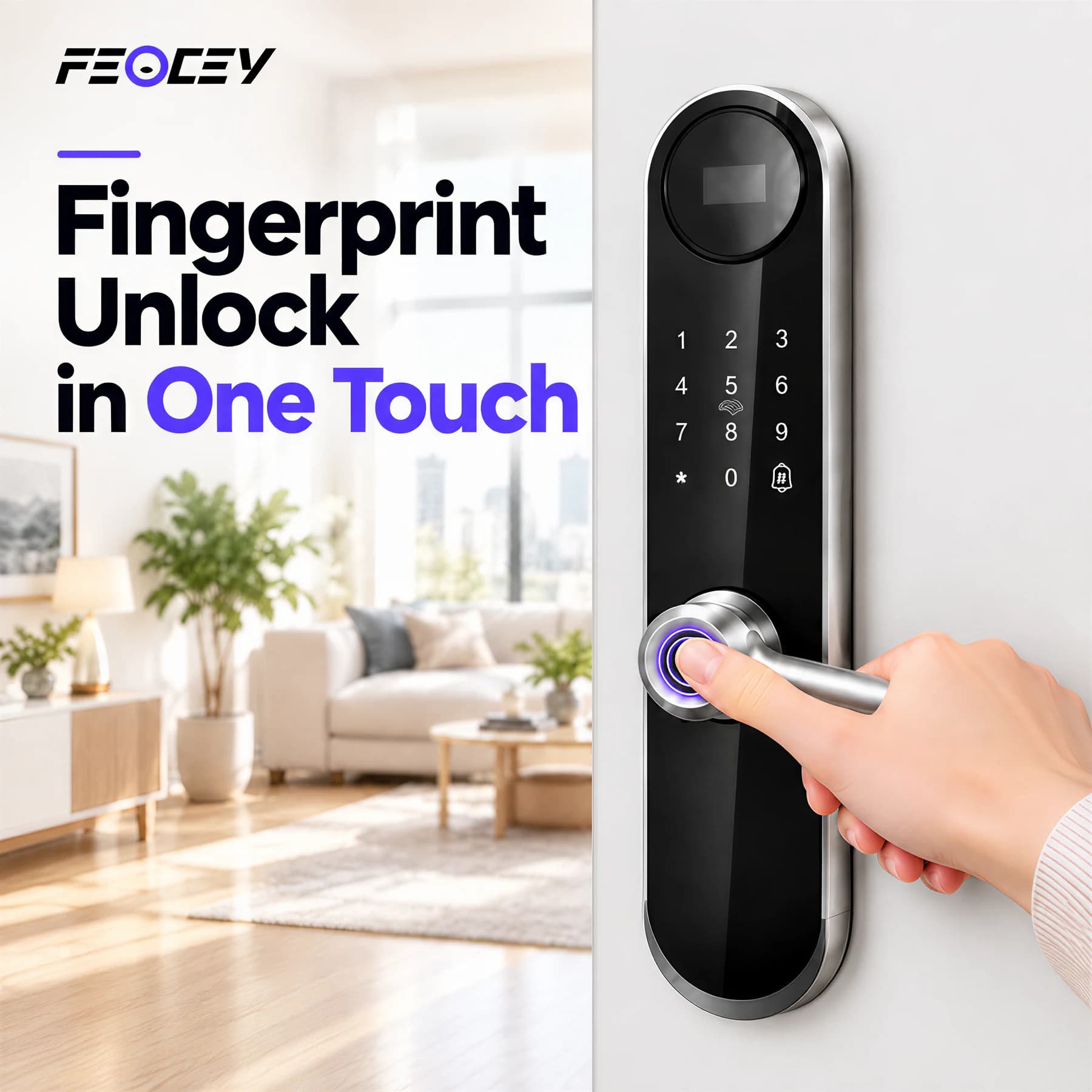
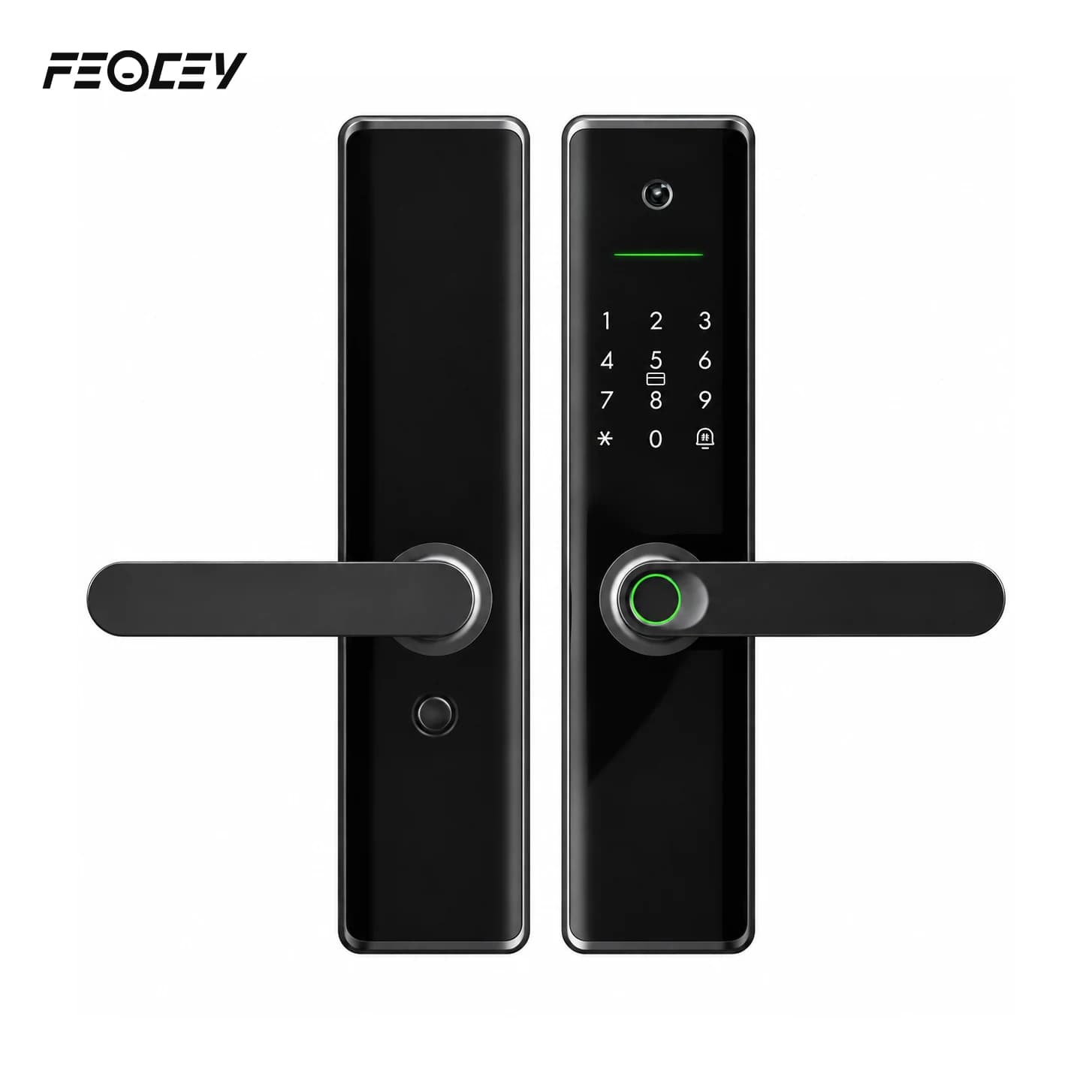
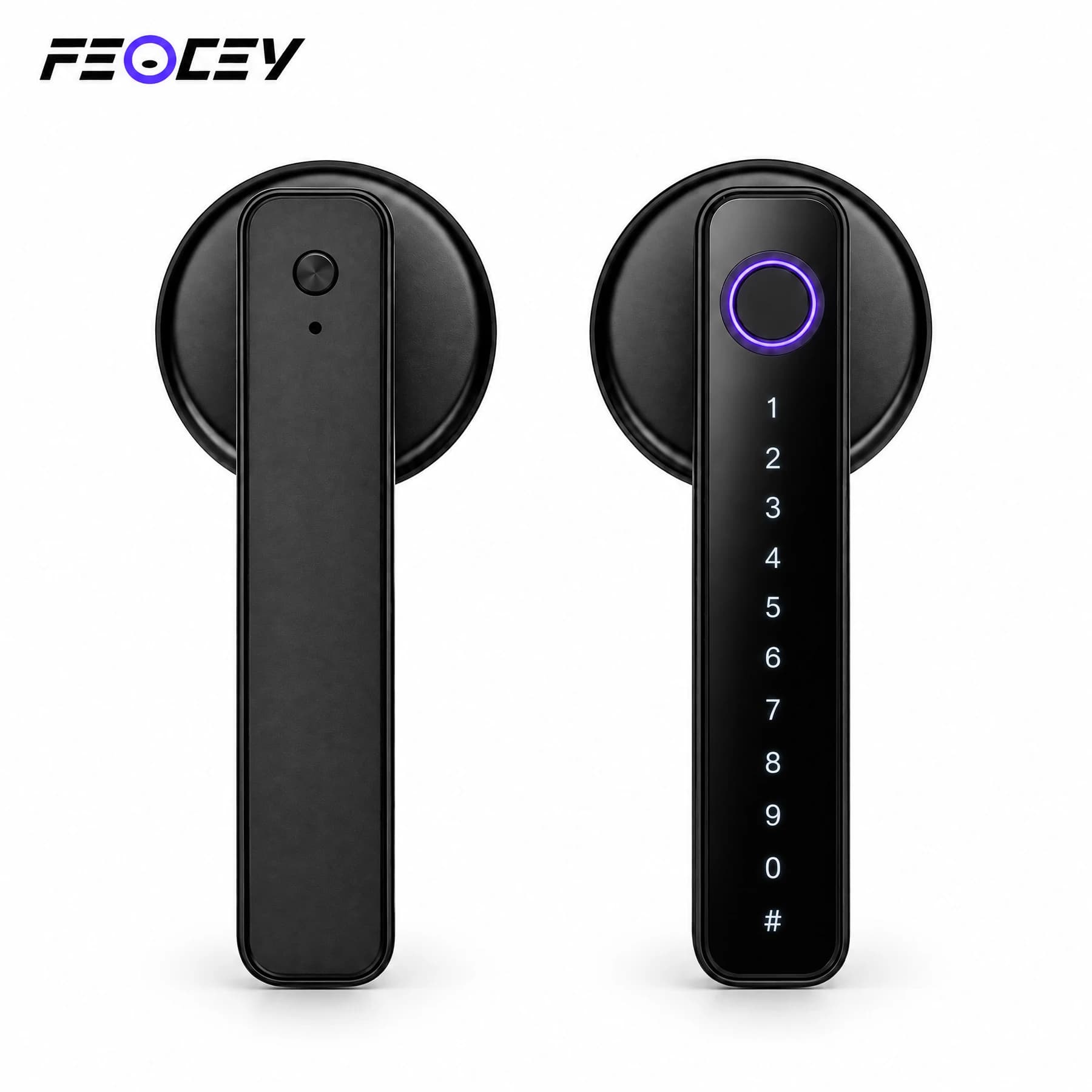
FC8286LD exterior and interior mortise lever panels illustrated at a residential entrance
FC8286LD · Application illustration. Door fit, access functions and the selected Tuya configuration require confirmation.

Mortise smart lock with OLED display.
Match your door.

A fingerprint mortise lock with a 0.96-inch OLED status display, PIN and card access, and a mechanical key. Match the mortise and Tuya Wi-Fi configuration to the door and household workflow.

Display
0.96-inch OLED
Capacity
300 total users
Door thickness
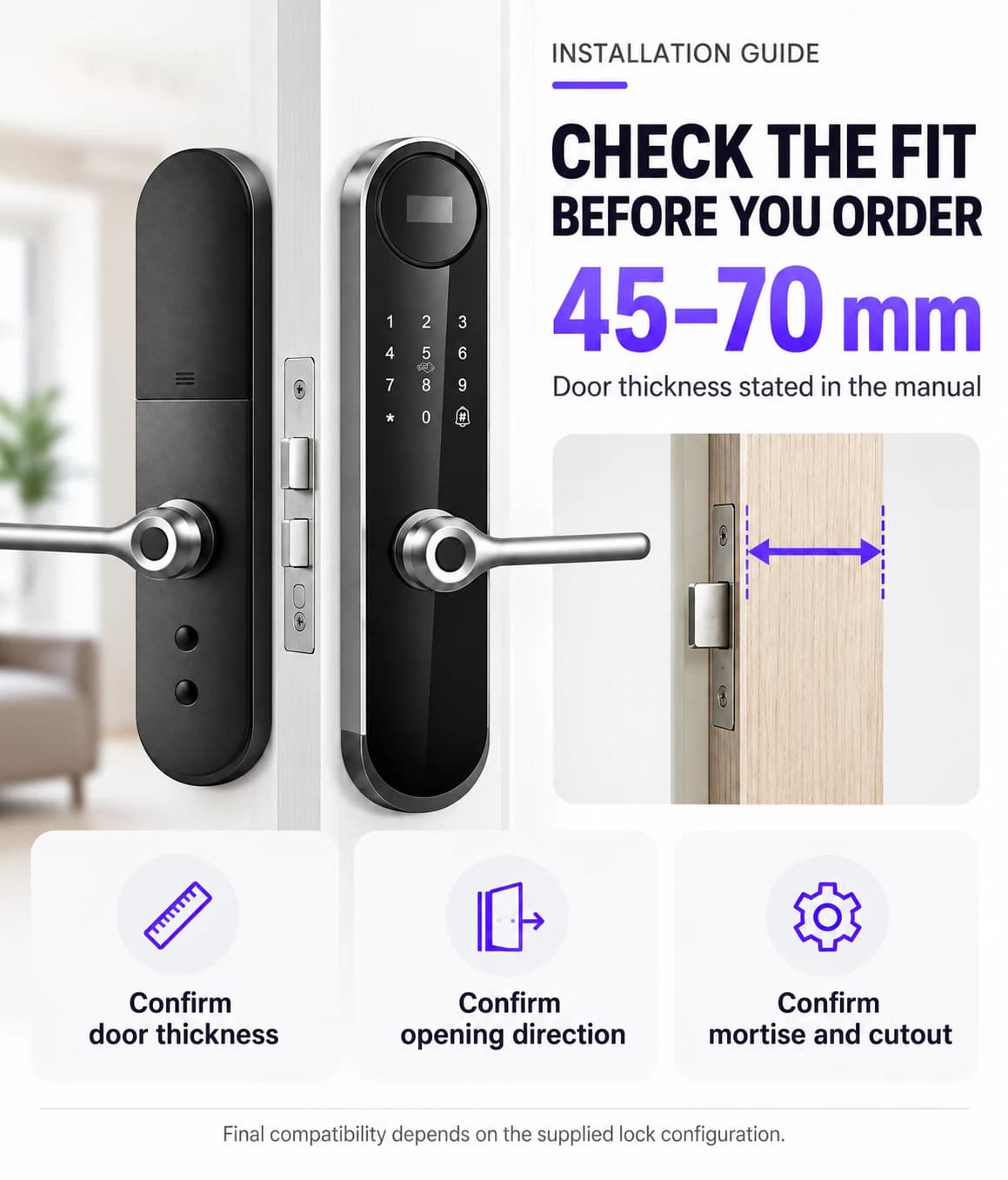
45–70 mm
Power
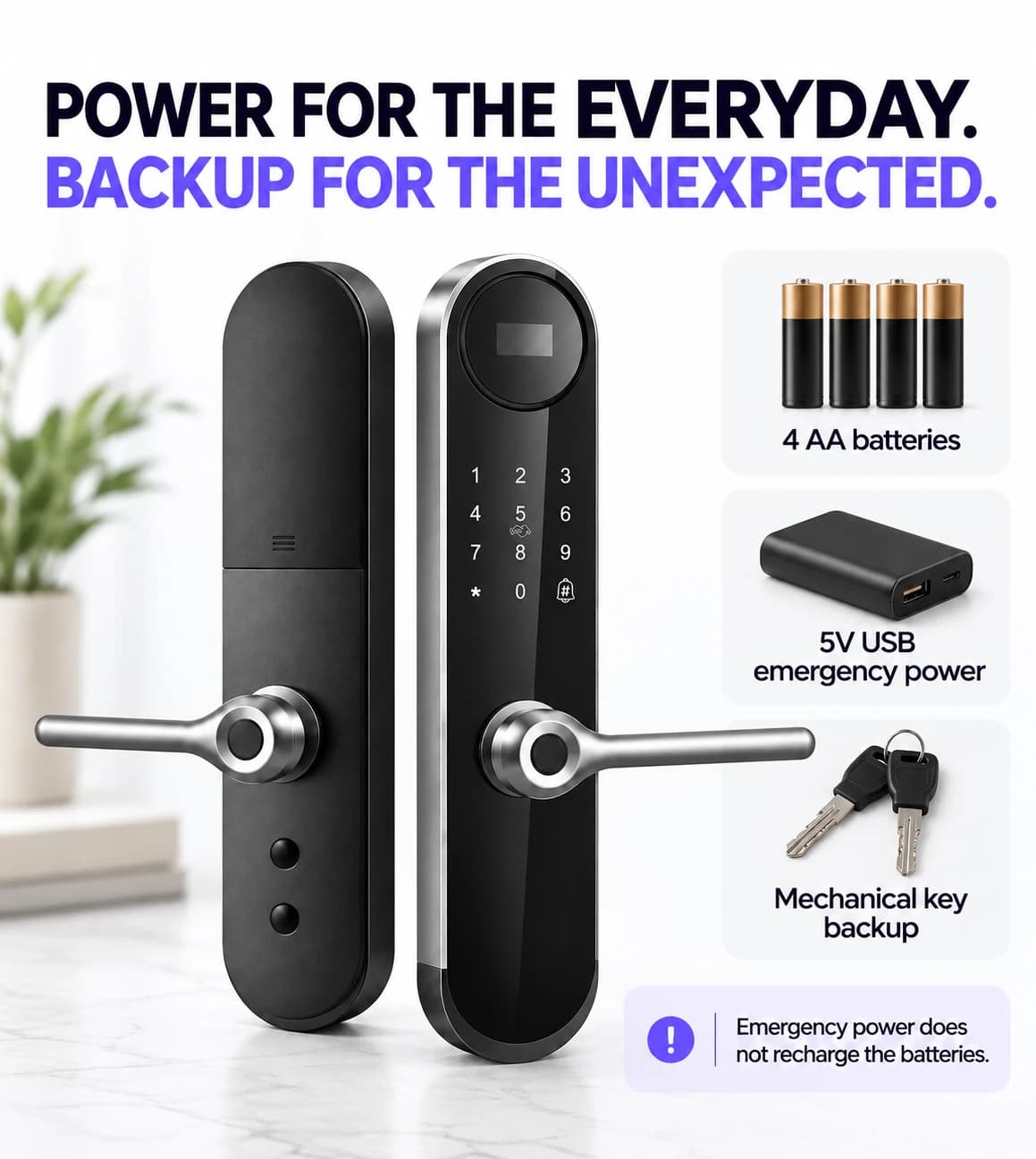
Four AA batteries

Supplied product illustration. Functions and installation hardware follow the confirmed order configuration.
Technical specifications.

FC8286LD

Parameters follow the matching visible English manual, with supplier lock-body options where stated. Confirm the selected mortise or latch, door preparation, network module and firmware.

FC8286LD specifications
Access methodsFingerprint, PIN, M1 card and mechanical key
User capacity300 total users: 9 administrators and 291 regular users; up to 100 fingerprints
Display0.96-inch OLED
PIN length6–8 digits
App connectionTuya Wi-Fi; remote access follows a doorbell or 9# request and app approval
Mortise options60 × 52 / 60 × 85 / 50 × 85 / 50 × 50 mm supplier configurations; confirm the matching drawing
More specifications
FC8286LD additional specifications
Door thickness45–70 mm; confirm the mortise, spindle and supplied fixing hardware
BatteryFour AA dry batteries, as shown in the installation instructions
Working voltage4.5–6.0 V
Emergency power5 V USB emergency power through the Type-C connection
Backup accessMechanical key
Operating temperature−25°C to 70°C
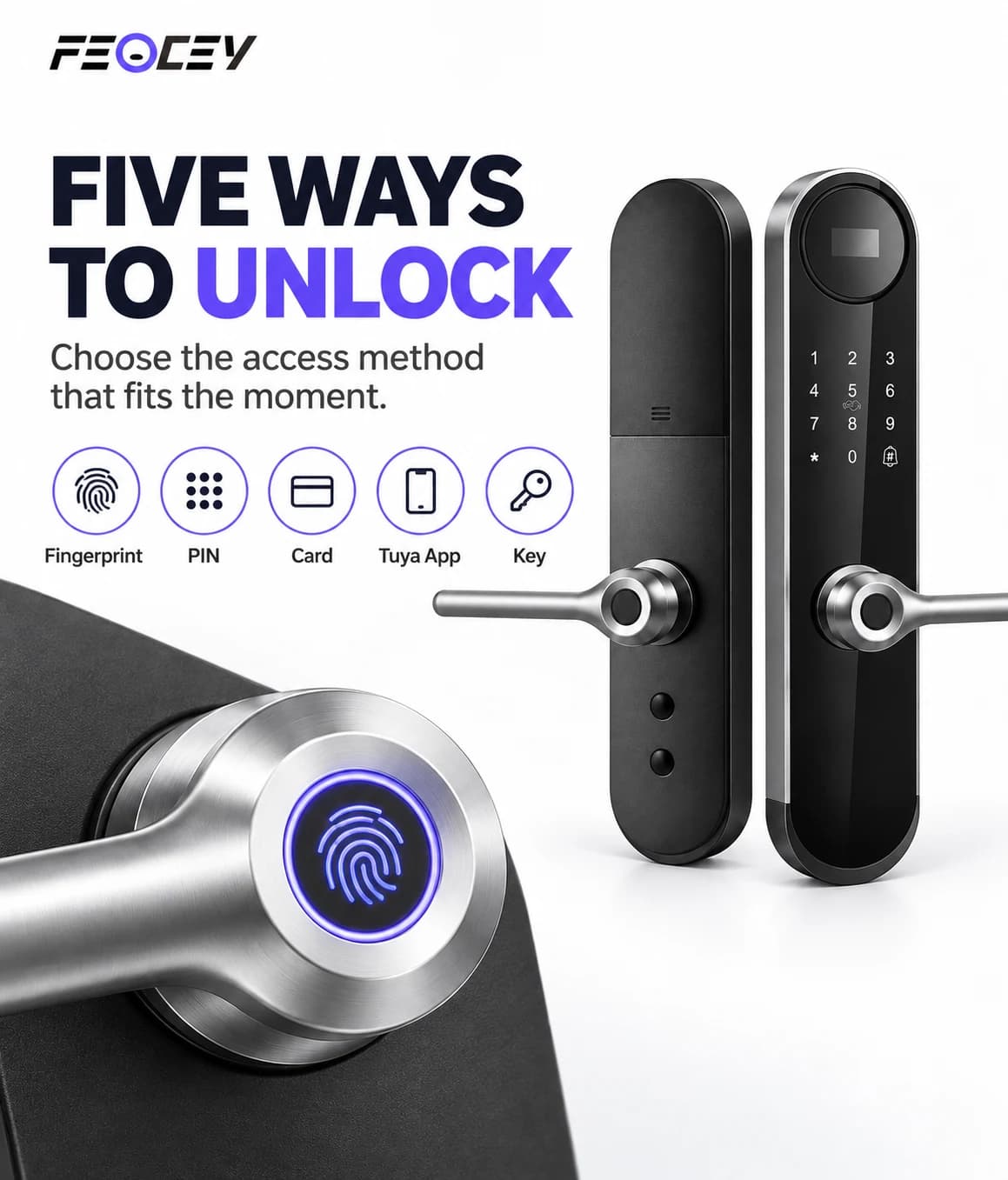
FC8286LD illustrated fingerprint, PIN, card, Tuya app and mechanical-key access methods
FC8286LD · Credential-method illustration. Tuya functions depend on the selected connection and supplied configuration.

Choose the credential.
Enrol the household.

Enrol fingerprint, 6–8 digit PIN and M1 card credentials, with the mechanical key retained for backup. The manual lists 300 total users, including 9 administrators and 291 regular users, and supports up to 100 fingerprints. The OLED display provides local status feedback.

Supplied product illustration. Functions and installation hardware follow the confirmed order configuration.
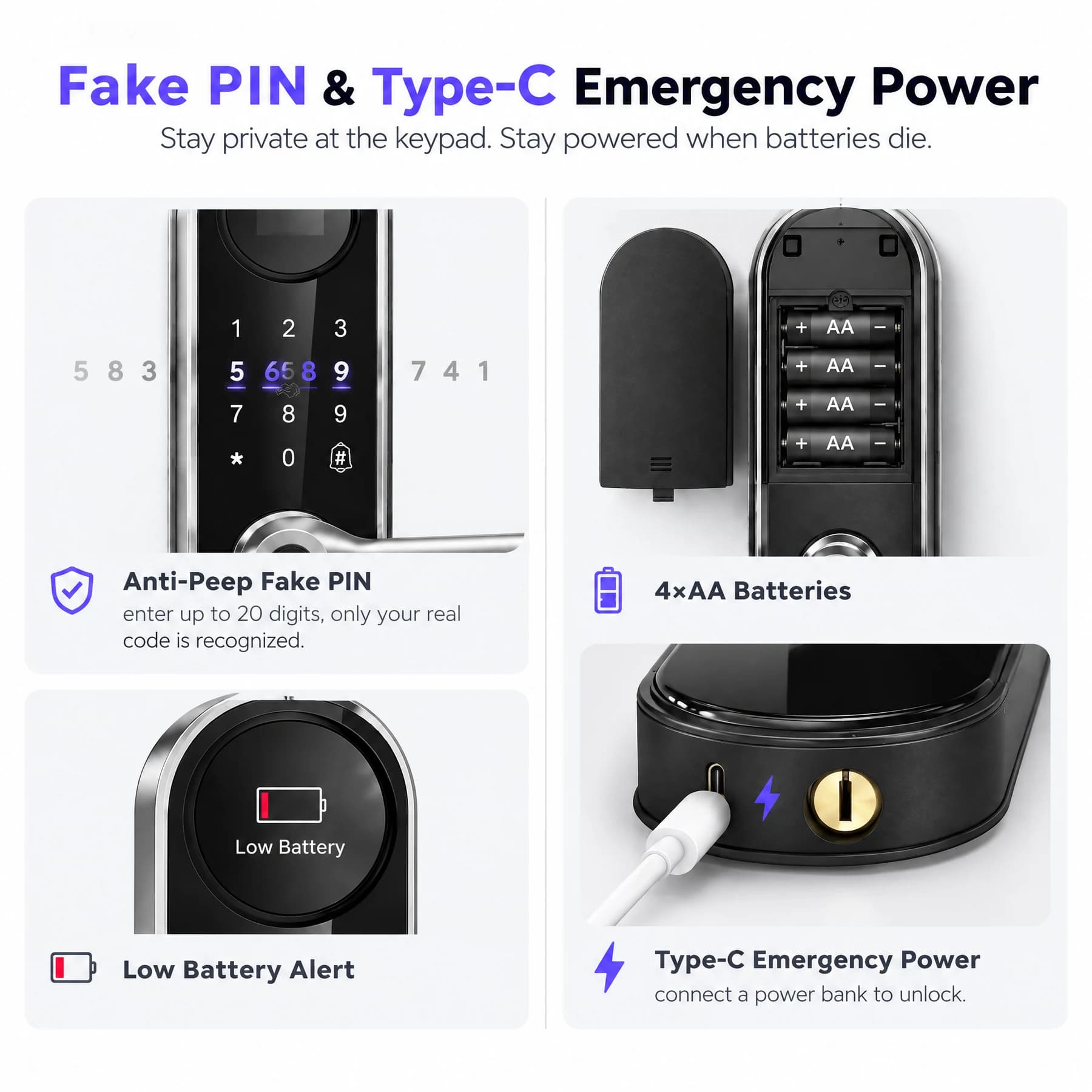
FC8286LD illustrated PIN privacy, battery compartment, low-battery indication and Type-C emergency power
FC8286LD · Backup-access illustration. Follow the supplied battery, mechanical-key and emergency-power instructions.

Plan the power.
Keep backup access.

The installation instructions specify four AA dry batteries and 4.5–6.0 V operation. The mechanical key and 5 V USB emergency power provide backup access when required. Follow the supplied instructions for battery type, polarity and the Type-C emergency connection.

Follow the battery and emergency-power instructions for the supplied lock.

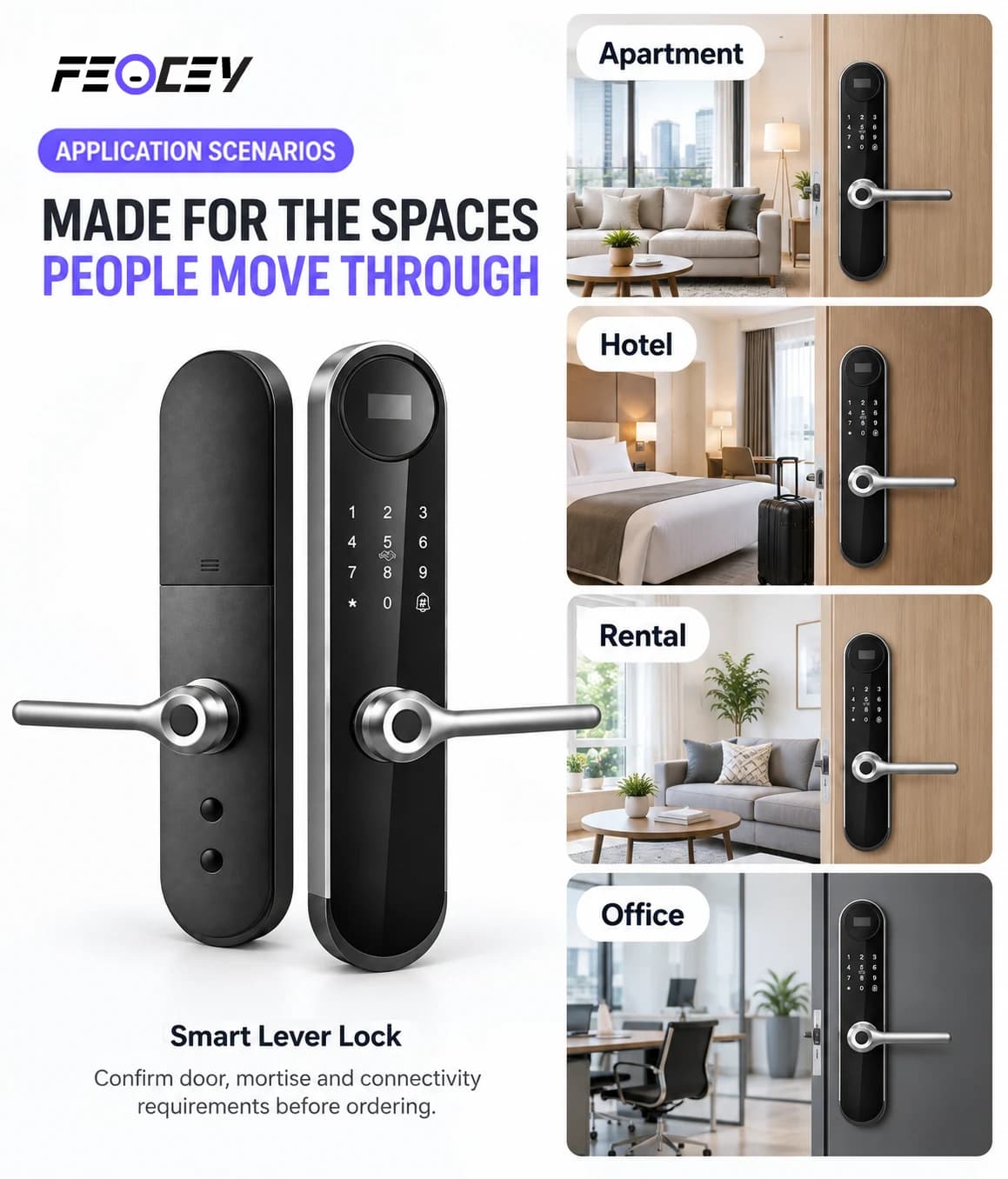
FC8286LD lever lock panels illustrated with apartment, hotel, rental and office entrances
FC8286LD · Application illustration. Door fit, access functions and the selected Tuya configuration require confirmation.

Manage the request.
Confirm the response.

Use the documented Tuya Wi-Fi setup for the supplied module. Remote unlocking follows a request from the doorbell or 9# at the lock and approval in the app. Confirm the network, firmware and requested access workflow for the household or apartment.

Supplied product illustration. Functions and installation hardware follow the confirmed order configuration.
FC8286LD supplied door-fit illustration marked 45 to 70 mm with opening-direction and mortise checks
FC8286LD · 45–70 mm door-thickness reference follows the matching manual; confirm mortise, cutout and opening direction.

Measure the door.
Match the lock body.

Review the 45–70 mm door thickness and the selected mortise drawing. Supplier mortise options are 60 × 52, 60 × 85, 50 × 85 and 50 × 50 mm. Confirm the spindle, handle direction, strike position and fixing hardware for that particular lock body.

View installation reference

Door and panel dimensions are not a promise of compatibility with every door standard. Confirm the exact preparation.

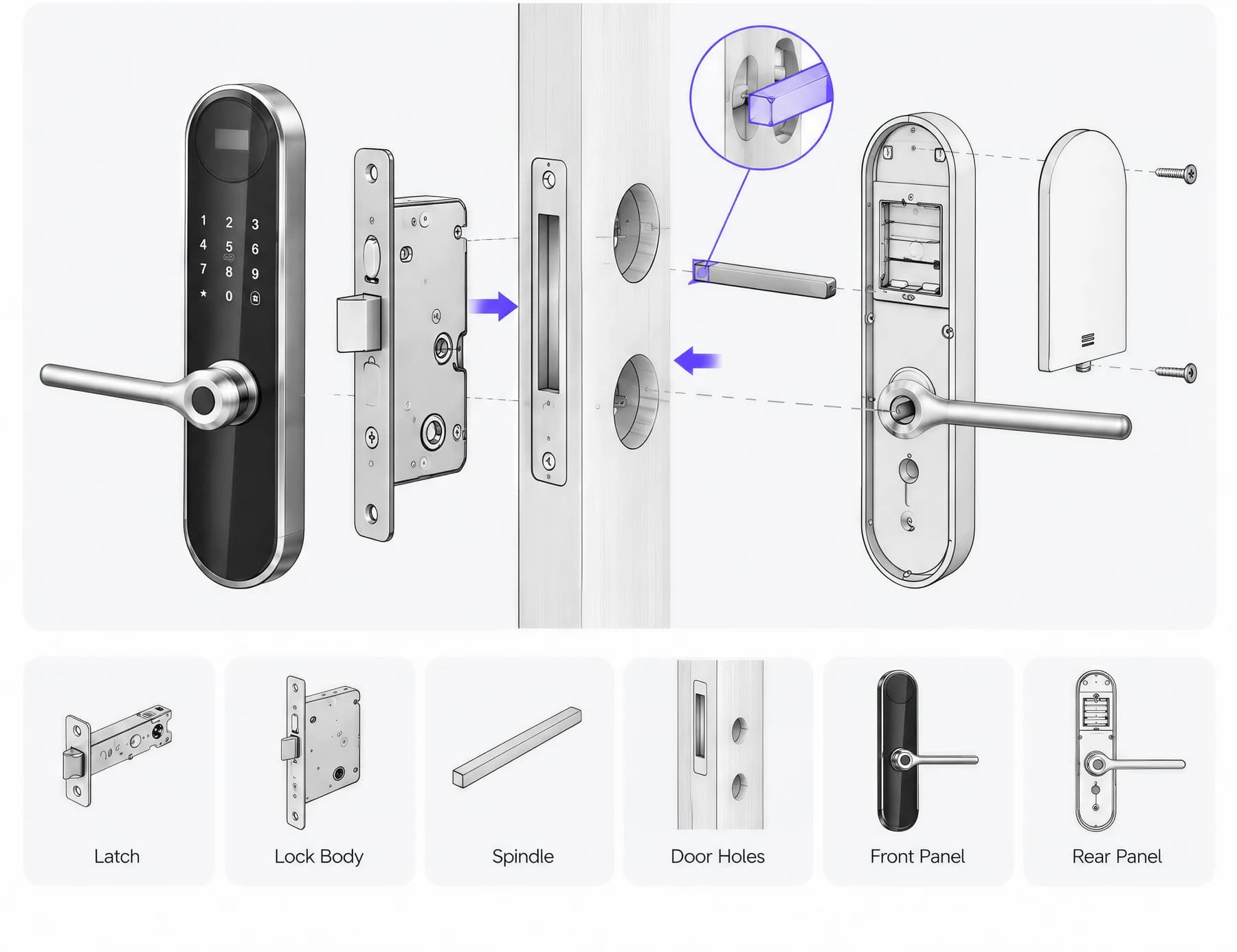
FC8286LD exploded mortise lock installation illustration with front panel, lock body, spindle and rear panel
FC8286LD · Assembly illustration. Pictured parts do not establish standard packing; follow the selected mortise and installation drawing.

Follow the template.
Test with the door open.

Confirm the door opening direction before fitting the mortise and exterior panel. Route the cable, align the spindle and secure the interior panel using the matched hardware. Install the batteries, enrol an administrator and test the handle, latch, credentials and mechanical key with the door open.

View installation reference

Use the matching manual and the template for the supplied lock-body configuration.

Your questions, answered.

How does FC8286LD app approval work?

FC8286LD uses Tuya WiFi with a doorbell-request workflow: press 9# on the lock to send a request, then respond in the paired app. Remote approval follows the request and the supplied firmware, network and access permissions.

Which reference should we use to configure FC8286LD?

Use the FC8286LD manual for installation, administrator setup and Tuya WiFi pairing. Confirm the supplied firmware and test the 9# doorbell-request workflow with the paired app before normal use.

What should an FC8286LD installer check?

Use the FC8286LD installation reference to confirm the lock body, door preparation, thickness and opening direction.