
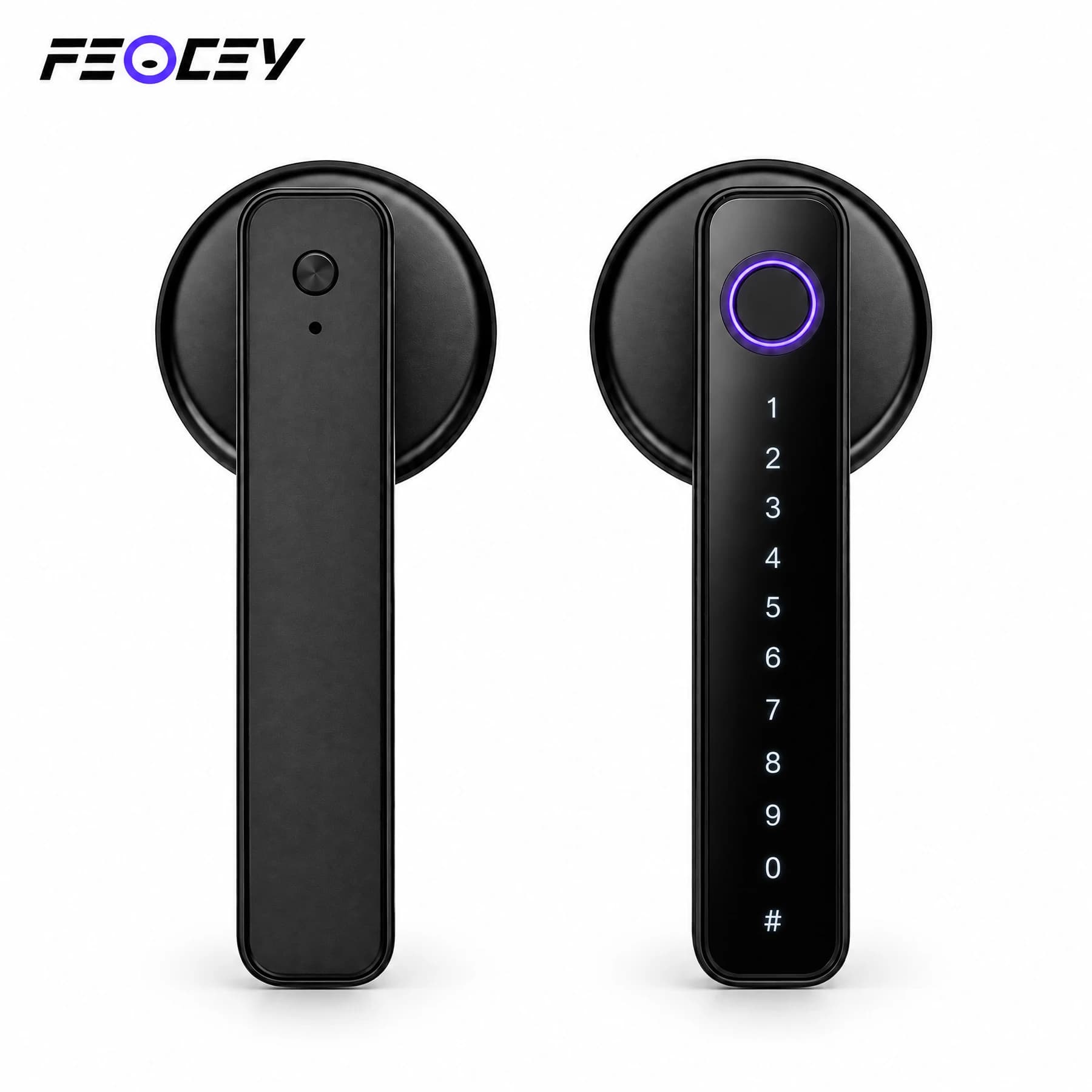
Smart Locks

FC20L

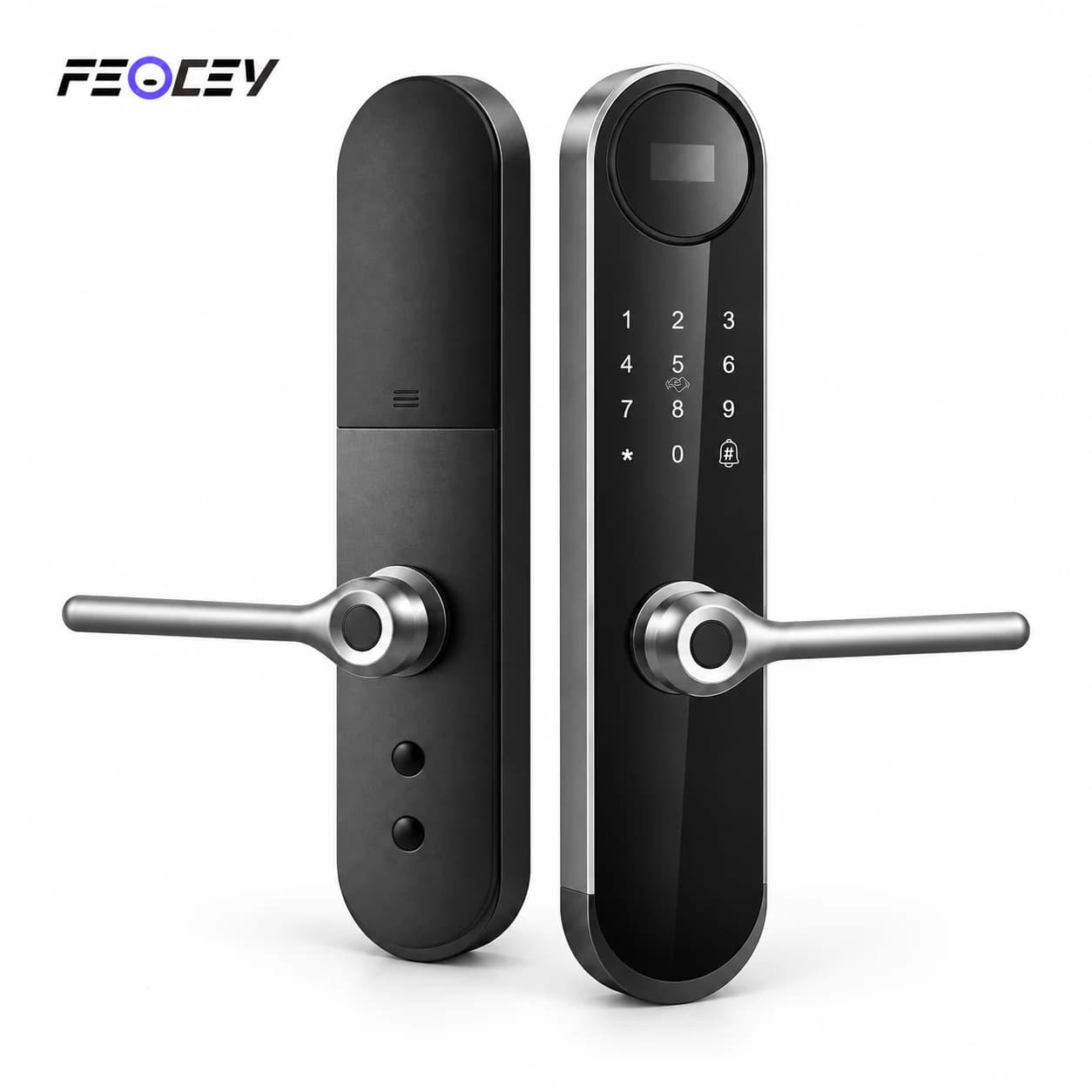
Bluetooth smart handle lock

Bluetooth smart handle lock.

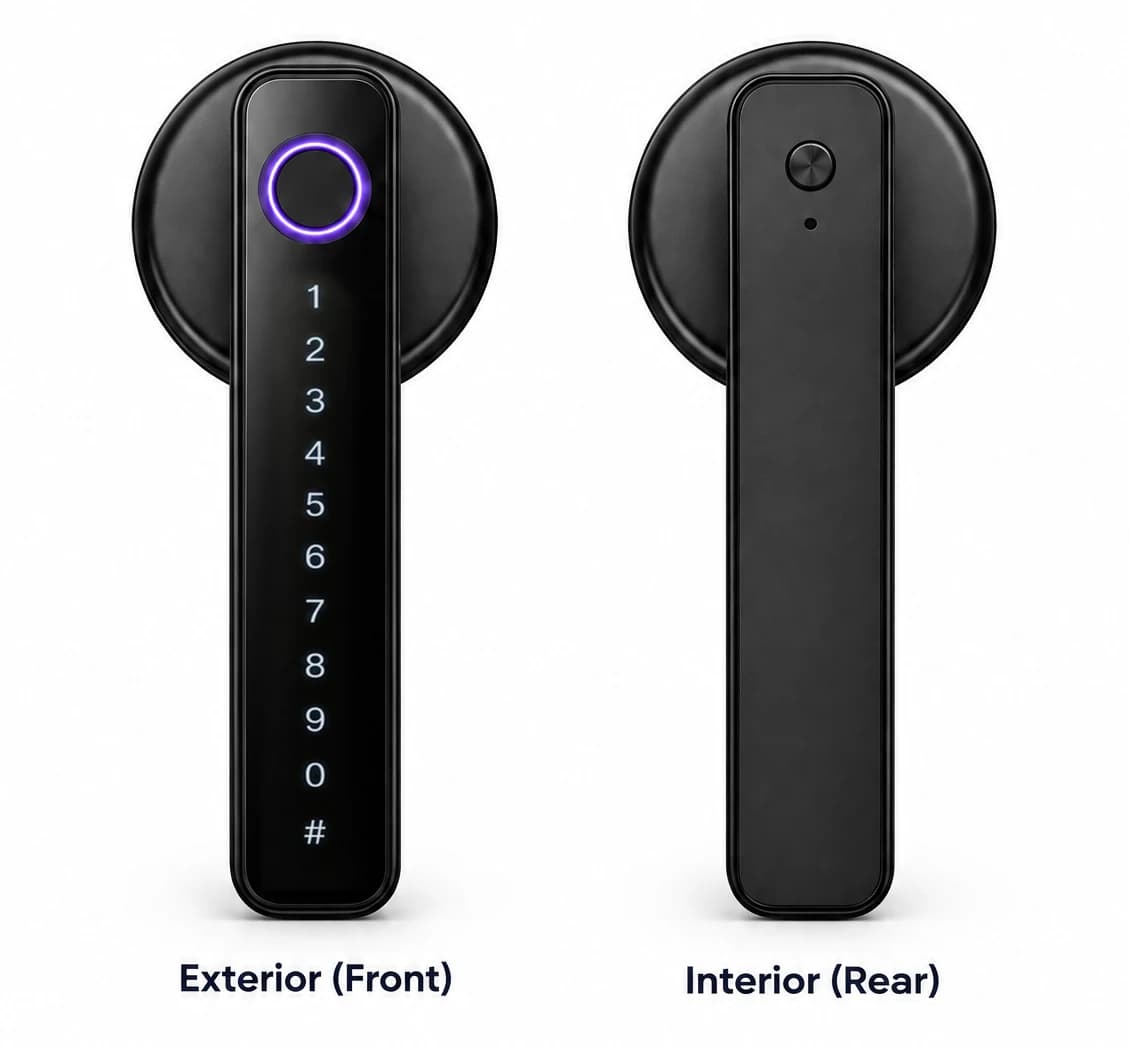
A smart handle lock with fingerprint, PIN, card and mechanical-key access. Tuya Bluetooth management and a 60 / 70 mm adjustable latch provide a practical starting point for compatible interior doors.

  • Tuya Bluetooth
  • 60 / 70 mm adjustable latch
  • Fingerprint, PIN and card access
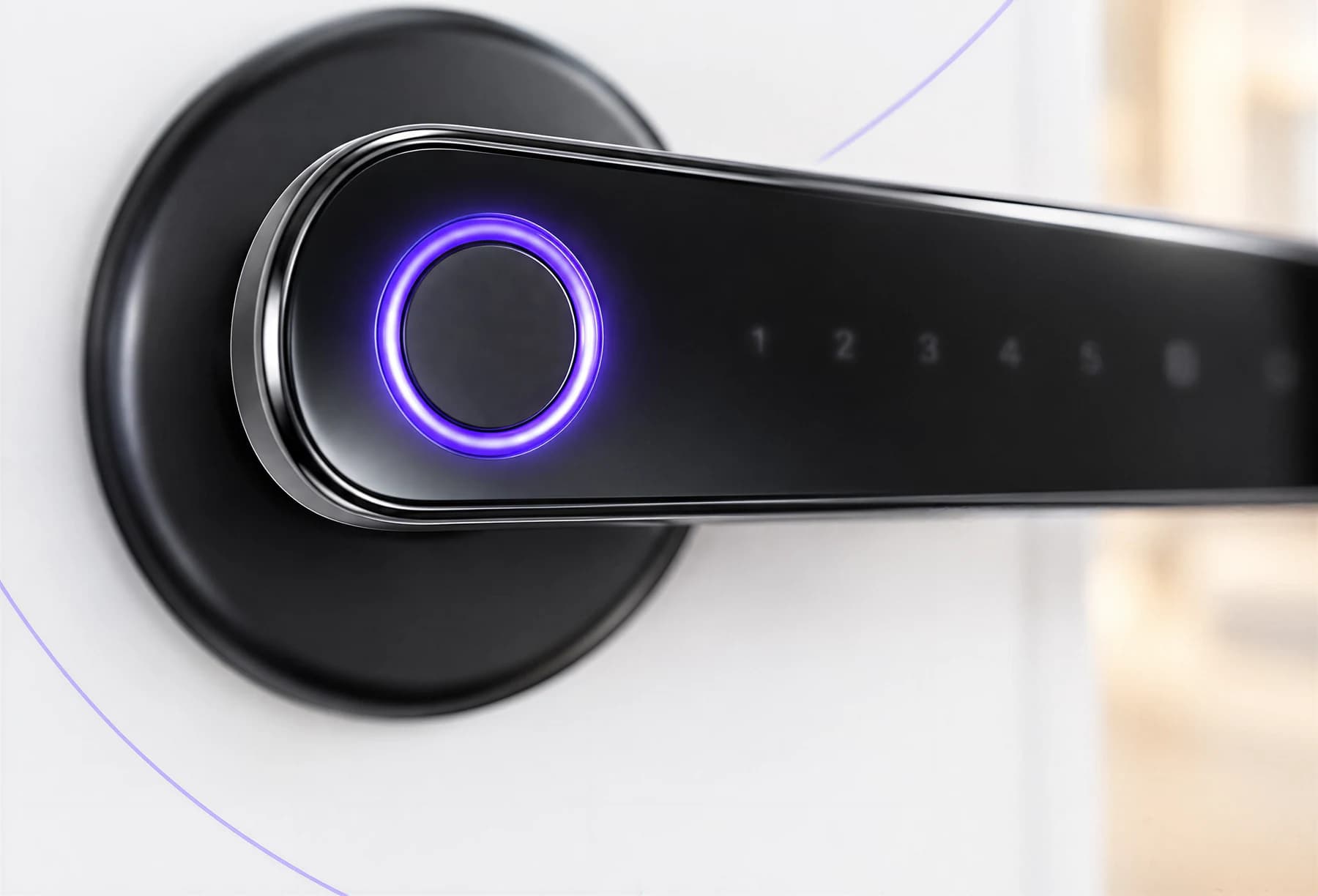
FC20L compact keypad lever and circular fingerprint area illustrated on a door
FC20L · Application illustration. Door fit, access functions and the selected Tuya configuration require confirmation.

Bluetooth smart handle lock.
Match your door.

A smart handle lock with fingerprint, PIN, card and mechanical-key access. Tuya Bluetooth management and a 60 / 70 mm adjustable latch provide a practical starting point for compatible interior doors.

Format
Smart handle with latch
Connection
Tuya Bluetooth
Door thickness
30–50 mm
Power
Four AAA batteries

Supplied product illustration. Functions and installation hardware follow the confirmed order configuration.
Technical specifications.

FC20L

Parameters follow the matching visible English manual, with supplier lock-body options where stated. Confirm the selected mortise or latch, door preparation, network module and firmware.

FC20L specifications
Access methodsFingerprint, PIN, 13.56 MHz IC card, mechanical key and Tuya Bluetooth app
User capacity300 total users: 100 fingerprints, 100 PINs and 100 cards, including administrators and regular users
PIN length6–10 digits
ConnectionTuya Bluetooth; confirm a compatible gateway and supported service for remote functions
Door thickness30–50 mm; confirm the supplied installation hardware
Latch backset60 / 70 mm adjustable latch
More specifications
FC20L additional specifications
Door preparation54 mm handle bore and 25 mm latch bore, according to the matching manual
BatteryFour AAA alkaline batteries
Working voltage6.0 ± 0.3 V
Emergency power5 V DC through Type-C; temporary power only, not battery charging
Backup accessMechanical key
Operating temperature−25°C to 55°C
Working environmentIndoor; the manual states the lock is not waterproof
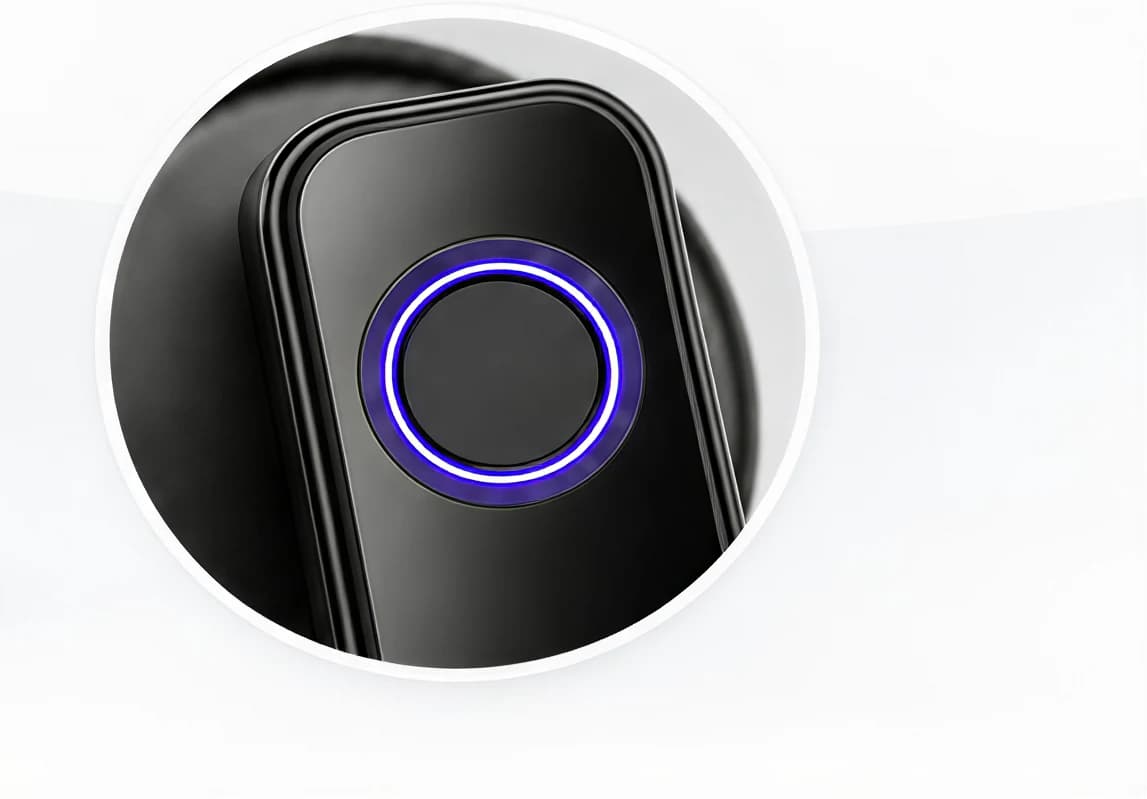
FC20L supplied close-up of the circular fingerprint touch area
FC20L · Fingerprint-area detail from the supplied product artwork.

Choose the credential.
Enrol the household.

Use an enrolled fingerprint, 6–10 digit PIN, 13.56 MHz IC card, mechanical key or the connected Tuya Bluetooth app. The manual lists 300 total users, divided into 100 fingerprint, 100 PIN and 100 card entries. Configure administrator and household permissions before use.

Supplied product illustration. Functions and installation hardware follow the confirmed order configuration.
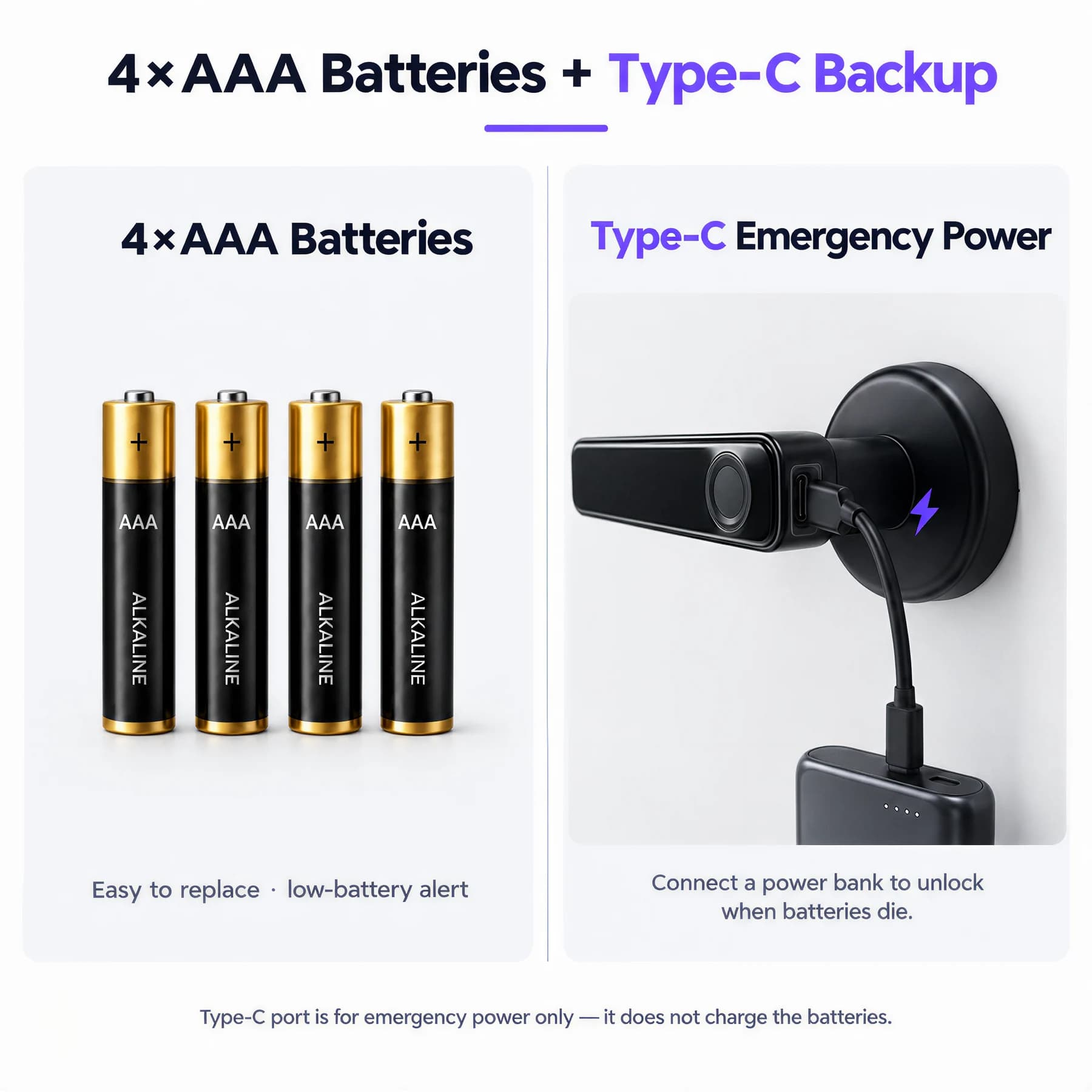
FC20L four AAA batteries and the illustrated Type-C emergency power connection
FC20L · Power reference. Use the battery type and emergency-power instructions in the supplied manual.

Plan the power.
Keep backup access.

Install four AAA alkaline batteries with the indicated polarity. The manual specifies 6.0 ± 0.3 V operation. The 5 V Type-C port supplies temporary emergency power and does not charge the batteries. Keep the mechanical key available as a separate backup.

Follow the battery and emergency-power instructions for the supplied lock.

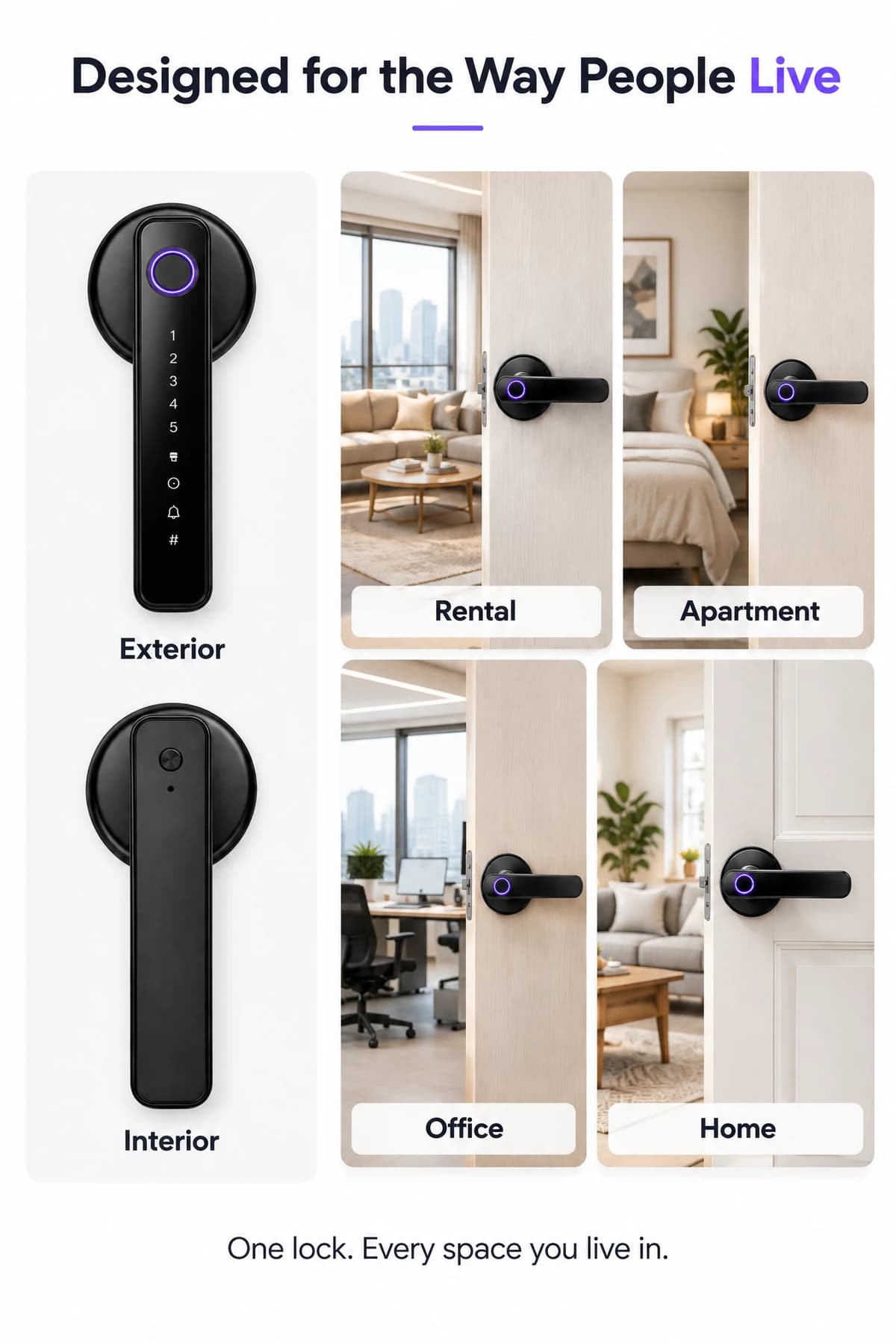
FC20L exterior and interior lever assemblies illustrated with apartment, rental, office and home entrances
FC20L · Application illustration. Door fit, access functions and the selected Tuya configuration require confirmation.

A connected handle.
For compatible doors.

Plan FC20L for compatible interior doors in homes, apartments or offices. Use the documented Tuya Bluetooth pairing and member-management workflow. Remote services require a matching gateway and supported configuration; the lock alone is not a direct Wi-Fi access device.

Supplied product illustration. Functions and installation hardware follow the confirmed order configuration.
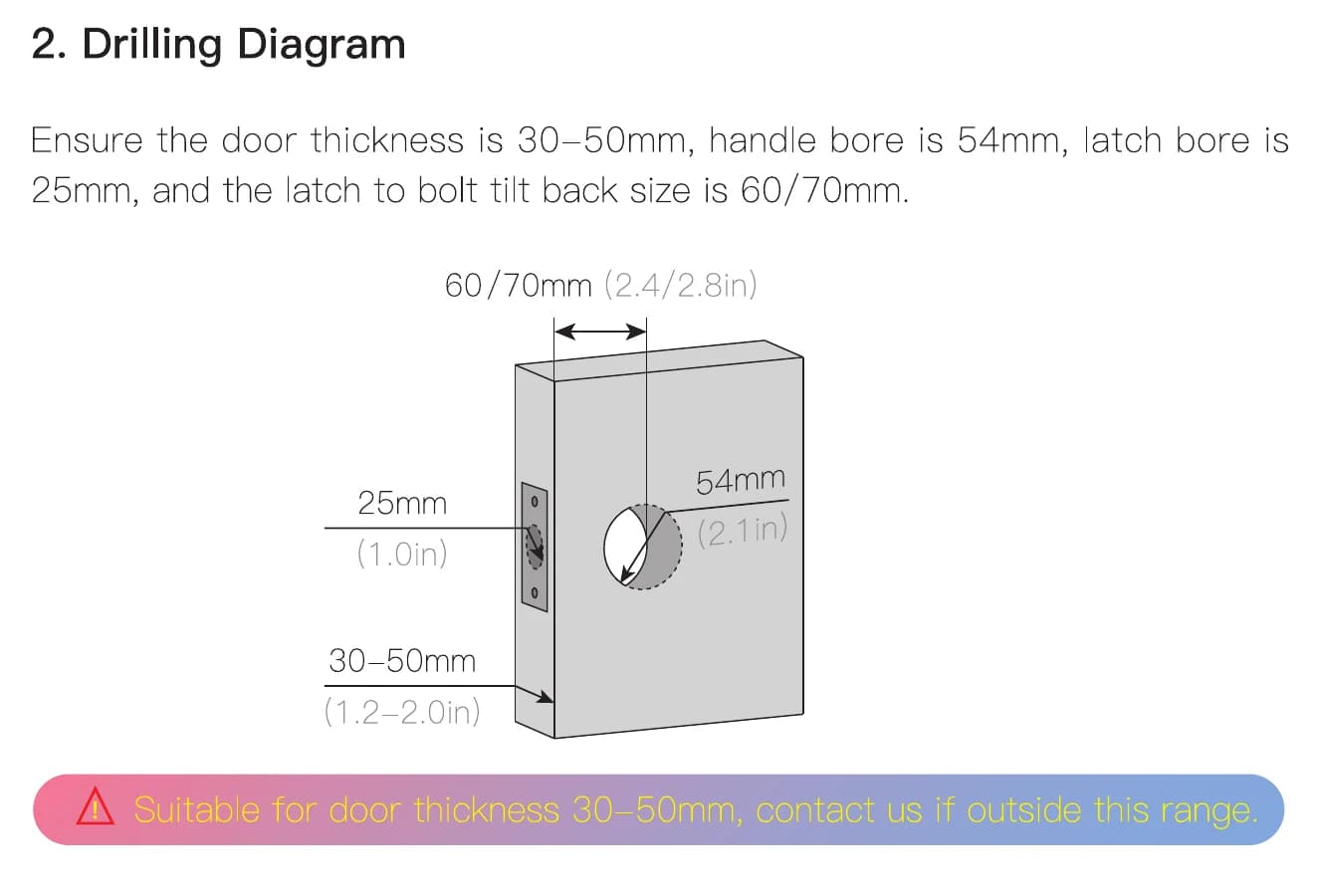
FC20L manual door-preparation drawing for the latch, bore and door-thickness checks
FC20L · Door-preparation reference from the matching English manual. Check the complete instructions and actual door before drilling.

Measure the door.
Match the lock body.

Check a 30–50 mm door thickness, 54 mm handle bore, 25 mm edge bore and 60 / 70 mm latch backset. Select the latch setting and handle direction for the actual door. Compare the supplied template with the existing preparation before drilling.

View installation reference

Door and panel dimensions are not a promise of compatibility with every door standard. Confirm the exact preparation.

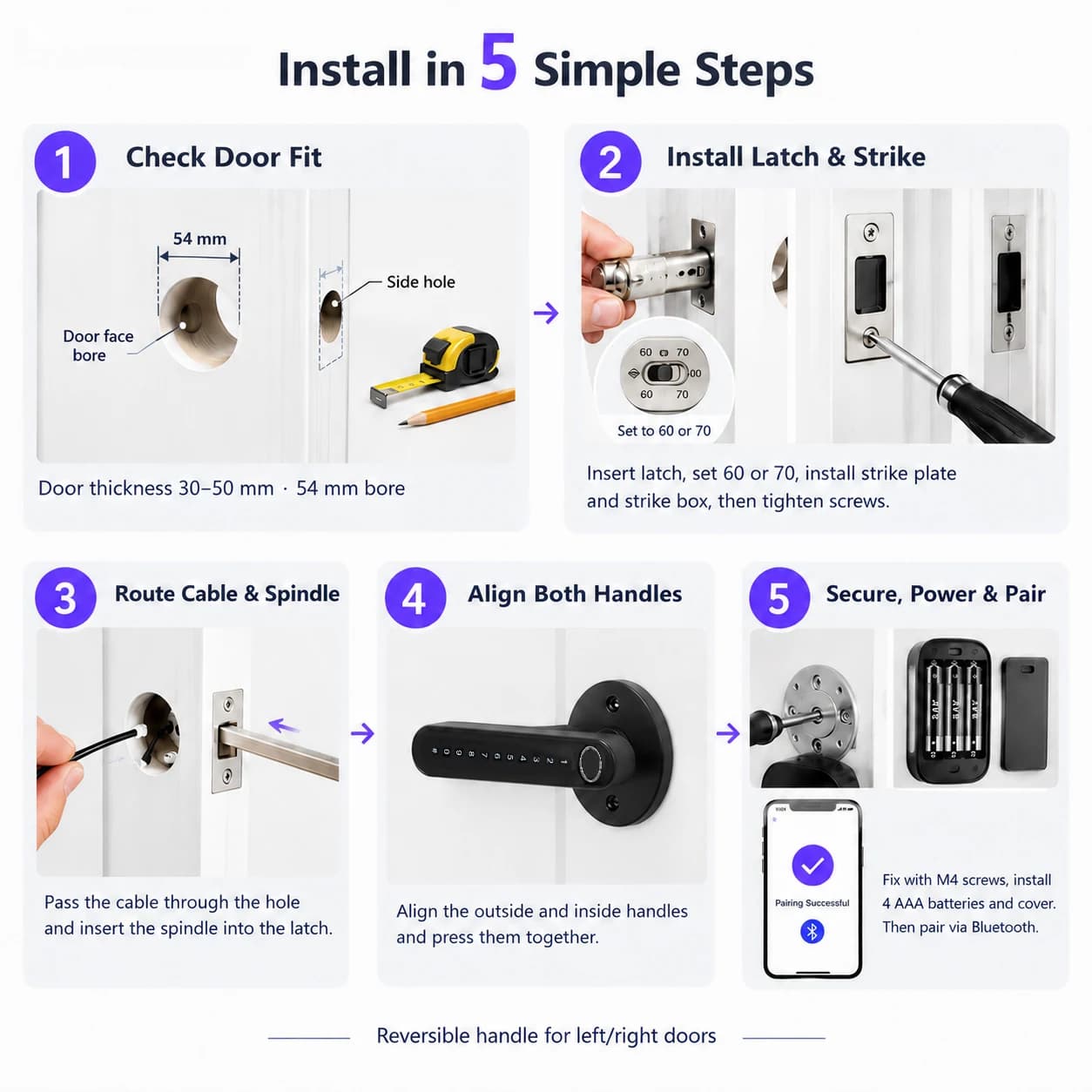
FC20L supplied lever installation sequence showing door checks, latch, cable routing and handle assembly
FC20L · Supplied installation illustration. Use the matching manual and door measurements before drilling.

Follow the template.
Test with the door open.

Adjust the latch and handle direction, install the latch, route the front-handle cable and fix the rear handle using the matching hardware. Insert four AAA alkaline batteries and test latch movement, credentials and key access with the door open.

View installation reference

Use the matching manual and the template for the supplied lock-body configuration.

Your questions, answered.

Which app connection does FC20L use?

FC20L uses Tuya Bluetooth. App operation connects to the lock over Bluetooth; remote functions require a matching gateway and the confirmed network configuration.

What does FC20L need for remote app functions?

The Tuya Bluetooth configuration needs a compatible gateway for remote functions. Confirm the gateway model, lock firmware, enabled functions and network setup with the order.

How should we prepare the door for FC20L?

Match the FC20L lock body, door preparation, thickness and opening direction to its own installation reference before preparing the door.