
Access Control Planning
Planning Mobile Answering for FCV5005 Video Intercom
A practical planning guide for enabling mobile answering on the FCV5005 video intercom. It covers call flow design, application and account setup, network requirements, testing, and handover, using only confirmed facts from approved sources.
Before you choose
Three decisions to start with.
- Mobile answering requires a clear call flow from the FCV5005 terminal to the correct mobile account.
- Separate the terminal, application, and door control responsibilities.
- Confirm network and power requirements from the FCV5005 manual.
- Manage user accounts and permissions carefully, including removal processes.
- Test all normal and exception scenarios before full deployment.
- Maintain a handover record and schedule regular reviews.
Define the Mobile Answering Workflow
Mobile answering means a visitor call from the FCV5005 terminal is received on a smartphone or other mobile device instead of a fixed indoor station. Before selecting hardware, map the complete call journey: the visitor selects a destination, the call is routed to the correct mobile account, the recipient sees and hears the visitor, and the recipient can release the door if authorized.
The approved FCV5005 video intercom manual describes an application workflow for device binding, intercom permissions, calls, and remote door release. Use this manual as the starting point for evaluation. However, the final receiving application, account setup, and firmware combination must be confirmed for your project; the manual does not establish compatibility with an arbitrary mobile app or third-party platform.
- Identify who should receive mobile calls (residents, staff, or both).
- Define how calls are routed when the primary mobile device is unavailable.
- Specify which accounts have permission to release the door remotely.
Separate Terminal, Application, and Door Control
The FCV5005 terminal provides the visitor interaction at the entrance. The mobile application manages call routing, user accounts, and permissions. The door-control circuit performs the physical release. These responsibilities must be clearly mapped even if one product combines functions.
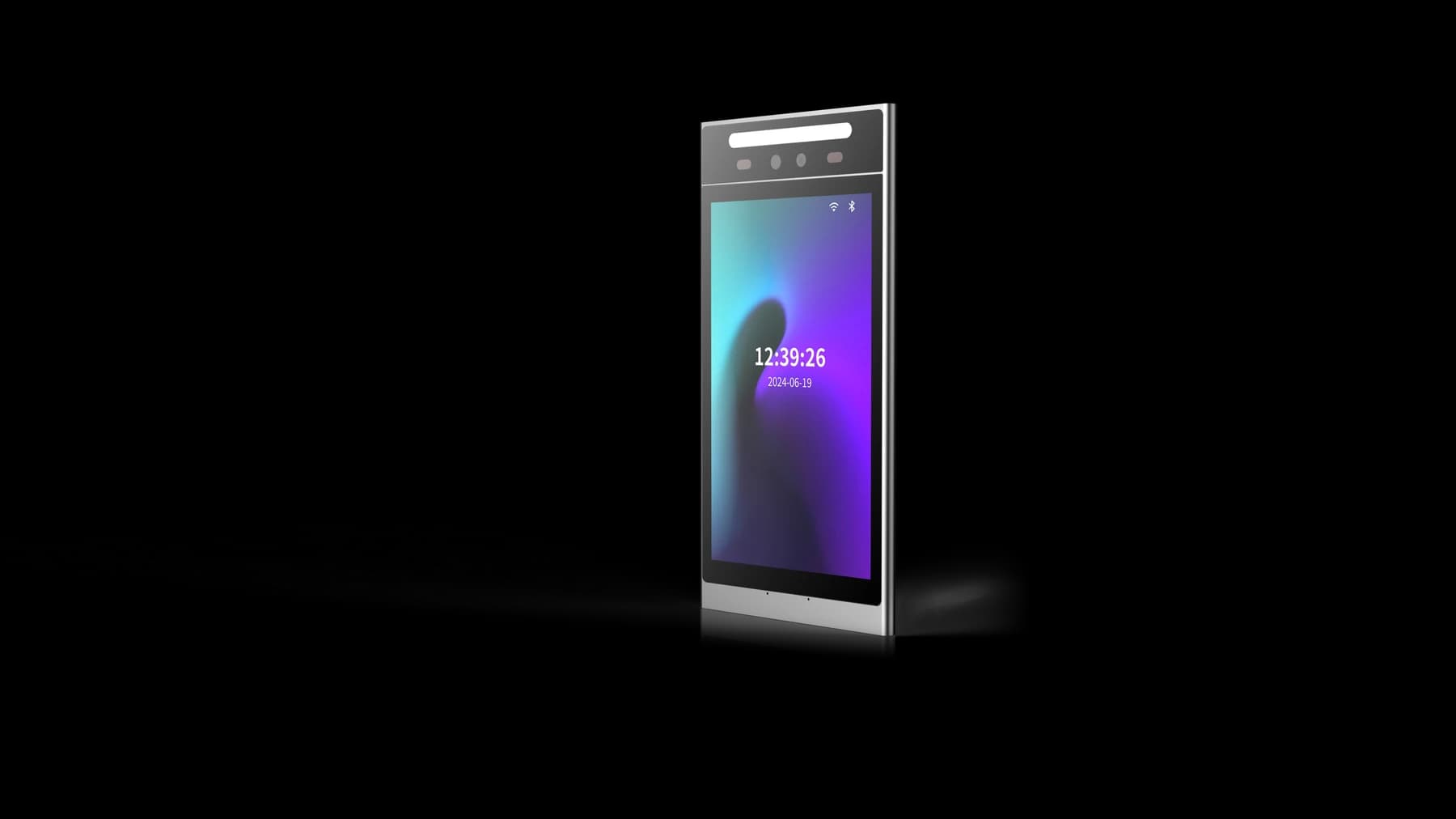
From the approved source, the FCV5005 is an 8-inch portrait touch display with a Linux platform. This is a hardware fact; it does not automatically include a specific mobile app or cloud service. Confirm the exact application and its requirements with the supplier.
- Terminal: FCV5005 at the entrance for visitor calls.
- Application: Mobile app for receiving calls and managing permissions.
- Door control: Separate relay or controller circuit for lock release.
Check Network and Power Requirements
Mobile answering depends on network connectivity between the terminal, the mobile device, and any cloud or server infrastructure. The FCV5005 manual should be reviewed for network interface details, but Ethernet does not automatically imply Power over Ethernet (PoE). Confirm the power supply method separately.
For reliable mobile answering, ensure the network path supports the required data traffic. Test with the actual mobile devices and network conditions at the site. Consider what happens during network interruptions and how calls are handled.
- Confirm the FCV5005 network interface (e.g., Ethernet or Wi-Fi) from the manual.
- Determine if PoE is supported or if a separate power supply is needed.
- Test call quality and door release over the intended network.
Plan Account and Permission Management
Mobile answering requires user accounts in the application. Define who can create accounts, assign permissions, and remove access. For example, a resident may be able to answer calls but not release the door, while a manager has both permissions.
When a resident moves out or a staff member changes role, their account and permissions must be updated. The approved source emphasizes testing account removal and corresponding device permissions. Keep a record of all accounts and their access levels.
- Define roles: who can answer calls, who can release doors.
- Establish a process for adding and removing mobile users.
- Test that removed accounts no longer receive calls or have release rights.
Test the Complete Mobile Answering Journey
Before rollout, run a pilot with the actual FCV5005 terminal, mobile application, and door equipment. Test the following scenarios: a call reaches the correct mobile device, audio and video are usable, an authorized user can release the door, and an unauthorized user cannot.
Also test exception cases: unanswered calls, busy or unavailable mobile devices, network interruption, and recovery. Define what the visitor sees or hears in each case. The approved source for video intercoms stresses testing exceptions before handover.
- Test call routing to mobile devices during and outside normal hours.
- Verify that only authorized accounts can release the door.
- Check behavior when the mobile app is closed or the device is offline.
- Test recovery after network loss without granting unintended access.
Handover and Ongoing Maintenance
Document the final configuration: hardware and firmware versions, application settings, network details, and user account list. Provide operator instructions for adding and removing users, troubleshooting call issues, and reporting problems.
Schedule periodic reviews to ensure the system continues to meet requirements. This includes testing permission changes, app updates, and recovery procedures. Keep the handover record accessible to the responsible staff.
- Record FCV5005 firmware version and mobile app version.
- Document network settings and any port forwarding or firewall rules.
- Provide a troubleshooting guide for common call failures.
- Define escalation contacts for technical support.
Source references
FCV5005 video intercom application manual (PDF) ↗Put the guide to work
Find the reference for your model.
Compare each device with your requirements. Confirm configuration and compatibility for the complete installation.
FCV5005 →
8-inch face authentication terminal
Ask about FCV5005 ↗