
Project planning
Choosing a door entry intercom system
Plan the visitor call, answering destination and authorised door release as one workflow, using documentation for the exact terminal and application.
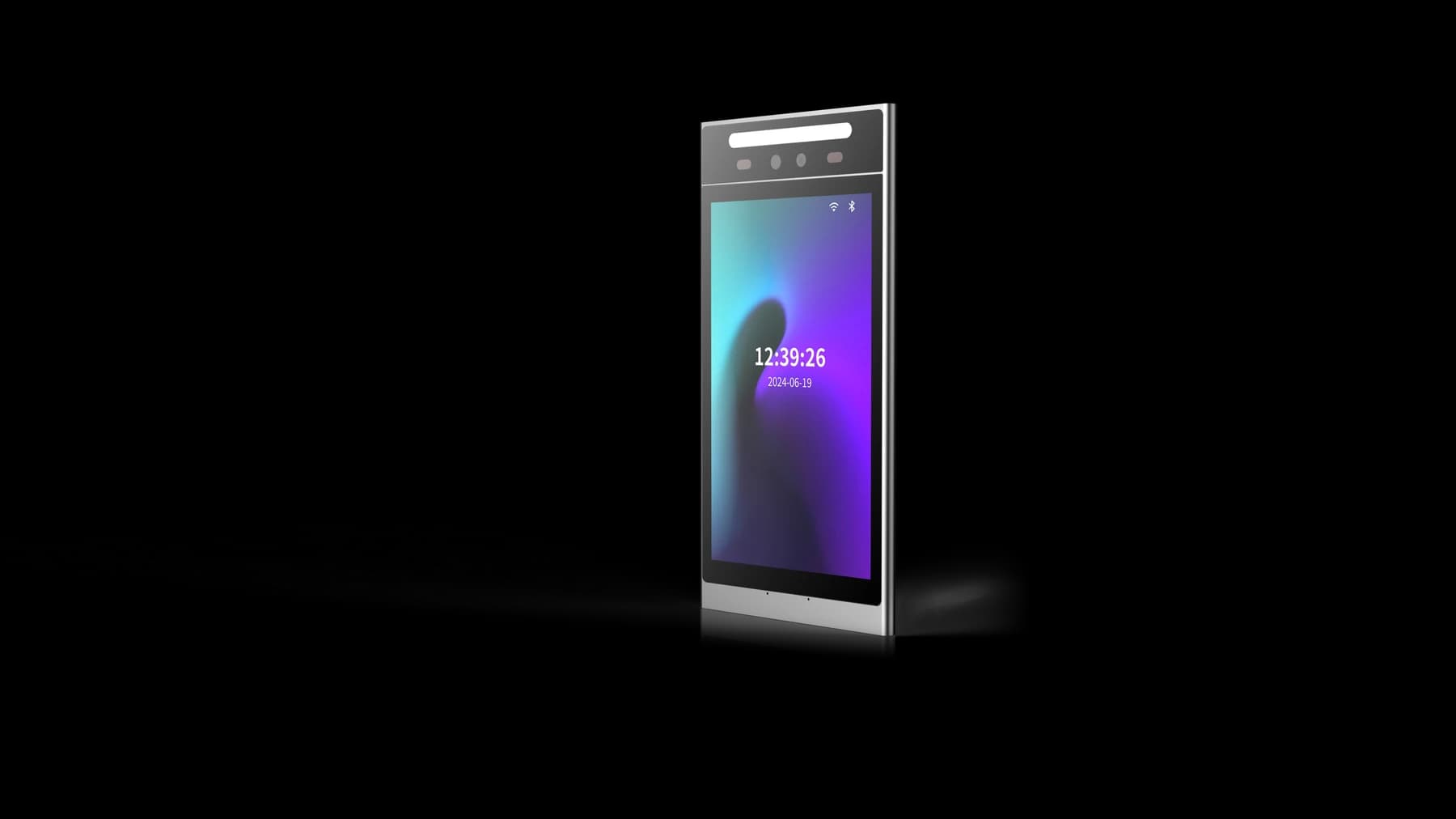
Before you choose
Three decisions to start with.
- Confirm who answers each entrance and what happens when nobody answers.
- Match terminal, receiving application and release permissions before choosing a configuration.
- Test the conversation, physical door action and event record together.
Map the call before selecting the screen
List the entrances and the people or teams who should answer them: a resident, reception desk or another authorised contact. Record how that changes outside normal hours, when a person moves out or when the usual destination is unavailable.
Specify the intended receiving application or indoor station and the platform managing it. A camera and microphone do not establish compatibility with that destination. Confirm the exact terminal, firmware, application and network requirements before agreeing a complete system.
Separate the terminal, application and door equipment
The entrance terminal provides the visitor interaction. The calling application and platform identify the destination and manage who may answer or request release. The door-control circuit performs the permitted action at a particular entrance. Map these responsibilities even when one product combines several functions.
Approved FCV4905 and FCV5005 video intercom manuals describe an application workflow for device binding, intercom permissions, calls and remote door release. Use the matching manual as a starting point for evaluation. The final receiving device, application availability, account setup and firmware combination still need confirmation for the project; these references do not establish compatibility with an arbitrary indoor station or third-party platform.
Define one complete visitor journey
Write down the expected sequence from selecting a destination to ending the call. The answering person should know which entrance is calling and which door a release command will affect. Confirm the permission required for that action separately from permission to answer.
Regular residents or staff may use a different credential path. Keep their everyday entry rules separate from visitor calling, then test how both paths behave on the same installation.
- Call: the intended destination receives an identifiable entrance request.
- Answer: audio and video are usable in both the entrance and receiving environment.
- Authorise: only the permitted account can request release of the intended door.
- Verify: check the physical door action and the available event record; a button press alone is not proof.
Check mounting, sound, network and power
Review the camera view, screen reach, ambient noise and lighting at the real entrance. Measure the mounting space, cable route and access for future service. Check environmental limits for the exact terminal and assembly rather than relying on a photograph.
Use the selected model’s hardware manual for connectors, supply and door-control connections. Ethernet does not automatically imply PoE. A relay contact does not by itself power a lock. Review the complete circuit with the installer and agree the building’s emergency exit arrangements separately.
Test exceptions before handing over
Run the pilot with the actual answering destination and account permissions. Include unanswered calls, a busy or unavailable destination, an account without release rights, a network interruption and recovery. Define the visitor’s next step for each failure instead of leaving an unexplained waiting screen.
When a resident or operator changes, check account removal and the corresponding device permissions. Keep hardware and application versions, the accepted wiring, network requirements and support contacts in the handover record. Use the model-specific integration enquiry below to request the applicable reference.
- Confirm the call reaches the right destination during and outside normal hours.
- Check that an unauthorised account cannot release the door.
- Observe call status, actual release and available logs for the same interaction.
- Test recovery and reassignment of the receiving account before rollout.
Source references
FCV4905 video intercom application manual (PDF) ↗FCV5005 video intercom application manual (PDF) ↗Put the guide to work
Find the reference for your model.
Compare each device with your requirements. Confirm configuration and compatibility for the complete installation.
FCV4905 →
8-inch face authentication terminal
Ask about FCV4905 ↗FCV5005 →
8-inch face authentication terminal
Ask about FCV5005 ↗