
Installation
Planning access control for an office building
A practical sequence for surveying doors, defining tenant access and handing over a maintainable installation.
Before you choose
Three decisions to start with.
- Build a door schedule before choosing readers or controllers.
- Keep tenant permissions, door circuits and host integration responsibilities explicit.
- Commission one representative door and retain the accepted wiring and configuration.
Create a door schedule the installer can use
Give each door a stable identifier. Record the door and lock hardware, user groups, reader position, exit device, door contact, power source, network route and maintenance access. Distinguish shared entrances, tenant areas and equipment rooms.
Ask the building operator and responsible installer to agree emergency exit and fire-system behaviour before equipment selection. Requirements depend on the location and door assembly; this planning guide does not replace an approved installation design.
- Door identity and area: who uses it, who administers it and when access is permitted.
- Equipment: reader or terminal, controller circuit, lock, exit input and door contact as applicable.
- Installation: mounting, cable route, supply arrangement, network and service access.
- Acceptance: expected entry, exit, outage and recovery behaviour, with a responsible reviewer.
Assign permissions independently of the hardware
Define who can enrol users, grant access, view events and remove permission. Separate tenant administration from building-wide administration. Test visitor expiry, a tenant moving out and a staff member changing role.
For visitor management, attendance or another host integration, identify which system owns each decision and what data is exchanged. A device’s electrical interface or network connection does not by itself establish compatibility with that host.
Distinguish the controller from the entry terminal
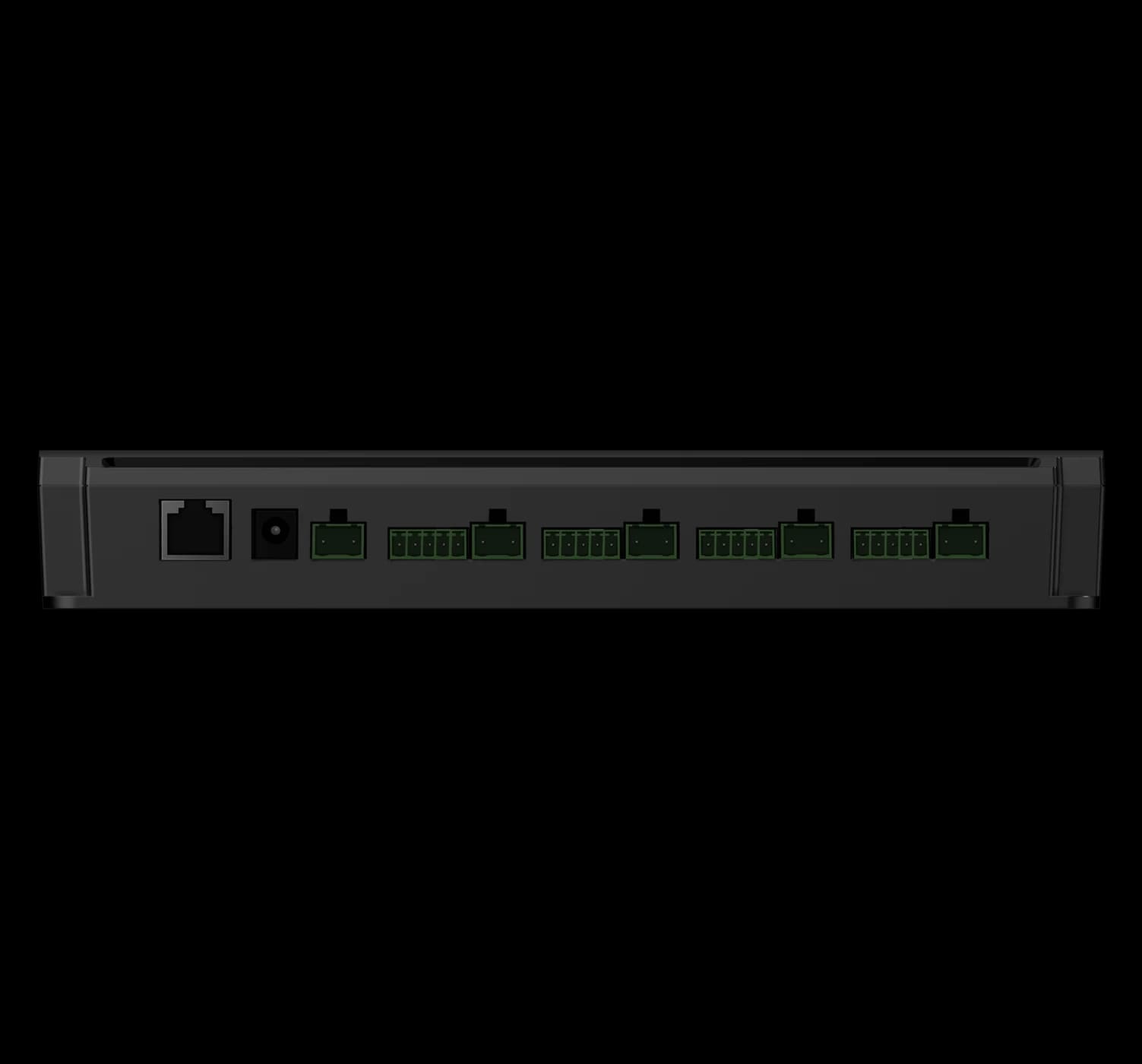
FCC4904 is a four-door controller with four RS485 reader connections and an Ethernet host link in the approved reference. Its door circuits organise the reader, lock, door-contact and exit connections. Confirm the protocol and firmware for each selected reader; an RS485 label alone does not establish compatibility.
FCV5003 is a Linux terminal with a 7-inch touch display for the user interaction at an entrance or attendance point. Its installation and interface references serve a different part of the design. FCC4904 and FCV5003 are linked here as separate resources, not as a validated combination or a supplied wiring scheme.
Plan supply, wiring and future service
Use the drawing for the selected configuration to identify every connector and circuit. Review lock power separately from reader power and the control signal. Confirm optional network or PoE configurations explicitly; do not carry an assumption from one version into another.
Label both ends of each cable with the door and connection identity. Allow space to open the enclosure, disconnect a harness and replace a component. Keep the final drawing with the equipment, including changes made during commissioning.
Define any backup-power requirement with the operator and installer. Test the intended behaviour during loss and return of power or network service rather than assuming that all doors should respond in the same way.
Commission one door before repeating the installation
Use the actual reader or terminal, controller, lock and firmware selected for the site. Compare the credential result, door response and host record for each test. Check that a command for one door does not affect another.
Include the building’s responsible installer when testing exit and emergency operation. A successful credential read is only one part of acceptance; inspect the complete path through the physical entrance.
- Valid, invalid and expired credentials follow the agreed access rules.
- Tenant boundaries, administrator roles and visitor expiry remain correct.
- Door-contact and exit inputs produce the expected states where fitted.
- Network interruption and power recovery do not leave unexplained access or event states.
Hand over a maintainable installation
Retain the door schedule, final wiring, hardware and firmware versions, host settings, configuration backups and operator instructions. Record who approves later changes and how service is escalated.
Give staff a routine for adding and removing users, identifying a failed door and reporting a reproducible problem. Use the matching manuals and model-specific support paths rather than copying settings from a neighbouring door with a different configuration.
Put the guide to work
Find the reference for your model.
Compare each device with your requirements. Confirm configuration and compatibility for the complete installation.
FCC4904 →
Access controller
Ask about FCC4904 ↗FCV5003 →
Face authentication terminal
Ask about FCV5003 ↗