
Project planning
Choosing access control for a gym
Choose the membership rules, reading point and door-control workflow together, then test the exceptions before opening the entrance.
Before you choose
Three decisions to start with.
- Decide which system authorises entry; a successful scan is not an access decision.
- Choose credentials and installation around the people using the entrance.
- Agree what happens to expired memberships, repeated scans and offline requests.
Give each part of the entrance a clear job
The membership platform holds the entitlement: who may enter, which area they may use and when that permission expires. The reading point captures a credential or identification result. The access controller or gate equipment performs the authorised action. A project may combine some of these roles, but each decision and connection still needs an owner.
Write one complete interaction before choosing hardware: present a credential, identify the member, check entitlement, return a visible result, authorise the correct entrance and record the outcome. Specify what happens if any step fails. Reading a valid QR format alone does not prove that a membership is active.
Choose the interaction before the device
A phone QR code can fit a member application, while a card provides a physical credential. A supported face terminal offers another interaction after enrolment. Confirm the credential module and application for the supplied configuration, and provide an alternative for a flat phone battery, a lost card or a rejected identification.
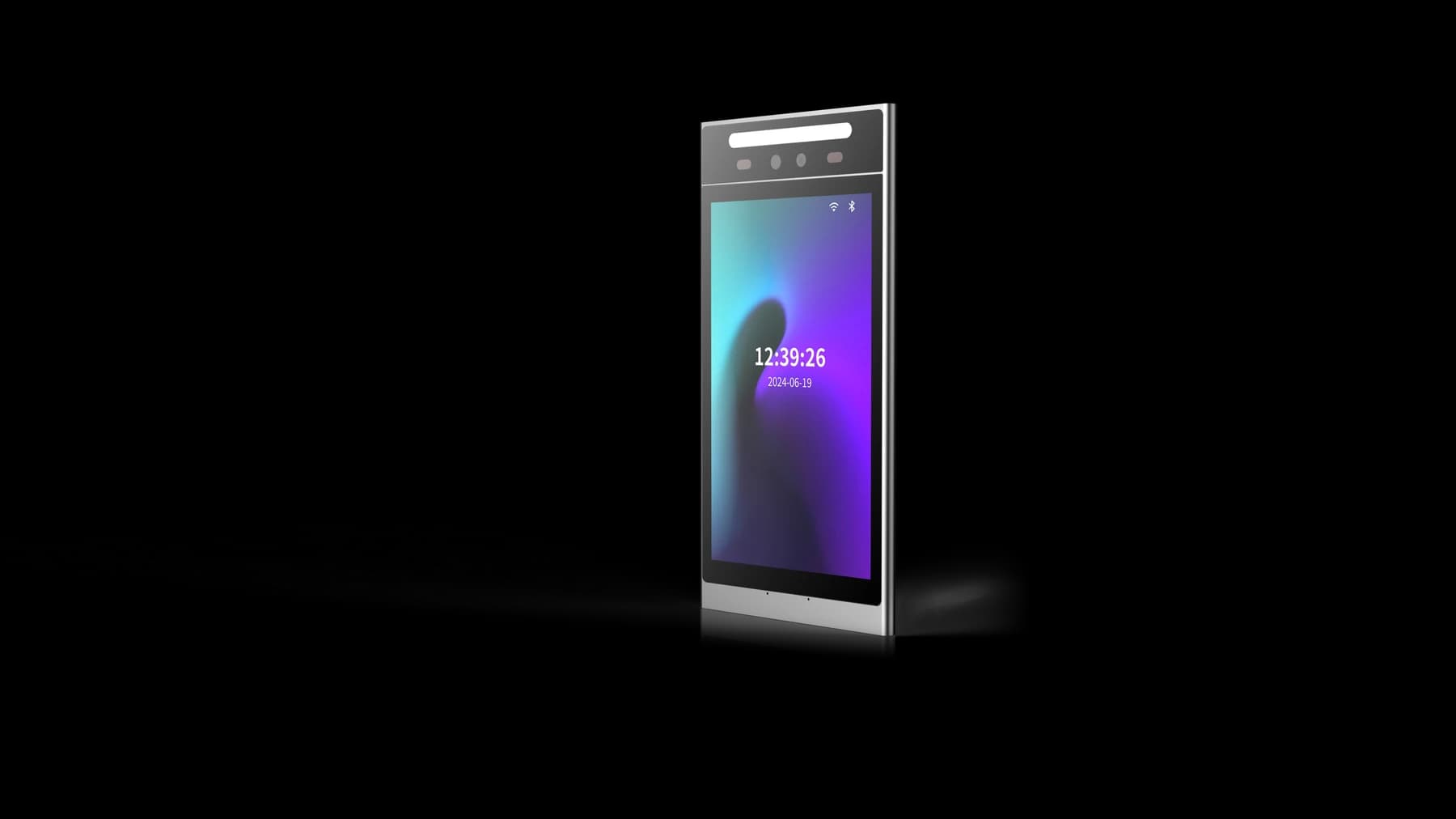
FC7735 is a QR reading point with an 86-box mounting frame; its selected output passes data to the receiving controller or application. FCV5005 provides an 8-inch portrait touch display and Linux platform for a more developed member interaction. These are different starting points, not a prescribed pair. Match the reader output or terminal application to the system that owns access permission.
Turn membership rules into testable cases
Define whether a credential can be reused, is limited to a time window or belongs to a particular booking. Decide how a membership suspension or cancellation reaches the entrance. If attendance or visit counts are recorded, distinguish a credential read from an actual accepted visit.
Ask the platform team to describe duplicate handling and offline behaviour. A second scan should not silently create an extra visit or another door-release action unless that is the agreed policy. During an outage, make the intended access rule and the instructions shown to the member explicit.
- Active, expired and suspended memberships produce the agreed result at the intended door.
- A booking for another area or time cannot accidentally grant access here.
- Repeated scans and delayed responses produce a clear result without unintended duplicate actions.
- A membership change is tested both online and after disconnection and recovery.
Survey the complete entrance
Measure the mounting surface, approach space, cable exit and service clearance. For FC7735, match the interface and supply to the selected reader version. For FCV5005, review the mounting assembly, harness and camera position in its manual. Leave users enough space to read the result before reaching the gate.
Test phone and paper presentation where required, screen readability, lighting and the busiest arrival pattern. Record queues, repeated attempts and staff interventions. The reader is only one part of the installation; the gate installer must address safe passage and emergency exit arrangements.
Accept a working entrance, then repeat it
Pilot one entrance with the actual membership platform, device firmware and door equipment. Create, update, suspend, restore and remove test memberships. Compare the user-visible result, physical door action and host record for each case.
Include installation, integration, credentials and support responsibilities in the handover. Keep the accepted model, configuration, firmware, wiring reference and escalation contact together. Send the same information with an enquiry so the matching device and integration reference can be reviewed.
- Confirm which component makes the access decision and which controls the door.
- Record normal, rejected, repeated and offline outcomes with the operator.
- Verify recovery without granting access that has already been withdrawn.
- Give staff a usable fallback and a repeatable way to report a fault.
Put the guide to work
Find the reference for your model.
Compare each device with your requirements. Confirm configuration and compatibility for the complete installation.
FCV5005 →
8-inch face authentication terminal
Ask about FCV5005 ↗FC7735 →
86-box QR and card reader
Ask about FC7735 ↗