
Product selection
Choosing a smart lock in five steps
Start with the door, then choose access methods, connectivity and the operating arrangements that fit your property.
1. Define the property and access needs
List who needs to enter and how access changes: residents, staff, guests or temporary visitors. Decide whether remote administration is necessary or whether local operation is sufficient. A home, a rental property and a shared office can need different workflows.
Identify the fallback method and who can help if the normal interaction fails. Do not assume that every smart lock includes a keypad, a remote service or a property management integration.
2. Check the door before the features
Photograph both sides of the existing lock and measure the door and mounting area. For a retrofit device, identify the deadbolt and interior thumbturn it must operate. For a replacement lock, check the required door preparation and hardware dimensions against its drawing.
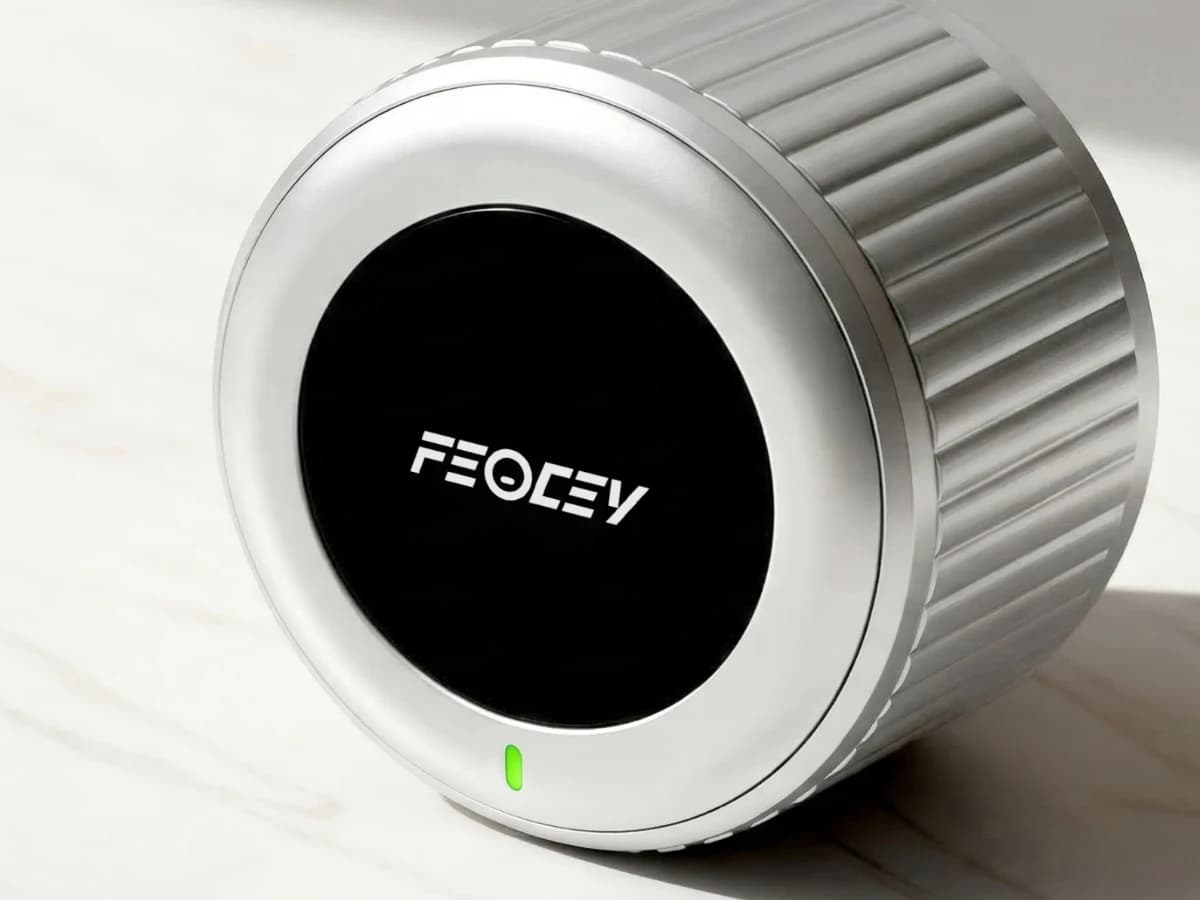
Smart Lock 001 is an interior retrofit design for compatible deadbolt doors. Compatibility must be checked against the existing hardware; it is not a universal fit. The bolt should operate smoothly before a motor is added.
3. Match connectivity to the workflow
Bluetooth and Wi-Fi describe different connections, but neither alone defines the complete app service. Confirm whether a bridge, gateway, account or internet connection is needed for each intended feature.
Test the selected configuration at the actual door. Review local operation when the internet is unavailable and the process for changing a phone, network or administrator. Request the current application instructions for the supplied version.
4. Review daily operation and power
Check the specified battery type, replacement access and low-battery indication. Battery runtime depends on the model, usage and operating conditions; avoid planning maintenance around an unsupported headline figure.
Evaluate locking, unlocking, enrolment and removal of authorised users. Confirm which credentials and optional accessories are included in the order. Keep a documented fallback and test it before relying on the installation.
5. Compare the complete offer
Include the lock, any keypad or gateway, installation, application service and support arrangements. Request relevant conformity documents for the exact model and market rather than treating generic marks as proof of every security property.
A useful enquiry includes door photographs, existing lock details, required access methods and quantity. Those details allow the proposed configuration to be checked before purchase and make the sample evaluation more meaningful.
Put the guide to work
Find the reference for your model.
Compare each device with your requirements. Confirm configuration and compatibility for the complete installation.
X-Gen 1 Smart Lock 001 →
Retrofit smart lock for deadbolt doors
Ask about X-Gen 1 Smart Lock 001 ↗Smart Door Lock 002 →
Smart door lock platform
Ask about Smart Door Lock 002 ↗