
Mobile credentials
Mobile Access Control: QR, NFC or App? Choosing a Phone Credential That Lasts
Mobile access control lets a phone open the door, but credential type matters. Compare QR, NFC and app credentials, plus per-user fees and revocation.
Before you choose
Key takeaways.
- A phone can present a credential in three common ways: a QR code on the screen, NFC, or an app using Bluetooth. Each one asks something different of the reader.
- A QR code on the screen does not have to require an app. It can be sent by web link, email or message.
- An NFC reader does not by itself mean phones can be used as NFC credentials. Test with the actual phones and credential format.
- Ask how mobile credentials are billed, and how a lost phone or a leaver's access is removed everywhere it is stored.
Overview
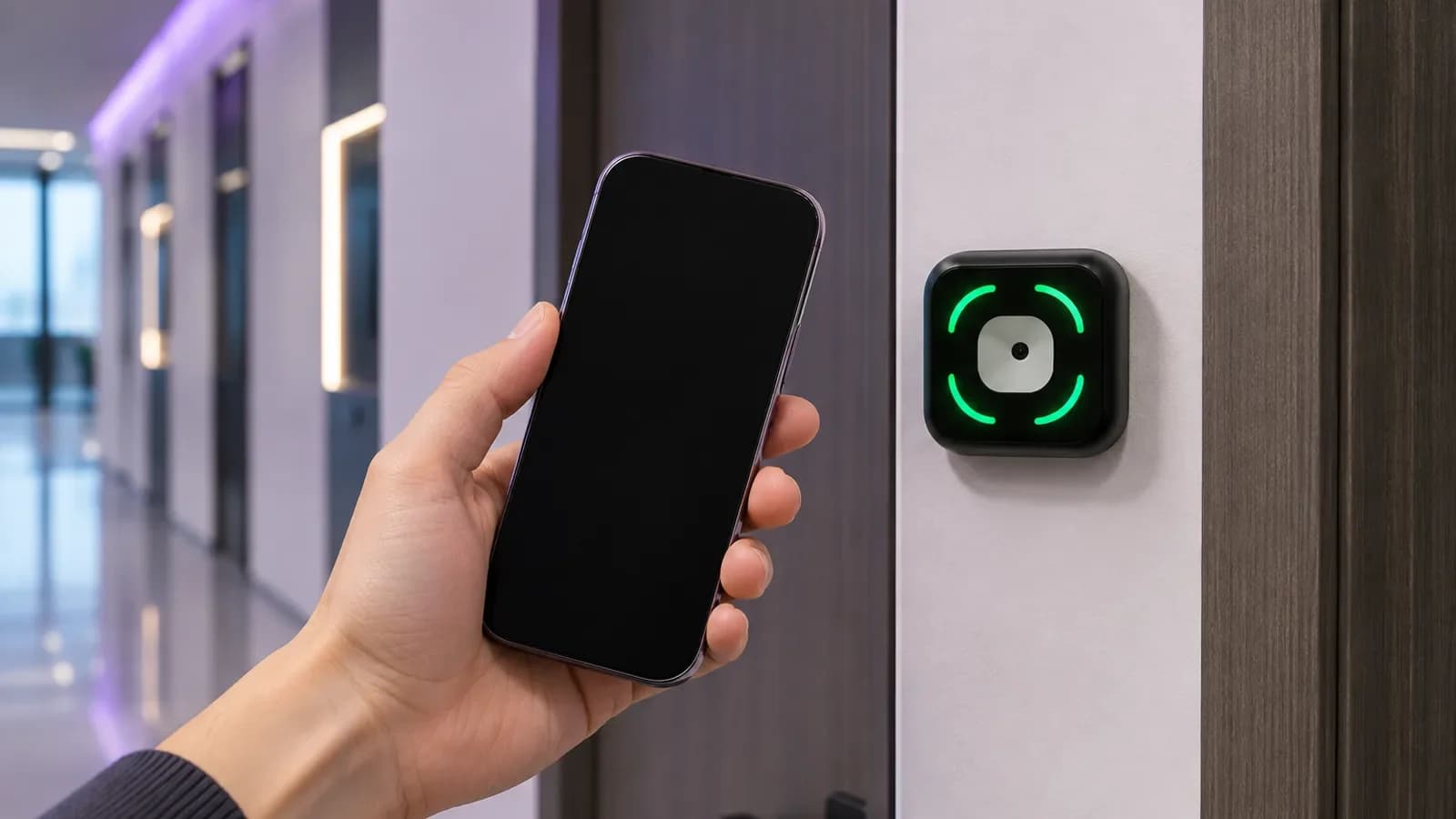
Mobile access control means using a phone as the credential that opens a door, in place of a key card or fob. The phone only carries the credential; the reader at the door and the system behind it decide whether the door opens. So choosing a mobile credential is really three choices: what the reader must support, who issues and revokes the credential, and how the credential is billed.
What is mobile access control, and what isn't it?
Mobile access control means the phone carries the credential; the door, reader and lock still do the work.
A mobile credential is a piece of data that the reader can check. It might be a QR code, an NFC token or a value exchanged with an app over Bluetooth. Mobile access control is not a different kind of lock. The door still needs a reader, a lock and a system that holds the permissions, and the same questions about wiring, offline behavior and revocation still apply.
That matters because the credential type you choose decides which readers you can use, and which software vendors you are tied to.
What are the three ways a phone can open a door?
A phone can show a QR code, tap over NFC, or talk to the reader through an app over Bluetooth, and each asks something different of the reader.
A QR code on the screen. This is the simplest mobile credential, and it works with phones people already have. The Feocey FC7735 reads phone-screen and printed QR codes, and the FC7780 is an 86-box QR and NFC reader for doors and shared spaces. Because a QR code is just an image, you can send it through a web page, email or message. Nobody has to install an app unless your platform requires one.
If a reader does not react to a code on a phone, Feocey's product FAQ suggests checking that the code is complete, generated correctly and presented within the reading area, then raising screen brightness and removing glare.
QR codes for one-time visitors are a related but separate topic. See our post on visitor QR passes and QR code reader integration.
NFC. Many readers read NFC cards. The FC7780 and the FC7788 are both QR and NFC readers, and both support using a phone as an NFC credential. Reading an NFC card and accepting a phone are separate capabilities, so check this one specifically on any other reader you consider. If phone NFC is on your requirements list, send us your reader and configuration requirements and test with the phones your users actually carry before rollout.
App and Bluetooth. Some platforms use an app that talks to the reader over Bluetooth, sometimes with hands-free or "wave to open" features. This can be convenient for staff who use the same building every day. The trade-off is that the app, the reader protocol and often the cloud service usually come from the same vendor. If you choose this route, confirm what happens to your readers if you later change platform.
| Credential | What the user does | What the reader must support | Typical issuing method | Things to check |
|---|---|---|---|---|
| QR code on screen | Opens a link, email or app and shows the code | Reading phone-screen QR codes | Web link, email, message or app | Screen brightness and glare; expiry; reuse rules |
| NFC | Taps the phone on the reader | NFC reading of the phone's credential format | Usually a wallet or app | Phone models, credential format and reader configuration |
| App and Bluetooth | Opens an app or keeps it running; the phone talks to the reader | A Bluetooth credential protocol from the same ecosystem | Vendor app | App installs, phone permissions, battery, vendor lock-in |
Are mobile credentials free? Which fees should you ask about?
Not always: some platforms charge for mobile credentials, so ask about fees before you roll out.
Not always. In an r/accesscontrol thread about upgrade costs, u/Travb1999 said a major cloud platform "ditched free mobile credentials for all new accounts." That is one user's report, but it is a good reason to ask before you sign. Meanwhile, some vendors now market app-free mobile credentials delivered by web link, as in this Genea video. That is a vendor's pitch, not buyer evidence, but it shows what some vendors now offer.
Questions to ask any vendor:
For the full cost picture, see our guide to access control system cost per door.
- Is the mobile credential charged per user, per door, per credential issued or as part of a site license?
- Does a re-issued credential (new phone, lost phone) count as a new one?
- What changes at renewal, and is the price for new accounts different from existing ones?
- If we stop paying for mobile credentials, what do users fall back to?
What must the reader at the door support?
The reader has two jobs: read the credential, and pass the result to whatever makes the decision. Both need to match.
If you use a terminal instead of a simple reader, the FC6820 is a compact touch terminal for QR and card workflows, in reader and access-control configurations.
- Credential side: phone-screen QR, NFC, Bluetooth or a combination. Confirm with real phones in the real location.
- Output side: the FC7735 comes in RS485, RS232, TTL, Wiegand and Ethernet versions, so you select the one your host expects. The FC7780 offers network, serial, Wiegand and relay options depending on configuration.
- Data format: a reader in transparent mode may send the original QR content, while a protocol mode can wrap it with header and check data. The host must expect the same format.
| Reader requirement | What to confirm |
|---|---|
| Credential side | Phone-screen QR, NFC, Bluetooth or a combination, tested with real phones in the real location |
| Output side | The interface your host expects (FC7735: RS485, RS232, TTL, Wiegand or Ethernet versions; FC7780: network, serial, Wiegand or relay options) |
| Data format | Transparent mode (original QR content) or protocol mode (header and check data); the host must expect the same |
How do you handle lost phones, leavers and contractors?
Make credential removal part of every lost-phone and offboarding process, then confirm it at the door.
Mobile credentials are easy to issue, which makes it easy to forget to remove them. As one post on X put it: "Revoke the mobile credential, recover the physical key, reconcile the audit trail." And on r/PropertyManagement, a manager found "a contractor's key fob still working six months later." The same thing can happen with a phone credential that was never revoked.
A workable offboarding order:
Step 2 is easy to miss. With a terminal that stores permissions locally, such as the FCV5005, a leaver's permission can be deleted from the back-end platform and from the device itself. Because recognition and the whitelist are stored on the terminal, the person must be removed on every FCV5005 where they were enrolled. A whitelist entry with an end time also stops working when that time passes, which makes time-limited entries a good default for contractors. For membership-based sites, see coworking membership offboarding and door permissions.
- Revoke the mobile credential in the platform that issued it.
- Remove the person from every device that stores permissions locally.
- Recover any physical cards or keys they also held.
- Check the audit log for activity after the revocation time.
What still works when the network drops?
Offline behavior depends on the model and configuration, and it should never be assumed. One documented example: with the standard access application, the FCV5005 handles offline card and QR access through a local whitelist with start and end times, and uploads records again after the network returns. For any other reader or platform, ask:
Then test it by disconnecting the network on a pilot door.
- If the platform is unreachable, does the reader or controller hold a local permission list?
- Can a credential revoked while the door was offline still open it?
- Are events stored and sent later?
How should you roll out mobile credentials?
Start with a pilot door that has an easy fallback, then expand step by step.
- Pick a pilot door with steady traffic and an easy fallback, such as a staffed entrance.
- Choose the credential type per user group: QR for occasional users, app or NFC for daily staff.
- Decide how users receive credentials: web link, email or app. Write down what they do on day one.
- Keep a backup credential, such as a card or PIN, for flat batteries and new phones.
- Test revocation before go-live: revoke a live credential and try it at the door.
- Agree billing in writing, including what happens at renewal.
What is mobile access control?
It is access control where a phone carries the credential, usually as a QR code, an NFC credential or an app using Bluetooth. The reader and the system behind it decide whether the door opens.
Do mobile credentials require an app?
Not always. A QR code can be sent by web link, email or message and shown on the screen. NFC and Bluetooth credentials usually rely on a wallet or an app.
Can a QR reader read a code from a phone screen?
Yes, if it supports it. The Feocey FC7735 reads phone-screen and printed QR codes. Raise screen brightness and avoid glare if a code does not read.
Are mobile credentials more secure than key cards?
It depends on the credential format, how it is issued and how quickly it is revoked. Compare those for each option rather than assuming one is safer.
How do you revoke a mobile credential when someone leaves?
Revoke it in the issuing platform, remove the person from every device that stores permissions locally, recover any physical credentials and check the audit log.
Do mobile credentials cost extra?
On some platforms, yes. Users have reported per-credential charges for new accounts. Ask how mobile credentials are billed and what changes at renewal.
Source references
thread about upgrade costs ↗Genea video ↗"Revoke the mobile credential, recover the physical key, reconcile the audit trail." ↗found ↗Put the guide to work
Find the reference for your model.
Compare each device with your requirements. Confirm configuration and compatibility for the complete installation.
FC7735 →
86-box QR and card reader
Ask about FC7735 ↗FC7780 →
86-box QR and NFC reader
Ask about FC7780 ↗FC7788 →
Flush-mount QR and NFC reader
Ask about FC7788 ↗FC6820 →
Display QR and card terminal
Ask about FC6820 ↗FCV5005 →
8-inch face authentication terminal
Ask about FCV5005 ↗