
Visitor management
Integrated Visitor Management System: Stop Re-Typing Visitors Into Your Door Software
Visitor signs in on a tablet, then reception re-types them into the door system? See how an integrated visitor management system hands a QR pass to doors.
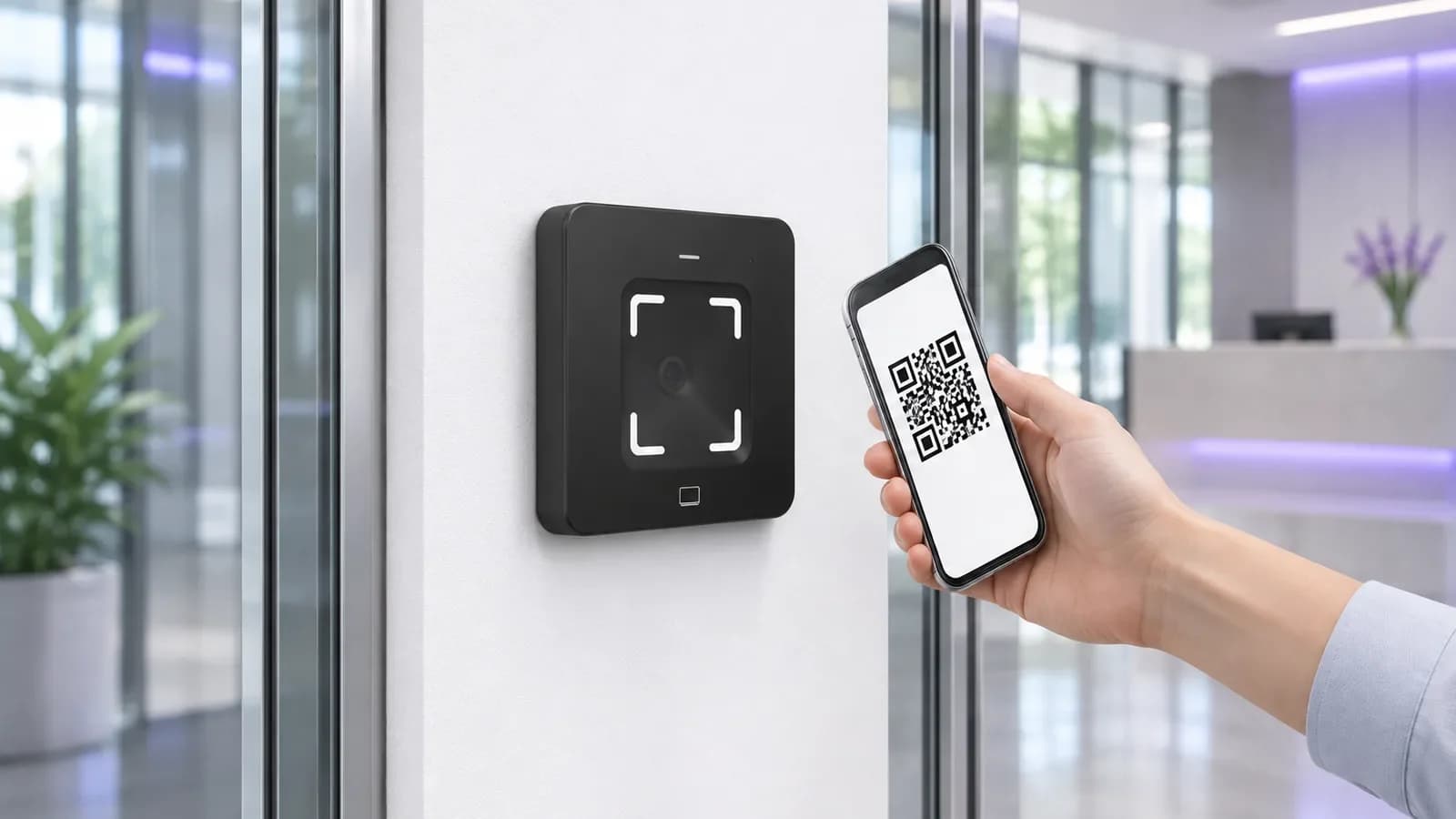
Before you choose
Key takeaways.
- "Integrated" should mean one visitor record, one time-limited permission and one set of door events, with no second data entry at reception.
- Many visitor systems issue a QR code rather than enrolling the visitor's face.
- The pass can be checked by a host system behind a reader, or held as a time-limited local whitelist on a terminal. Decide which before you buy.
- Expiry, revocation, exits and offline behavior each need an owner and a test.
Overview
An integrated visitor management system is one where the visitor's sign-in creates their door access automatically, so nobody has to re-type the visitor into the access control software. In practice, that means three things are connected: the visitor record, a time-limited access permission, and the access events at the door. You can often get there without replacing door hardware, as long as the pass format, the reader output and the system that makes the decision are matched.
What should "integrated" mean for a visitor management system?
Integrated means one visitor record, one time-limited permission and one set of door events, with no second data entry at reception.
Many visitor tools describe themselves as integrated because they print a badge or send a host notification. For security and facilities teams, the useful definition is narrower. Ask who holds each of these three things:
If a person has to copy any of these by hand from one system to another, the system is not integrated yet.
- The visitor record: name, host, company, purpose, expected arrival and departure. This usually lives in the visitor management system (VMS).
- The access permission: which doors, from when, until when. This lives wherever the door decision is made: a platform, a controller setup or a terminal.
- The access event: who passed which door at what time. This should come back to one log that both reception and security can see.
Why is double entry the problem to design out?
In a manual flow reception re-types each visitor into the door software; an integrated flow sends the pass to the door side automatically.
Double entry is a common complaint. In a post titled "We don't want to replace hardware" on r/BuildingAutomation (October 20, 2026), the poster wrote: "when a visitor signs in with the tablet, we still need to put their details in the old door software so they can get badges." In a separate r/accesscontrol discussion about front desk and security keeping separate logs, u/DB_CloudInHand put the cost simply: "dual entry will just lead to human error and delayed check ins."
These are small threads, so treat them as examples, not as an industry survey. The pattern is still worth designing out. Compare the two flows:
The tablet itself can be a weak point. On r/PowerApps, a reception team that built its own sign-in app heard from u/EugeneKrabs1942: "Frequently logging out / connection issues / app lock up." Keep the kiosk simple, and make sure the door side does not depend on the kiosk staying online.
| Step | Manual flow | Integrated flow |
|---|---|---|
| 1 | Visitor signs in on tablet | Visitor signs in on tablet or is pre-registered |
| 2 | Reception reads the entry | VMS creates a time-limited pass (for example a QR code) |
| 3 | Reception types the visitor into door software | Pass is sent to the visitor and the permission reaches the door side |
| 4 | Reception issues a badge | Visitor presents the QR code at the reader |
| 5 | Badge is (hopefully) returned | Pass expires on its end time; events return to one log |
Which credential should visitors get?
Most sites hand visitors a time-limited QR code, so the reader must handle both phone-screen and printed codes.
Why most sites hand visitors a QR code. In an r/accesscontrol thread on biometric readers for visitor management, the poster concluded that "biometrics for visitors are almost always a non-starter," and u/LowVoltageGuyy said the best way to go is a QR code. A QR code can be sent by email or SMS, shown on a phone or printed at the desk, and it stops working when its validity ends.
On the reader side, the Feocey FC7735 reads both phone-screen and printed QR codes, with optional NFC card reading. It is available with RS485, RS232, TTL, Wiegand or Ethernet output, so you select the version that matches your host. Whether a pass is valid, and what the door does, is decided by the connected system. You can compare other options on our QR readers and terminals page. For single-reader checks such as expired or reused codes, see our FC7735 visitor access checks.
When face recognition makes sense, and for whom. Face recognition can work well for enrolled staff who use the same doors every day. For one-time visitors, enrollment adds a privacy conversation and a delay at reception, which is the opposite of what an integrated flow is meant to fix. If you are weighing face terminals for staff, our guide on how to choose face recognition devices covers that separately.
How does the visitor pass reach the door?
There are three common patterns. Pick one per door type and write it down.
Reader passes the code to a host that decides. The reader reads the QR code and sends its content to a controller or server, which checks it against the visitor's permission. The FC7780, an 86-box QR and NFC reader, works this way. Its product page explains that "a reader in transparent output mode may send the original content, while a protocol or development mode can add a header, length, device information and check data." Choose the mode that matches the host application. Our article on QR code reader integration shows how to keep the payload intact.
Terminal holds a time-limited local whitelist. A terminal can store visitor permissions locally. With the standard access application, the FCV5005 handles offline card and QR access through a local whitelist, and each whitelist entry can have a start and end validity time. For software integration, Feocey provides the full MQTT protocol documentation for event reporting, remote permission push and face enrollment, so a VMS or platform can push the visitor's permission and receive the events.
Keep the old controller, add a reader. If you want to keep your existing controller, the new QR reader's output must match the controller's input. A Wiegand output into a Wiegand input is a different job from RS485 into RS485, and a matching connector does not prove a matching protocol. See our Wiegand and RS485 compatibility checklist. The FC6820, a compact QR and card touch terminal available in reader and access-control configurations, is another option where a small screen at the door helps. Our FC6820 temporary pass integration article walks through that case.
Who handles expiry, revocation and visitor exits?
Each edge case needs a named owner and a test before go-live.
A developer on X listed the edge cases that make visitor QR systems hard: "Preventing expired access • Handling revoked passes • Managing offline gate devices • Tracking visitor exits • Keeping reliable audit logs." It is a single post from a builder's point of view, but it makes a good test plan:
On QR readers that support it, single-read and interval modes affect repeated scans of the same code, so confirm which modes your reader offers before defining the flow.
| Edge case | Who should own it | How to test |
|---|---|---|
| Expired pass | The system that holds the permission (platform, controller or terminal whitelist end time) | Present a pass after its end time |
| Revoked pass | VMS issues the change; the door side must receive it | Revoke a live pass and try it right away |
| Offline door device | Agreed per model and configuration | Unplug the network, present valid and revoked passes |
| Visitor exit | Exit reader, reception check-out or both | Check that exits appear in the log |
| Audit log | One system of record | Compare the VMS log and door events for the same visit |
What happens when the kiosk or the network drops?
Plan for two separate failures. If the sign-in tablet fails, reception needs a fallback, such as pre-registered passes or a desk-side issue process. If the network fails at the door, behavior depends on the device, the model and the configuration. For the FCV5005 with the standard access application, Feocey's FAQ says offline card and QR access use the local whitelist and records are uploaded again after the network returns. Feocey also recommends testing network loss and recovery on the evaluation unit before rollout. For other devices, ask the vendor in writing what happens to a valid pass, a revoked pass and the event log while the link is down.
Who owns visitor data in a multi-tenant building?
Shared buildings raise a question that the hardware cannot answer. In an r/AdminAssistant thread, one reply suggested registering everyone for fire roll-call, while u/DB_CloudInHand proposed "a separation between building data" and tenant data. Before you integrate, agree who controls visitor records, who can see whose visitors, and how long records are kept. Take that question to your own advisers. This article is not legal advice.
What should you confirm before buying an integrated visitor management system?
Confirm five sides before you buy: the VMS, access control, the reader or terminal, offline behavior and events.
For the reception-to-exit process itself, see office visitor management: reception to exit handover and visitor management hardware for self-service check-in.
If you want help matching a reader to the door side you already have, send us your current access control models, your visitor flow and the offline behavior you need.
| Side | Confirm |
|---|---|
| VMS | Can it create a time-limited pass and push it, or expose it to the door side? Can it revoke? |
| Access control | Where is the permission checked? Which inputs does the controller accept? |
| Reader or terminal | Which output (RS485, Wiegand, Ethernet) and mode (transparent or protocol)? Phone-screen and printed codes both tested? |
| Offline | What happens to valid and revoked passes when the network is down, for this model and configuration? |
| Events | Do door events come back to one log with the visit? |
What is an integrated visitor management system?
It is a visitor system whose sign-in creates the visitor's door access and receives the door events, so reception does not re-enter the visitor into the access control software.
Can I connect a new visitor management system without replacing my door hardware?
Often, yes, if the pass format, the reader output and the controller input match. Confirm the protocol, not just the connector, before you order.
Should visitors use QR codes or face recognition?
Many visitor systems issue QR codes. They can be sent ahead, shown on a phone or printed, and they expire. Face recognition fits enrolled staff better.
How do visitor QR passes expire or get revoked?
The system that holds the permission enforces the end time. On the FCV5005, local whitelist entries can carry a start and end time. Revocation must reach the door side, so test it.
What happens to visitor access when the network is down?
It depends on the model and configuration. With the standard access application, the FCV5005 uses its local whitelist for offline card and QR access and uploads records after the network returns. Test it before rollout.
Who should own visitor data in a multi-tenant building?
Agree it in writing between the building and the tenants before you integrate. This is a governance question, and this article is not legal advice.
Source references
"We don't want to replace hardware" ↗r/accesscontrol discussion ↗"Frequently logging out / connection issues / app lock up." ↗biometric readers for visitor management ↗"Preventing expired access • Handling revoked passes • Managing offline gate devices • Tracking visitor exits • Keeping reliable audit logs." ↗r/AdminAssistant thread ↗Put the guide to work
Find the reference for your model.
Compare each device with your requirements. Confirm configuration and compatibility for the complete installation.
FC7735 →
86-box QR and card reader
Ask about FC7735 ↗FC7780 →
86-box QR and NFC reader
Ask about FC7780 ↗FC6820 →
Display QR and card terminal
Ask about FC6820 ↗FCV5005 →
8-inch face authentication terminal
Ask about FCV5005 ↗