QR Readers & Terminals

FC7788

Flush-mount QR and NFC reader

Credential reading, integrated.

A flush-mount QR and NFC reader for connected rooms and access points. Select from the available wired or network interfaces to match the host equipment.

  • Flush 86-box mounting
  • QR & NFC
  • Wired / network options
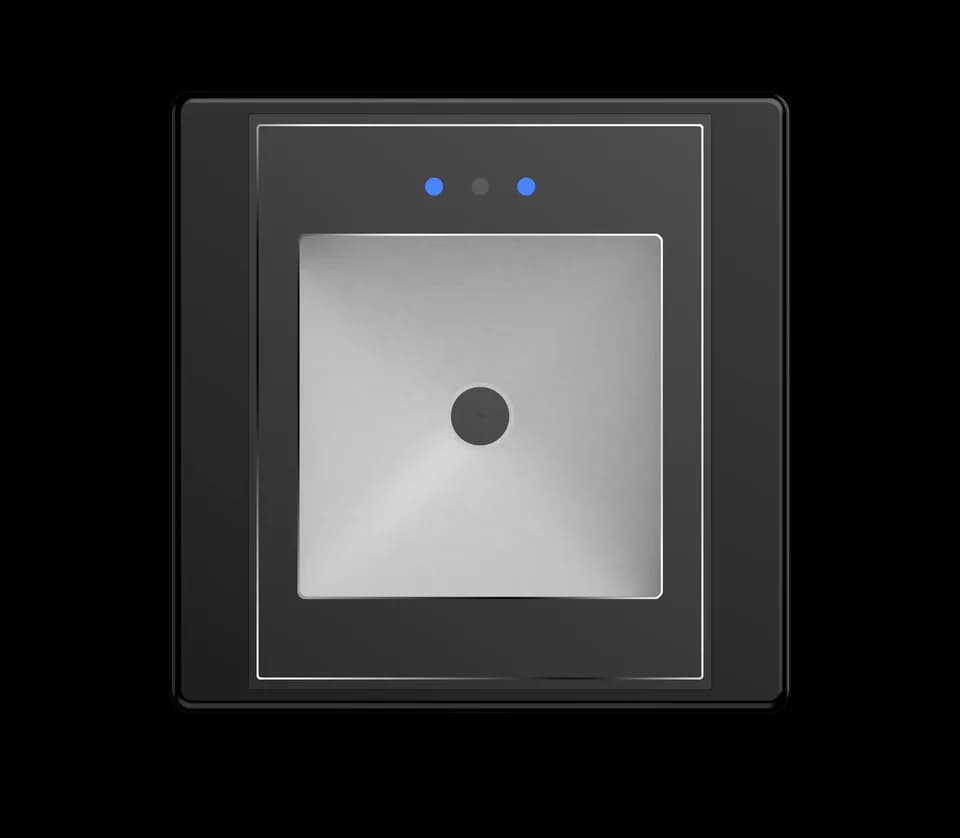
FC7788 QR reader front view
FC7788 · product view

A considered fit.
A simple interaction.

A flush-mount QR and NFC reader for connected rooms and access points. Select from the available wired or network interfaces to match the host equipment.

Format
86-box reader
Credentials
QR & NFC card
Integration
Match the selected host interface

Functions and connections depend on the selected configuration.

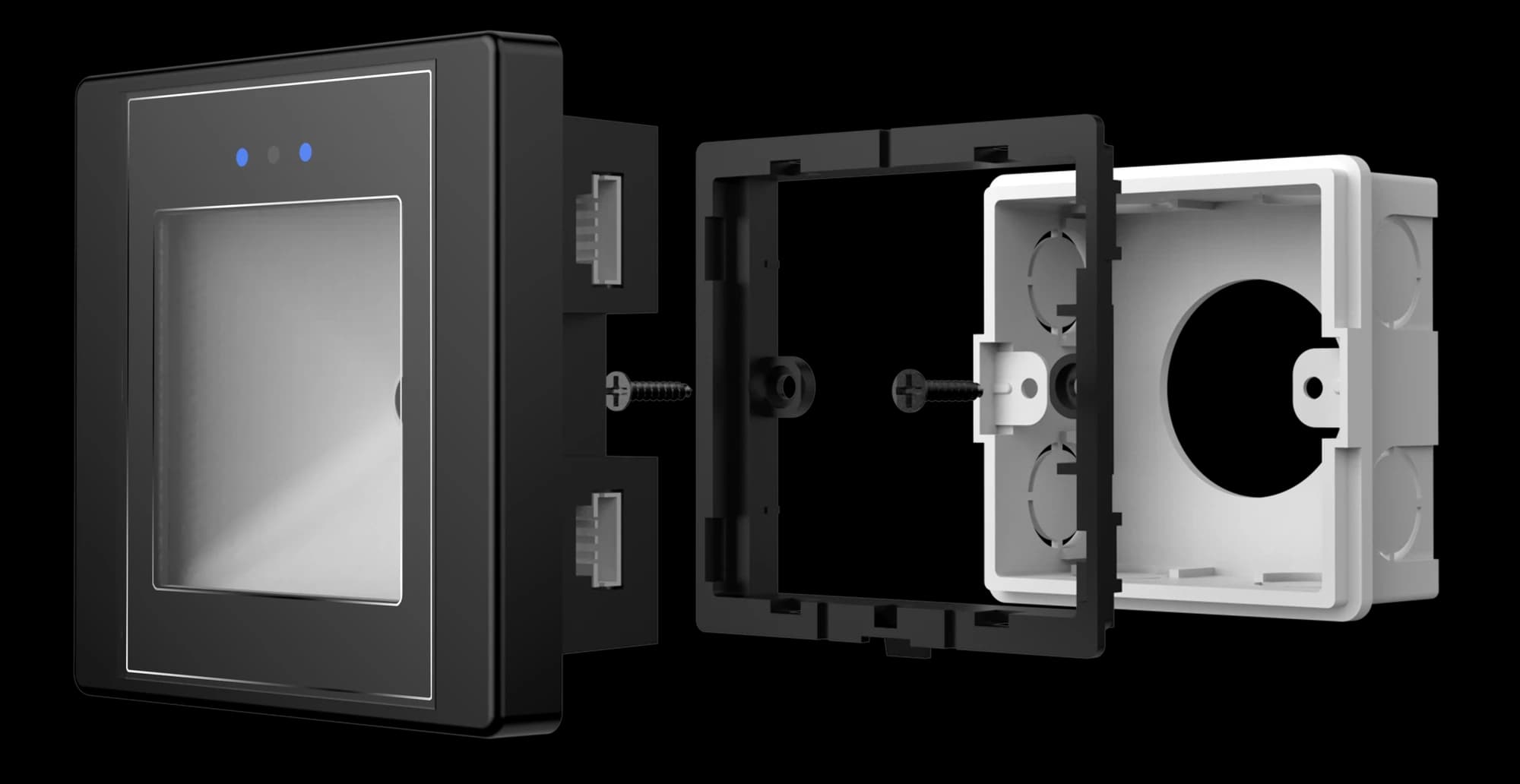
FC7788 flush reader, mounting frame and 86-type box assembly
FC7788 · 86 type box installation

Plan the fit.
Keep the connection clear.

Match the 86-type box, mounting frame and rear cable clearance to the supplied reader assembly before preparing the wall.

Request documents for FC7788

Use the drawing and wiring reference for the supplied configuration. Confirm all dimensions before cutting or drilling.

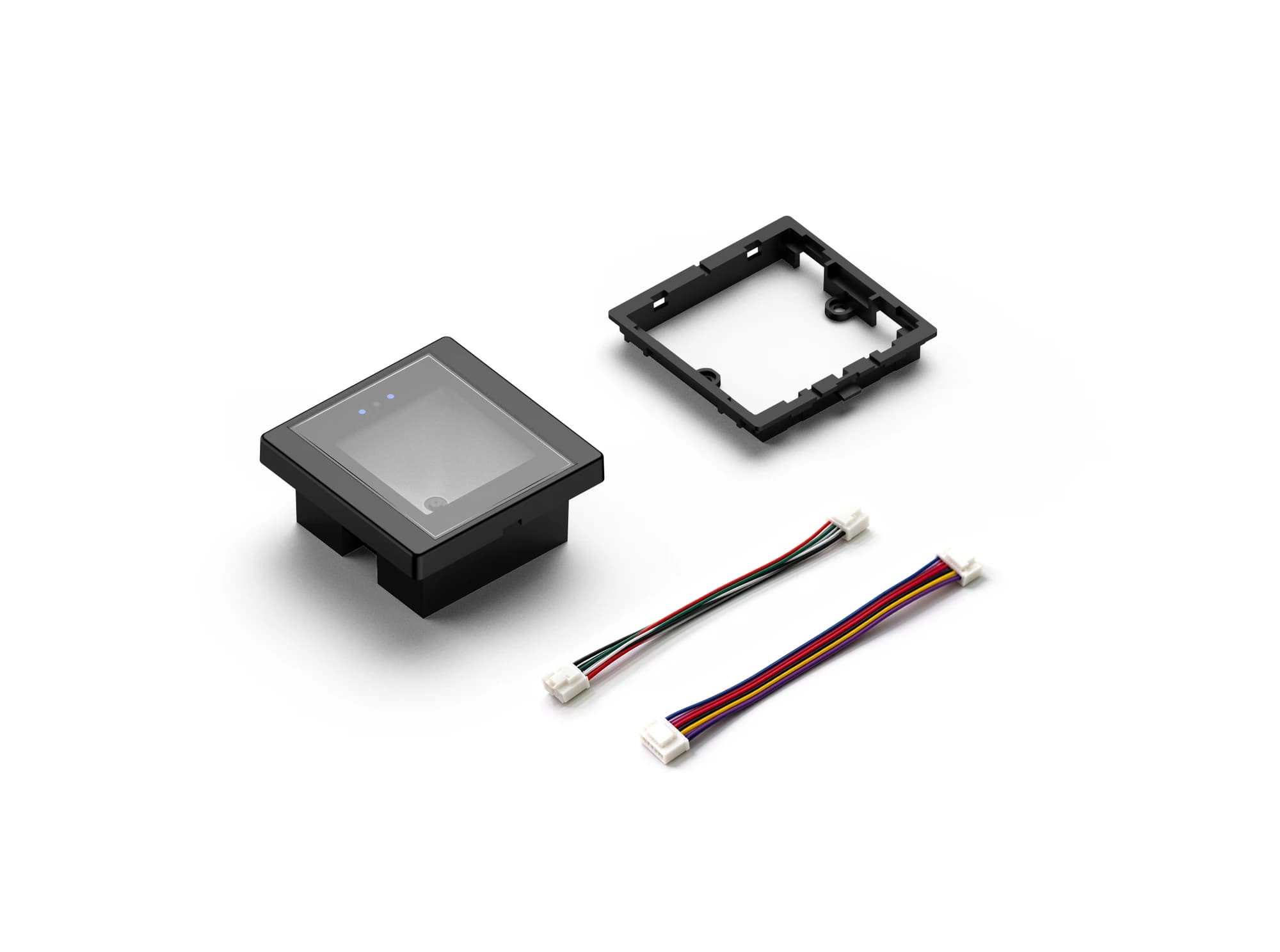
FC7788 flush reader, frame and pictured cable harnesses
FC7788 · mounting accessories

Ready for your installation.

Review the reader, mounting components and pictured accessories with our team.

Pictured configuration only. Supplied accessories and quantities are subject to order confirmation.

Product resources.

Manuals and integration support for FC7788.

Documents for FC7788 →

Request the manual, dimension drawing and integration reference for your FC7788 configuration.

Request documents for FC7788

Your questions, answered.

What should I check if serial output is missing or unreadable?

Match the baud rate, data format and electrical interface on both sides, then inspect the cable and any serial-to-USB adapter. Also confirm whether the reader is sending raw content or a framed protocol message before treating additional bytes as corrupted data.

Why can output differ from the original QR content?

A reader in transparent output mode may send the original content, while a protocol or development mode can add a header, length, device information and check data. Select the mode that matches the host application and use the protocol reference for that model and firmware.

Can repeated scans of the same code behave differently?

Yes. Single-read and interval modes can treat repeated presentation of the same code differently, while a different code may still be accepted immediately. Confirm which modes and repeat intervals are available for the selected reader before defining the user flow.

Interested in this product?

Tell us the model and quantity.