QR Readers & Terminals

FC7785

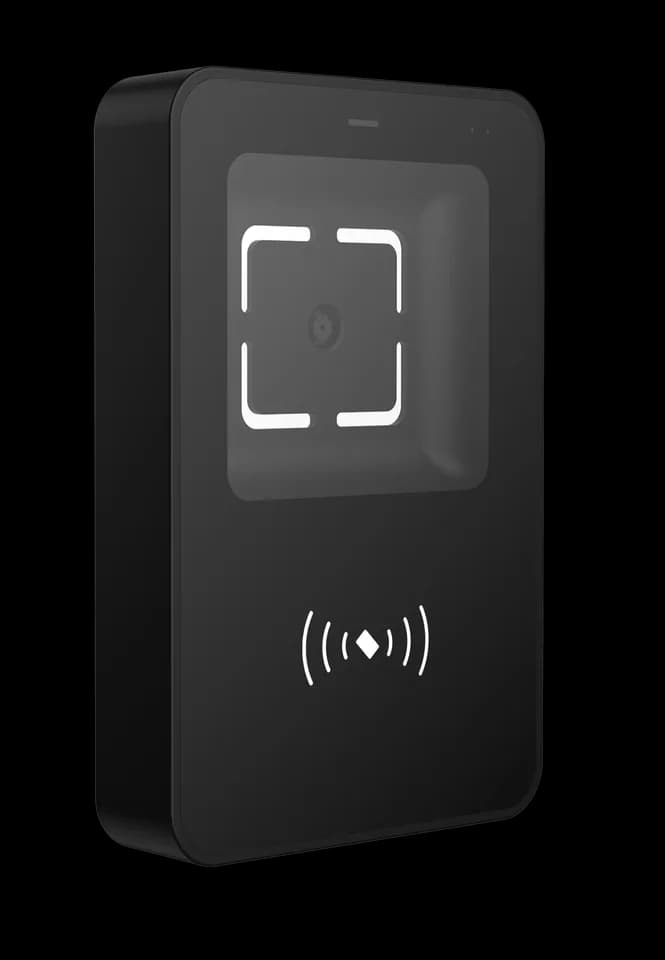
Slim QR access reader

A slimmer reader for the entrance.

A narrow-format QR reader with card options for access points. Choose the finish, mounting arrangement and output connection to match the door and surrounding equipment.

  • Slim format
  • QR & card options
  • Wall / 86-box options
Form
Slim formatFor access points with limited faceplate space
Credential
QR + card optionsConfirm the required card-reading configuration
Placement
Wall / 86-boxSelect the matching mounting arrangement

Inside FC7785

Make the most of the space beside the door.

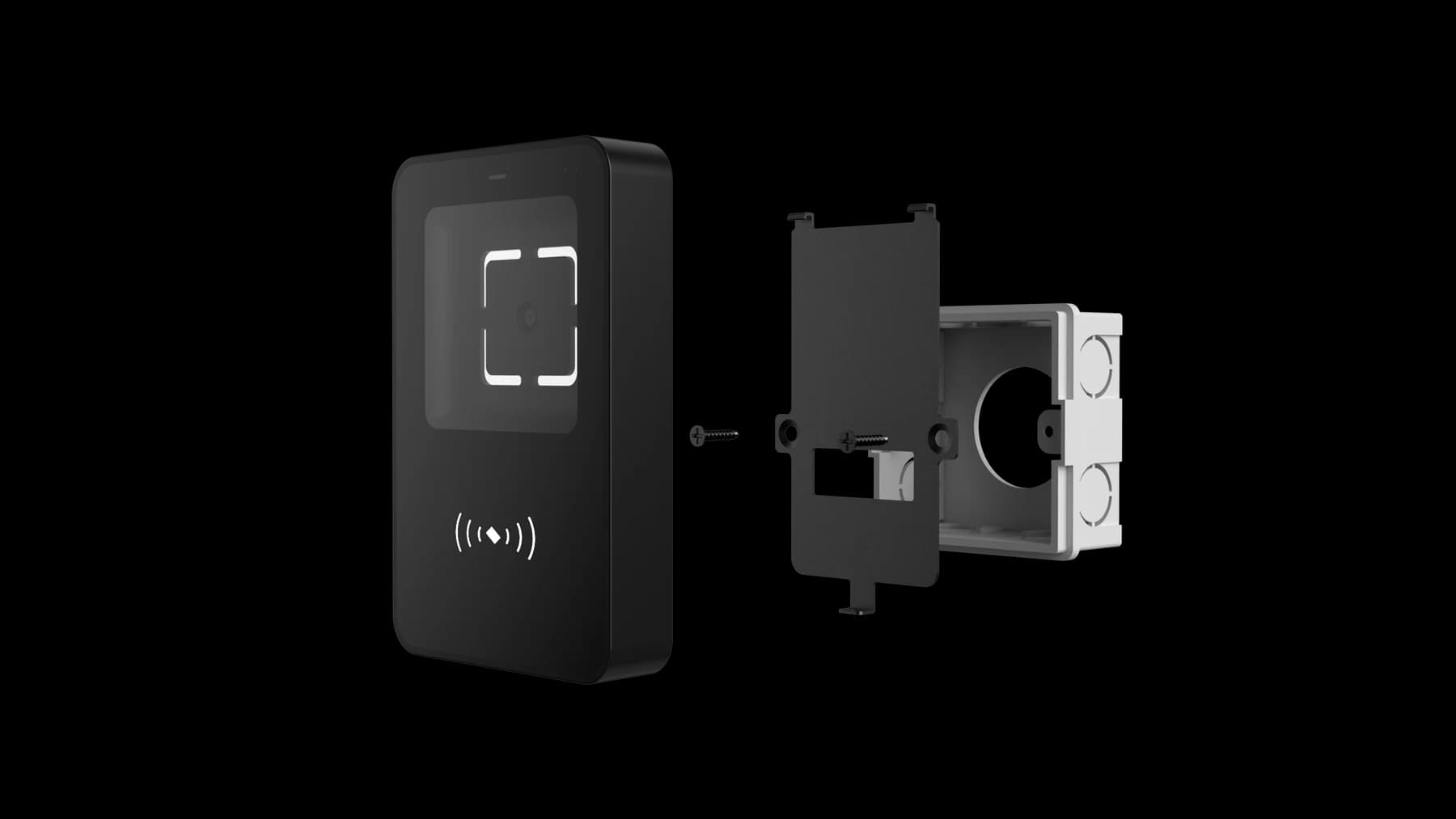
FC7785 offers a narrow reading point for access installations. It suits projects where the front dimensions matter, while the mounting plate, rear enclosure and cable still need room. Select the finish, credential options and host connection with the complete installation in view.

Plan the installation
FC7785 narrow reader with its mounting plate
FC7785 · reader and mounting assembly

Choose around your project

The details that
make it fit.

01

Measure the whole assembly

Share the available width, rear depth and cable exit, not just a photograph of the front surface. Use the drawing for the selected mounting arrangement before drilling or preparing the finish.

02

Select the credential option

Start with the QR workflow. If cards are also required, identify the card technology and confirm the matching option; card capability should not be assumed from the enclosure alone.

03

Match the output to the host

Confirm the receiving controller or application, electrical interface, data format and supply with the exact FC7785 configuration. Do not reuse another reader’s pinout because the housings look similar.

From credential to action

How the parts
work together.

The slim front describes the physical format. The host connection and access behaviour still depend on the selected hardware and firmware.

  1. 01

    Present at the entrance

    The user brings a code, or a card supported by the selected option, to the reading area.

  2. 02

    Pass data to the host

    The configured output carries credential data to the receiving access system.

  3. 03

    Apply the access rule

    The host checks permission and the matched door hardware carries out the result. Confirm allowed and denied behaviour during commissioning.

Example workflow · confirm the configuration and wiring for the supplied equipment.

Technical details

A closer look.

Options vary by configuration. Use these details to plan your evaluation.

FC7785 specifications
DisplayNo display
CredentialsQR code and card options by configuration
Installation & interfacesWall or 86-box installation depending on configuration

Installation & connections

Plan the fit.

  1. Measure the available faceplate width, rear clearance and cable path. Select the wall or 86-box arrangement and obtain its mounting drawing before drilling.
  2. Check the complete reader and plate assembly against the opening. Leave room to present a credential and to remove the unit for service.
  3. Disconnect power before connecting the selected harness. Confirm the supply, output and any card-reading option for FC7785; do not use another model’s wiring diagram.
  4. Evaluate representative codes and any selected card credentials with the receiving host. Confirm both accepted and rejected access results before handover.

Product resources

Manuals & drawings.

Documents for FC7785 →

Need the FC7785 manual, specification or installation drawing? We’ll help you find the document for your configuration.

Request documents

A few things worth knowing.

What dimensions should I provide for an FC7785 installation?

Provide the available front width, opening, fixing positions, rear depth and cable route. Confirm the wall or 86-box mounting assembly against the drawing for your configuration before drilling. The slim front does not describe the space needed behind it.

Does every configuration include the same features?

No. Credential modules, interfaces, mounting parts, network options and software can vary within the same product family. Confirm the exact model and selected options in writing before designing an enclosure, cable set or integration around it.

Why can output differ from the original QR content?

A reader in transparent output mode may send the original content, while a protocol or development mode can add a header, length, device information and check data. Select the mode that matches the host application and use the protocol reference for that model and firmware.

Your next step

Let’s put FC7785
in your project.

Tell us where it will be used, how it should connect and the quantity you need.

Discuss your project