

+8618962540968
Original locks & accessories.
For the 001, 002 and 004 range, use the matching app, firmware and installation guidance. Feocey Home and accessory compatibility depend on the specific model.
001 · Retrofit smart lock
Review the interior retrofit arrangement and door-fit requirements.
View details002 · Door lock
Review the exterior keypad, interior unit and installation configuration.
View details004 · Bluetooth keypad accessory
Explore PIN-only and fingerprint versions. Confirm the compatible lock, firmware and app. The lock body is separate.
View detailsFor existing orders, use the matching seller listing and purchase reference when contacting the dedicated smart-lock support team. Delivery, returns and warranty depend on the model, seller and order.
Installation guides & smart-lock supportInstall the 004 fingerprint keypad.
Follow the mounting steps in this 1 min 16 sec guide. Use the instructions for the supplied keypad version and compatible lock.
004 fingerprint version · Choose the guide that matches your keypad.
The following Feocey Home information applies to the matching 001, 002 and 004 products and firmware. Use the model-specific Tuya manual for the five models in the selection below.
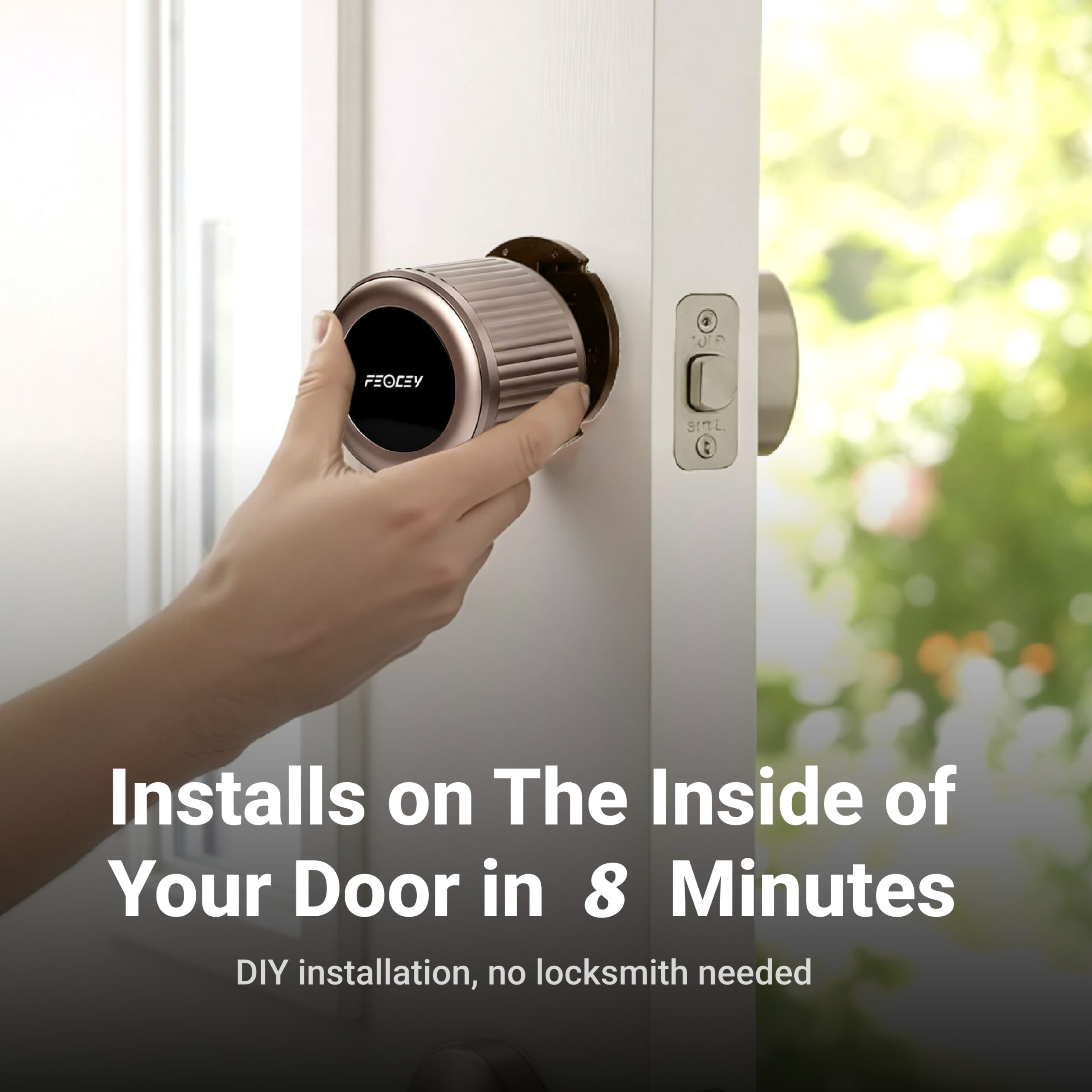
02.
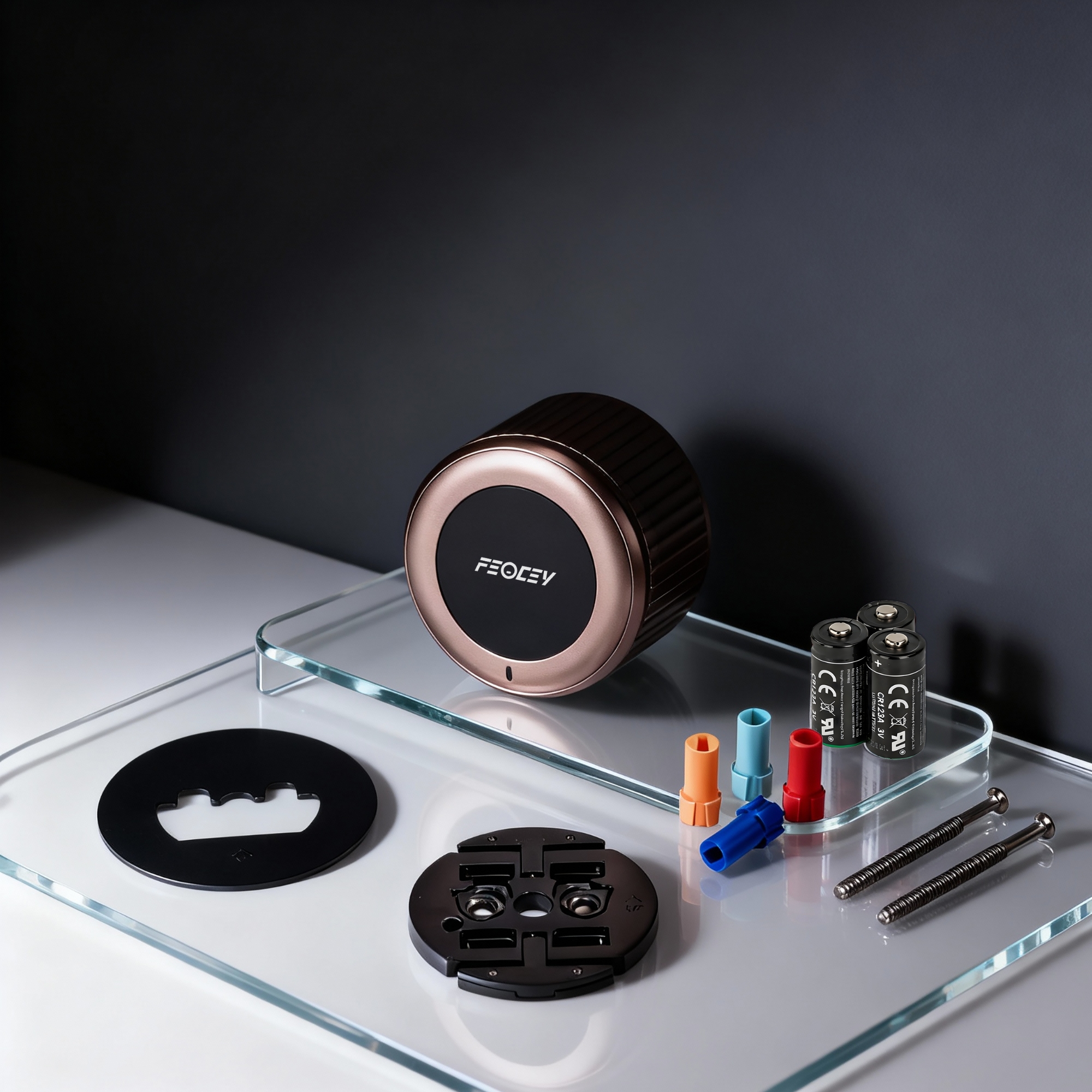
Whats In The Box?
04.
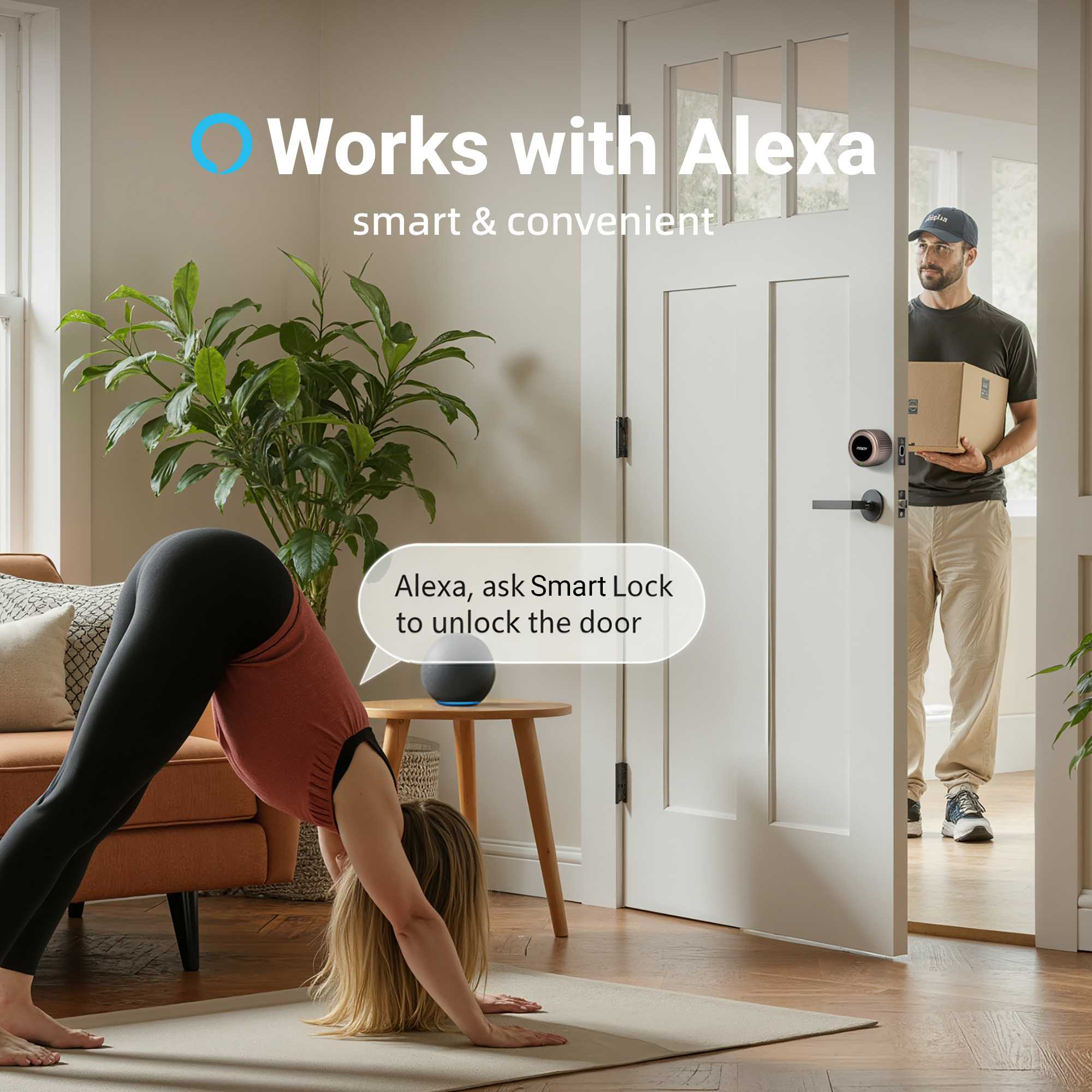
Work With Alexa
03.
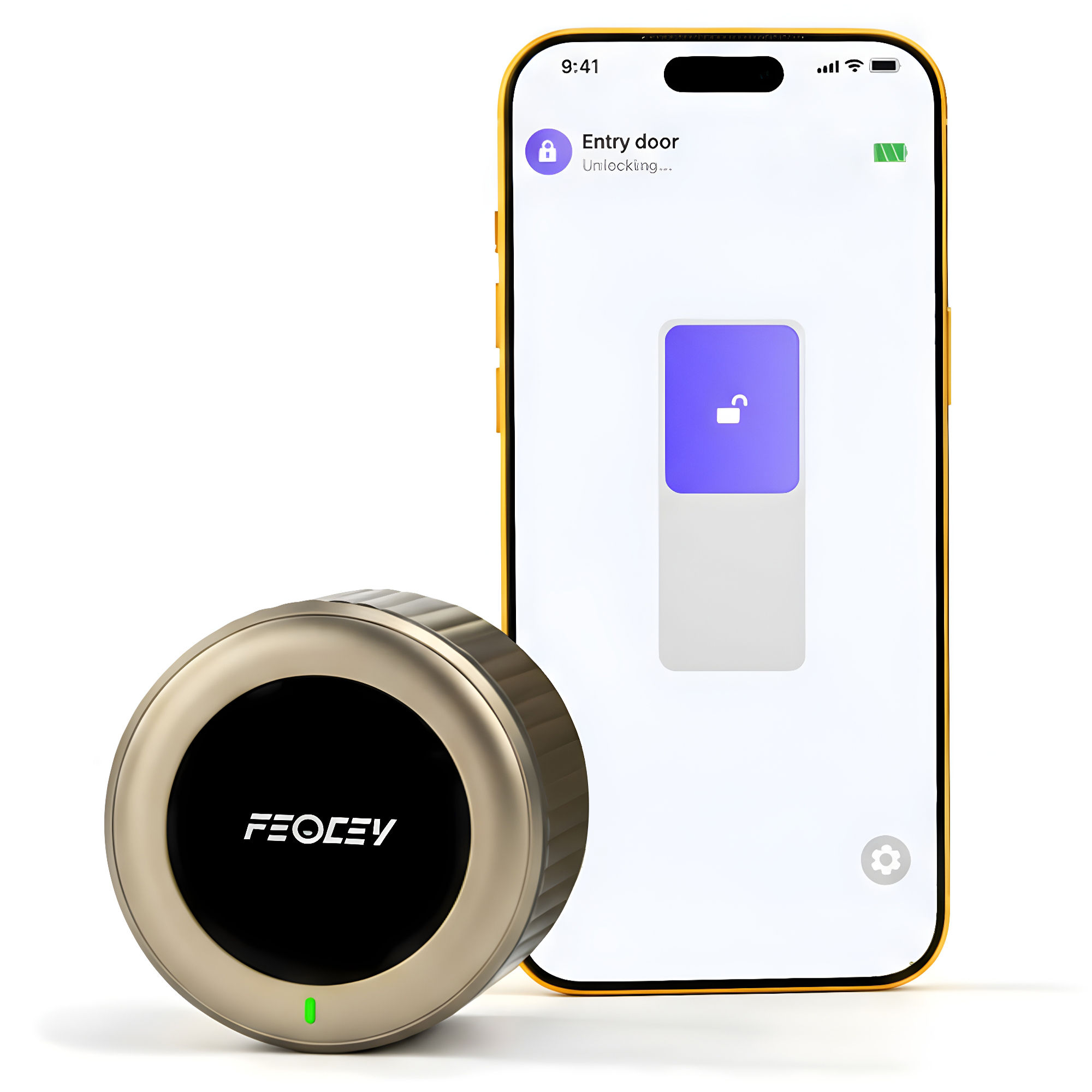
Join Feocey Home
02.
Unlatched Alarm
03.
Auto-locking Settings
04.
Family Management
FAQ
Find answers to commonly asked questions about our products and services.
Model and order reference help us assist you
Address
Building 23, Suzhou Yangshan Science and Technology Industrial Park,
Jinyan Road, Huqiu District,
Suzhou City,China
Support Hotline to
+1 (503)381-8378
Tuya smart locks
Find the right smart lock.
Compare face and palm access, compact lever handles and door-viewer options for homes, apartments and managed properties. Match the lock body, door preparation and app connection before ordering.
These five models use their matching Tuya configuration. Remote access depends on the lock, network version and any required gateway.
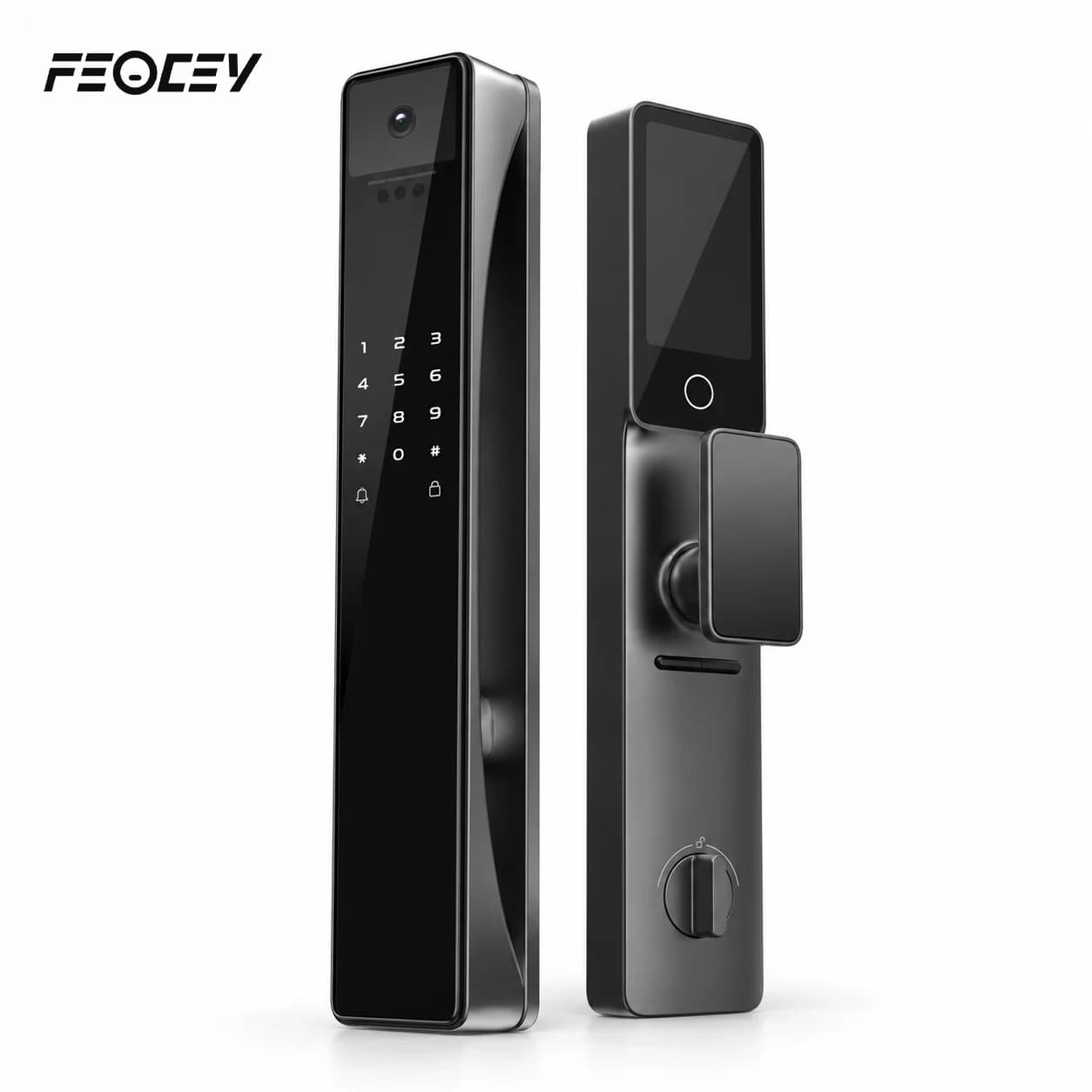
FC101DH
Residential mortise smart lock with door viewer
- Access
- Face, palm, fingerprint, PIN, card & key
- View
- Door viewer · 4.5-inch interior display
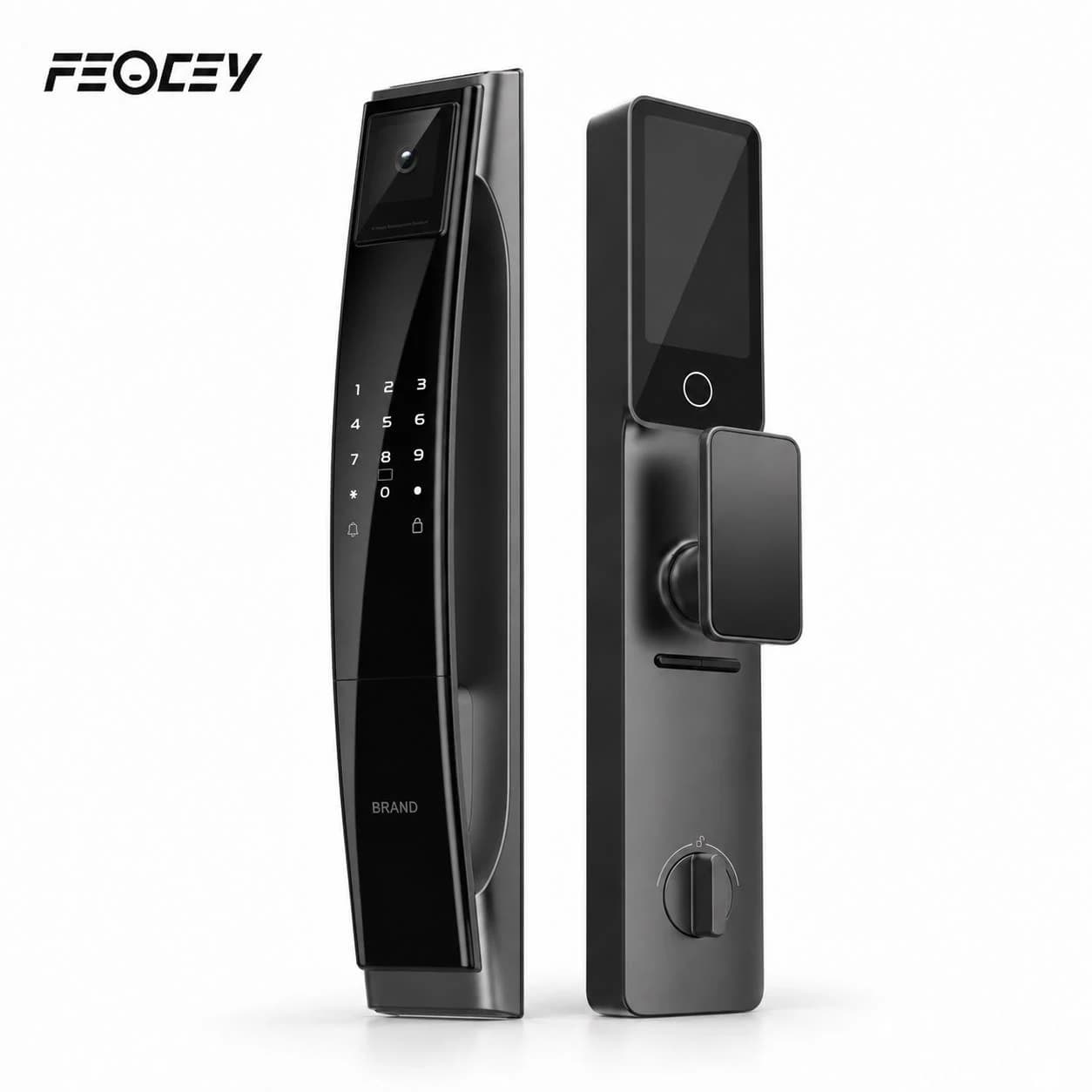
FC102DH
Residential mortise smart lock
- Access
- Face, palm, fingerprint, PIN, card & key
- View
- Door-viewer configuration · confirm details
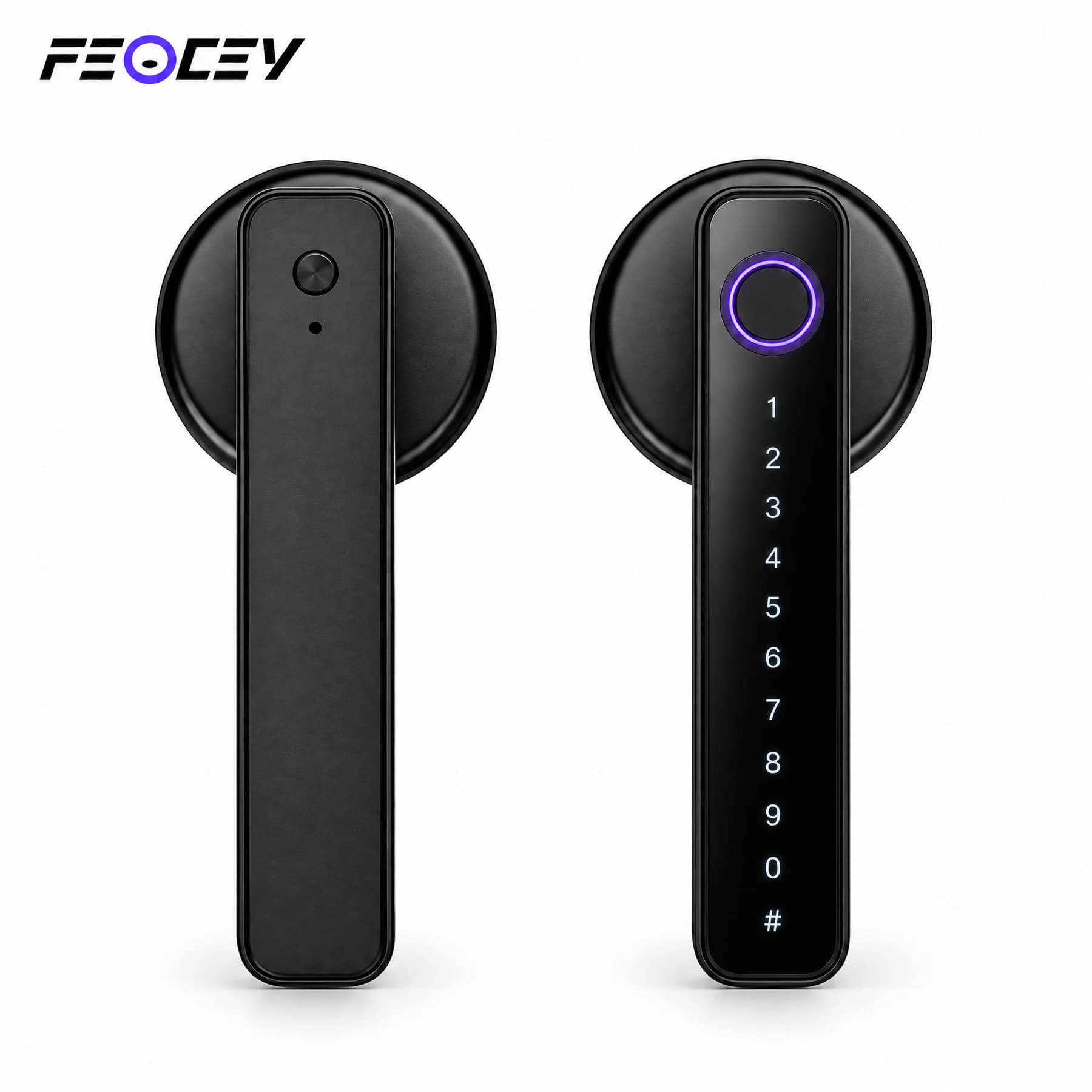
FC20L
Bluetooth smart handle lock
- Access
- Fingerprint, PIN, card, key & Tuya app
- View
- Handle lock without a door viewer
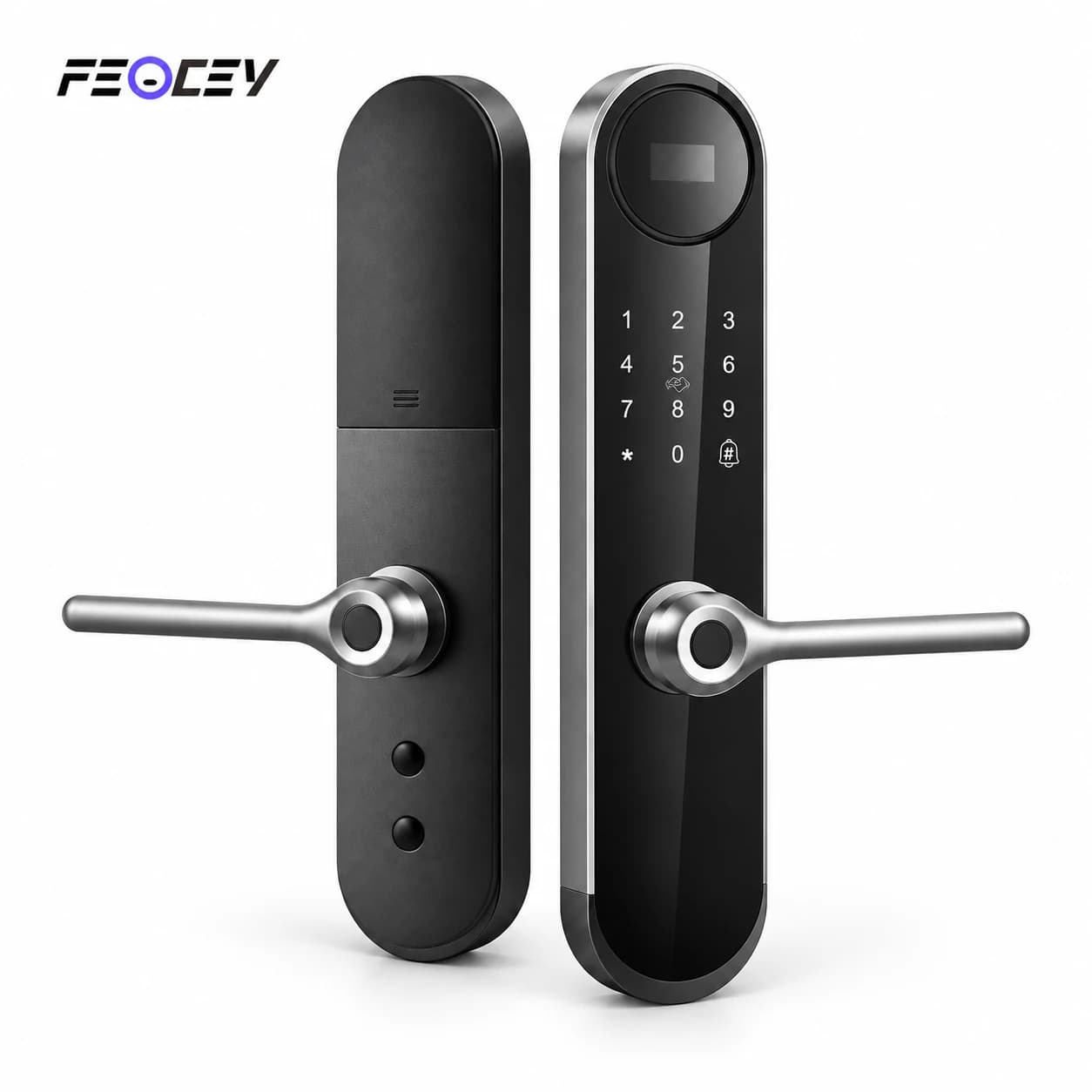
FC8286LD
Mortise smart lock with OLED display
- Access
- Fingerprint, PIN, card & key
- View
- 0.96-inch OLED status display
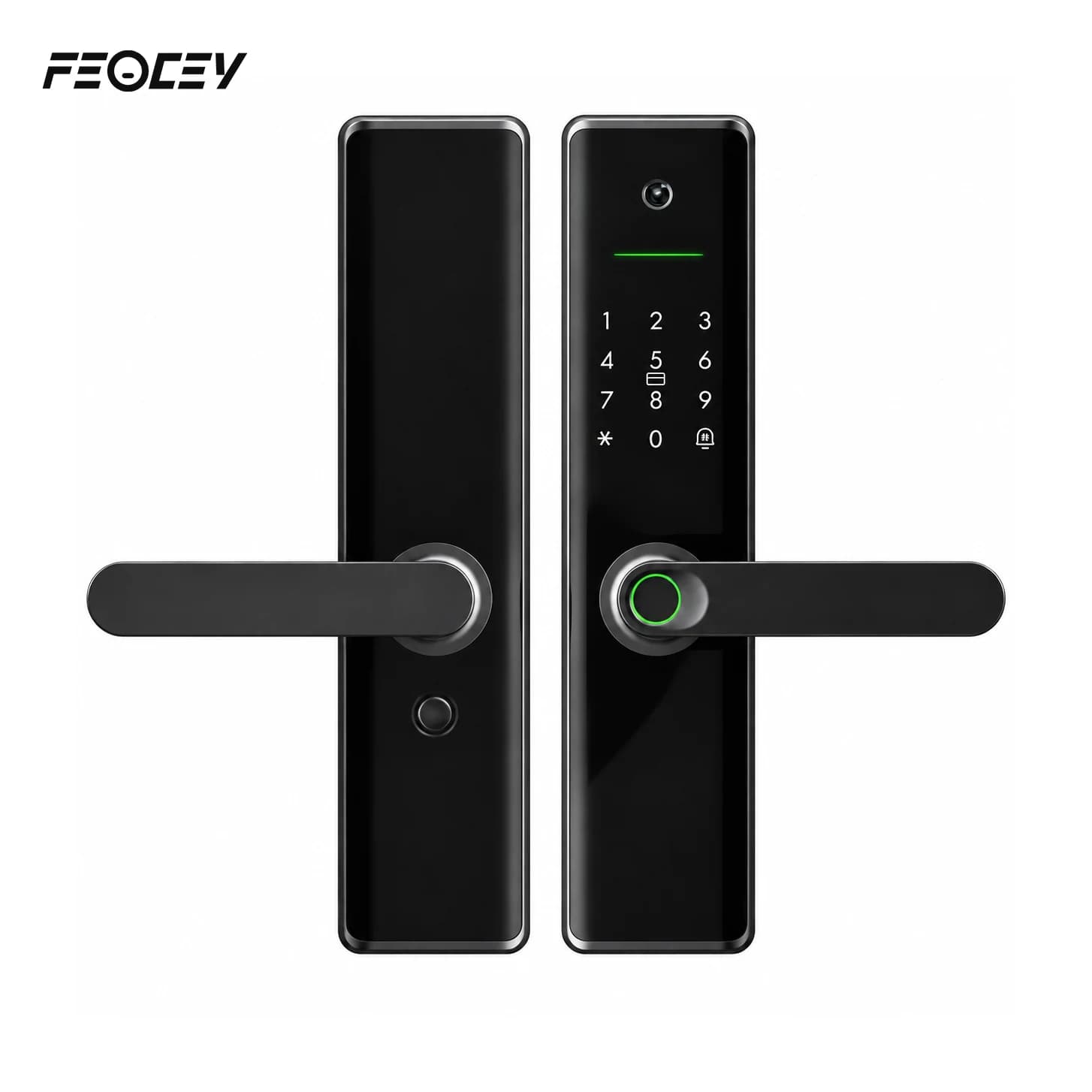
FCV4288LD
Mortise smart lock with door viewer
- Access
- Fingerprint, PIN, card & key
- View
- Door-viewer configuration
Compare the essentials.
Dimensions and door thickness are planning references. Check the matching manual, lock body, opening direction and drilling template.
| Model | Access methods | Viewer & display | Door-fit reference | App connection |
|---|---|---|---|---|
| FC101DH | Face, palm, fingerprint, PIN, card & key | Door viewer · 4.5-inch interior display | 6068 mortise · 35–75 mm doors | Optional Tuya Wi-Fi configuration |
| FC102DH | Face, palm, fingerprint, PIN, card & key | Door-viewer configuration · confirm details | 6068 mortise · confirm door thickness | Optional Tuya configuration |
| FC20L | Fingerprint, PIN, card, key & Tuya app | Handle lock without a door viewer | 60 / 70 mm latch · 30–50 mm doors | Tuya Bluetooth · gateway needed for remote services |
| FC8286LD | Fingerprint, PIN, card & key | 0.96-inch OLED status display | Mortise options · 45–70 mm doors | Tuya Wi-Fi · request-based remote approval |
| FCV4288LD | Fingerprint, PIN, card & key | Door-viewer configuration | Mortise options · 45–55 mm doors | Optional Tuya Wi-Fi · doorbell request workflow |
Before you request a quotation
What should we confirm before ordering smart locks?
Choose the door fit and operating workflow together. A useful project brief identifies the exact lock body, app configuration and installation conditions before quantity or pricing is confirmed.
Prepare your project brief
- Door schedule: material, thickness, opening direction, existing lock body and measured door preparation.
- Installation references: photographs, dimensions and the matching drilling template; check each door type separately.
- Access methods: who receives access, how credentials are issued and removed, and which methods the selected model supports.
- App and network: exact Tuya or Feocey Home configuration, available connectivity and any required gateway.
- Operating checks: battery replacement, emergency access, network loss and the handover to the property user.
- Order scope: model, lock-body option, quantity, deployment market and the manuals needed by the installer.
What happens when a smart lock’s battery runs low or goes flat?
A flat battery does not have to mean a locked door, but the backup differs by model. X-Gen 1 Smart Lock 001 keeps the original mechanical key, and its clutch disengages when the batteries run out so the key still works. Smart Door Lock 002 has 9V emergency power: a 9V battery is docked against external contacts.
FC101DH, FC20L, FC8286LD and FCV4288LD give a low-voltage warning at about 4.8 V. After the warning, FC20L can still operate about 100 more times and FCV4288LD about 200 more unlocks. Published endurance is 5,000+ operations per charge for FC101DH and 8,000+ openings for FCV4288LD. Feocey does not publish an endurance figure for FC8286LD or FC102DH. The Type-C port on the Tuya models supplies temporary power only; the FC20L manual states that it does not charge the batteries. Do not assume Type-C emergency power on X-Gen 1 Smart Lock 001.
Power differs by model. FC101DH and FC102DH use a 5000 mAh rechargeable lithium battery. FC20L uses four AAA alkaline batteries, FC8286LD four AA batteries and FCV4288LD eight AA alkaline batteries. Keep the matching key accessible and follow the battery instructions in the manual for your model.
Can a guest open the door without installing the app?
Yes, with a credential that does not use the app. On FCV4288LD, FC101DH, FC8286LD and FC20L the administrator can enrol a PIN, card or fingerprint on the lock’s admin menu, so a guest can use it without the app. Guests can also use a mechanical key where the model has one.
For time-limited access, X-Gen 1 Smart Lock 001 with the Magic Keypad supports permanent, temporary, recurring and one-time codes, up to 300, created in the Feocey Home app. FC101DH and FC8286LD offer a temporary (time-limited) password and a remote dynamic password in the Tuya app. Feocey does not state whether these codes can be created without the app, without a network or without a gateway, so confirm that before promising it to guests.
What still works when the Wi-Fi is down?
Local credentials do not depend on the app. On the Tuya models, fingerprint, PIN, card and key are verified on the lock, while remote unlocking needs a network, and a gateway on FC20L. X-Gen 1 Smart Lock 001 can be opened over nearby Bluetooth or with the original key when Wi-Fi is down; remote access and real-time alerts need an active internet connection. FC8286LD stores 500 local unlock records.
Feocey does not publish a local log capacity for the other models. Confirm any offline requirement for your model.
Can every model replace the same existing lock?
No. The 001 is an interior retrofit arrangement, while the five Tuya models have their own lock bodies and door-preparation requirements. The 004 is a keypad accessory, not a replacement lock. Use the exact model manual, adapter requirements and measured door preparation to confirm the fit.
Do all five Tuya models offer the same remote connection?
No. Use the connection conditions in the comparison above and the matching manual. FC20L uses a Tuya Bluetooth configuration; remote functions require the appropriate gateway and network setup. Do not assume the other models have the same connection or gateway requirements.
Can these locks connect directly to our property-management software?
An app connection does not establish an open API or a tested property-management integration. Share the lock model, app configuration and the actions your platform needs. Confirm the integration route before selecting hardware. Feocey Home guidance for the existing range does not apply automatically to the five Tuya models.
Which manuals should the installer use?
English manuals are available for FC101DH, FC20L, FC8286LD and FCV4288LD. FC102DH still requires its own matching manual; request it for that model. Do not use FC101DH dimensions, door-thickness limits or instructions as a substitute.
Plan your lock installation.
Share the door measurements, lock body, access methods and quantity you need. We can help confirm the right model and configuration.