
Visitor planning
Visitor Sign-In Software: Handle Group Arrivals Without Losing Individual Records
Visitor sign-in software should connect a group booking to each person's actual visit. Plan late arrivals, additions, early departures and terminal roles without treating the group leader's check-in as everyone's attendance.
Before you choose
Key takeaways.
- A group booking organizes the visit; each person's arrival and departure still need an agreed record.
- Shared and individual QR arrangements need different operating rules; neither choice proves who actually arrived.
- Give the terminal, visitor platform, host and reception team separate responsibilities before accepting the workflow.
Keep the booking together and the visits distinguishable
Visitor sign-in software should keep a group appointment connected while recording each person's actual arrival and departure separately. A team contact can coordinate the visit, but that contact's check-in does not establish that everyone on the booking is present. Choose a process that lets reception tell who was expected, who arrived, who was approved and who has left without reconstructing the visit from a single group label.
The useful procurement question is not simply whether a platform supports groups. Ask what the group action changes for each member. Creating invitations, completing registration, recording an arrival and authorizing entry are different actions. Your software and operating procedure should make those distinctions visible even when people arrive together.
Walk through an eight-person visit before choosing the shortcut
Consider an illustrative office visit with eight invited participants, one of whom is the group coordinator. Six people reach reception at the booked time. One arrives twenty minutes later, one never attends, and the coordinator asks to add a colleague who was not on the original list. During the meeting, two participants leave before the others. These are planning examples, not a Feocey customer case or a statement of built-in software behavior.
A single action that marks the whole booking as arrived would immediately create two inaccurate visit records. It would also fail to explain the extra colleague or the early departures. Reception instead needs to find the shared appointment, identify the six people who are present and leave the remaining invitations unresolved. The later changes should remain associated with the same appointment without overwriting what already happened.
The coordinator remains a useful contact for names and timing. That role should not silently make the coordinator an authorized approver for additional people, a verifier of identity or the person responsible for recording every departure. Name the actual owner of each decision.
Give four records four different meanings
The group booking describes the shared purpose, host, expected time and intended roster. The individual registration contains the information required from one visitor. The visit record describes what the process actually observed about that person's arrival and departure. The entry authorization describes the areas and conditions under which that visitor may proceed. Keeping those meanings separate allows a group to stay organized without turning its roster into an attendance list.
Ask the proposed supplier to show the links between the four records using one test visitor. A receptionist should be able to explain an invited-but-absent person without deleting the invitation, and an arrived-but-not-yet-authorized person without granting access merely to complete sign-in.
Use a short arrival sequence with a named exception owner
Agree the group-arrival sequence before optimizing taps or scans. The following sequence is an example for a staffed office. Change its verification and approval steps to match your site's approved process, and ask the software team to demonstrate where each action is recorded.
- Find the correct appointment and confirm its host, purpose and current roster with the coordinator.
- Identify the people who are physically present and complete the information required for each one.
- Record those individual arrivals, leaving late and absent invitees in their appropriate unresolved states.
- Refer an unlisted person or an incomplete registration to the named host or authorized operator.
- Apply the approved entry or escort arrangement only after the relevant decision has been made.
- Record individual departures through the agreed process, then reconcile the remaining people before closing the group visit.
Keep late arrivals and roster changes from rewriting the visit
A late arrival needs a fresh observation of that person's arrival, linked to the original group booking. The original invitation time should remain distinguishable from the actual check-in time. Confirm who handles the visitor if the coordinator has already entered the building; do not assume the rest of the group must return to reception.
An additional visitor needs a clear approval path. Ask whether reception adds the person to the existing appointment or creates another linked visit, who can approve that change and how the operator records the decision. Preserve enough explanation to distinguish a legitimate addition from a mistaken duplicate. The coordinator's request alone should not substitute for the site's chosen approval rule.
For early departures, record only the people whose departure the process has established. Someone saying the group is leaving is not necessarily evidence that every person has gone. Agree how uncertain departures are flagged for follow-up. A no-show remains someone expected but not observed as arrived; avoid turning that invitation into an arrival and departure pair just to make a report look complete.
Choose the QR arrangement around the record you need
A shared group code can locate an appointment or support an approved escorted-group process. An individual code can help retrieve one person's record. The project must define what either scan means, what the operator verifies next and how additions or separated arrivals are handled. There is no universal rule that every group visit requires one code per person, and a shared code cannot by itself identify which members used it.
If a code also participates in door entry, specify that role separately. Ask the responsible platform team how the approved people and permissions are associated with the credential. A sign-in confirmation should not become evidence of every person's physical passage through a door. This article focuses on group and individual records; the visitor integration guide discusses the separate software-to-door handover.
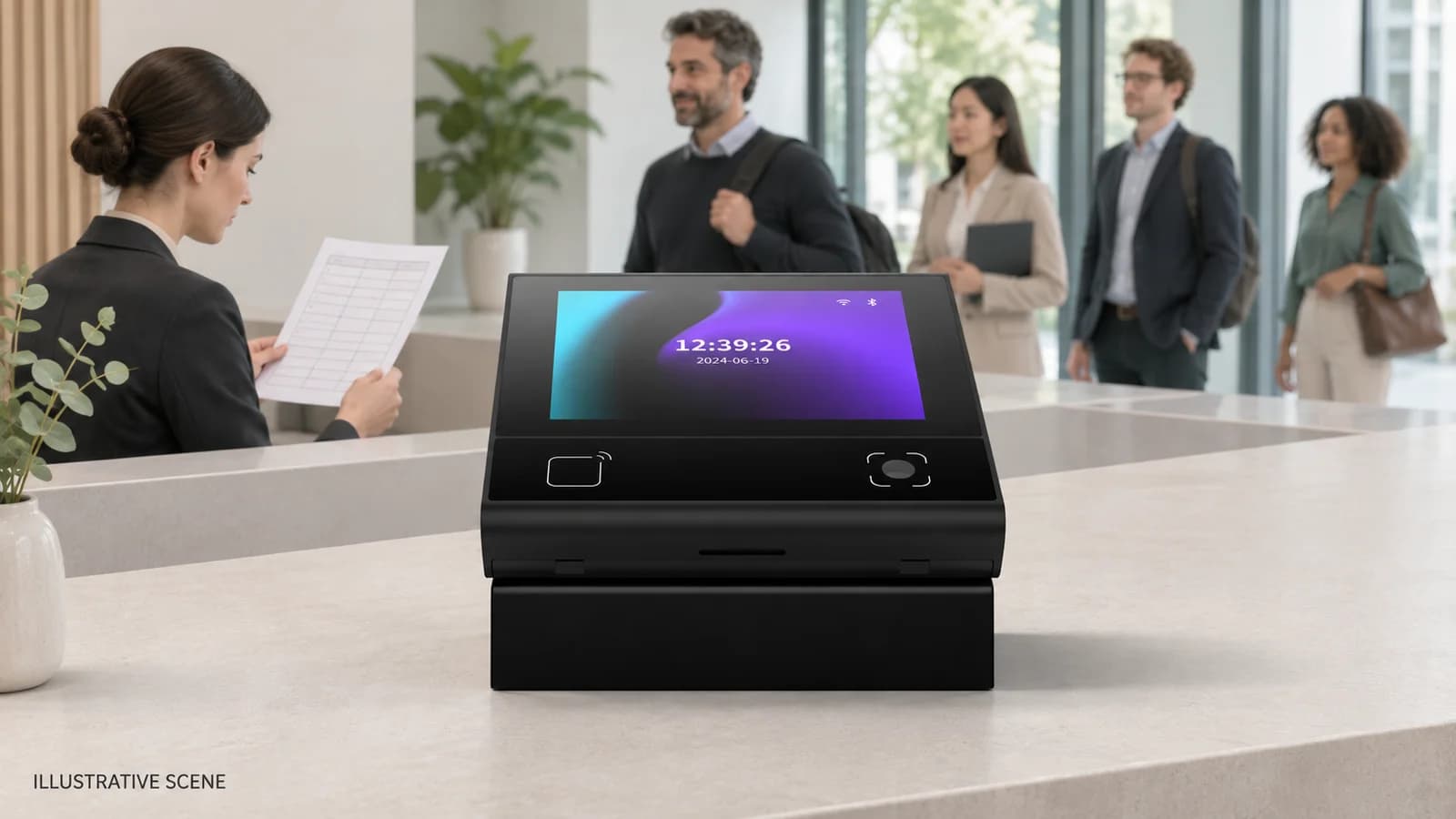
An FC6820 terminal offers a compact touch interaction for configured QR and card workflows. Its reader and access-control versions need to be distinguished. An FC7735 reader can provide a scan point for phone-screen or printed QR codes; the receiving system validates the credential and controls passage. Neither description establishes built-in group booking, roster approval or visitor-management software.
Ask for a demonstration that follows every person
Use the eight-person example as a supplier demonstration, then inspect the records rather than only watching the welcome screen. Ask the operator to find the late arrival, the no-show, the approved addition and both early departures. Confirm what an authorized receptionist can correct and how the original observation and correction remain explainable. A tidy group total is insufficient if the team cannot account for its individual members.
Review the FC6820 documents, FC7735 documents and hardware integration overview against the actual configuration. Confirm the chosen firmware, interfaces, mounting and terminal role with the responsible team. A connection type or development option does not establish a named visitor-platform connector.
Bring the example roster, arrival exceptions, approval owners and expected records to an FC6820 visitor-project inquiry or an FC7735 reader inquiry. Describe whether you need hardware, an integration review or a wider solution discussion. That brief gives Feocey and the project partners a concrete scope to evaluate while keeping unconfirmed software functions out of the acceptance promise.
Source references
FC6820 user manual — confirm the supplied configuration ↗FC7735 user manual — match the interface version and host ↗Put the guide to work
Find the reference for your model.
Compare each device with your requirements. Confirm configuration and compatibility for the complete installation.
FC6820 →
Display QR and card terminal
Ask about FC6820 ↗FC7735 →
86-box QR and card reader
Ask about FC7735 ↗