
Visitor planning
Visitor Management System Price: What Reception and Door Integration Add
Compare visitor management system price by separating software, reception locations, terminals, door integration and maintenance. Build a quote that defines the work behind each line item before evaluating FC6820 or FC7735 hardware.
Before you choose
Key takeaways.
- Compare an identical reception and entrance scope before comparing quote totals.
- A terminal purchase does not establish the included software, integration or door-control work.
- Make pilot acceptance, change ownership and ongoing support explicit in the commercial proposal.
A comparable price starts with a comparable visit
Visitor management system price is only comparable when each proposal covers the same reception workflow, locations, equipment and integration responsibilities. Ask suppliers to separate the software scope, reception setup, terminal configuration, door connection and ongoing support. A lower total may describe a smaller delivery rather than a better offer.
Begin with one ordinary visit: an invited guest arrives at a named office, reception checks the appointment, the responsible host confirms the destination, and the guest follows the agreed entrance process. Record where staff intervene. This short scenario gives a complete-solution supplier, platform partner and system integrator the same starting point.
Add the exceptions that could change the work: a walk-in, an unavailable host, arrival at the wrong building and an appointment changed after an invitation was sent. Ask which cases the proposal includes and which require development or manual handling. These are requirements for the selected solution, not assumed Feocey software features.
Separate software scope from the commercial charging basis
The software line should name the functions and delivery responsibilities being quoted. Describe appointment entry, reception decisions, host administration, visitor records and any required reporting in practical terms. Request a demonstration of the agreed workflow. A general label such as visitor platform does not establish what reception can actually do.
Ask each supplier to state its charging basis, what is counted, and what happens when the project grows. Possible questions concern additional reception locations, administrators, devices or usage, but the proposal must identify its actual terms. Do not assume a per-user subscription, perpetual license or bundled software arrangement from a hardware quotation.
Keep the deployment discussion separate. Ask who provides the application environment, installation, updates, monitoring and recovery arrangements for the proposed setup. If hosting is included, request the stated scope and exclusions. If the customer provides it, identify the preparation work and the team that will operate it after handover.
Reception locations add work beyond the device count
A reception location is an operating responsibility, not simply another screen. A second office can require a different host directory, arrival instructions, reception hours and local escalation contact. Ask whether configuring those differences, training the local team and testing its workflow are included or priced as separate work.
Describe the physical position as well. A wall reader, attended desk and turnstile approach can need different mounting, power and cabling arrangements. The quote should identify who surveys the site, supplies installation materials, prepares the opening and resolves a mismatch between the drawing and the actual entrance.
For rollout comparisons, define the first office and a repeat office separately. The pilot may establish the workflow, while later locations still require surveys and acceptance. Request a clear explanation of reusable work and site-specific work, without assuming that every additional location can be installed at the same effort.
Use a scope table to expose missing responsibilities
Give every bidder the same comparison table and ask for an explicit response in each row. Included, excluded and customer-supplied should describe a responsibility, not merely a check mark. Request the relevant deliverable and acceptance evidence beside each answer so commercial and technical reviewers can discuss the same proposal.
The table below is a procurement aid. It does not describe Feocey's prices, licensing model or standard package. Replace the example questions with the actual project scope, then retain the completed version with the proposal. An unanswered row is a clarification item before purchase, rather than a reason to guess the missing work.
| Scope item | Clarification to request | Evidence to include |
|---|---|---|
| Software and deployment | Which workflow and operating environment are covered? | Named functions, delivery owner and exclusions |
| Reception locations | Which offices, desks and local setup tasks are included? | Location list and local acceptance scope |
| Terminals and installation | Which exact versions, accessories and installation tasks are supplied? | Configuration list and matching installation references |
| Door integration | Who connects and tests the selected host and door equipment? | Interface scope and approved test cases |
| Maintenance and change | Who handles faults, updates and later configuration changes? | Support responsibilities, terms and change process |
Quote the exact terminal role and connection
For a guided interaction, FC6820 provides a 3.33-inch touch display for configured QR and card workflows. Its reader and access-control versions have different roles. Door-contact, exit-switch and relay connections belong to the access-control configuration; Wi-Fi and voice are options. A desktop stand also needs separate confirmation.
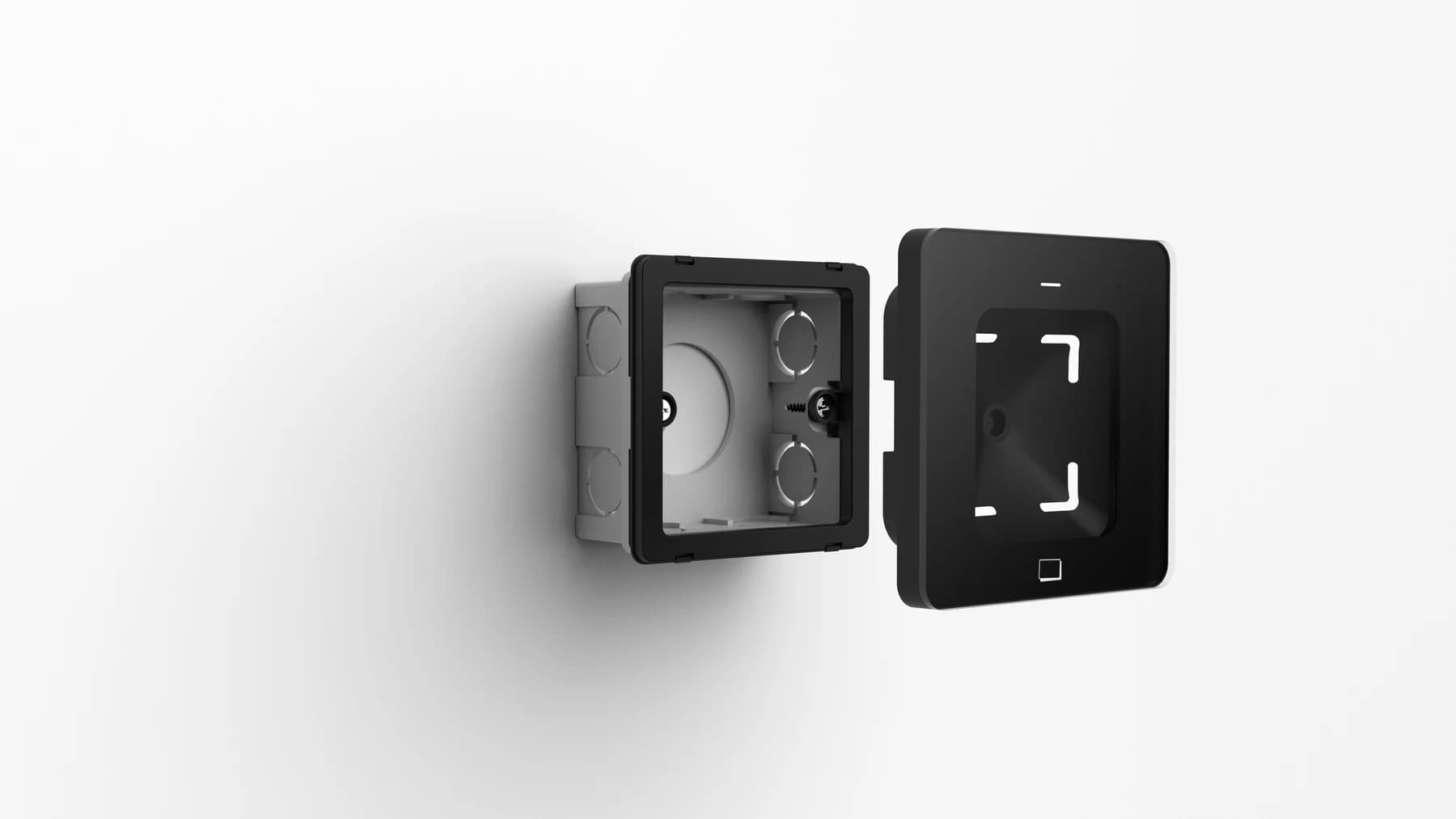
For a reading point, FC7735 reads phone-screen and printed QR codes and uses an 86-box mounting frame. Card capability and the host interface must be selected. RS485, RS232, TTL, Wiegand and Ethernet are version choices, not a promise that every interface is present on one supplied unit.
Require the quoted configuration to match its manual, power supply and cable set. The FC7735 manual covers version-dependent power and interfaces; the FC6820 manual and matching wiring reference support its configuration review. Hardware documentation does not establish a ready-made visitor software package.
Door integration needs a named acceptance boundary
Ask which component checks the visitor's permission and which component operates the door. A reader delivering a code, an application approving access and equipment releasing a lock are separate events. The integration price should identify the connection being delivered, its owner and the evidence required to accept it.
Describe the receiving controller or platform, required credential format and actual firmware before requesting an integration estimate. A matching plug or a familiar protocol name does not establish compatibility. Use the model-specific integration inquiry to request the relevant reference rather than assume a named connector is included.
Separate a laboratory connection test from on-site commissioning. A sample that exchanges data with a test host has not yet demonstrated the installed door circuit or reception procedure. Ask whether the quote includes both stages, who attends each stage and how unresolved issues affect acceptance of the complete solution.
- Show one approved visit at the intended entrance and record the application result and door action.
- Show a rejected visit and confirm that reception receives an understandable next step.
- Assign responsibility for investigating a failure across the platform, terminal and door equipment.
Compare the handover and the work after handover
Maintenance should explain who receives a fault report, what information the customer supplies and how a problem moves between suppliers. Ask what the proposed terms cover for software updates, firmware changes, replacement hardware and site visits. Request response arrangements in writing; do not infer a service commitment from general support language.
Before selecting a proposal, ask how adding an office, changing a controller or revising reception rules will be assessed. Record the accepted configuration and the baseline workflow so both sides can distinguish a defect from a new requirement. A clear change process reduces disputes without pretending that every future change is already included.
Send the same location list, visit examples, device role and acceptance table with your Feocey project inquiry. Ask for the confirmed scope and remaining assumptions. The useful comparison is a documented delivery that reception can operate and the project team can accept, with commercial terms attached to that delivery.
Source references
Feocey: Office visitor management reception-to-exit handover ↗FC6820 user manual ↗FC6820 interface and wiring guide — match the supplied configuration ↗Feocey: Visitor management hardware for self-service check-in ↗FC7735 user manual ↗Put the guide to work
Find the reference for your model.
Compare each device with your requirements. Confirm configuration and compatibility for the complete installation.
FC6820 →
Display QR and card terminal
Ask about FC6820 ↗FC7735 →
86-box QR and card reader
Ask about FC7735 ↗