
Gym membership integration
Gym Software with Door Access: Handle Membership Freezes, Expiry and Reactivation
Gym software with door access needs explicit membership-state rules. Plan FCV5005 feedback, permission changes and reactivation before unattended entry.
Before you choose
Key takeaways.
- Keep readable credentials separate from current membership entitlement.
- Agree effective times for freezes, expiry and reactivation.
- Test delayed updates and staff assistance on the selected terminal application.
Gym software with door access needs a membership-state policy
Gym software with door access should translate a member's current entitlement into a clear entrance decision. Membership freezes, expired plans and reactivation can expose gaps that an ordinary active-member demonstration will miss. Define the business states and their effective times before choosing how the entrance receives permission changes.
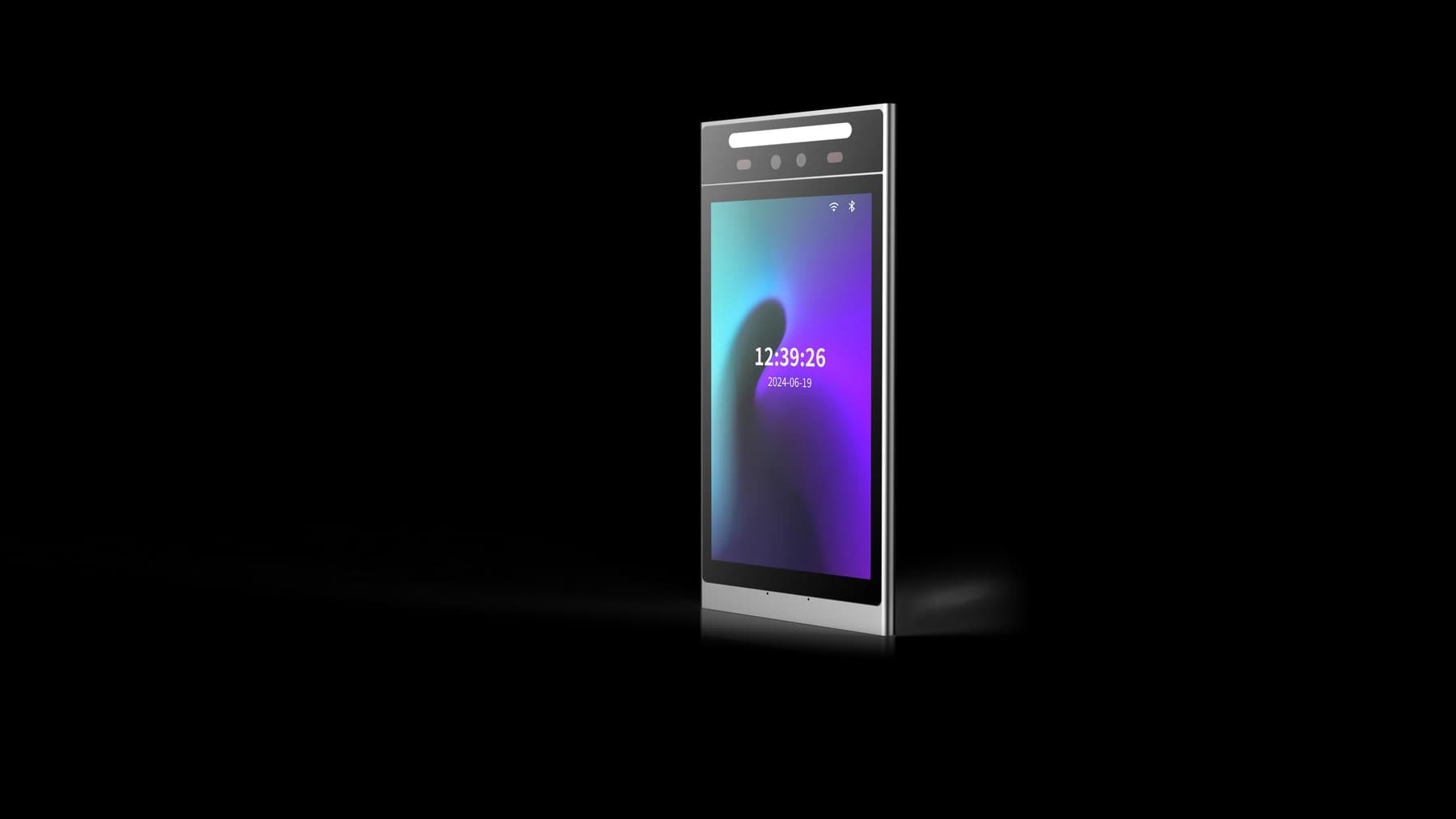
FCV5005 provides a portrait touch interface for configured member interactions, with supported DejaOS configurations offering an application-development path. The membership platform or agreed application owns the entitlement policy. This article describes requirements to evaluate; it does not establish built-in billing, automatic renewal or a named gym-software connector.
Separate the account, the credential and the entitlement
A gym member can have an account and a readable credential while lacking permission to enter at that moment. Conversely, replacing a lost credential need not create a new membership. Keep the member identity, the presented credential and the current entitlement as separate concepts in the integration design.
Ask the platform team which record owns the member's active plan and which component issues the entrance decision. Confirm how the selected FCV5005 application receives that information. A displayed name or successful identification should not be treated as proof of a paid plan, and a payment result should not silently expand access beyond the locations or hours included in the approved membership.
For a focused pilot, keep one member identity constant while moving the test plan through active, future-frozen, frozen and reactivated states. Write the expected entrance result before each change, and include a second member whose permission should remain unchanged. This comparison helps the team detect an unintended shared setting or a permission update applied to the wrong person. Keep the test entitlement separate from real payment processing and review the result with the membership administrator.
Give freezes a start, an end and a defined entrance outcome
A membership freeze needs an effective time and a rule for access during the frozen period. The organization may distinguish a requested freeze, an approved future freeze and a currently frozen membership. If those states are collapsed into a single vague flag, operators may struggle to explain why the member was admitted or refused.
Test a freeze that begins later in the day and one cancelled before it takes effect. Record which application resolves the schedule and when the entrance learns the change. Confirm the actual update mechanism instead of assuming every terminal continuously receives membership changes. Include a support route for the member when the decision differs from the account information they can see.
Define expiry and reactivation without hidden grace periods
Gym door-access software should apply the organization's stated expiry rule. The last permitted date, the time zone and any approved grace period need a consistent interpretation across member communications and entrance decisions. Do not rely on a terminal clock or a payment message to resolve a policy the business has not defined.
For reactivation, identify the event that restores entitlement and the evidence that the entrance accepted the updated permission. A member returning after a freeze should not need an undocumented staff workaround. Test the boundary on both sides of the effective time, and verify that an unsuccessful or reversed business action does not create an unintended permanent access grant.
Use a membership-state table in the integration pilot
The membership-state table below is an illustrative specification for the platform team. Replace the states with those used by the chosen business application. These are not FCV5005 API fields or a statement of standard firmware functions.
| Business state | Access question to decide | Pilot evidence |
|---|---|---|
| Active plan | Which locations and hours are included? | The member can use only the agreed entrances and periods. |
| Future freeze | When does the restriction become effective? | A before-and-after test follows the agreed time basis. |
| Currently frozen | What message and support route should appear? | The entrance result is understandable and no override is implied. |
| Expired plan | Is any explicitly approved grace period applicable? | The outcome matches the recorded business rule. |
| Reactivated plan | What proves permission has been restored? | The entrance receives and applies the intended current entitlement. |
Make delayed updates an explicit operating decision
A gym entrance may temporarily have older information than the membership platform. The project needs an agreed answer for a delayed permission update, a communication timeout and a recovered connection. Identify which component makes the access decision and whether the proposed arrangement consults a host or uses validated local data.
Demonstrate the chosen behavior on the supplied application rather than claiming that all FCV5005 configurations provide offline membership synchronization. Test a freeze or expiry change while the relevant connection is unavailable. On recovery, verify the current entitlement rather than blindly replaying an earlier instruction that may have been superseded. Record the operator's responsibility for any unresolved mismatch.
Keep staff overrides narrow and explain the result
Gym access feedback should help members take the correct next step without exposing unnecessary account details at the entrance. A concise instruction to contact the responsible team may be more appropriate than showing private payment information. Confirm the real screen text and the support method for the selected FCV5005 application.
If the gym allows staff-assisted entry, specify who may authorize it, what it permits and how it is recorded. A one-time assistance decision should not accidentally reactivate a frozen membership or change future permissions. Review unattended-entry support and the independently designed exit arrangements with the responsible site team. A terminal purchase does not establish a complete twenty-four-hour operating service.
Request an FCV5005 pilot using actual membership changes
Review the FCV5005 product reference, approved model documents and hardware integration options. Confirm the credential modules, supplied application and supported communication path before building the membership connection.
For your FCV5005 gym project enquiry, include a short state table, effective-time examples, the existing membership platform and the planned staff-assistance route. State whether you need hardware integration, application development or a wider solution discussion. The best pilot proves that membership changes reach the entrance correctly, rather than demonstrating only that an already active member can identify successfully.
Source references
FCV5005 user manual — confirm the supplied configuration ↗Put the guide to work
Find the reference for your model.
Compare each device with your requirements. Confirm configuration and compatibility for the complete installation.
FCV5005 →
8-inch face authentication terminal
Ask about FCV5005 ↗