
Project planning
Gym Booking Software and Access Control: Keep Reservations Separate from Check-Ins
Connect gym booking software to access control without confusing a reservation, membership entitlement and an actual visit. Use a practical state table, an FCV5005 evaluation path and a pilot checklist.
Before you choose
Key takeaways.
- A reservation, membership entitlement, accepted entrance request and class attendance are separate records.
- Evaluate FCV5005 with the actual platform, application, configuration and door equipment.
- Test cancellations, repeated scans, outages and recovery before repeating a gym installation.
Gym booking software should reserve a place, not invent a visit
Gym booking software and access control should exchange clear decisions while keeping reservations, membership entitlement and check-ins separate. A reserved class place does not prove arrival. An active membership does not necessarily include every booked activity. A successful credential read does not prove passage through the entrance. Start the integration by defining these records and deciding which system owns each one.
For a gym operator, this separation makes exceptions easier to explain. A member can arrive at the building before a class, cancel a reservation after entering, or visit without attending the booked session. For a software platform or integrator, the same separation creates a useful hardware brief: identify the person, request the relevant permission and record the agreed result without silently changing the booking.
An entrance project considering FCV5005 should describe that member interaction before choosing the terminal configuration. The booking platform supplies the reservation context, the selected application checks the required entitlement and the access equipment carries out the agreed action. The screen should make the next step understandable, including cases where the member needs help rather than another scan.
Assign an owner to booking, entitlement and arrival
The gym booking system should be the agreed source for the reservation: the person, activity, location, time and booking state. The membership or business system should supply the entitlement needed for that activity. The access system should apply the entrance policy. These responsibilities may share one application, but the project still needs an explicit owner for every decision and update.
Gym check-in records need their own definition. A credential presentation, an approved entry request, a door-release command and a confirmed passage are different events. Record only the event the installed equipment can actually establish. If class attendance matters, decide whether staff confirmation, a separate reading point or another agreed process establishes attendance; do not automatically relabel the main-door event as attendance.
Use a reservation and check-in table before choosing the integration
The following gym access table is a planning example, not a default rule supplied by a terminal. Replace each decision with the operator's policy and the selected platform's actual capabilities. The purpose is to prevent one convenient success response from updating unrelated records.
| Project case | Reservation and entitlement | Door decision to define | Record to retain |
|---|---|---|---|
| Reserved member arrives early | Class reserved; membership valid | Apply the agreed early-entry window | Entry result; class attendance remains separate |
| Member enters without a class booking | Membership valid; no reservation | Check ordinary gym access rights | Accepted entry; no class place created |
| Booking cancelled after building entry | Reservation cancelled; membership checked separately | Review later requests under the updated policy | Keep the original entry and the cancellation as distinct events |
| Same credential presented twice | One booking and one identified member | Apply the agreed duplicate-request rule | Trace the repeated request without inventing another visit |
Evaluate FCV5005 as the member interaction point
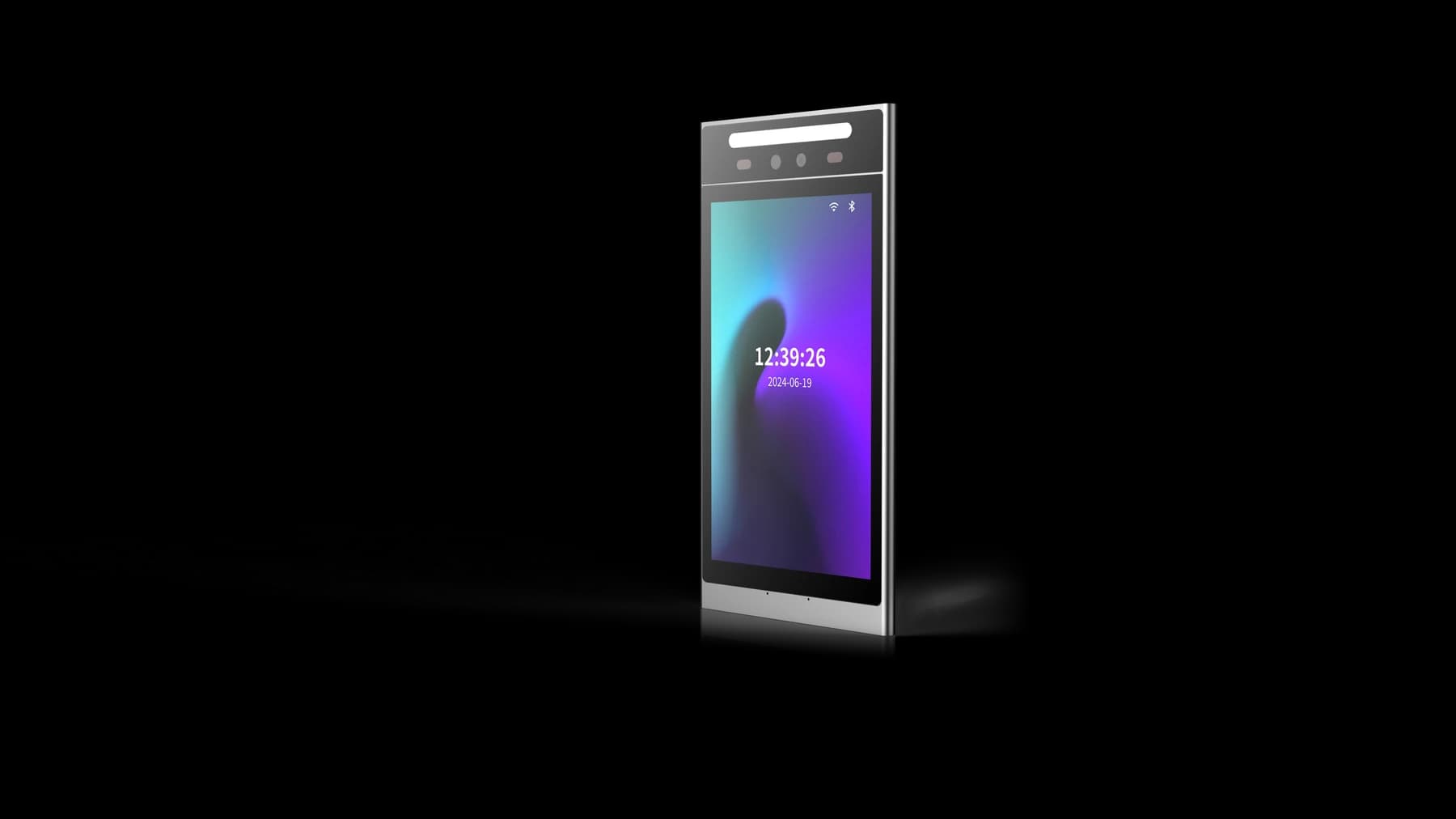
FCV5005 provides an 8-inch portrait touch display and Linux platform for a developed interaction at the entrance. Feocey's gym access planning guide describes the membership application checking entitlement and the access equipment performing the authorised action. A project can evaluate how the selected FCV5005 configuration presents a credential prompt, an entry result or a useful next step when access is refused.
FCV5005 does not establish a complete gym booking or payment service by itself. Review the FCV5005 manual, credential modules, firmware and application path with the supplier. The hardware integration overview separates standard-device protocol enquiries from DejaOS device development. Confirm which path applies before assuming a host API or planning a custom interface.
Make booking changes and duplicate requests traceable
Gym booking integration should define how a cancellation, suspension or changed session reaches the system making the next entrance decision. Include the identifier linking the member, reservation and request, the relevant timestamps and the response meaning. If the platform updates a booking while a request is already travelling, document how the project resolves that timing case rather than assuming every component has an identical current view.
Repeated scans deserve a separate acceptance case. A member may present a phone again because the first response is slow or unclear. Agree how the host recognises a repeated request, what feedback appears and whether another door action is appropriate. Check retries after a timeout and requests received out of order. These are requirements to implement and verify with the matched application, not promised default FCV5005 behaviours.
Choose the best fallback for the actual gym workflow
The best gym access fallback depends on the entrance policy, available staff and confirmed system design. Decide what happens when the booking service is unavailable, a credential cannot be presented or the terminal cannot obtain a decision. State whether any previously issued permission remains usable and how staff can handle an exception. A generic promise of offline access does not answer those operational questions.
Recovery needs the same attention as disconnection. Compare queued events with the host record after service returns, keeping the original event time separate from its later upload time where the system supports both. Check a reservation cancelled during the outage and a membership restored before recovery. The gym operator should be able to explain the result without rewriting history or treating missing evidence as a completed visit.
Pilot one booking-to-entry workflow with deliberate exceptions
Use the actual gym platform, FCV5005 configuration and door equipment for the pilot. The following sequence gives the operator, software team and installer a shared acceptance record. Include expected messages and event meanings, not only a video showing the door opening.
- Create test identities and document ordinary membership access separately from one booked activity and its permitted entrance window.
- Exercise an accepted arrival, an early arrival and a member with access to the building but no right to the booked activity.
- Cancel or reschedule a reservation, suspend a membership and confirm which changes affect the next entrance request.
- Repeat a credential presentation and delay a response; compare the terminal feedback, physical door action and host records.
- Disconnect and recover the selected network path, then reconcile the agreed event records without assuming every attempt became a visit.
- Record configuration, firmware, wiring, exception handling and the person responsible for each unresolved case before expanding the installation.
Send a gym integration brief that can be evaluated
A useful gym booking brief names the existing software, whether complete software delivery or device integration is required, the reservation states and the event that counts as a check-in. Add the proposed entrance equipment, credential methods, installation arrangement and exception cases. Confirm payment, subscription and support responsibilities separately; hardware selection does not establish those commercial services or automatic access across multiple locations.
Continue with Feocey's gym access planning guide, review documents for FCV5005, or discuss an FCV5005 gym integration. Bring one representative booking journey and its rejected cases. That gives the evaluation a concrete purpose before the project chooses a wider rollout.
Source references
Feocey: Choosing access control for a gym ↗FCV5005 user manual ↗Put the guide to work
Find the reference for your model.
Compare each device with your requirements. Confirm configuration and compatibility for the complete installation.
FCV5005 →
8-inch face authentication terminal
Ask about FCV5005 ↗