
Ticketed venue integration
QR Ticket Scanner Integration: Plan Multi-Gate Validation Before Opening Day
QR ticket scanner integration needs a shared validation rule across entrances. Use an FC7735 pilot to test admission, re-entry, updates and network exceptions.
Before you choose
Key takeaways.
- A QR read is not the same as a shared ticket-admission decision.
- Test the same entitlement across two gates and after ticket-state changes.
- Validate re-entry and network exceptions with the actual platform.
A QR ticket scanner needs a validation system behind it
QR ticket scanner integration should decide which system accepts a ticket before a venue adds more entrance lanes. Reading the same code at two gates is a hardware interaction; ensuring the admission rule is applied consistently across those gates is an application responsibility. Define that boundary before opening-day testing.
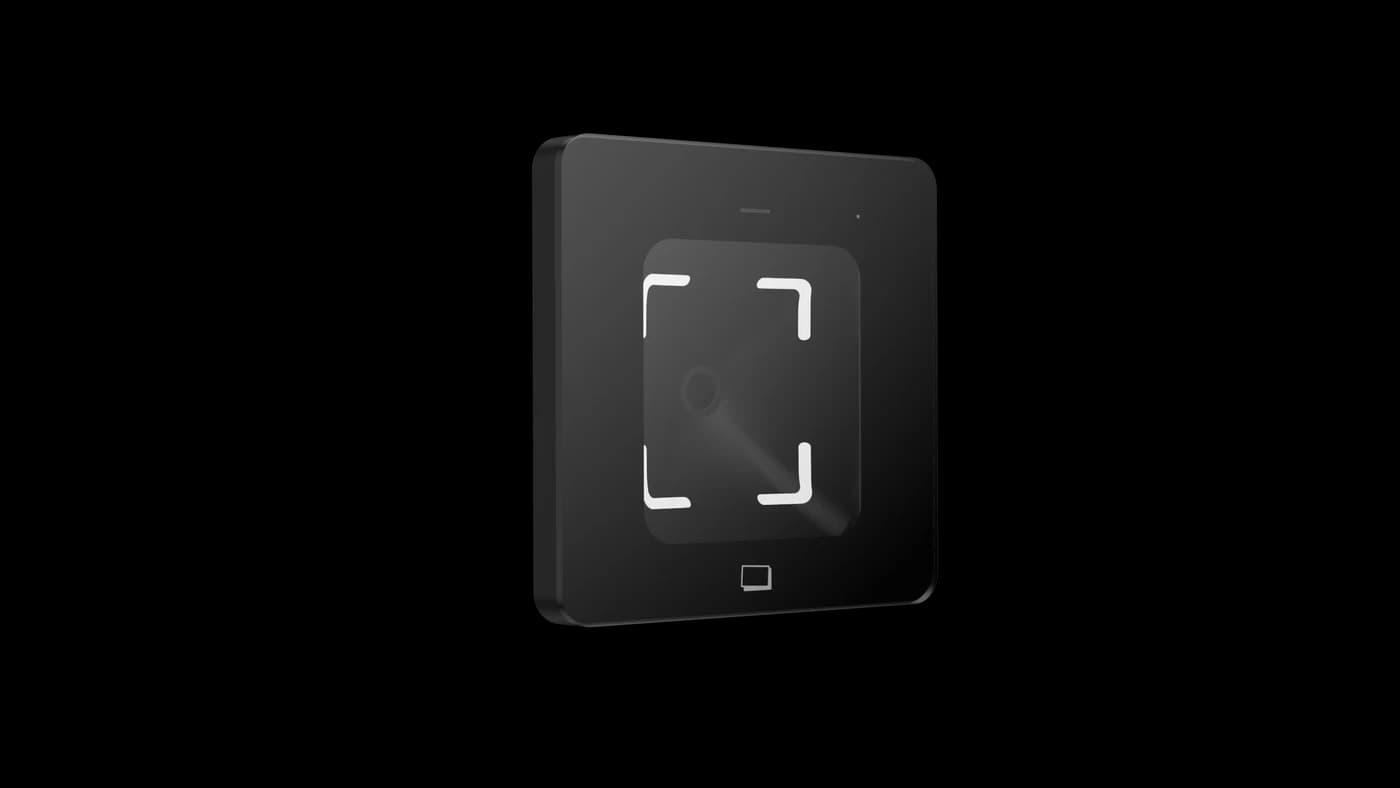
FC7735 reads phone-screen and printed QR credentials through the selected host-interface version. The receiving ticketing or access system must interpret the ticket and authorize the entrance action. This article focuses on multi-gate admission requirements. It does not claim that FC7735 includes ticket sales, a named ticketing-platform connector or automatic shared ticket redemption.
Identify the event, ticket and admission unit
A ticket-scanner project needs an agreed definition of what is being admitted. One order can represent several individual tickets, a group entitlement or a timed booking. The QR payload and receiving application must resolve the intended admission unit without guessing from the order total or the printed ticket description.
Use a small set of representative passes from the actual platform. Include the expected venue, date, session and permitted admissions where those rules apply. Confirm how the selected interface carries the required payload. A scanner decoding a code does not establish that a ticket belongs to today's event or that a group has remaining admissions.
Give multiple gates one consistent admission decision
Multi-gate ticket validation needs a defined place where ticket use is accepted. If two entrance applications independently decide from older state, the same entitlement can receive conflicting outcomes. Ask the platform team how it coordinates admission decisions and how each gate receives the result.
During the pilot, present the same test entitlement at two gates in a deliberately close sequence. Record the expected outcomes before the test, then compare both results with the platform's accepted admission record. Use the actual receiving applications and communication paths. This is a requirement to demonstrate in the system, not a duplicate-prevention capability inferred from the reader's optical performance.
Separate an accepted ticket from a completed passage
Ticketed entry has more than one milestone. The reader can decode the QR, the platform can accept the ticket and the entrance equipment can receive a release request. Whether a person actually passed may require separate evidence from the selected gate arrangement.
Agree when the ticket is considered used and what happens if the visitor does not proceed after an accepted decision. An operator should not repeatedly issue releases because an application reply was unclear. If the venue needs passage confirmation or recovery from a failed gate action, specify the relevant equipment and supported event correlation. Do not treat every positive scan result as proof that a person entered.
Write down re-entry, refund and ticket-change rules
A multi-gate admission specification should explain whether a visitor may leave and return, whether a ticket is transferable and what happens after a refund or cancellation. These are ticketing policies, not properties of the QR symbol. Put their effective times and responsible owner in the integration scope.
Test a ticket changed after the entrance data was prepared and a ticket presented at the wrong session. Confirm how the gates obtain the current state. For a platform that issues a replacement credential, demonstrate which old credential becomes invalid and when. Avoid an informal operator override that grants wider access than the approved admission rule.
Use a multi-gate test table before event day
The ticket-validation table below is an illustrative acceptance plan. It describes questions for the receiving application and gate integration, rather than fixed FC7735 functions or promised API fields.
| Test case | Expected rule to agree | Evidence to compare |
|---|---|---|
| Ordinary valid ticket | Only the intended event and session are eligible. | Scan result, platform decision and entrance action. |
| Same ticket at two gates | Admission follows one agreed shared entitlement rule. | Both gate decisions and the accepted ticket-use state. |
| Cancelled or replaced ticket | The current ticket state governs admission. | The update time and the result at each affected gate. |
| Re-entry request | Return admission follows the venue policy. | The original visit and the authorized subsequent decision. |
| Interrupted connection | The documented exception process applies. | Operator feedback and post-recovery reconciliation. |
Treat offline operation as a separate design decision
Offline ticket scanning can change what a gate knows about admissions accepted elsewhere. TicketSpice's official scanning guidance describes how an offline device cannot see another device's latest scans. That example supports testing the proposed platform; it does not establish Feocey compatibility with TicketSpice or a shared offline model across ticketing systems.
Specify whether the proposed entrance should stop, refer visitors to an attended route or use a separately validated local process when its required connection is unavailable. Confirm how recovery resolves conflicting or delayed decisions. FC7735's ability to read a printed or phone-screen code does not establish an offline ticket database or a reconciliation service.
Prepare the operator and the physical reading point
A ticket-scanner pilot should use the actual mounting location and representative pass conditions. Check phone screens, printed passes, visitor approach and available space around the entrance equipment. Review power, interface version and cable routing from the matched documents before final installation.
Give operators an instruction for unknown tickets, unreadable passes and uncertain platform responses. Keep an assisted resolution route separate from the normal queue. Measure the complete test interaction if capacity planning is required, including validation and passage, rather than adopting a scan-speed number as the venue's entrance throughput. Have the site team review the independently required circulation and exit arrangements.
Request an FC7735 ticketing integration pilot
Use the FC7735 product reference, approved manual and integration route to select the host-interface version. Confirm the ticket payload, receiving application and entrance-control arrangement together.
Include sample tickets, lane count, the shared admission rule and a short exception table in your FC7735 project enquiry. State which ticketing functions already exist and which handovers need development. The best opening-day preparation proves that all gates apply the intended ticket policy, with an understandable procedure when a result cannot be confirmed.
Source references
FC7735 user manual — confirm the supplied configuration ↗Put the guide to work
Find the reference for your model.
Compare each device with your requirements. Confirm configuration and compatibility for the complete installation.
FC7735 →
86-box QR and card reader
Ask about FC7735 ↗