
Engineering Notes
How RGB and Infrared Cameras Work in Face Recognition Access Control
Learn how RGB and infrared cameras work in face recognition access control. Compare FCV5005 camera specs and calculate nominal horizontal coverage at 1 m.
Before you choose
Key takeaways.
- RGB and infrared cameras sample different bands of reflected light.
- The camera and illuminator describe different parts of the optical path.
- Use field of view to compare optical coverage, and confirm the application’s capture region on the evaluation unit.
Two cameras measure two optical signals
In face recognition access control, an RGB camera records light in the visible band and an infrared camera records intensity in the infrared band it is designed to receive. An active infrared illuminator sends light toward the face. The infrared camera captures some of the light that reflects back. Each lens forms its own two-dimensional image of the same subject.
Think of the illuminator, optics, sensor and software as four parts of one imaging chain. The illuminator supplies light. The optics form and filter the image. The sensor samples it. The application chooses what information it uses for image quality assessment, identification or verification.
Why a color sensor has an infrared filter
Silicon can respond to near-infrared light as well as visible light. In a typical RGB camera, a color filter array separates samples into color channels. An IR-cut filter limits infrared reaching those channels so the resulting values represent visible color more faithfully. A Photography Stack Exchange discussion of a photosite’s structure goes into the layers above the photodiode. An EPFL imaging study shows how changing the optical filter changes the spectral information recorded by the camera.
An active near-infrared imaging path uses an illuminator and a camera designed for that band. The illuminator gives the camera a controlled source of some of the light it receives. The resulting intensity image can render a material differently from the RGB camera because surfaces reflect different wavelengths differently. Published research on active near-infrared face recognition also discusses reflections from eyeglasses, a concrete example of how lighting and surface properties affect the capture.
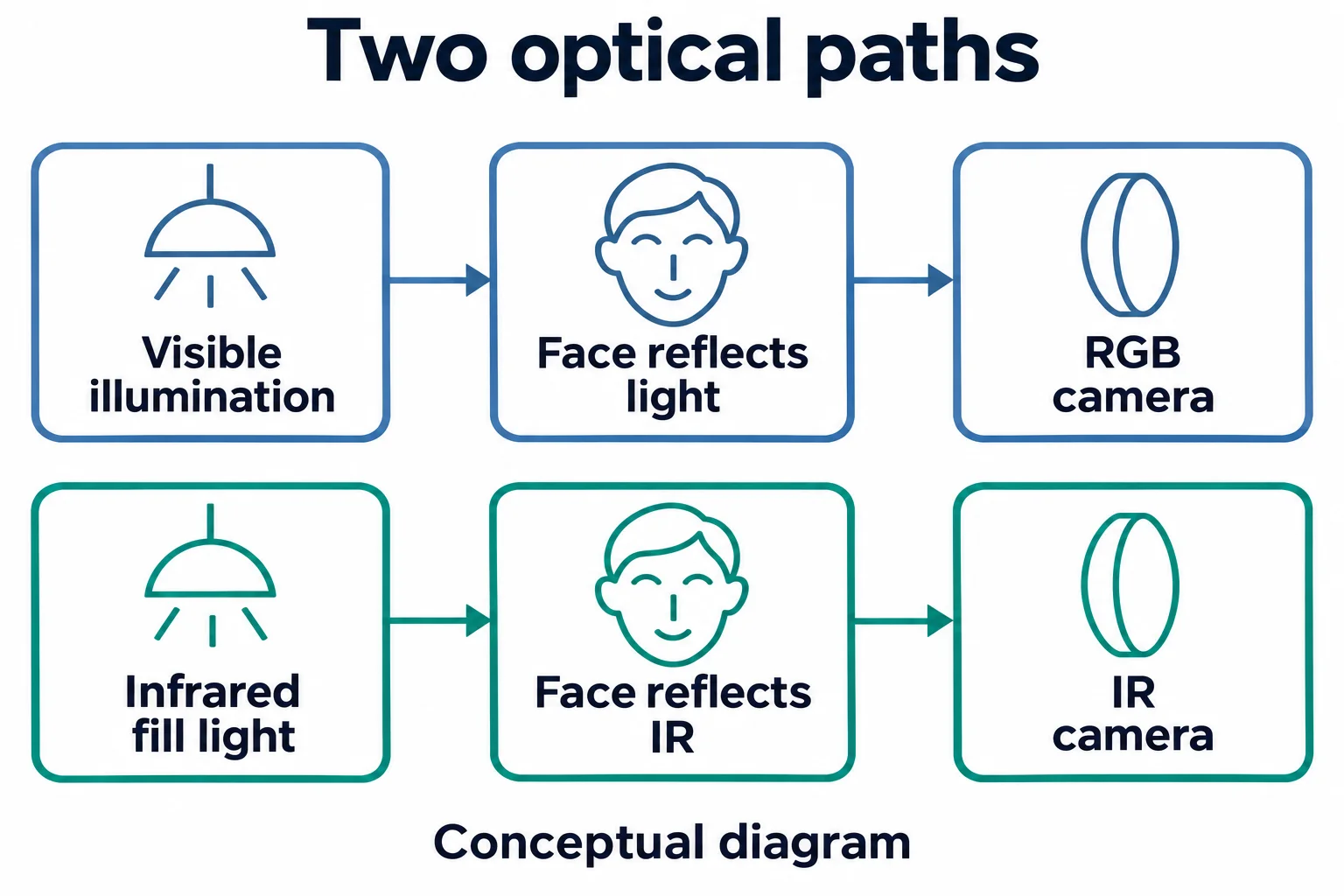
White fill light and infrared fill light therefore refer to the illumination side of the assembly. A specification that lists an infrared camera identifies a receiving channel. Pair the camera specification with the illuminator specification and the application’s operating mode when comparing hardware.
Read the two camera specifications on the FCV5005
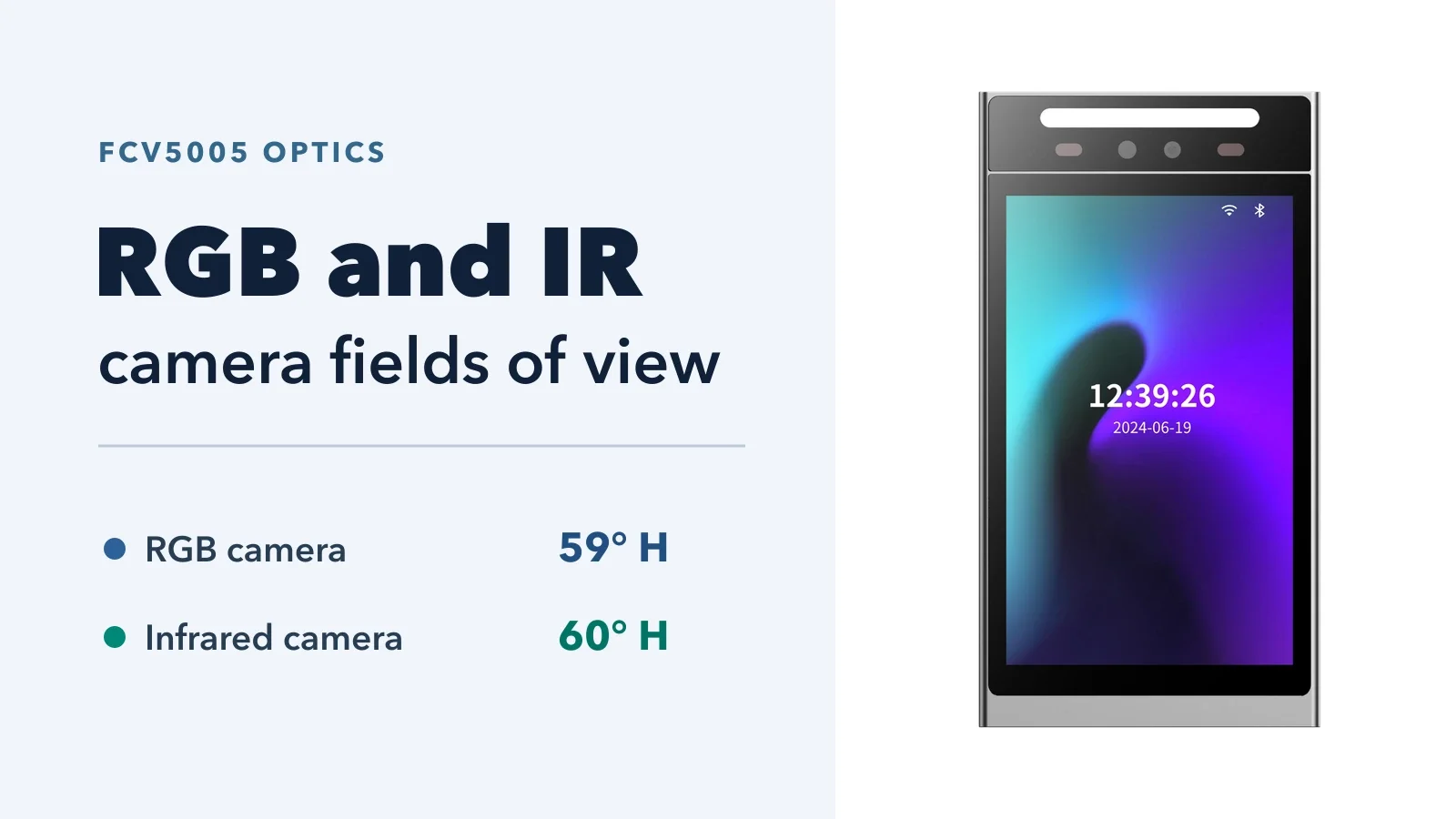
The FCV5005 user manual labels the RGB camera, infrared camera, white fill light and infrared fill light separately in its appearance diagram. The technical table also lists a different image resolution and field of view for each camera.
| Camera | Listed image resolution | Horizontal field | Vertical field | Ideal width at 1 m |
|---|---|---|---|---|
| RGB | 1920 × 1080 | 59° | 38° | ≈ 1.13 m |
| Infrared | 1616 × 1232 | 60° | 40° | ≈ 1.15 m |
For a flat plane perpendicular to the optical axis, the ideal width is 2 × distance × tan(horizontal angle ÷ 2). The calculation makes the two specifications comparable at the same distance. It describes the geometric field. The usable recognition zone also depends on the portion of the image the software accepts and the conditions under which it was evaluated.
The two lenses sit at different positions on the front of the unit. At close distances, the same facial point can appear at a different position in each image, even when the fields of view are nearly equal. A system that combines spatial information from the two views needs a way to account for that offset. For a project that requires depth output or registered frames, ask the supplier for those outputs explicitly and confirm them on the intended firmware.
From image capture to a match result
A typical pipeline locates the face, checks the quality of the available image, and aligns the region used to compute a numerical representation. The matching step compares that representation with the enrolled reference or reference set. Exposure, focus and head pose matter because they change the image supplied to those steps. NIST’s face image quality evaluation describes these influences and the kinds of image defects its assessments quantify.
A dual-camera hardware list tells you which input channels are available. Whether the application selects a channel, uses separate inputs for separate checks, or combines information is a question for the specific application and firmware. For an integration you can test, get answers to three questions:
- Which channel and illuminator does the supplied application use for enrollment and recognition in the selected mode?
- What result can the host actually receive, and are any image or image-quality outputs documented for that configuration?
- What is the confirmed capture region on the evaluation unit, and what evidence was used to validate it?
Use the FCV5005 model page to identify the exact unit for evaluation, and send the intended camera placement, application mode and host requirements when requesting a configuration. For decisions about form factor and installation, continue with the face terminal evaluation guide.
References
Put the guide to work
Find the reference for your model.
Compare each device with your requirements. Confirm configuration and compatibility for the complete installation.
FCV5005 →
8-inch face authentication terminal
Ask about FCV5005 ↗