
School facility planning
Visitor Management Systems for Schools: Plan After-Hours Facility Access
Evaluate visitor management systems for schools by following an after-hours rental from the approved booking through arrival, supervised use, and closeout.
Before you choose
Key takeaways.
- Start with the approved rental and identify the person responsible for the group.
- Translate each approved rental into a defined arrival process, permitted area, and closeout owner.
- Test changes and cancellations before committing to a reader or software configuration.
Start with the approved rental
Visitor management systems for schools can support after-hours facility access when the district first defines who has approved a rental, who will receive the group, and when the booking ends. A community league renting a gym for an evening needs a different arrival process from a visitor meeting a teacher during the school day. Begin with the facilities office's rental process. Use it to decide what the visitor platform should record and which parts of the event require a staff decision at the site.
The approval record should tell the receiving team what to expect. Agree on the facility, the responsible organizer, the approved arrival period, and the staff contact for changes. Clarify which people the school actually needs to identify, such as a designated adult representative. Keep any attendance or participant information to the purpose your district has approved for that event. The process should be easy to explain over the phone when the regular staff member is away.
Plan for the arrival people will actually experience
Walk the approved arrival route with facilities staff before choosing a reader. A hypothetical school may wish to receive the renters of its gym at a staffed check-in point and direct them toward the gym area during the booking. Identify a primary entrance and a staff member to handle arrivals away from the designated point. Confirm accessibility with the site's responsible team. A useful plan describes how people will find the right check-in location and what the assigned staff will do if a participant needs assistance.
Create a clear handoff from the visitor platform to the event staff. A staff member should know whether the booking is confirmed, who is authorized to speak for the group, and who to call about a late arrival or a room change. Agree what can be decided at the check-in desk and what must return to facilities. Give visiting organizers one reliable contact for questions, along with the scheduled arrival and departure instructions the school has chosen.
For repeat rentals, check whether staff can identify the correct date before recording an arrival. A single league may hold several similar bookings. Ask the vendor to show how a canceled Tuesday booking is distinguished from the following week's confirmed session in the view the attendant will actually use.
Test a rental with three changes
For a fictional evening rental, assume a community league has approval to use the gym and designated shared facilities. At check-in, the group leader is running late, the event organizer asks for an extra room, and a later session is canceled. Record which person owns the response in each situation. Use the example to see whether the booking system, visitor system, and entrance workflow reflect the same authorized decision.
During the walkthrough, ask the assigned event lead to explain what happens if a booking is shortened or extended. Show how an approved change gets to the person at the venue and any connected system used at arrival. If staff cannot confirm an exception, they need an agreed escalation path and a way to tell the group what to do next. Use the procedure selected by the school and make sure all parties know who is reachable after hours.
| Situation | Who coordinates the decision | What the pilot should show |
|---|---|---|
| Organizer is running late | Event staff and the designated facilities contact | The group receives clear instructions. Any approved substitute is recorded. |
| Organizer requests another room | Facilities office or designated on-duty lead | The request stays pending until staff record a decision. An approved change updates the relevant instructions. |
| Later session is canceled | Facilities scheduler and entrance system owner | Event staff can see the cancellation and the affected permissions are handled under the site's process. |
| Group finishes the rental | On-duty event lead | The lead records closure, reports unresolved issues, and hands the space back to facilities. |
Evaluate the equipment at the point it will serve
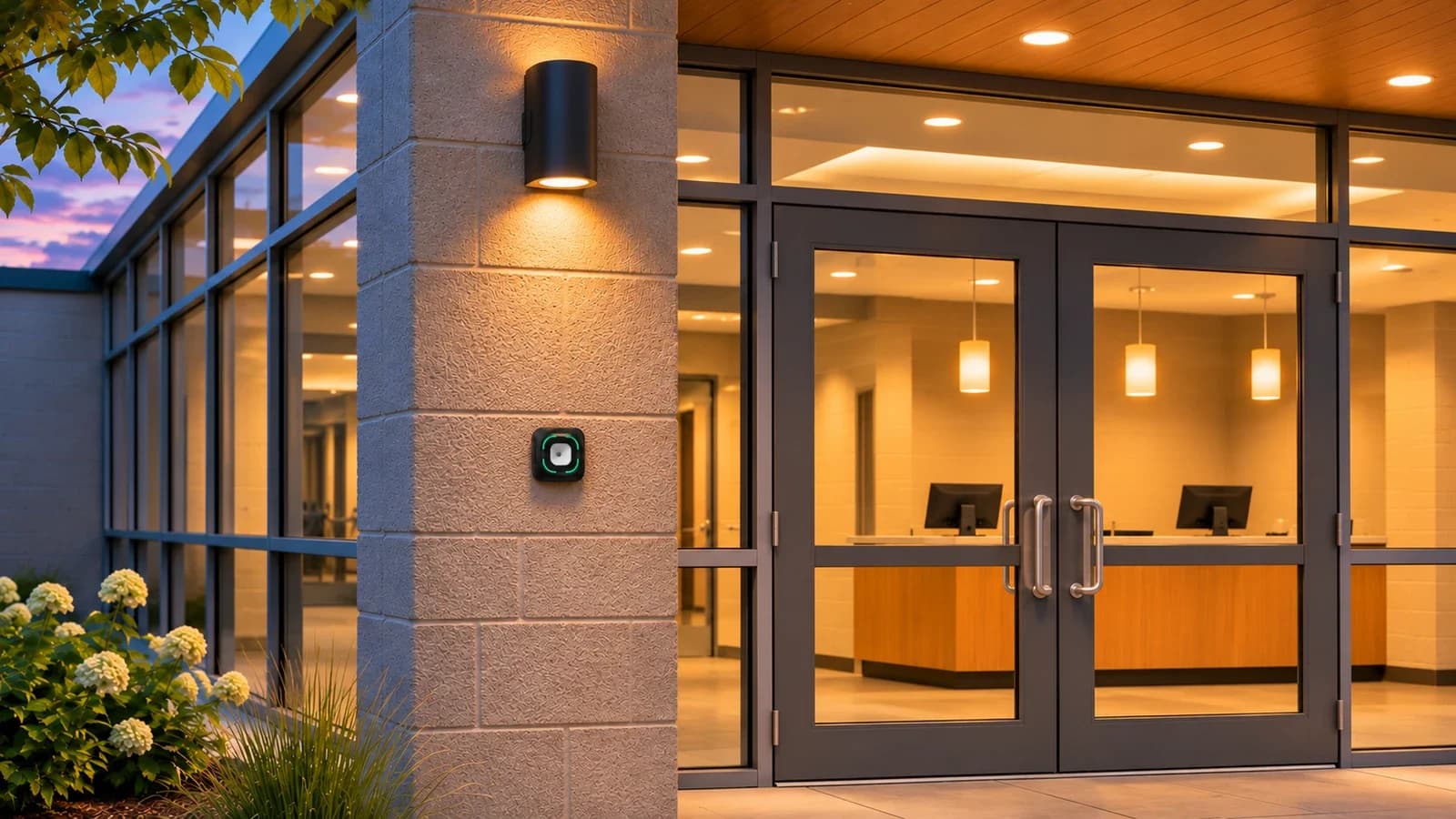
A staffed event may rely on an approved booking list and an arrival record. If the school chooses a temporary credential at a designated entrance, evaluate that interaction separately. The Feocey FC7780 reads QR and NFC credentials in the configuration described on its product page. A connected host or controller can be part of the project's access design. Evaluate the selected reader, interface, credential, and door equipment together, using the school-approved workflow. The reader itself does not confirm the booking or decide which rooms have been approved for an event.
Invite the facilities lead, integrator, and venue staff to the equipment evaluation. Start with a sample credential approved for the booking and compare the response with a sample that the test policy does not authorize. Give staff a way to see whether the reader reported an interaction and whether the entrance system completed the expected action. Keep the test in a controlled setup and review its results with the applicable site owners before changing the way any occupied facility operates.
Define the evidence required to close the booking
Record who confirms the visit is over, who reconciles any issued passes, and who checks the status of the event in the booking system. A closeout record can be as simple as the booking reference, the responsible staff member, the confirmed end of use, and any item left open for facilities. Define whether the event record needs a handover note when the building is prepared for its next use. Follow the district's established procedures for building operation and emergency arrangements.
Before the pilot finishes, have event staff complete a normal closing and a canceled-booking closing on their own. Compare what the venue staff can see with what the scheduler and system operator can verify. Bring the approved use case and reader configuration to Feocey project support if you need to evaluate the credential reading point. Give staff an agreed contact and a documented process they can follow on the next rental.
Source references
Office visitor management handover guide ↗Put the guide to work
Find the reference for your model.
Compare each device with your requirements. Confirm configuration and compatibility for the complete installation.
FC7780 →
86-box QR and NFC reader
Ask about FC7780 ↗