
Fitness access
Gym Fob System: What Should Happen When a Member Loses a Fob?
A gym fob system should let staff disable a missing credential, issue a replacement, and verify both outcomes at the entrance. Use this workflow to test a lost-fob handover before rollout.
Before you choose
Key takeaways.
- Disable the missing credential while keeping the current member record and visit history.
- Verify the old and replacement fobs at a representative door and within the allowed hours.
- Give the next shift a clear owner for any replacement awaiting confirmation.
Retire the missing fob and keep the membership intact
A gym fob system should give the club a way to disable one missing credential while keeping the member's valid plan and visit history intact. The replacement should inherit the member's current access rules, and the old fob should stop working at every reader it used to serve. A useful procurement demonstration ends with two presentations at a real door: the old fob is denied and the replacement works within the member's allowed hours.
This distinction matters at a club with unstaffed hours. When a member says “I lost my fob,” the front desk needs to distinguish a lost credential from a problem with the member's account or with a reader. Give members a clear reporting channel and tell them when staff can respond, how they can get a replacement, and what they can do before the next staffed shift. The workflow should work even if the member never finds the missing fob.
Give the front desk one member record to work from
Begin with the membership account. Make it possible for staff to see which credential is active, when it was issued, and whether it serves only the entrance or also a separate member check-in station. A key ring may carry two credentials that look alike. A reason such as “reported lost” and a visible effective time make the decision understandable to someone on the next shift.
Decide who is allowed to verify a member, disable a credential, and issue another one. In a small club, one manager may handle all three tasks. At a larger gym, the desk may only open a replacement request. If replacements have a fee, show the fee and the work needed to restore access separately. A pending charge should have an explicit effect under the club's own policy, so staff can explain why the member has or has not regained access.
Set a rule for the situation where a member later finds the old fob. A club might collect it at the desk, confirm that it remains inactive, and dispose of it under its equipment policy. Keeping the disabled record helps staff understand past events and reduces the chance of reassigning a credential before its status is clear.
Walk through a Friday evening loss report
Consider a fictional gym with a staffed lobby until 8 p.m. and a member entrance that operates later. Morgan reports a lost fob at 7:40 p.m. The desk confirms Morgan's identity using the club's established procedure, looks up the current fob, and marks that credential lost. The membership stays active. The desk then issues an unused replacement and checks it against Morgan's plan, which includes evening access but excludes a staff-only door.
If the entrance cannot confirm the change before the desk closes, decide who follows up and what message Morgan receives. The member should know which entry route is available and when it will be checked again. A temporary alternative, if the club offers one, should have a defined end and an owner. A replacement record should also make clear when the temporary arrangement ends, so the next shift can close the case.
In a pilot, use two test fobs and a fictional member account. Confirm that the old fob stays inactive after the replacement is issued. Then assign ordinary access to the replacement and test the scheduled denial as well as the allowed entry. Use the same door and keep a timestamped record of each outcome. That makes it easier to separate a credential issue from a door, timetable, or membership-setting issue.
Ask what changes when a reader misses the update
A staff screen can show a fob as disabled before every entrance has applied the change. Ask the installer and software provider where the access decision occurs and how they can confirm what version of the permission a door is using. Test this in a controlled environment with designated equipment. A club should agree on how quickly changes must reach the relevant entrance and who responds when that time is exceeded.
Request evidence the front desk can interpret. At minimum, it should be possible to see the replacement request, its current status, and who is responsible for the next action. The installer may need a separate controller record when diagnosing a delay. Map the two views to the same credential lifecycle without exposing raw credential data on routine support screens.
Ask for a retry demonstration. If someone submits the same replacement request twice, the workflow should make the already-issued fob easy to identify and let an authorized person resolve the request without leaving two unplanned active credentials. Include a handover example where the original operator ends a shift before the installer confirms the result.
Specify the credential and receiving equipment
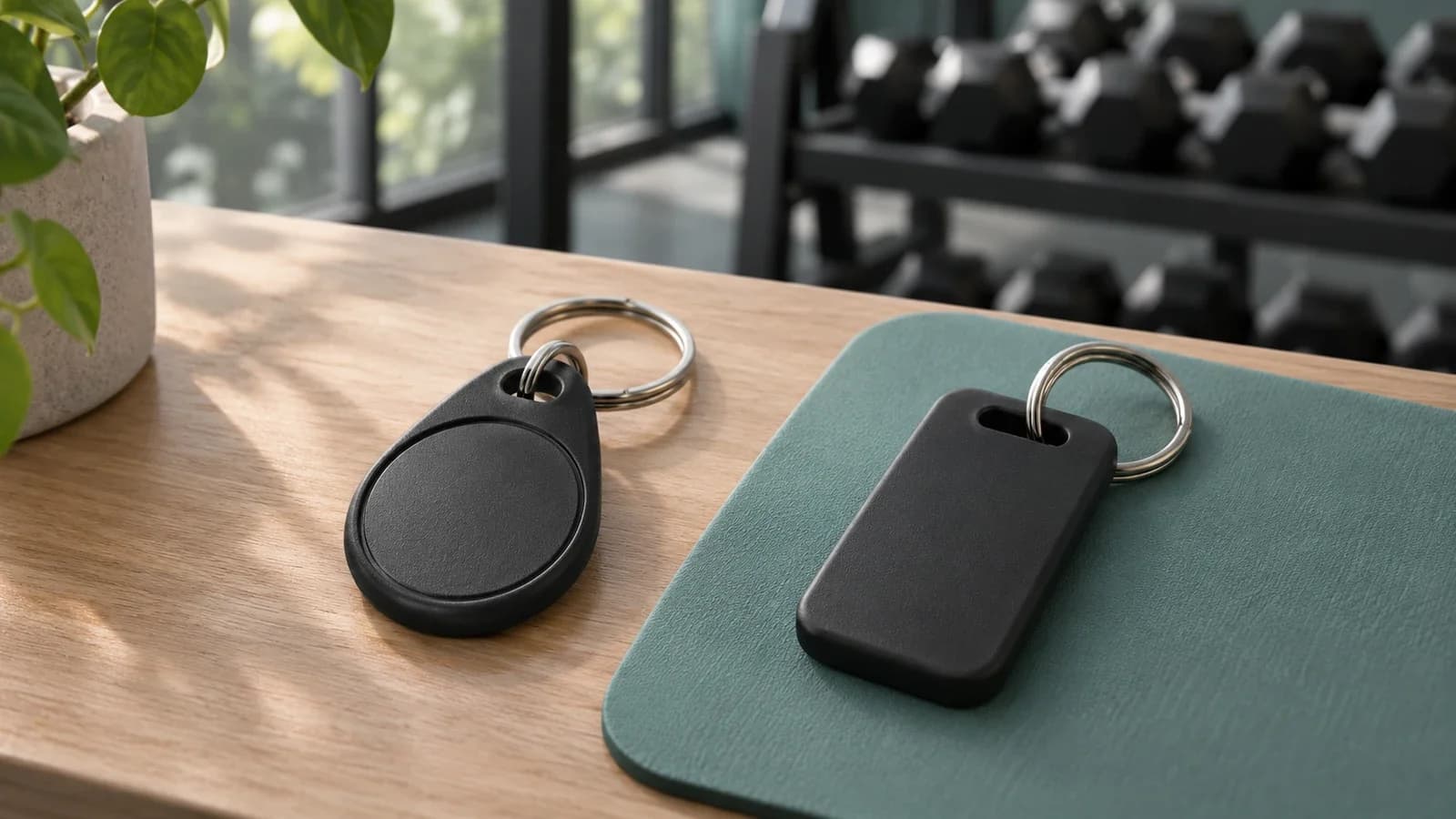
If you're comparing gym key card systems, take an actual sample of the proposed fob to the bench test. The form factor alone tells you little about the credential technology or what the reader returns. Record the reader and controller models, the selected interface, and the software responsible for assigning permissions. Agree which supplier will verify each match before you order in volume.
The Feocey FC7780 is a QR and NFC reader that can be evaluated as the reading point when the proposed credential is supported. Bring representative test credentials and the receiving equipment's documentation. Verify the selected configuration on the bench. Member verification, lost-fob status, replacement, and decision history belong to the systems and staff identified in the project design.
Set the sign-off evidence before buying
Give the project owner a short acceptance record. Include which test credential was retired, when each relevant door reflected the change, which rules the replacement inherited, and whether the existing member history remained visible. Add one scenario where the member arrives during unstaffed hours and one where a reissued credential is denied outside its approved window. If either case needs manual help, have the provider show exactly how the next shift knows help is pending.
Use Feocey's gym access control guide for the wider entrance plan. If you are qualifying the reading point, share your credential and controller requirements with Feocey. A supplier discussion is more productive when it starts with the old and new credential outcomes you expect the whole system to demonstrate.
Source references
Feocey gym access control selection guide ↗Put the guide to work
Find the reference for your model.
Compare each device with your requirements. Confirm configuration and compatibility for the complete installation.
FC7780 →
86-box QR and NFC reader
Ask about FC7780 ↗