
Coworking operations
What Coworking Booking Software Should Do When a Meeting Moves
When a meeting changes rooms or times, coworking booking software should replace the organizer’s and guests’ booking-based door permissions. Test the old room, the new room, and their other valid access before rolling out the integration.
Before you choose
Key takeaways.
- Update the permission tied to the edited booking and preserve independently valid reservations.
- Test the original and revised room and time for the host and guests.
- Define what reception can do while an access update is awaiting confirmation.
Follow the revised booking from the calendar to the door
At 9:45 a.m., a host moves a 10 a.m. client meeting to a different room at 2 p.m. The calendar updates, but one guest already has the morning QR code on their phone. Coworking booking software needs to send the new room and time to the access system, which should retire the permissions tied to the original reservation and apply the revised ones. The host and guests also need clear instructions about which entrance to use, when they can arrive, and whether they should use a replacement credential.
Replace the access attached to the original reservation
Start with the reservation ID and compare the old and new room, time window, and attendee list. Map each room to the doors people actually need on the way in. Two rooms on the same floor might share a lobby entrance, while a move to a different floor might also change which corridor door guests need. Calculate any early-arrival window from the new start time. A change of time alone still requires updated door schedules.
The organizer and each approved guest need a separate check. An organizer may enter the building on a membership but depend on the reservation for the meeting room. A guest may rely on the invitation for both doors. If an attendee is removed during the edit, end the access that attendee received from this booking. Check how the integration identifies invitees who have already received a pass, as well as invitees whose passes have yet to be issued.
Document what happens to an invitation already on a guest’s phone. Some designs can keep the same credential and change its permissions. Others issue a new credential and invalidate the old one. If you issue a replacement, the revised message should identify the credential to use. For either design, confirm both the updated access in the host system and the result at the door. A calendar save or a sent email can arrive before the door system applies the change.
Keep access from another valid reservation or membership
Imagine a pilot site with a lobby and two controlled meeting rooms, Maple and Cedar. An organizer moves a Tuesday meeting from Maple at 10–11 a.m. to Cedar at 2–3 p.m. The organizer has all-day lobby access through a membership. Guest A has only the meeting invitation. Guest B also has a separate Maple reservation from 10:30–10:45 a.m. The pilot uses a ten-minute early-arrival window at the lobby for guests and the booked times at the meeting-room doors.
| Person | Morning access after the move | Afternoon access |
|---|---|---|
| Organizer | Lobby through membership. Maple denied for the original meeting. | Lobby through membership. Cedar from 2 to 3 p.m. |
| Guest A | Lobby and Maple denied under the original booking. | Lobby from 1:50 to 3 p.m. Cedar from 2 to 3 p.m. |
| Guest B | Lobby from 10:20 to 10:45 a.m. and Maple from 10:30 to 10:45 a.m. under the separate reservation. | Lobby from 1:50 to 3 p.m. Cedar from 2 to 3 p.m. |
Test the independent reservation at the old door
Maple should deny Guest B entry at 10:15 a.m. and allow it at 10:35 a.m. under the separate reservation. If the access system can show the underlying grant, check which reservation authorizes the 10:35 entry. Also test the original invitation according to the credential design. A retired QR code should be rejected. A reusable credential may still work where the person has a separate valid permission. Change the grant associated with the reservation so a blanket removal of a door group does not interrupt another booking.
Give reception one way to handle a late update
At 1:55 p.m., Guest A arrives with the latest invitation, but the lobby reader denies entry. Reception should confirm the guest against the approved attendee list and open the current reservation by its ID. Check the current room, lobby window, and access-update status before issuing another pass. If the change is pending beyond your agreed limit, send the booking ID, affected door, time of the denial, and update status to the access administrator.
If your site allows escorted entry, reception can verify the guest through the normal check-in procedure and escort them to Cedar during the approved window. Record the escort and let the administrator resolve the pending update, including any permissions still active for Maple. Close the exception once the administrator confirms that Cedar has the revised grant and Maple has lost the original one.
Ask suppliers to run the move at real doors
Use test accounts, two meeting rooms, and a shared entrance. Issue the original invitations first and ask the supplier to make the edit using the same tool your front desk will use. Agree on the maximum time for additions and removals to reach the doors. If the access system can accept booking changes while a controller is offline, agree on what staff should see while delivery is pending and how the controller should behave after reconnecting.
- Check the organizer and both guests at the lobby and Maple during the original slot. Try Guest B before and during the separate booking.
- Try a guest credential at the lobby just before and after 1:50 p.m., then at Cedar just before and after 2 p.m. After 3 p.m., Cedar and guest lobby access from the meeting should both end.
- Move the same booking again and confirm that the intermediate window is retired, including after any pending changes finish syncing. Record each booking edit time, when the access system reports it applied, and what happens at each test door.
- In an agreed test setup, delay delivery of the revised access and ask a staff member to handle the denial using the same screens and contact path they will have on shift.
Match the pilot to the chosen reader
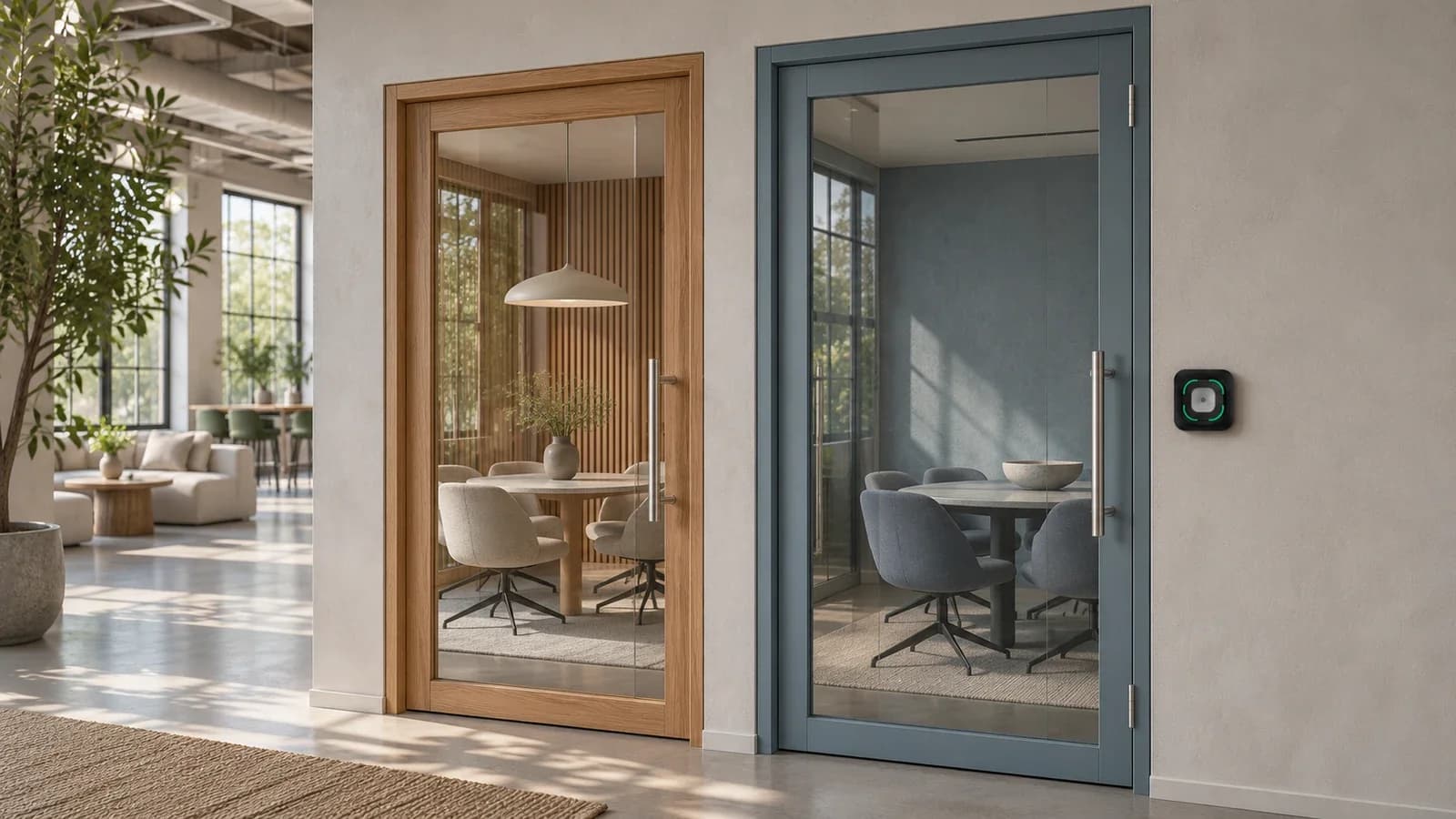
If QR or supported NFC credentials are part of the pilot, evaluate the Feocey FC7780 as the reading point. The connected access system applies the permission rules for each person, door, and time. Bring a sample credential, the controller model, and the proposed reader connection to confirm what can be tested together. Discuss your FC7780 pilot with Feocey.
For broader purchasing criteria, use the Feocey coworking software checklist for day passes, room bookings, and door permissions.
Source references
Feocey coworking software checklist for day passes, room bookings, and door permissions ↗Put the guide to work
Find the reference for your model.
Compare each device with your requirements. Confirm configuration and compatibility for the complete installation.
FC7780 →
86-box QR and NFC reader
Ask about FC7780 ↗