
Event admissions
Event Ticketing Software: How Do You Check In a Group That Arrives Separately?
Evaluate event ticketing software for staggered group arrivals by testing individual tickets, shared codes with partial redemption, and the box office handoff for unresolved orders.
Before you choose
Key takeaways.
- Test an entire split arrival, from two early guests to the final box office case.
- Agree when individual tickets or partial redemption are supported and test remaining admissions.
- Use the in-wall FC7735 only as a reading point in the host-controlled workflow.
Test a six-person order from first arrival to last
One buyer orders six general-admission tickets. Two guests arrive at opening, three come later, and the last guest goes straight to the box office because their phone has died. In a demo of your event ticketing software, ask the vendor to run that whole sequence. After the first group enters, the team should be able to show which tickets are still valid or how many admissions remain. The last guest tests whether the box office and entrance can work from the same record.
Decide what the guest presents at the door
A group purchase can be delivered as separate tickets or as a shared code covering several admissions. Open the actual buyer email or wallet passes in the demo. Staff may see a confirmation barcode, individual ticket codes, or both. Identify which codes authorize entry, then check whether the instructions tell the purchaser what to share with guests arriving on their own.
With one ticket per guest, each person presents a distinct code linked to the group order. For the six-person order, the first two arrivals use two codes, leaving four individual tickets available. This format also lets the box office see the status of a specific ticket. If the event permits forwarding or transfer, verify the steps a purchaser must take, what the recipient receives, and which code stays valid if the platform issues a replacement. Rehearse delivery before event day so the lead purchaser knows which tickets to send.
Choose a shared code only if the platform explicitly supports using part of a group order at each visit. At the first arrival, the operator should be able to see the available quantity, choose two admissions, and confirm the transaction. The next guests arrive with the same authorized code, and the operator can admit up to four more. Ask the vendor to show how the operator fixes an incorrect quantity and who has permission to make that correction.
If a shared code requires the whole group to enter together, put that requirement in the purchase and arrival instructions. When separate arrival is part of the offer, verify a per-guest ticket workflow or agree on a documented box office process before opening sales.
Give the box office the information it needs to resolve an order
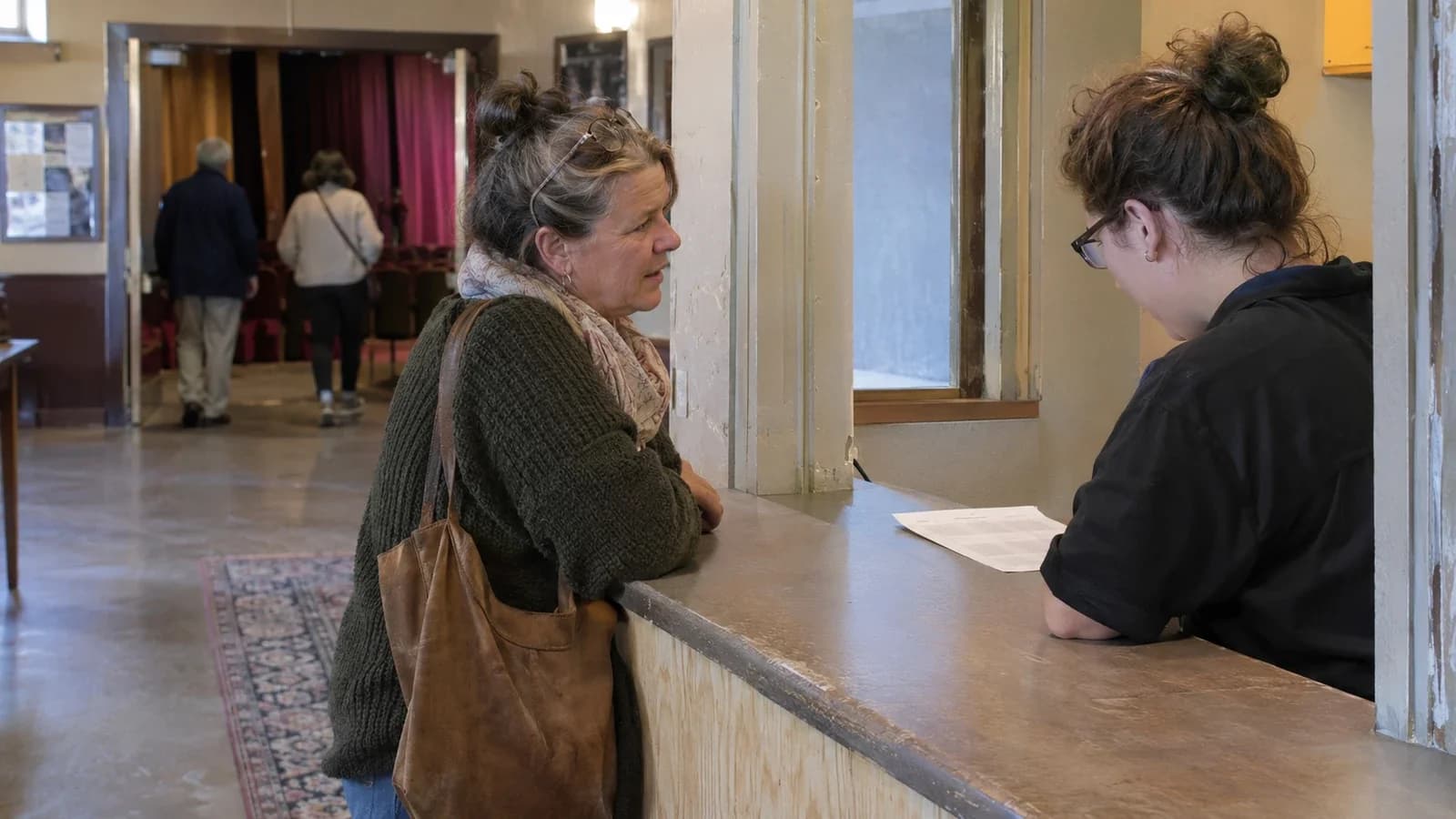
Decide what gate staff should say when a guest has the order confirmation, a dead phone, or the wrong ticket from a group purchase. One short instruction can direct them to the box office with their order number and any purchaser details the organizer's verification policy calls for. Assign who can look up the order, verify the request, and approve a correction or reissue.
At the desk, start with the order history. For the final guest in the example, the order should show five admissions already recorded. With separate tickets, the operator identifies the remaining valid ticket and follows venue policy for admitting the guest or reissuing the credential. With a shared code, the operator confirms that the group has one unused admission and that the guest is authorized to use it. If the desk issues a replacement or admits the guest directly, confirm that the transaction updates the same record the gate reads.
Rehearse the handoff with two staff members in their actual roles. Have the gate operator state what the guest presented and why the desk is needed. Ask the desk operator to record the resolution and give the guest a clear next step. Finish by having the gate look up or scan the affected ticket after the desk takes action. The status should agree across both stations, and a recorded box office admission should count toward the event total exactly once.
Verify the remaining count and duplicate behavior
Define the remaining quantity in units staff can read quickly. For a six-person order with two check-ins, the expected display is two admitted and four admissions remaining. After three more guests arrive, one remains. Ask when the count refreshes and which view staff should use to verify it when a confirmation message takes longer than expected.
A duplicate looks different in each workflow. With per-person tickets, attempt to scan one of the first two used codes again while other tickets in the order are still available. Confirm that the used ticket stays used and that the other four remain available. With a shared code, presenting it again may be legitimate while admissions remain. Test an accidental repeat of the same two-person admission separately from a second group of two arriving later. The legitimate arrival needs its own quantity confirmation. For an accidental repeat after an unclear confirmation, show how staff can check the latest transaction before they submit the quantity again. The order should still show only two admissions for that first party.
Finish the six admissions and try the code once more. Check the operator's message, the order history, and the admissions total. If staff ever need to reverse or correct a transaction, verify which role can do it and how the venue can trace that action afterward.
Run a controlled pilot with the event organizer
Use test orders and the same gate and box office roles planned for the event. Have the event organizer or an authorized representative confirm the split-arrival policy, the verification required at the desk, and who can issue replacements or correct admissions. Give gate staff the actual guest instructions and have them walk through the pilot using only the screens and permissions they will have on event day.
Record the expected admissions remaining after each arrival, the outcome of an attempted duplicate, and the result of the box office handoff. Ask the organizer to confirm those outcomes against the order history and door totals before approving the workflow. If the software supports both ticket formats, run a separate six-person test for each format you plan to sell. Record which formats passed and update the customer instructions to match the approved procedure.
If your entrance design includes an in-wall QR reading point, evaluate the Feocey FC7735 with the phone screens and printed tickets your guests will use. Confirm the recess, mounting box, and approach to the reader with your installer. The connected ticketing system handles the admission decision and remaining quantity; FC7735 is a reading point, not event ticketing software. Compatibility with a particular ticketing platform must be confirmed for the proposed integration. Share your proposed gate setup, ticket format, and box office workflow when discussing your FC7735 project with Feocey.
For reader-to-host acceptance tests, continue with the Feocey QR code reader integration guide.
Source references
FC7735 user manual ↗Put the guide to work
Find the reference for your model.
Compare each device with your requirements. Confirm configuration and compatibility for the complete installation.
FC7735 →
86-box QR and card reader
Ask about FC7735 ↗