QR Readers & Terminals

FC7735

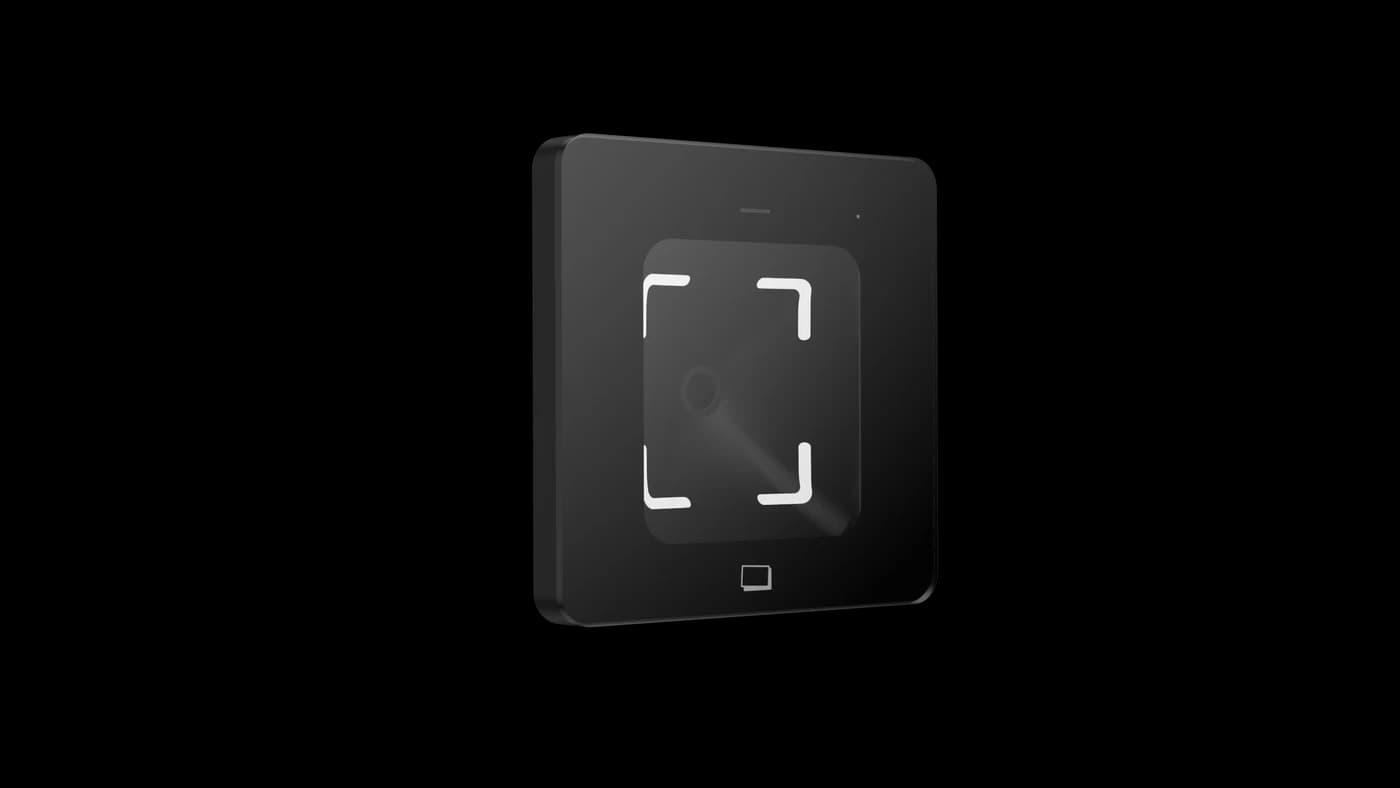
86-box QR and card reader

A simple scan at the point of entry.

A compact QR reader for 86-box access installations. Choose the host interface and optional card-reading configuration for a door, turnstile or connected device.

  • Phone & paper QR codes
  • 86-box installation
  • Interface options
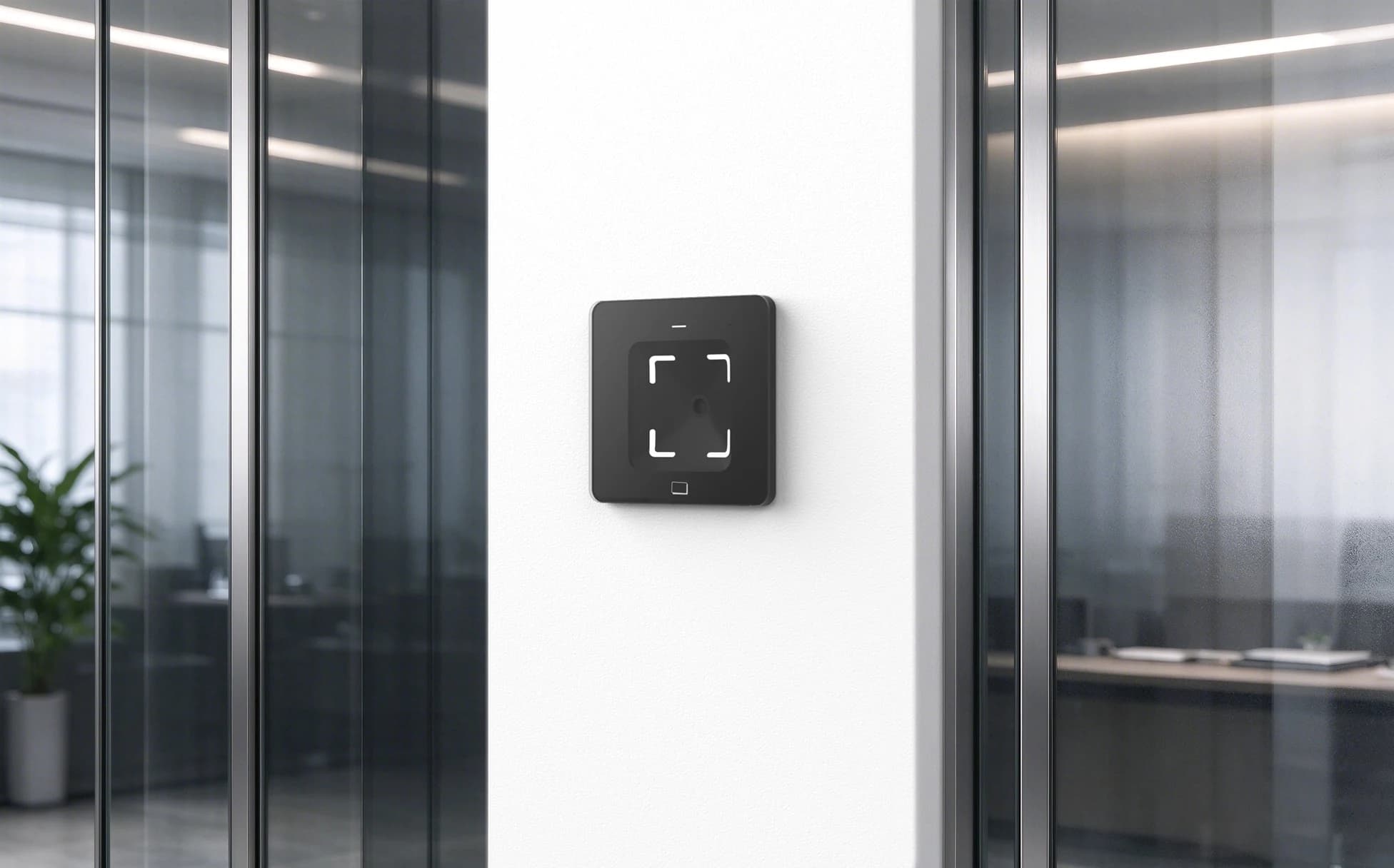
FC7735 QR and card reader beside a glass office entrance
FC7735 · office entrance scene

A simple scan.
A connected entrance.

A compact QR and card reader for doors, turnstiles and connected equipment.

Interaction
Phone-screen & printed QR codes
Credentials
QR; optional NFC card
Feedback
Indicators & buzzer
Integration
Select the output for your host

Application illustration. Credential validation and door control depend on the connected system.

Technical specifications.

FC7735

Power and output options vary by interface version. Match the supplied reader, cable and host.

FC7735 specifications
Code sourcesPhone-screen and printed QR codes
Output optionsRS485, RS232, TTL, Wiegand and Ethernet; select the required version
FeedbackRed, green and white indicators with buzzer
Dimensions88.38 × 88.38 × 35.10 mm
Reading window56 × 51 mm
Power inputSerial / Wiegand / TTL versions: 5–15 V DC; Ethernet version: 12–24 V DC

Certifications

  • FCC ID2BBAP-M350MiCOM LabsVerify

    Certificate held by our parent company CoolCode (identical hardware).

  • ISED30691-M350MiCOM Labs

    Certificate held by our parent company CoolCode (identical hardware).

All FC7735 records on the certifications page
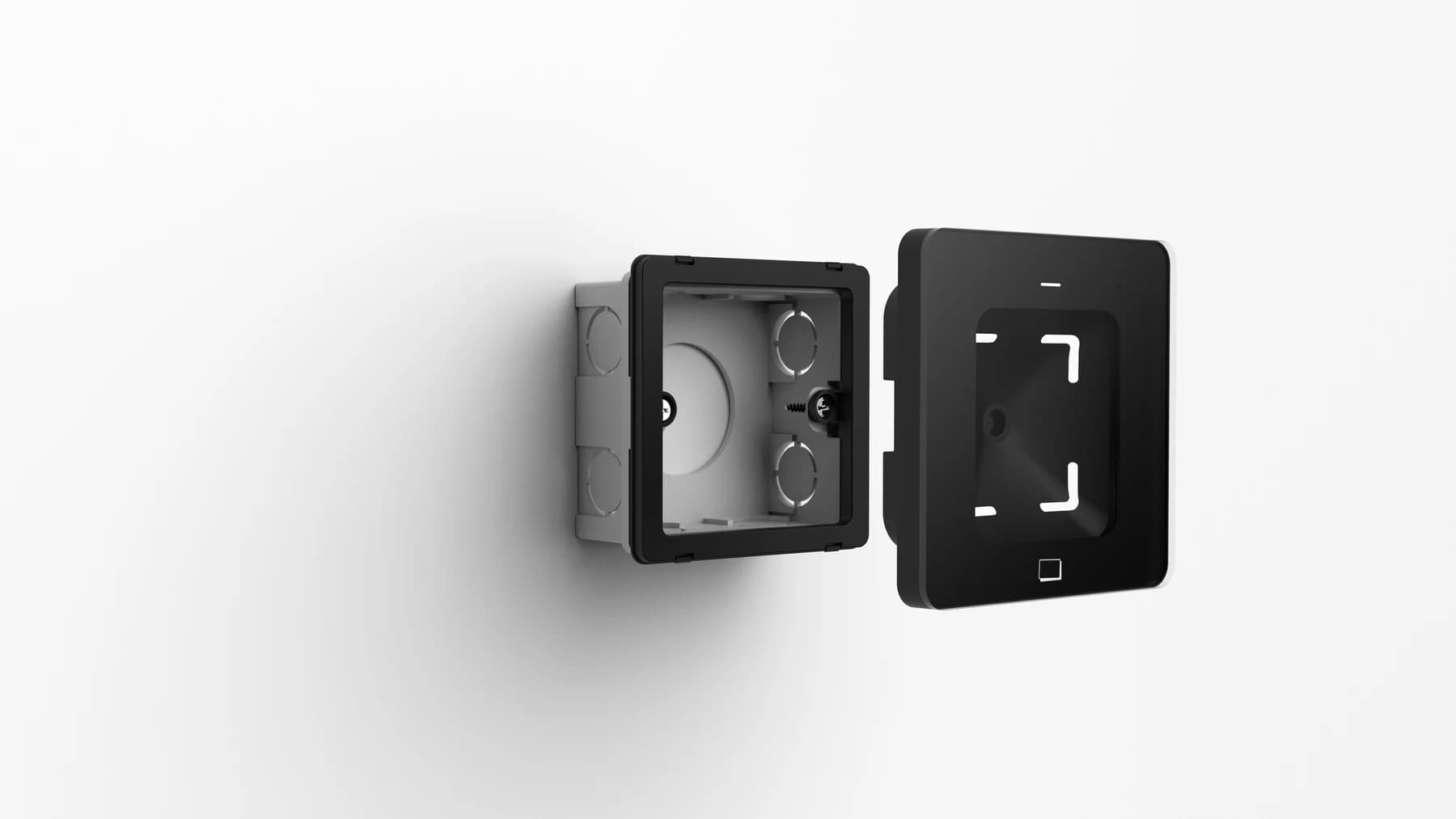
FC7735 reader, mounting frame and 86-type electrical box assembly
FC7735 · 86 box installation

A compact fit.
At the entrance.

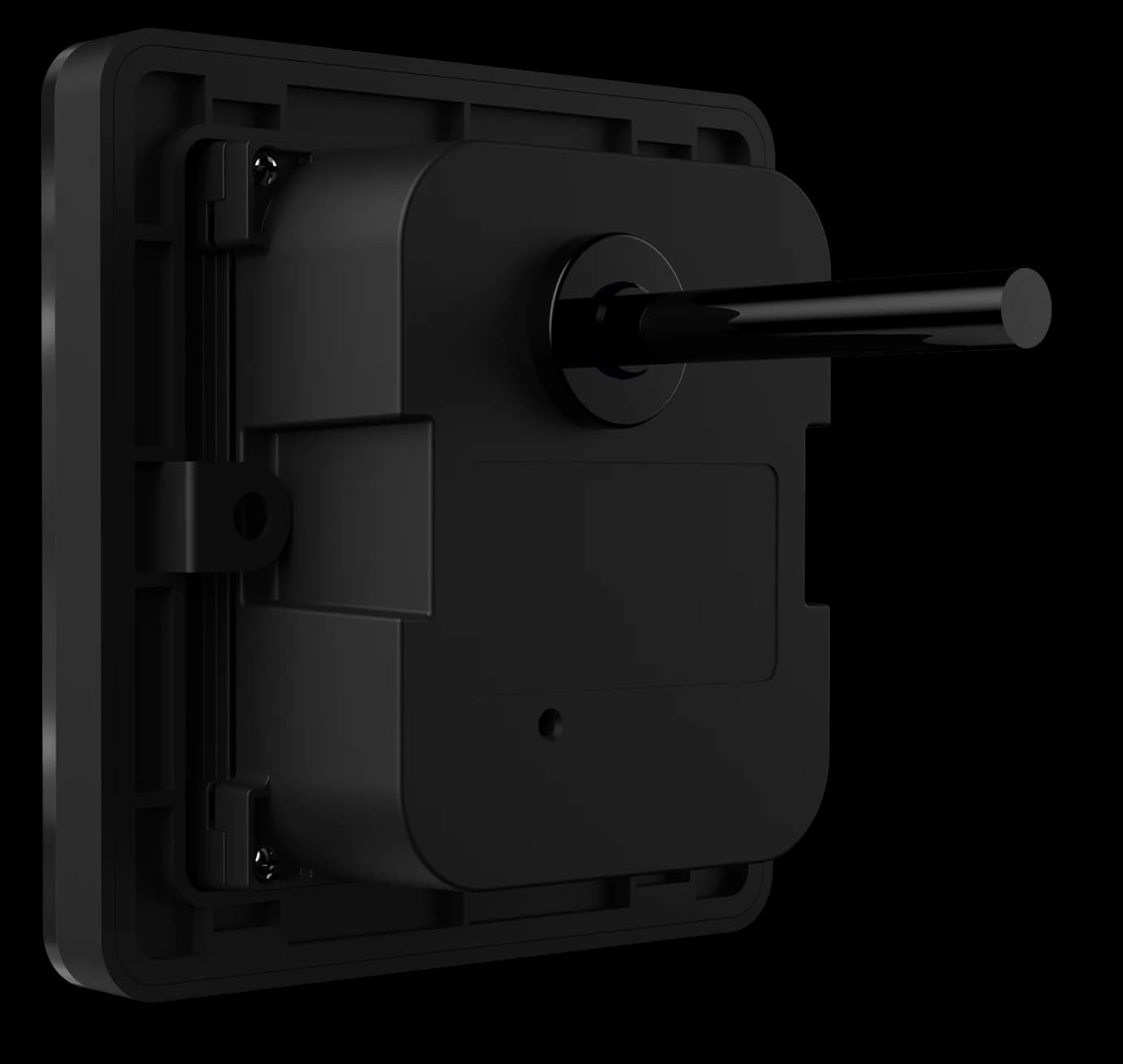
Match the mounting frame to the electrical box and allow rear space for the reader and its supplied connections.

  • Confirm the selected interface and power supply.
  • Keep the reading window clear of direct sunlight.
  • Test both phone-screen and printed codes.
View installation reference
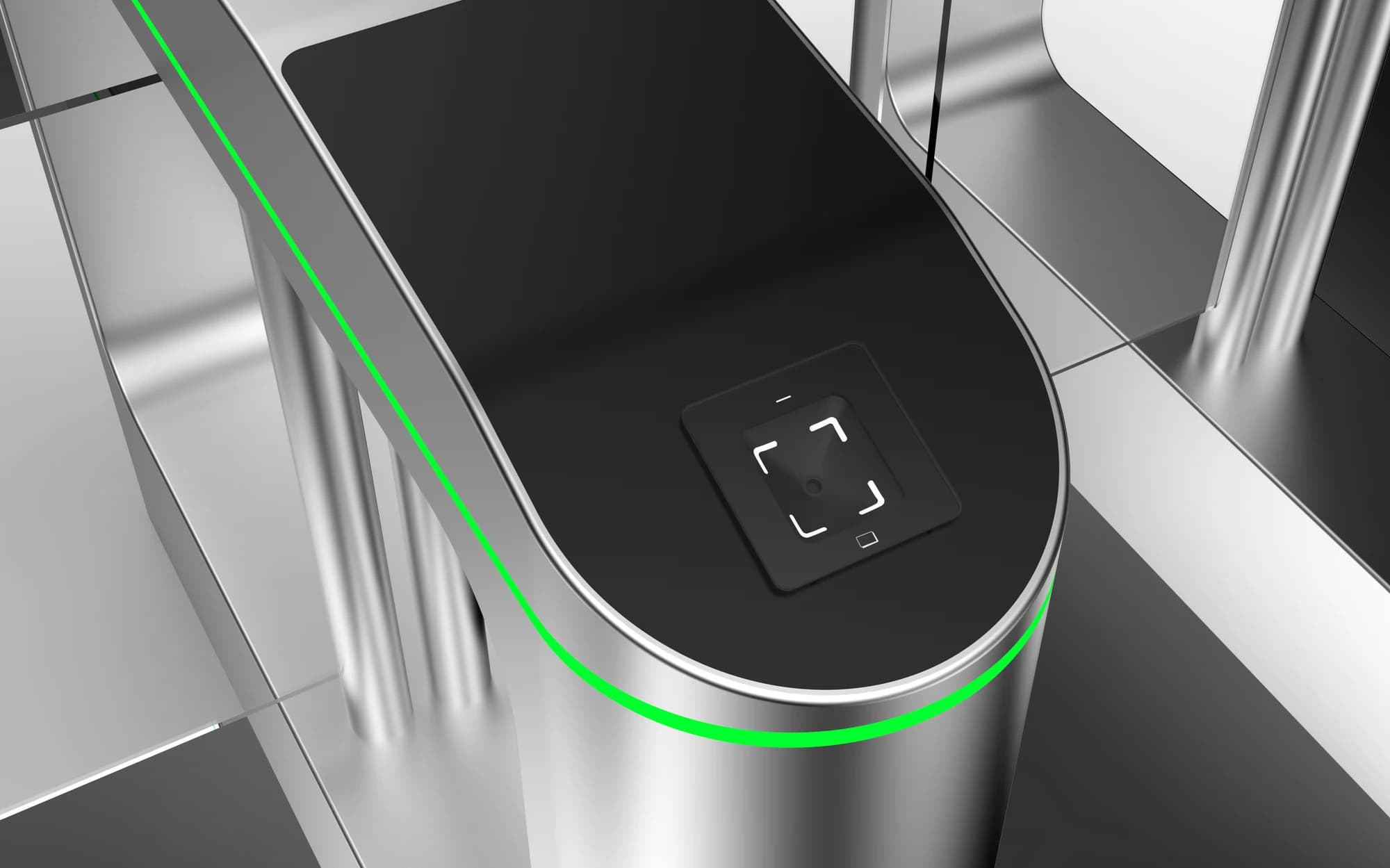
FC7735 QR reader installed on turnstile equipment
FC7735 · turnstile installation

Scan at the
point of passage.

Place the reader within reach on the gate equipment. The receiving system validates the credential and controls passage.

View installation reference

Integration illustration. Confirm the mounting opening and rear clearance before cutting.

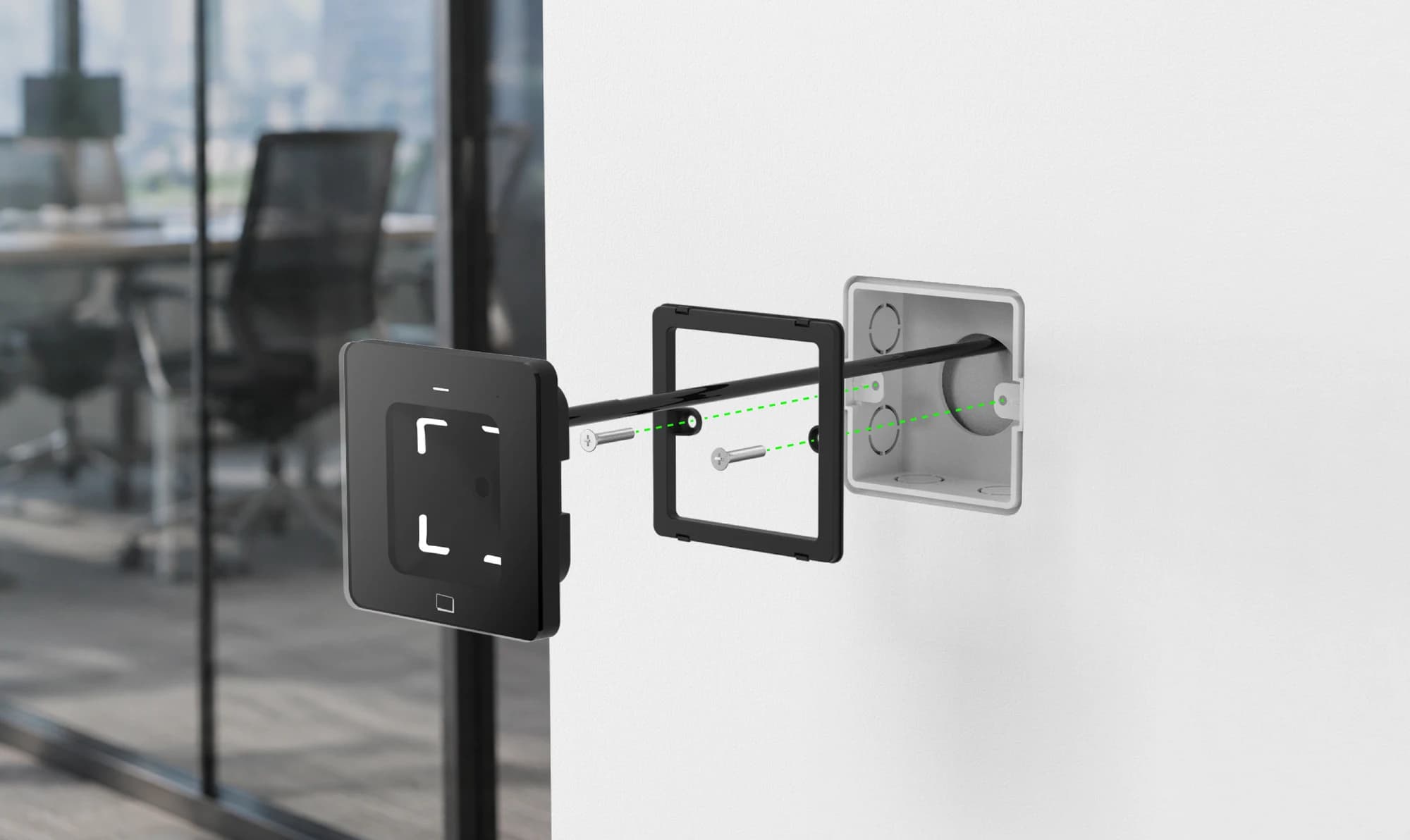
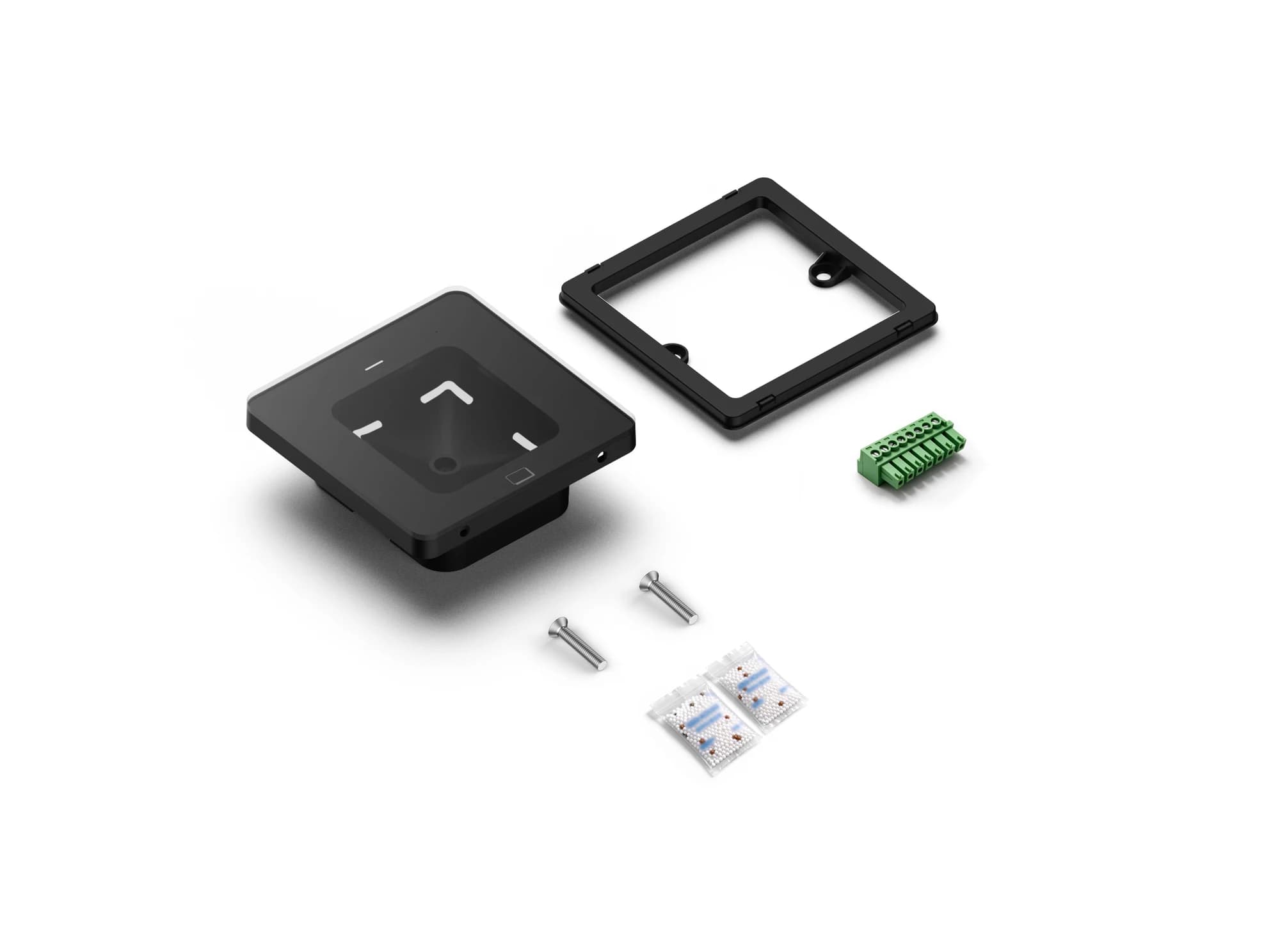
FC7735 reader and pictured mounting accessories
FC7735 · mounting accessories

The matching accessories.

Review the pictured configuration with your installer before ordering.

Supplied accessories and quantities depend on the selected order. Confirm the packing list with our team.

Your questions, answered.

Can the same configuration tool be used for every reader?

Do not assume so. Reader firmware and access-control firmware can use different tools, configuration codes or platform commands. Share the overseas model, firmware and intended operating mode so the matching method can be checked before changing settings.

What should I check if serial output is missing or unreadable?

Match the baud rate, data format and electrical interface on both sides, then inspect the cable and any serial-to-USB adapter. Also confirm whether the reader is sending raw content or a framed protocol message before treating additional bytes as corrupted data.

What should we check when a reader does not react to a code?

First confirm that the reader has started normally and that the code is complete, correctly generated and presented within the usable reading area. For codes shown on a phone, raise the screen brightness and remove glare; if known-good codes still produce no response, record the indicator and buzzer behavior for support.

Interested in this product?

Tell us the model and quantity.