QR Readers & Terminals

FC7769

QR reader

A scan connected to your access service.

A QR reader with Ethernet and a relay interface for 86-box installations. Connect phone or paper credentials to your application, then configure how a validated response controls the next step.

  • Ethernet connection
  • Relay interface
  • 86-box installation
Connection
EthernetNetworked credential workflow
Control interface
RelayCOM / NO connection in the manual
Installation
86-box86 × 86 × 39 mm body

Inside FC7769

Bring the scan into your network.

FC7769 combines QR reading, an Ethernet connection and a relay interface in a compact wall installation. A phone or paper code becomes input for your access application. Configure the server connection and response behaviour together so the system can turn a valid credential into the intended action.

Plan the installation
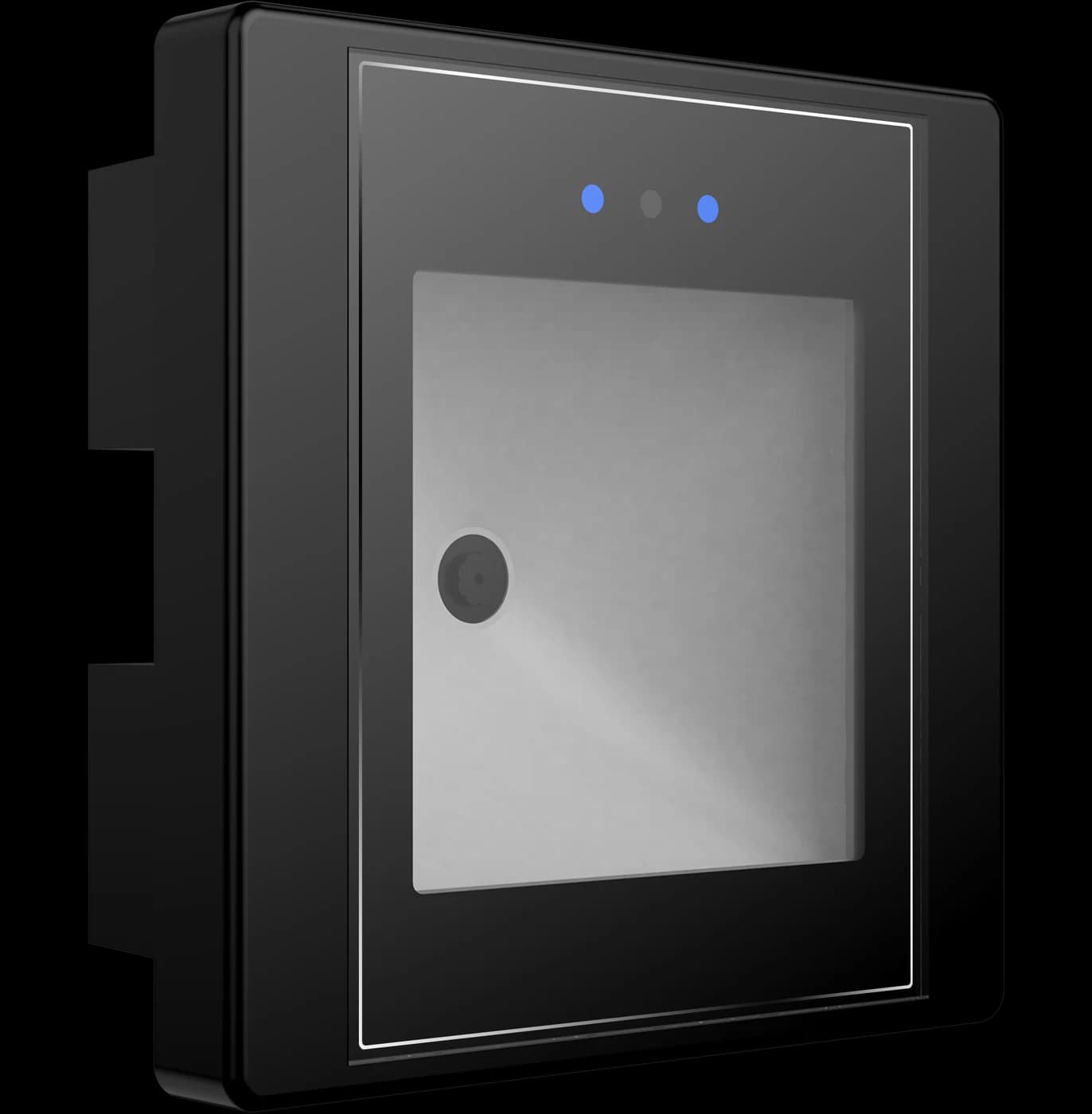
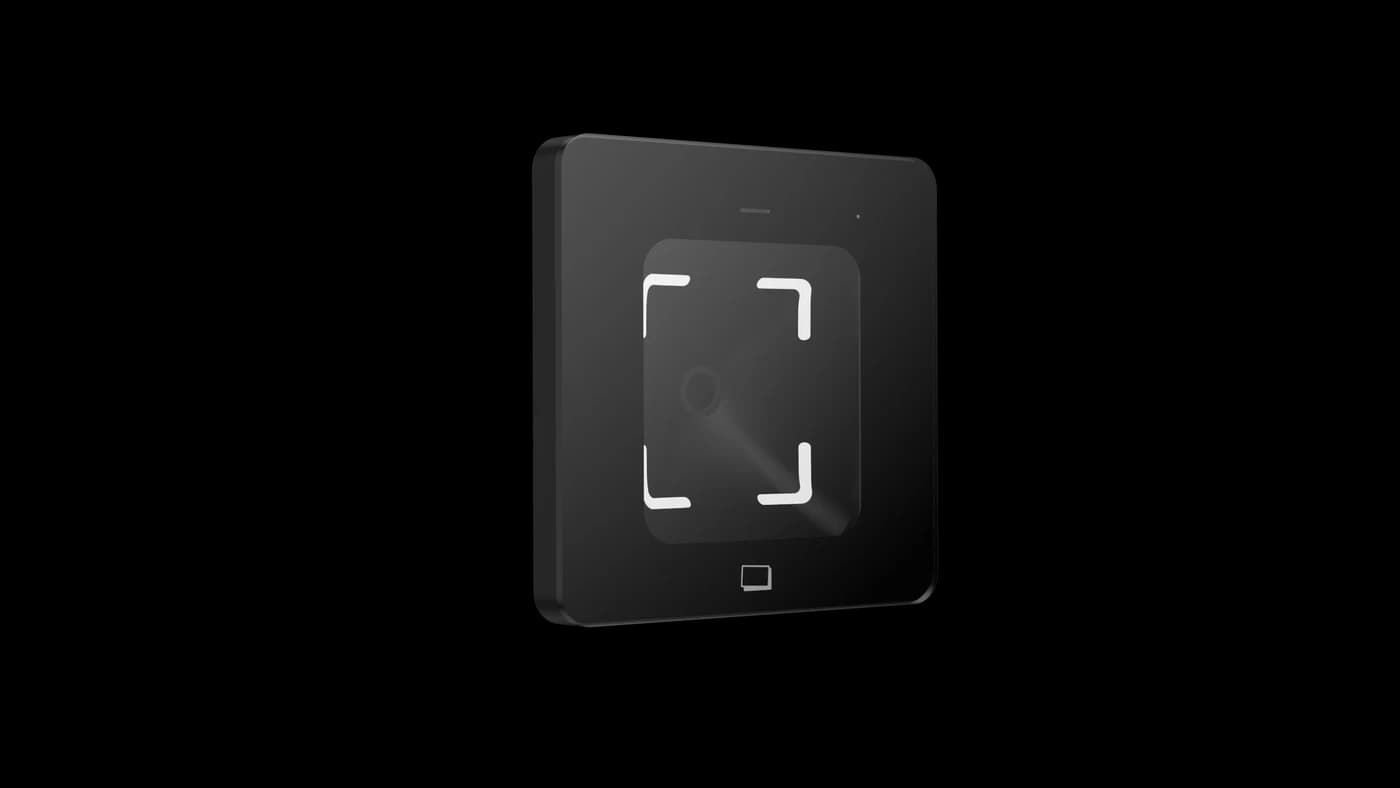
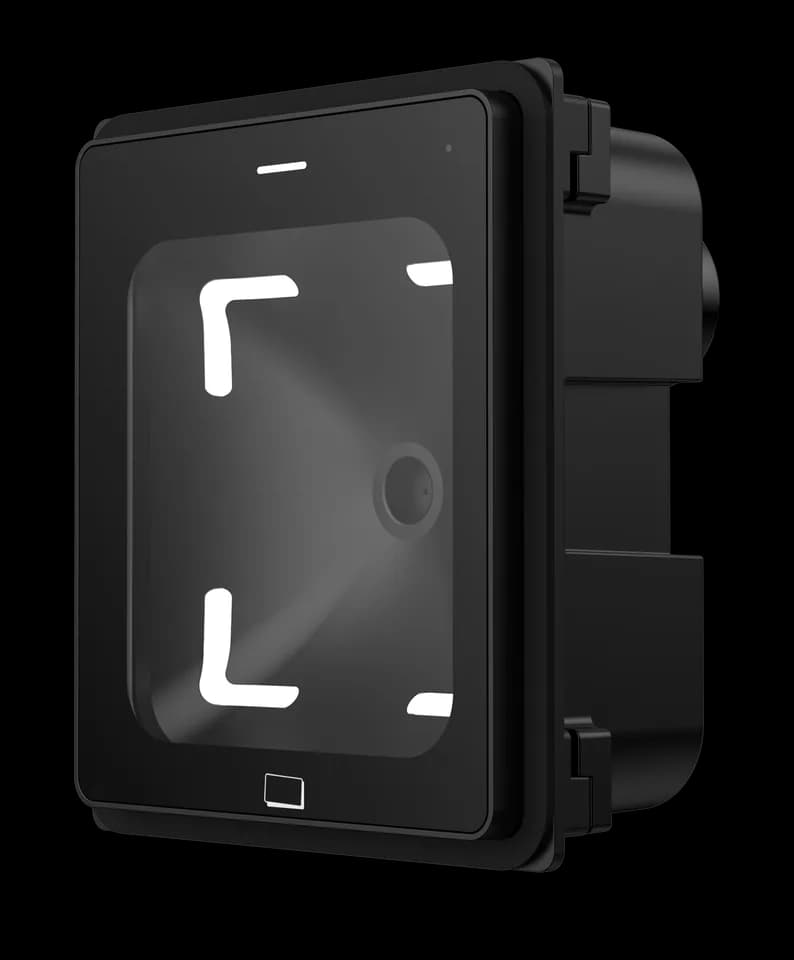
FC7769 angled product view showing the reader face and enclosure
FC7769 · angled enclosure view

Choose around your project

The details that
make it fit.

01

Define the network exchange

The manual describes TCP, HTTP and HTTPS communication. Match the server address, protocol, credential payload and response handling to the supplied firmware.

02

Plan the relay circuit

The manual identifies COM and NO relay connections. Check the lock or control input, supply and load requirements with the installer before selecting the circuit.

03

Prepare the configuration

The manual describes configuration through a generated QR code. Request the applicable configuration tool and firmware reference for the unit being evaluated.

From credential to action

How the parts
work together.

The relay is part of the hardware interface. Credential validity, timing and behaviour when the server cannot be reached must be defined and tested with your application.

  1. 01

    Read the credential

    A user presents a phone-screen or printed code to the reader.

  2. 02

    Check with your service

    The configured network exchange lets your application validate the credential and apply its access rules.

  3. 03

    Apply the response

    The configured device and relay behaviour carries out the result. Verify allowed, denied and network-unavailable cases during commissioning.

Example workflow · confirm the configuration and wiring for the supplied equipment.

Technical details

A closer look.

Options vary by configuration. Use these details to plan your evaluation.

FC7769 specifications
Code sourcesPhone-screen and printed QR codes
NetworkEthernet; TCP, HTTP and HTTPS communication described in the manual
Control interfaceRelay COM / NO; match the circuit and firmware configuration
Dimensions86 × 86 × 39 mm
Mounting86-box assembly with mounting frame and front trim
Power input9–15 V DC

Installation & connections

Plan the fit.

  1. Check the 86-box position, mounting frame and cable space against the assembly drawings. Keep the reading window accessible to the intended users.
  2. Disconnect power before wiring. Use a 9–15 V DC supply and match the Ethernet and relay connections to the supplied harness and manual.
  3. Set the network and server configuration using the applicable configuration tool. Match request and response handling to the unit’s firmware.
  4. Test valid and invalid credentials, relay timing and network interruption before handover. Keep the front trim and mounting arrangement accessible for service.

Product resources

Manuals & drawings.

Documents for FC7769 →
  • FC7769 user manual

    Manual · English · PDF · 680 KB

    The source manual uses the MET hardware designation.

    Download PDF

A few things worth knowing.

Can the same configuration tool be used for every reader?

Do not assume so. Reader firmware and access-control firmware can use different tools, configuration codes or platform commands. Share the overseas model, firmware and intended operating mode so the matching method can be checked before changing settings.

What is the difference between transparent and protocol-based network output?

Transparent output normally forwards the decoded content, while a protocol-based connection can wrap it with device or transaction data and may require a defined response from the server. The available transports and response rules vary by product and firmware, so use the matching integration reference.

What should we check when a reader does not react to a code?

First confirm that the reader has started normally and that the code is complete, correctly generated and presented within the usable reading area. For codes shown on a phone, raise the screen brightness and remove glare; if known-good codes still produce no response, record the indicator and buzzer behavior for support.

Your next step

Let’s put FC7769
in your project.

Tell us where it will be used, how it should connect and the quantity you need.

Discuss your project