QR Readers & Terminals

FC6820

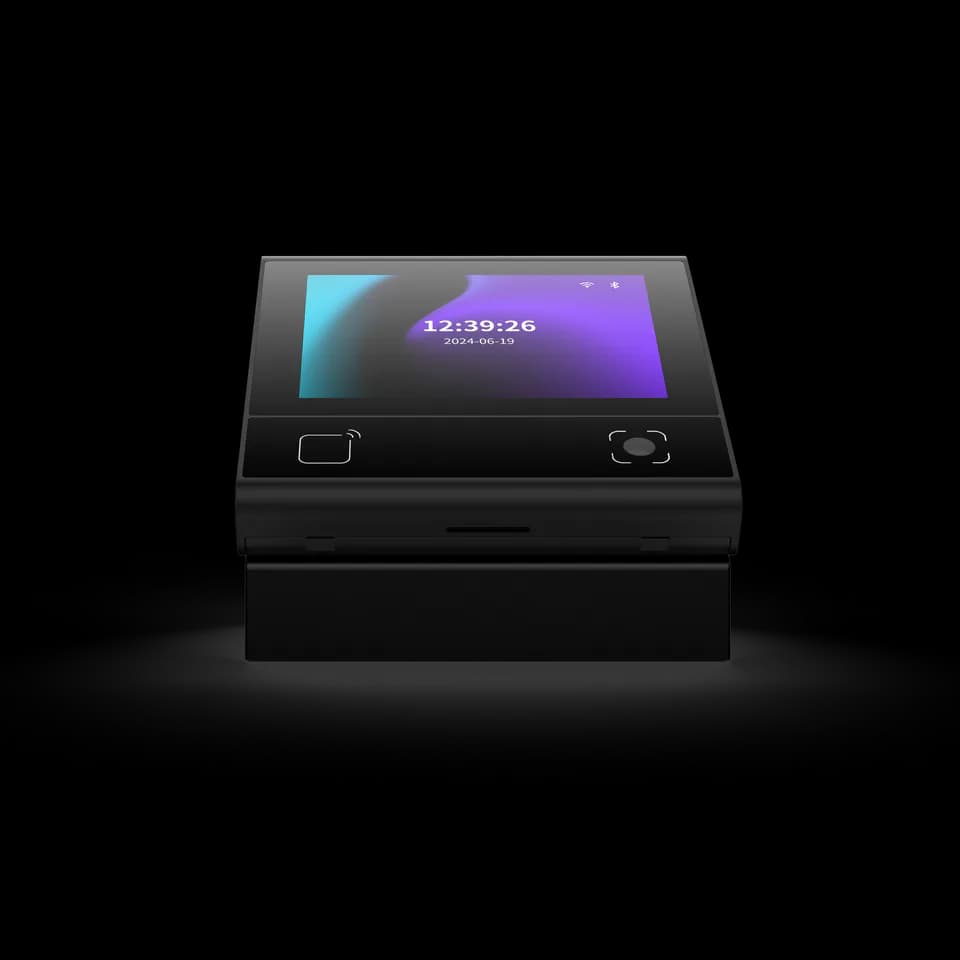
Display QR and card terminal

Scan. Tap. See what comes next.

QR codes, cards and a 3.33-inch touch screen in one compact terminal. Choose a reader or access-control configuration and use DejaOS to shape the on-device experience.

  • 3.33-inch touch display
  • QR & card options
  • 86-box mounting
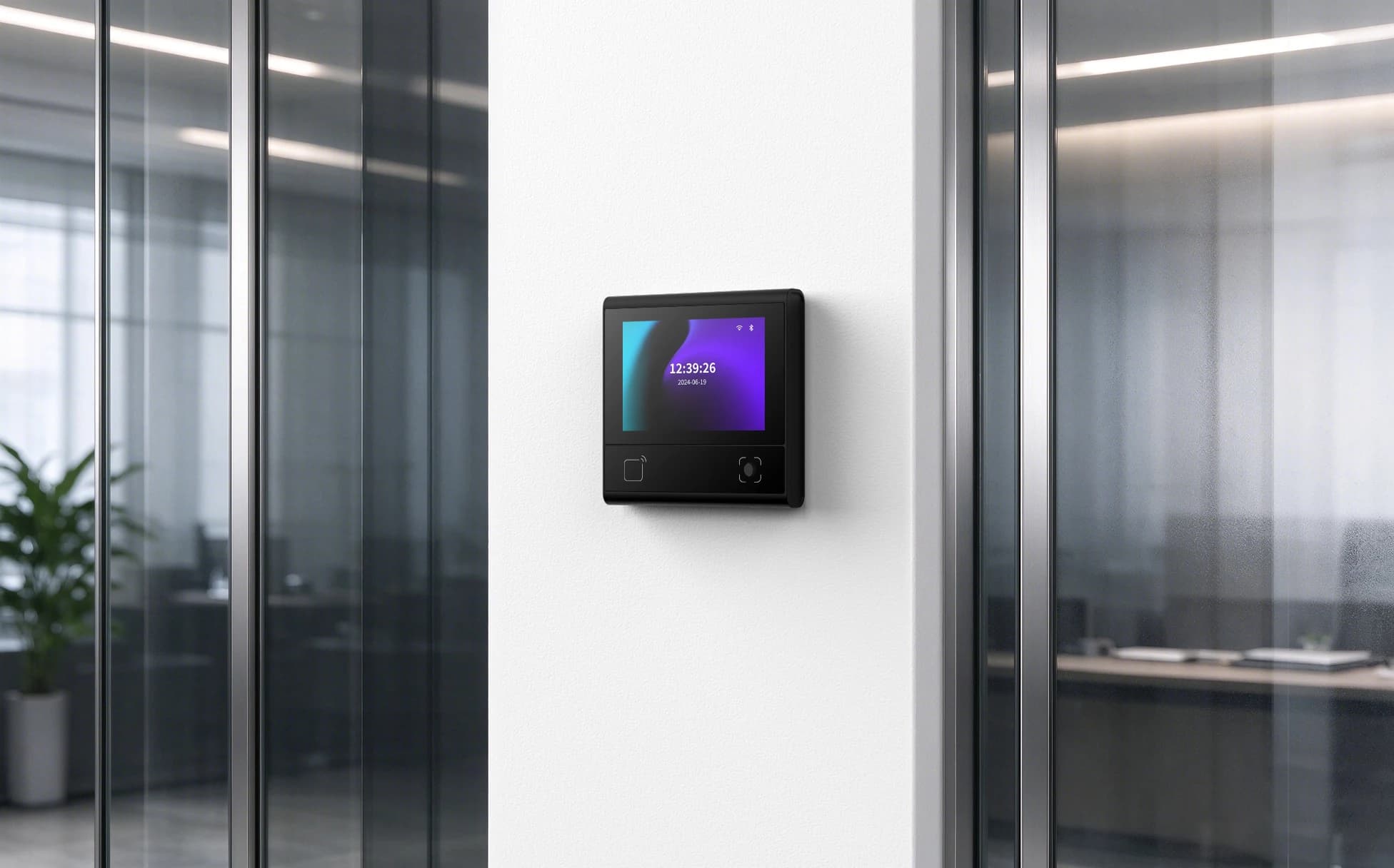
FC6820 display terminal beside a glass office entrance
FC6820 · office entrance scene

A clear interaction.
Right at the door.

A compact touch terminal for QR and card workflows, available in reader and access-control configurations.

Display
3.33-inch · 320 × 480
Platform
Linux / DejaOS
Connection
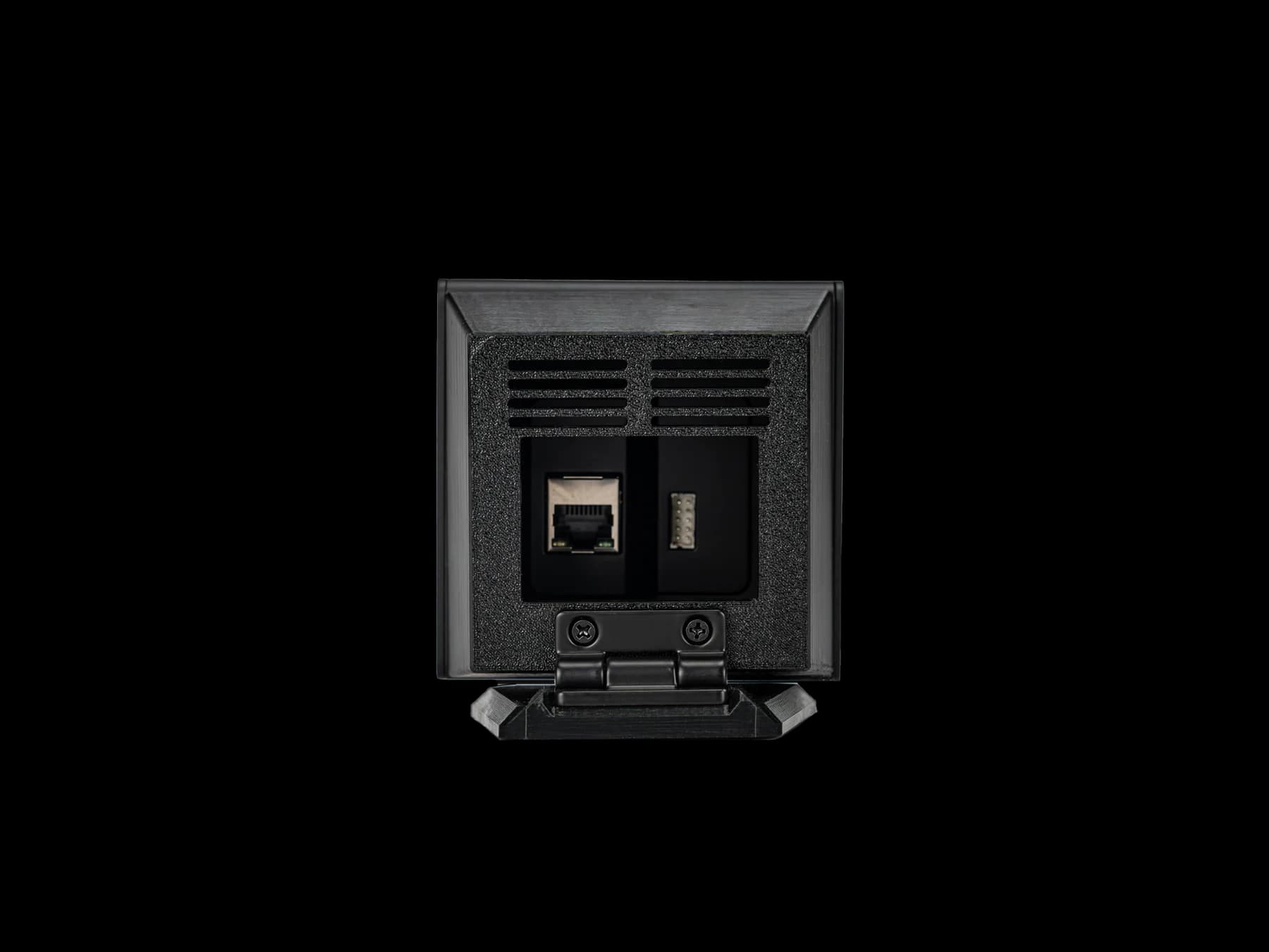
Ethernet, RS485 & Bluetooth
Device role
Reader or access-control version

Application illustration. Wi-Fi, voice and door-control connections depend on configuration.

Technical specifications.

FC6820

Door-contact, exit-switch and relay connections belong to the access-control configuration. Wi-Fi and voice are options.

FC6820 specifications
Operating systemLinux / DejaOS
Display3.33-inch IPS capacitive touch screen · 320 × 480 pixels
Wired communicationEthernet and RS485
BluetoothBLE 5.1
Access-control connectionsExit-switch input, door-contact input and relay output on the access-control configuration
Power input9–15 V DC · 12 V typical
More specifications
FC6820 additional specifications
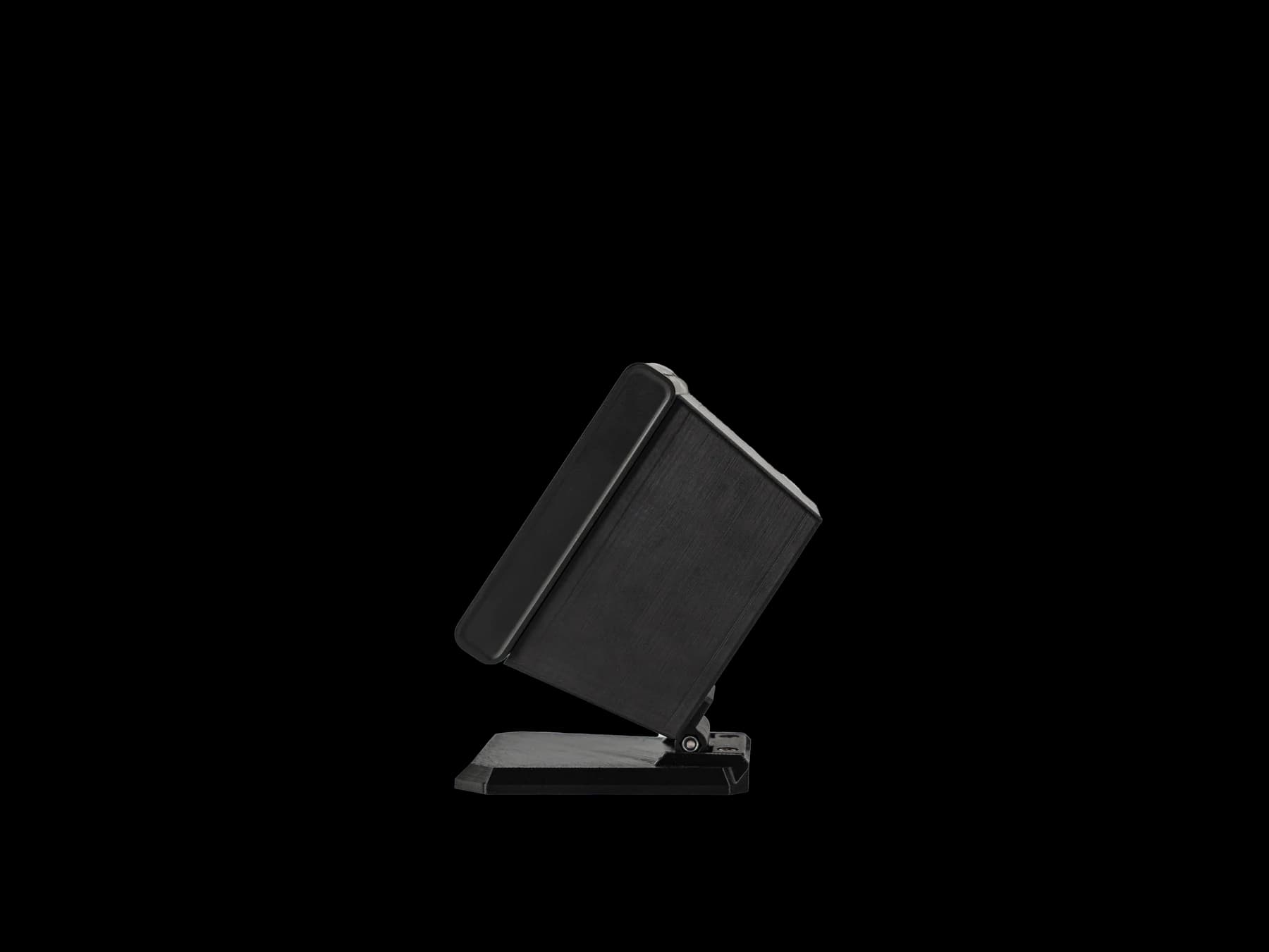
Mounting86-box surface mounting
OptionsReader, access-control, voice and Wi-Fi variants; confirm the required configuration
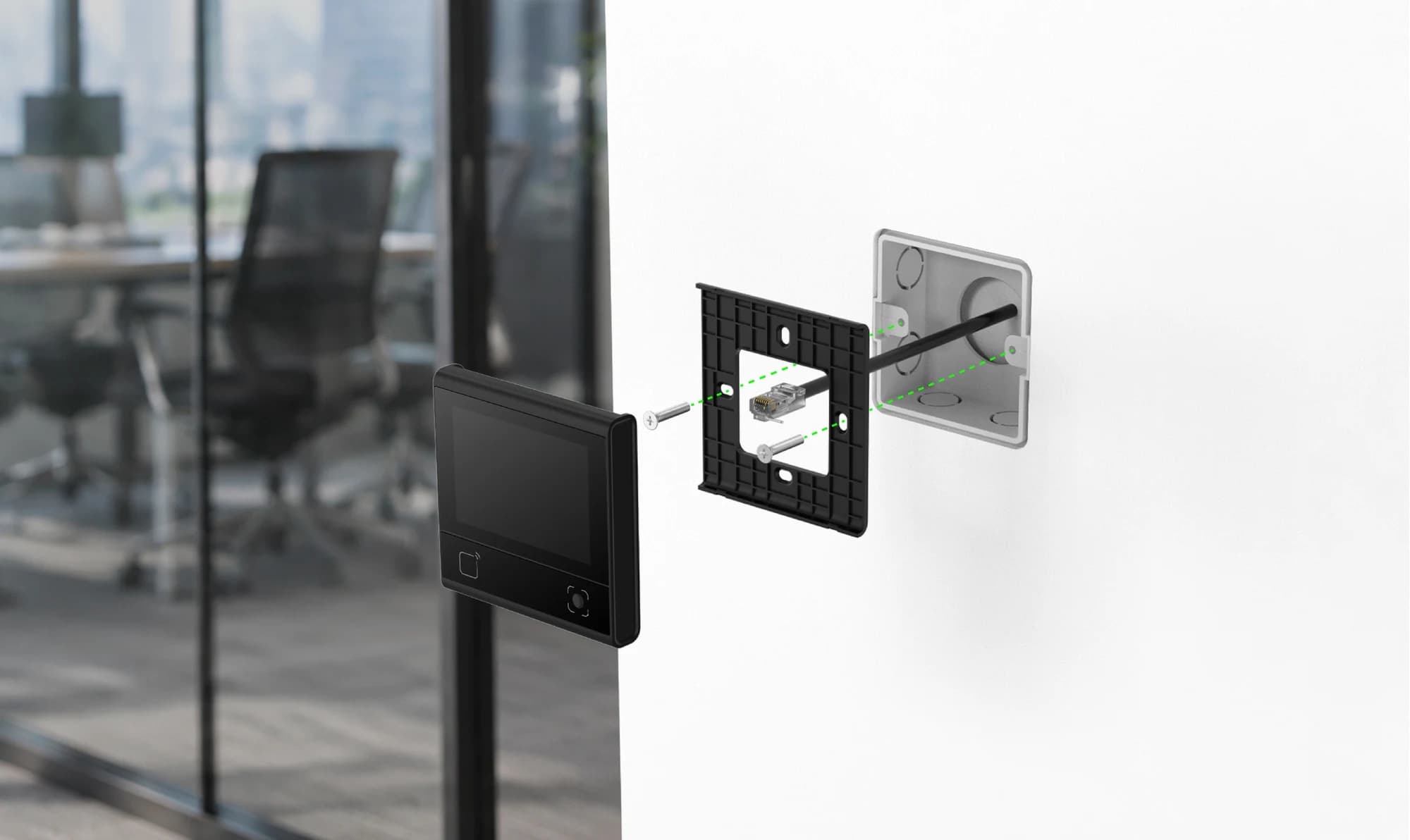
FC6820 display terminal, mounting frame and 86-type electrical box assembly
FC6820 · 86 box installation

A considered fit.
Behind the screen.

Fit the mounting frame to an 86-type electrical box. Plan the rear cable route before securing the terminal.

  • Confirm the reader or access-control version.
  • Use the wiring reference for the supplied cable set.
  • Check the plate and wall opening before installation.
View installation reference
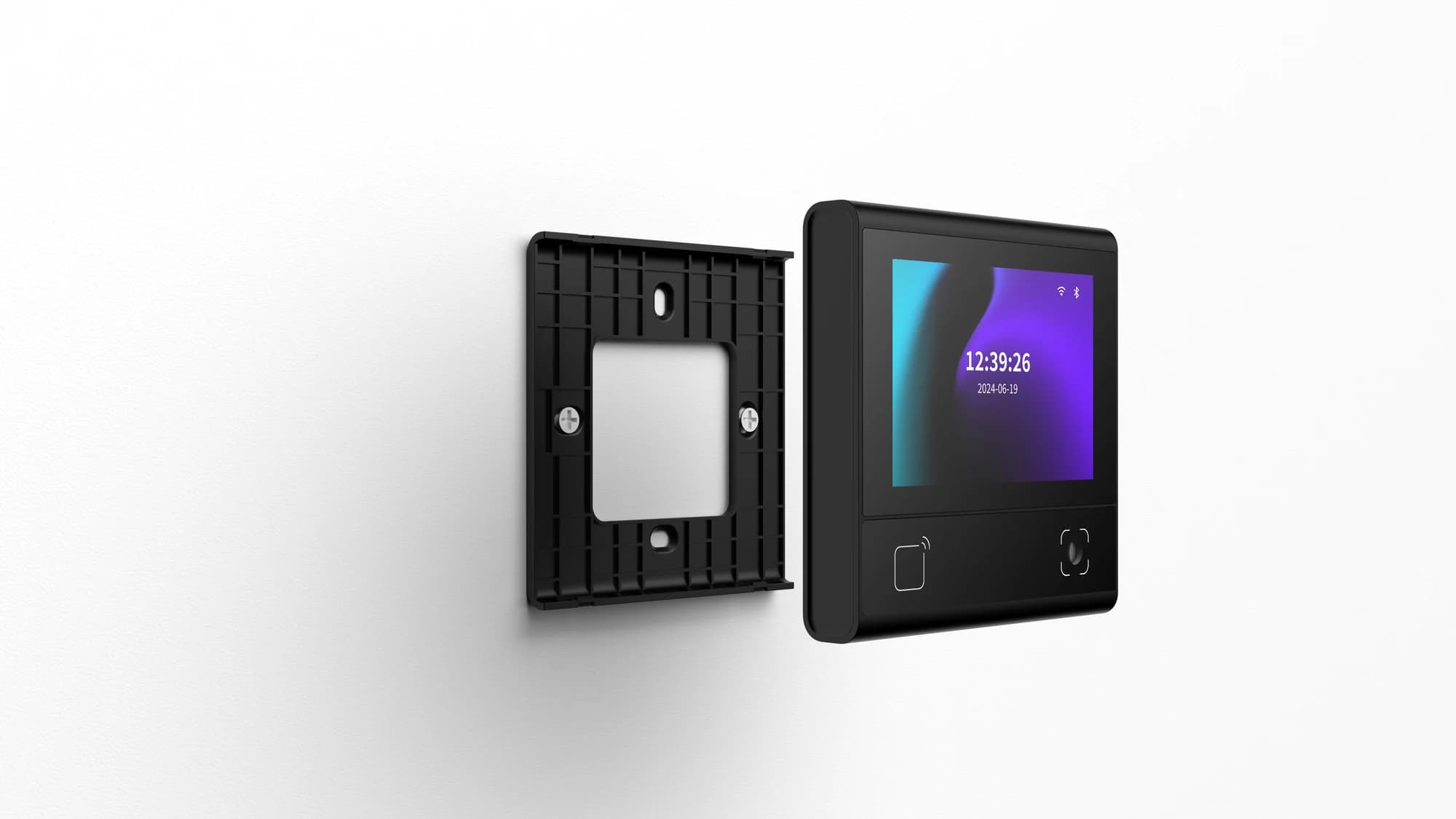
FC6820 display terminal aligned with its wall mounting frame
FC6820 · mounting frame attachment

Align the frame.
Secure the terminal.

The mounting frame stays on the wall while the terminal fits onto its matching attachment points.

View installation reference

Assembly illustration. Follow the supplied mounting drawing and fixing sequence.

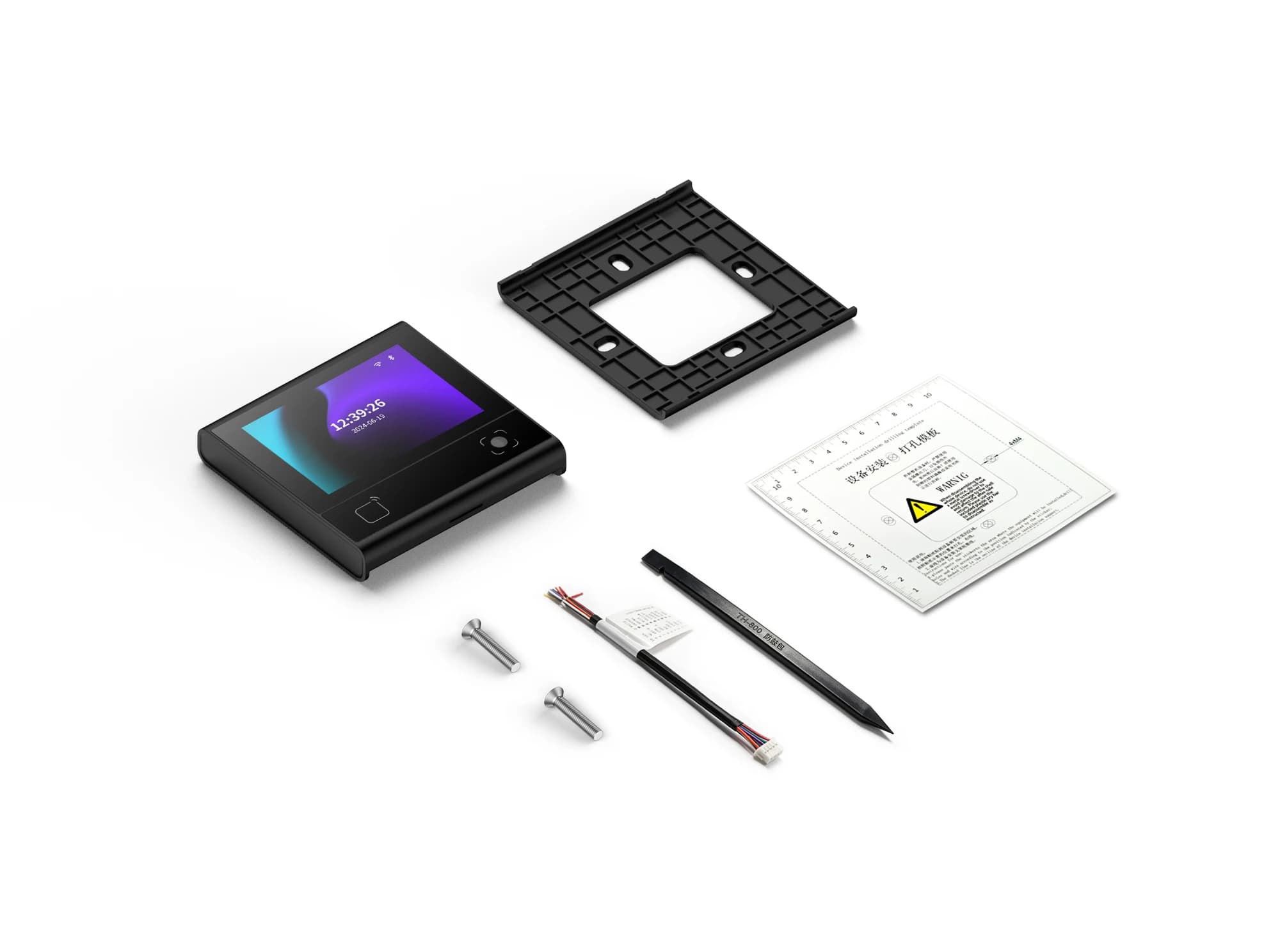
FC6820 display terminal and pictured mounting accessories
FC6820 · mounting accessories

The matching accessories.

Review the pictured configuration with your installer before ordering.

Supplied accessories and quantities depend on the selected order. Confirm the packing list with our team.

Your questions, answered.

Does every FC6820 include door-control connections?

No. Select the reader or access-control configuration first. Exit-switch and door-contact inputs and relay output apply to the access-control configuration. Match the supplied harness and firmware to the connection reference; a shared model family does not make every version interchangeable.

Can the same configuration tool be used for every reader?

Do not assume so. Reader firmware and access-control firmware can use different tools, configuration codes or platform commands. Share the overseas model, firmware and intended operating mode so the matching method can be checked before changing settings.

Is a network connection the same as a connection to the management platform?

No. A device can have local network access without maintaining its platform or messaging connection. Check the physical network, IP settings and service connection separately, using the indicators or logs available for the selected system.