FC6825 / 01
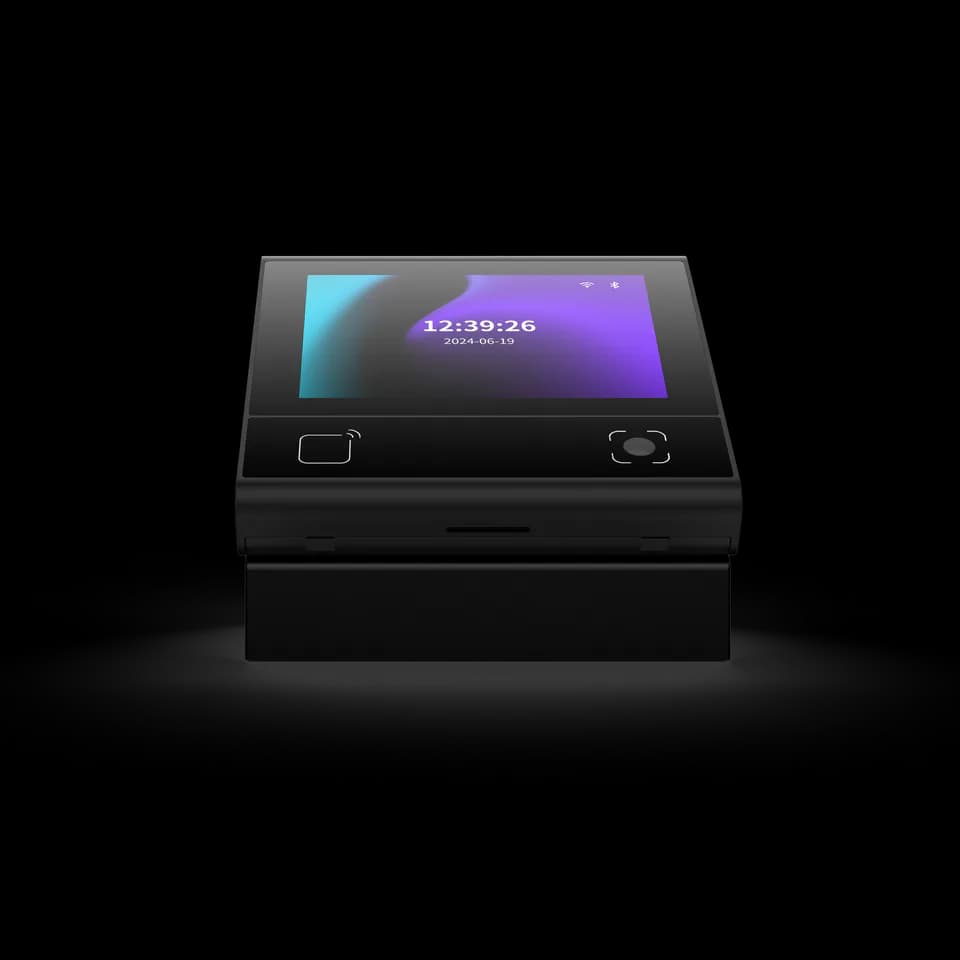
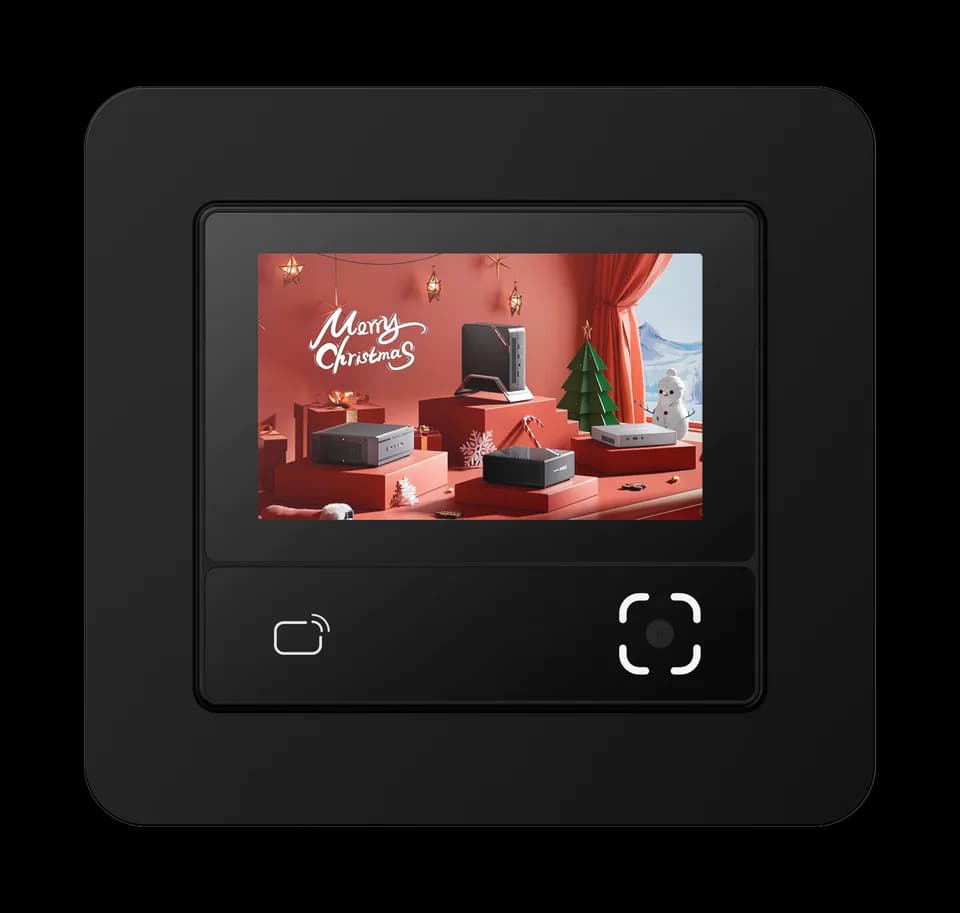
A compact display at the access point.
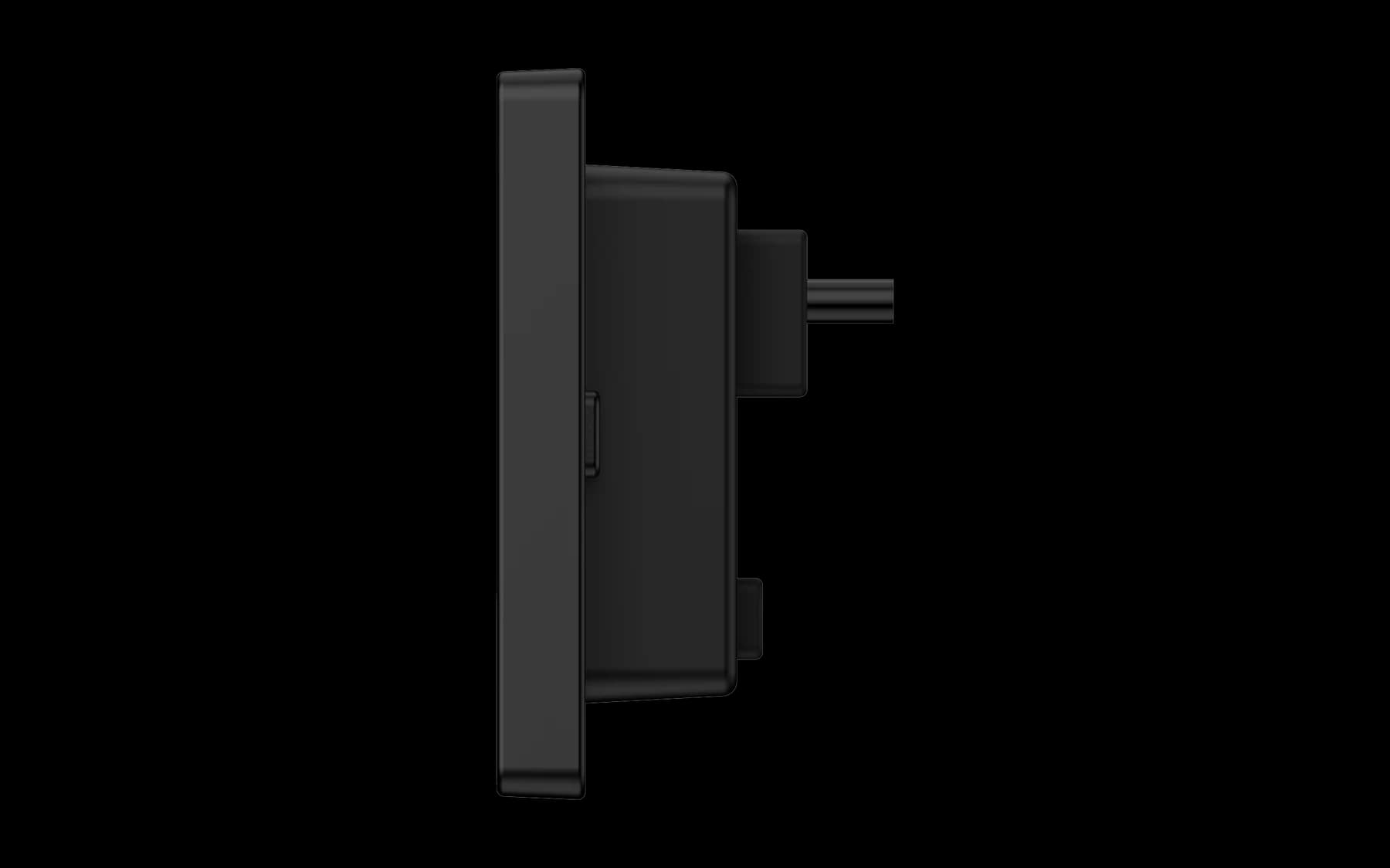
The front screen presents the interaction while connections remain behind the mounting surface. Review the body depth and cable exit against the installation space.

QR Readers & Terminals
Display QR and card terminal
A compact display terminal for QR and card workflows. Use its screen as a point of interaction in access and connected-equipment projects, with a configuration selected for your system.
FC6825 / 01
The front screen presents the interaction while connections remain behind the mounting surface. Review the body depth and cable exit against the installation space.
Technical details
Options vary by configuration. Use these details to plan your evaluation.
| Display | Compact touch display |
|---|---|
| Credentials | QR code and card options by configuration |
Product resources
Specification · English · PDF · 1.3 MB
The brochure is labelled FC6825; an FC6820 heading also appears in the source. Confirm the final configuration before ordering.
Match the baud rate, data format and electrical interface on both sides, then inspect the cable and any serial-to-USB adapter. Also confirm whether the reader is sending raw content or a framed protocol message before treating additional bytes as corrupted data.
A reader in transparent output mode may send the original content, while a protocol or development mode can add a header, length, device information and check data. Select the mode that matches the host application and use the protocol reference for that model and firmware.
Yes. Single-read and interval modes can treat repeated presentation of the same code differently, while a different code may still be accepted immediately. Confirm which modes and repeat intervals are available for the selected reader before defining the user flow.
Your next step
Tell us where it will be used, how it should connect and the quantity you need.
Continue exploring
Allow Google Analytics to help us understand traffic sources, page visits, submitted inquiries, document clicks, email-link clicks and visits to Alibaba or WhatsApp. We do not send your name, email or inquiry message to Analytics.
Analytics stays off until you allow it. Your choice does not affect inquiries or videos you choose to play. You can change it here at any time.
Current choice: not selected.
Read the website privacy notice