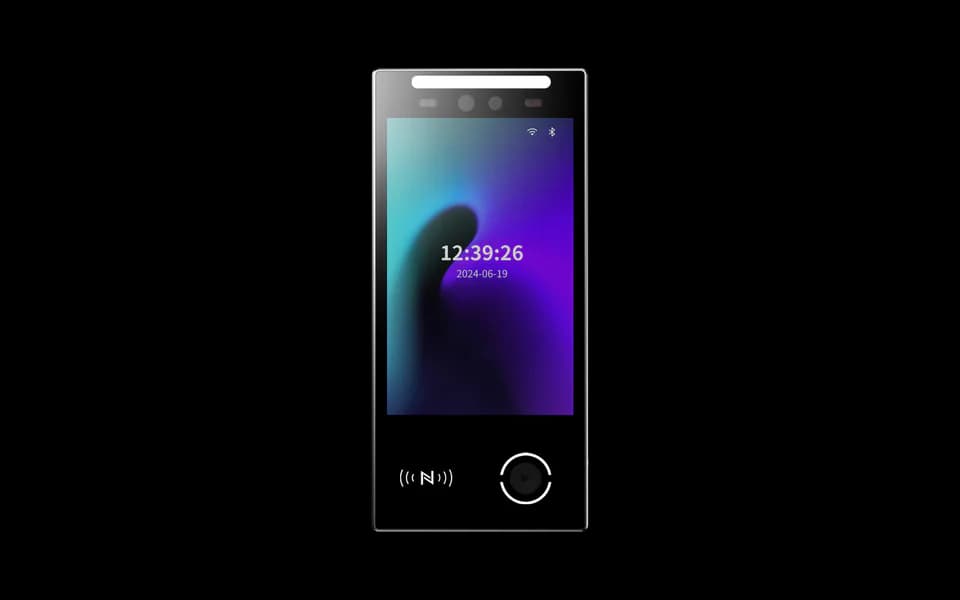
FCV4906
8-inch Android terminal. Review the Android application, calling software and required access interfaces for the entrance.
Product details ↗
Video intercom solution
Connect the entrance to the people inside. Plan a visitor call, a receiving screen and an authorized door action as one clear experience for buildings, offices and residential entrances.
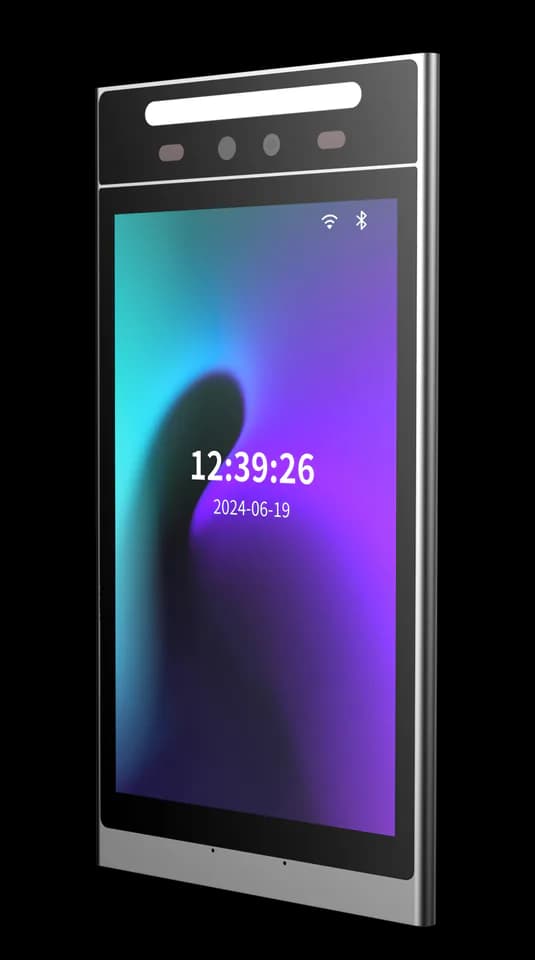
The visitor journey
The visitor uses the configured terminal interface to contact a resident, reception desk or other nominated person.
The selected indoor station or mobile client receives the call. Confirm audio, video, network and notification behaviour as part of the software setup.
An authorized person responds and, where configured, requests a door release through the agreed access-control connection.
Entrance hardware options
Start with the terminal platform and installation point, then confirm the calling application and receiving client. Review product details for the available hardware configurations.
8-inch Android terminal. Review the Android application, calling software and required access interfaces for the entrance.
Product details ↗8-inch Linux terminal. Review the device application, credentials and integration scope for the visitor workflow.
Product details ↗Documented application workflow
The FCV5005 video-intercom guide describes residents answering calls and requesting door release through the Feoceyoffice app, without an indoor extension. Confirm the supplied firmware, app availability and service configuration for the deployment region before ordering.
Create the organization, bind the device using its serial number and authorize the people who may receive calls and unlock. The terminal and app need the configured network and service connection.
At the terminal, open the resident directory, select the resident or room and place the call. The authorized user answers the notification in the app.
The authorized user can request unlocking during the call. Confirm the terminal relay, lock voltage and actual door circuit; receiving video alone does not verify that the door will open.
This workflow applies to the documented FCV5005 configuration. It does not establish compatibility for FCV4906, FCV5530 or an unspecified indoor station; those combinations need their own software and device review.
Plan the complete connection
Specify where calls should go, who can release the door and what happens when a device or network is unavailable. Match the terminal, client and management system before installation.
Explore integration support ↗Application references
The FCV4905 and FCV5005 guides describe the Feoceyoffice application workflow. Match the terminal firmware, app and service configuration before installation.
Manual · English translation · PDF · 1.7 MB
For the Feoceyoffice video-intercom application. Confirm the application, firmware and service configuration for your project.
Manual · English translation · PDF · 1.7 MB
For the Feoceyoffice video-intercom application. Confirm the application, firmware and service configuration for your project.
For the documented FCV5005 workflow, check the network, device binding and authorized user first. If video is missing, check the camera view and network connection. If unlocking fails, check permission, relay wiring and the lock supply with the installer. Test a complete call and door action before handover.
The terminal firmware, calling application, protocol and receiving client must be matched. Share the intended devices and platform so we can confirm compatibility and deployment requirements.
Door release depends on the selected software, user permissions and physical controller or relay connection. Define who may unlock, how the action is authorized and how events should be recorded during the project review.
Send the entrance count, terminal choices, intended receiving clients, network conditions and access-control arrangement. Include any existing platform or protocol requirements.
Share the visitor journey you want to create. We will help confirm the terminal, calling software and access connection for your project.
Allow Google Analytics to help us understand traffic sources, page visits, submitted inquiries, document clicks, email-link clicks and visits to Alibaba or WhatsApp. We do not send your name, email or inquiry message to Analytics.
Analytics stays off until you allow it. Your choice does not affect inquiries or videos you choose to play. You can change it here at any time.
Current choice: not selected.
Read the website privacy notice