Face Terminals

FCV5000

Access and attendance terminal

One terminal for everyday entry.

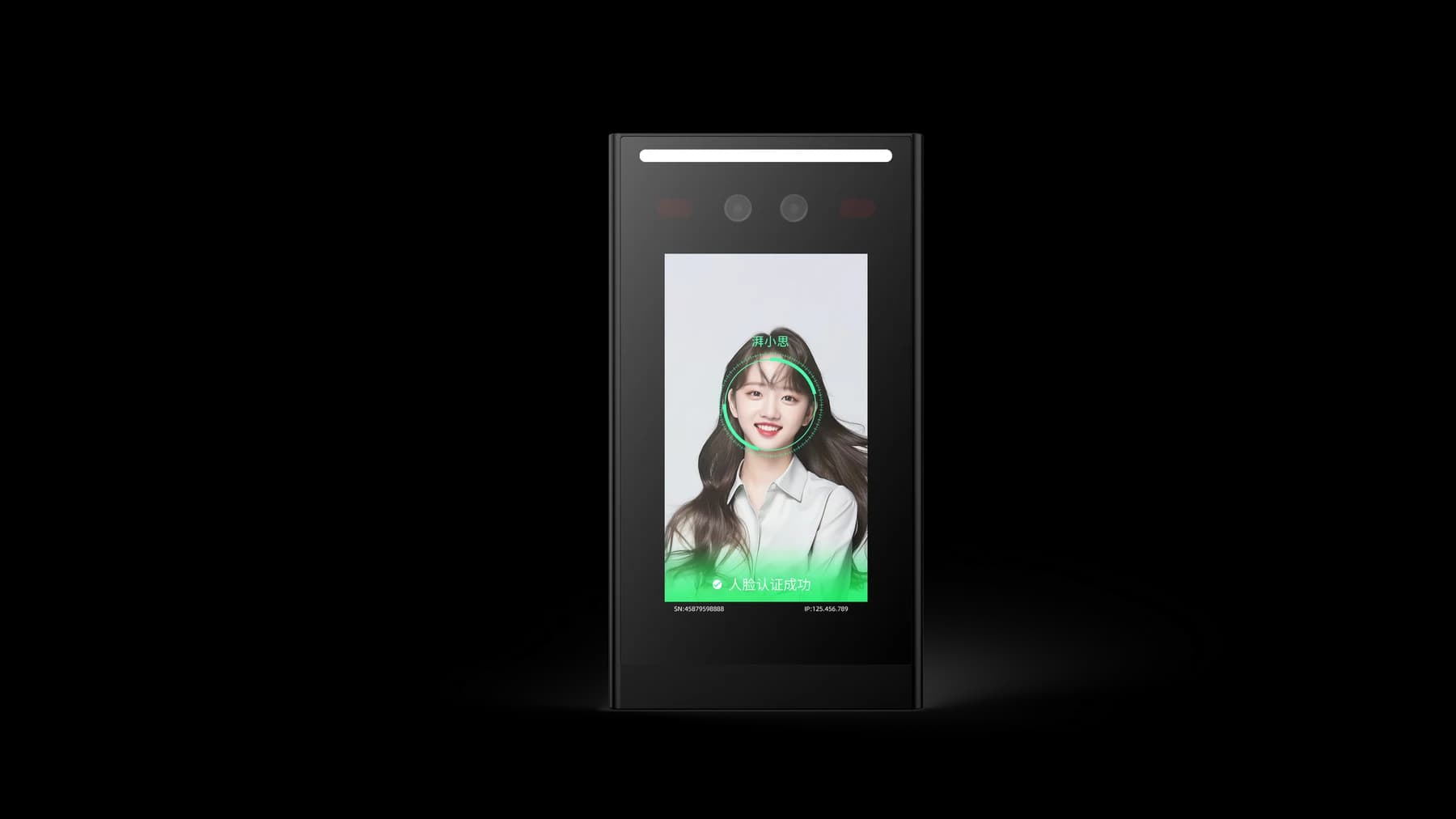
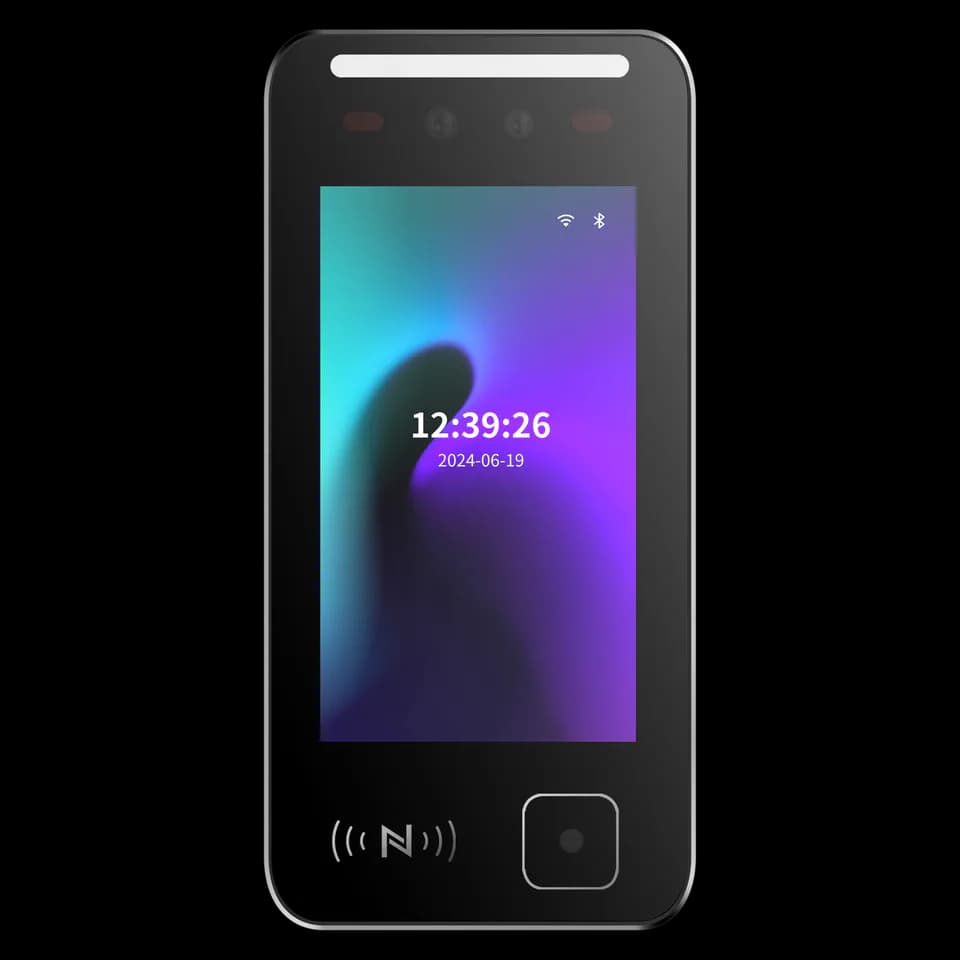
FCV5000 brings face, QR code, card and password workflows to access and attendance projects. Its touch interface suits wall-mounted entrances and integrated equipment installations.

  • Face / QR / card
  • Linux platform
  • Wall or flush mounting
At a glance
Touch displayHuman-facing display
Application platform
DejaOS / LinuxMatch firmware to your project
Design focus
Wall or flush integrationSelected configuration

THE FCV5000 EXPERIENCE

Build the interaction into the entrance.

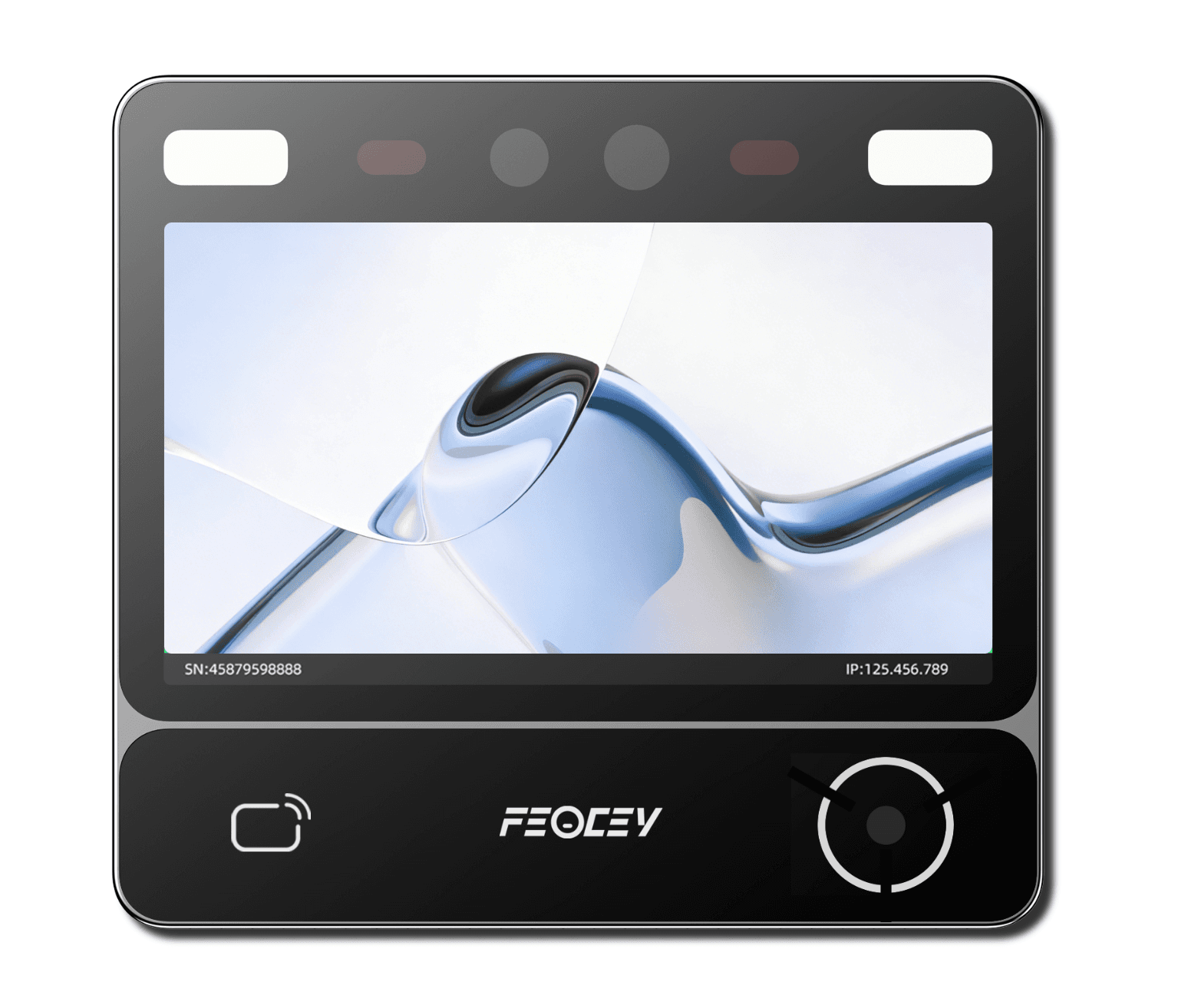
The FCV5000 series brings a landscape touch interface to identity and attendance tasks. Consider it for a wall-mounted entrance or equipment integration where the enclosure, screen position and cable route need to be planned together.

Explore the product manual
FCV5000 landscape access and attendance terminal
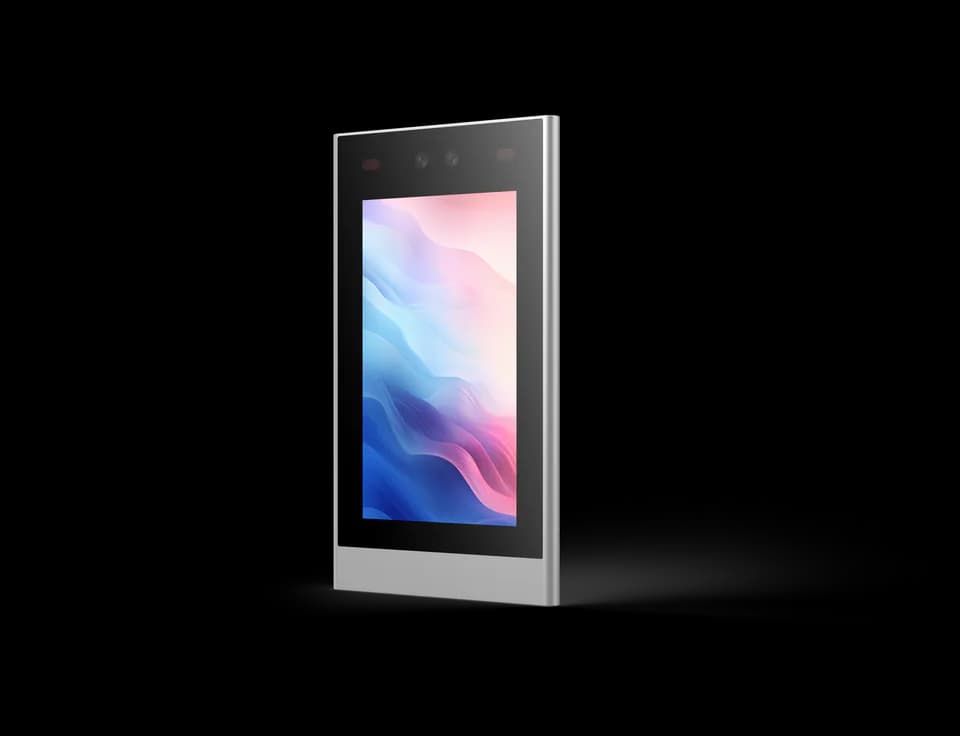
FCV5000 presentation product view. Review the exact series version before preparing an opening.

AT THE POINT OF INTERACTION

A clear task.
A visible result.

Choose the credential and application together. Functions depend on the selected modules, firmware and software.

Recognise a person

Choose face authentication for enrolled users. Plan enrolment, user permission and the way the application handles an unrecognised visitor.

Offer another way in

Select the supported card, QR or password workflow for the required credential modules and software. Confirm those options with the evaluation unit.

Show the next step

Use the display for an instruction and a clear result. Your application decides whether to continue, ask for another credential or direct the visitor to assistance.

FROM IDENTITY TO ACTION

Connect the moment
to the system.

DejaOS (Linux), Ethernet, Wi-Fi, RS485 and Wiegand are described in the supplied series references. Match the terminal application to the host protocol. 4G and PoE require the corresponding configuration.

  1. 01

    The person

    Presents a credential or follows the on-screen prompt.

  2. 02

    Your application

    Validates identity and applies the agreed access rules.

  3. 03

    The access system

    Receives the result, controls passage and records the event as configured.

Integration outline. The terminal, host software, controller and lock need a matching configuration; this is not a wiring diagram.

DESIGN AROUND THE PLACE

Where could it fit?

Example workflows to discuss with your integrator.

01

Equipment front panels

Plan the screen opening, fixings and rear service space as part of the host equipment design.

02

Wall-mounted access

Provide a visible point for face, QR or card interaction in the credential configuration selected for the project.

03

Attendance touchpoints

Keep the on-screen task focused and define event handling in the attendance system.

Technical details

A closer look.

Options vary by configuration. Use these details to plan your evaluation.

FCV5000 specifications
Operating systemDejaOS / Linux
DisplayLCD touch screen · 720 × 1280 pixels
CredentialsFace, QR code, card and password; application dependent
Network & interfacesEthernet, Wi-Fi, RS485 and Wiegand; 4G and PoE are options
Power input9–24 V DC · 12 V recommended

Installation & connections

Plan the fit.

  1. For wall mounting, check compatibility with the intended 86-type box and the supplied plate.
  2. For flush integration, obtain the exact opening drawing and allow room behind the panel for connectors.
  3. Select the network and power configuration first. Confirm whether the chosen unit includes PoE or requires a separate DC supply.

Product resources

Manuals & drawings.

Documents for FCV5000 →
  • FCV5000 user manual

    Manual · English · PDF · 743 KB

    Covers FCV5000 and FCV5001. Display size differs between source sections; confirm the supplied version.

    Download PDF
  • FCV5000 specification

    Specification · English · PDF · 84 KB

    Series specification; check the selected model and options against your order.

    Download PDF

A few things worth knowing.

What lighting conditions should we consider?

Strong backlight, direct sunlight, reflections and close-range lighting can reduce capture quality. Evaluate the terminal in its intended position and avoid pointing the camera directly toward a bright window or concentrated light source.

What kind of enrollment photograph should we use?

Use a clear, front-facing JPG without beauty filters, heavy makeup, sunglasses, a mask or other facial obstruction. File size and image dimensions can vary by software and model, so confirm the current import requirements before preparing a large enrollment set.

What should we confirm before connecting a face terminal to the network?

Confirm whether the selected configuration uses wired networking, Wi-Fi or another connection method, then collect the network and platform settings required by that system. A local network connection does not by itself prove that the device is connected to the management service, so verify both states separately.

Your next step

Let’s put FCV5000
in your project.

Tell us where it will be used, how it should connect and the quantity you need.

Discuss your project