Face Terminals

FCV4905K

Upgraded face terminal with IK10 front glass

Stronger front glass. Familiar access workflows.

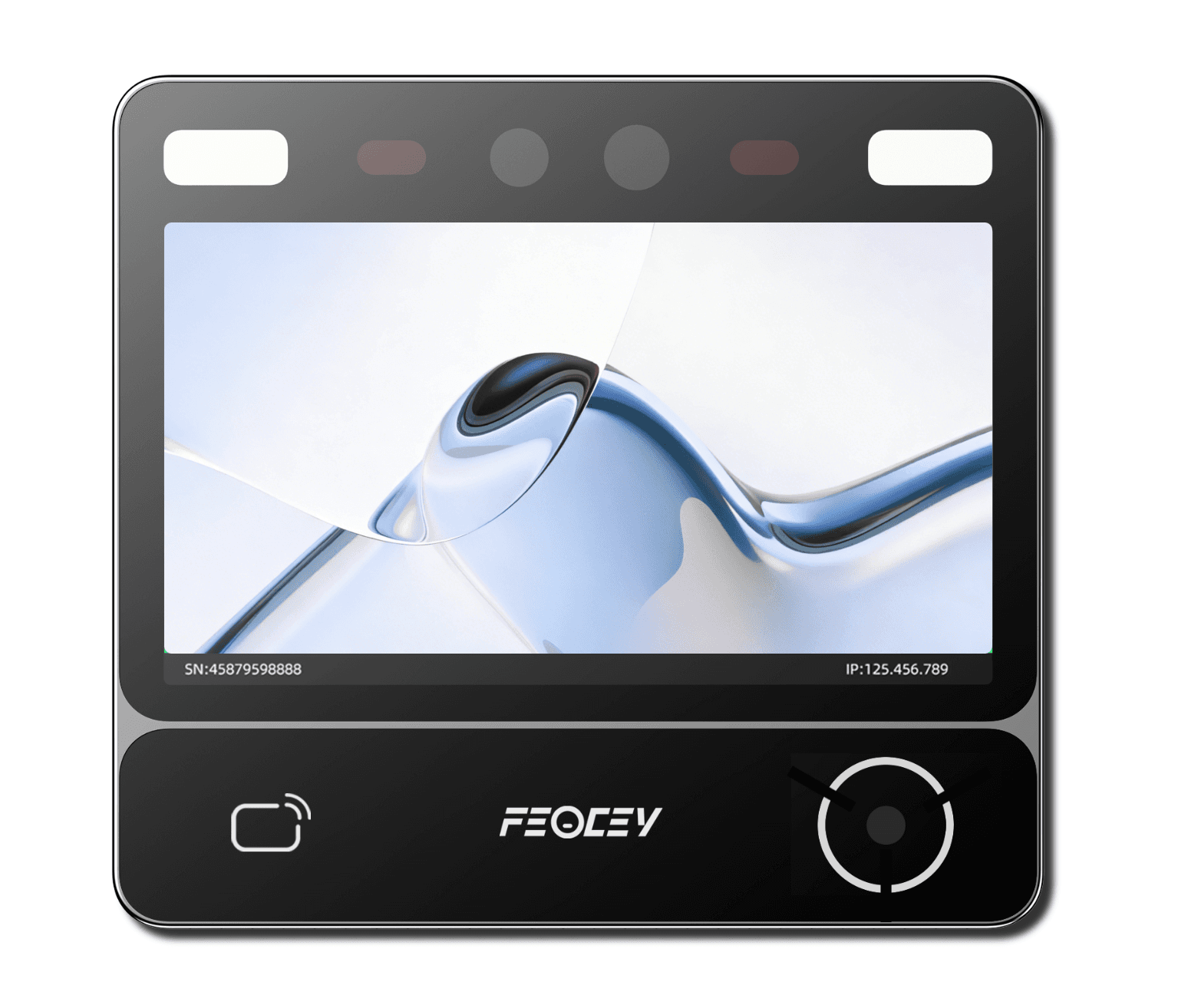
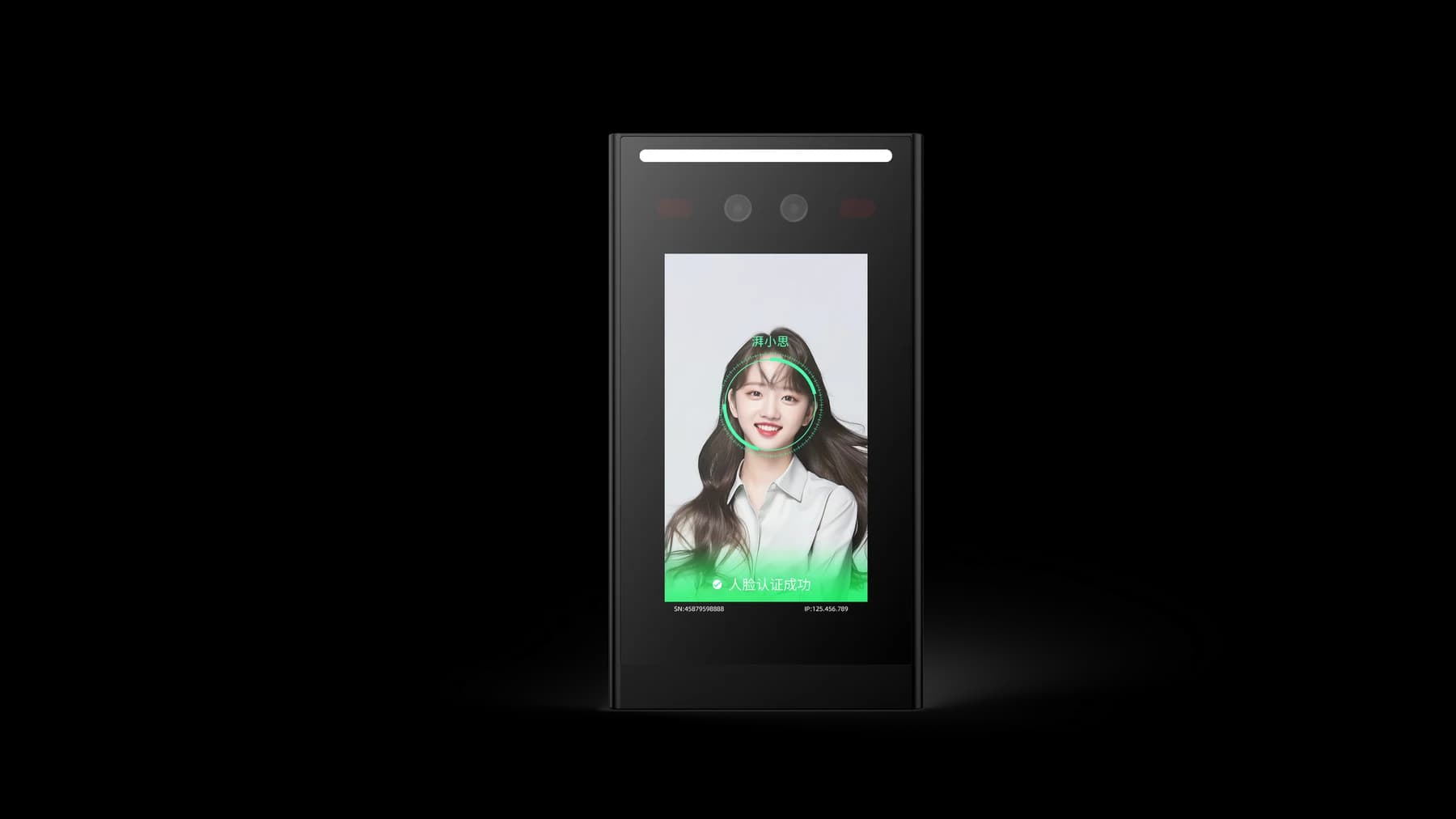
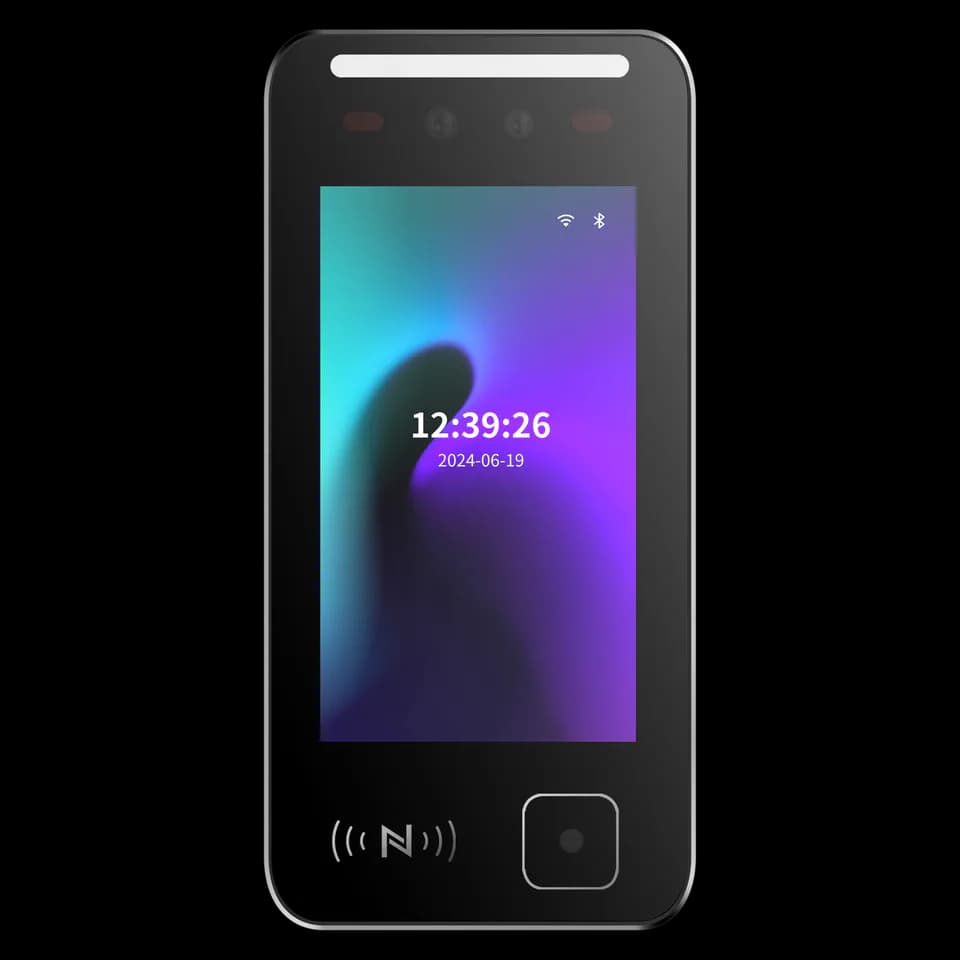
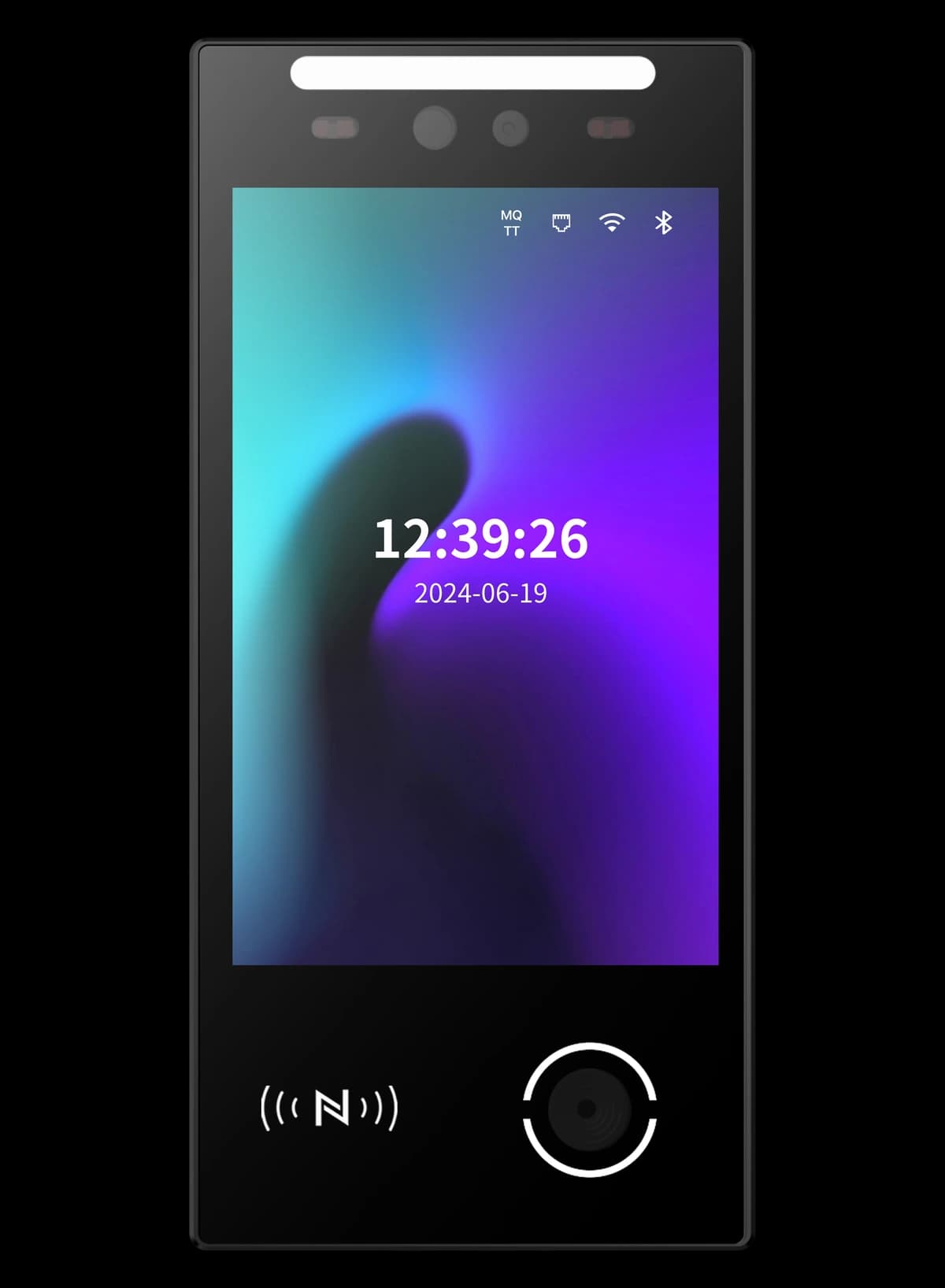
An upgraded FCV4905 platform with thicker front glass, a larger enclosure and a flat black rear housing. The front glass screen is rated IK10; core functions remain based on the FCV4905 configuration.

  • IK10 front glass screen
  • Flat rear housing
  • 8-inch access terminal

FCV4905K / 01

Thicker glass. A familiar access platform.

FCV4905K builds on FCV4905 with thicker front glass and a larger enclosure. The front glass screen is rated IK10. This rating describes the front glass, not every part of the device or protection against water.

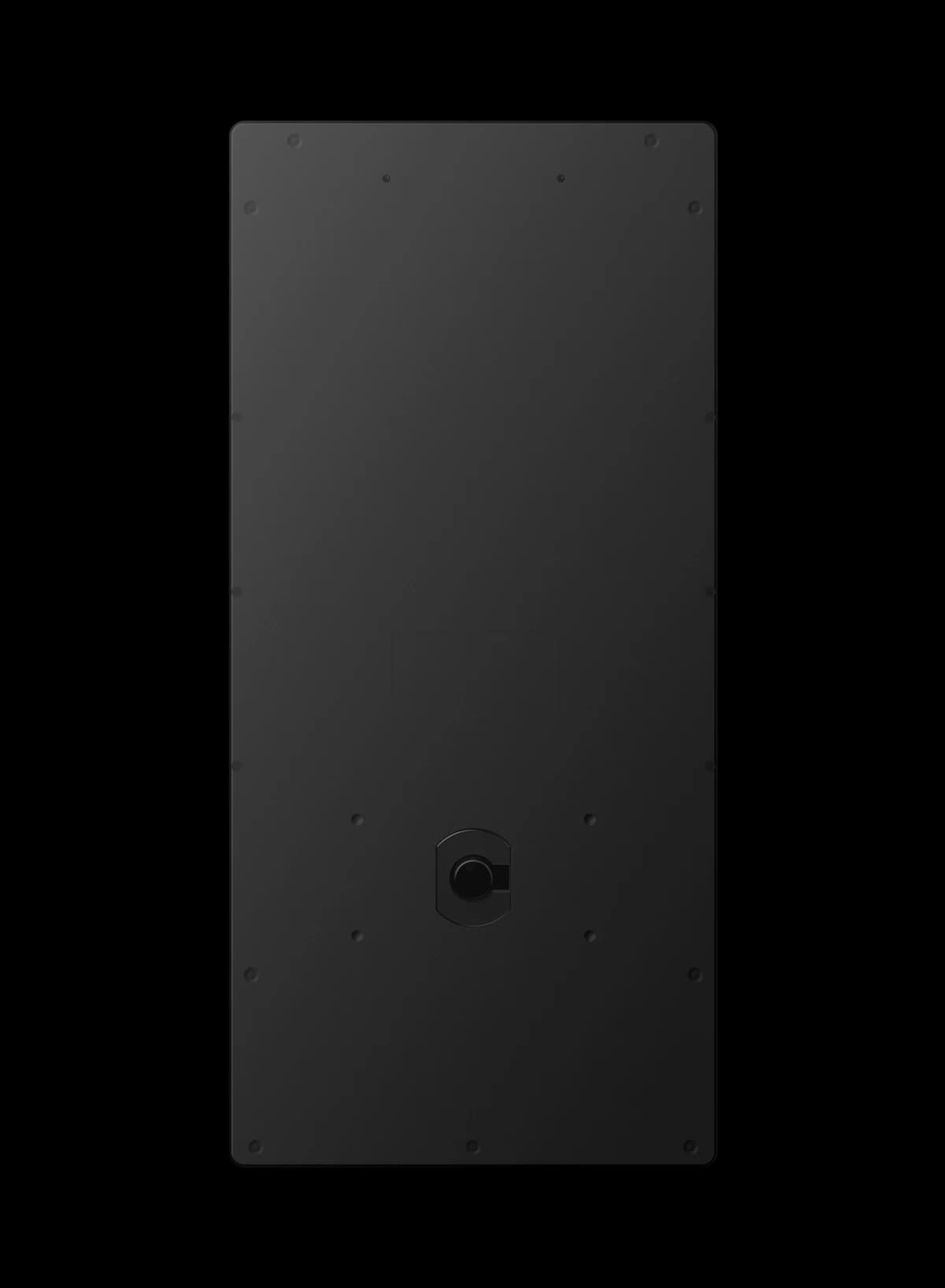
FCV4905K rear housing with visible fixing points and cable outlet
Manufacturer rear view · confirm dimensions against the FCV4905K drawing

FCV4905K / 02

A flat rear housing for the K version.

The flat black rear housing differs from FCV4905. Review the cable exit, fixing points and required rear clearance using the FCV4905K drawing before preparing a wall or mounting plate.

FCV4905K / 03

Keep the workflow. Confirm the configuration.

The core platform and functions carry over from FCV4905. Face, QR code, card and password workflows depend on the selected modules and application. Specify the host system, network and credential requirements when requesting a sample.

Integration outline

Part of your access workflow.

The device, application and access hardware work together. The final behaviour depends on your system configuration.

  1. 01

    Select credentials and application

  2. 02

    Connect the terminal to the access system

  3. 03

    Match the K-version mounting and cable arrangement

In your project

Plan the enclosure around your entrance.

Use FCV4905K for projects that call for the upgraded front glass and housing while retaining the familiar access platform. Confirm the selected credential modules, software, host interfaces and installation drawing together before ordering.

Technical details

A closer look.

Options vary by configuration. Use these details to plan your evaluation.

FCV4905K specifications
Operating systemLinux
Display8-inch touch screen · 800 × 1280 pixels
ProcessorDual-core ARM Cortex-A7 · 1 GHz
Storage8 GB; expanded storage is configuration dependent
Host interfacesEthernet, RS485 and Wiegand 26/34; configuration dependent
Wireless optionsWi-Fi and 4G options; confirm modules and regional availability
Power input9–24 V DC · 12 V recommended
Front glass impact resistanceIK10 · front glass screen only
Enclosure updateThicker front glass, a larger enclosure and a flat rear housing compared with FCV4905

Installation & connections

Plan the fit.

  1. Request the FCV4905K dimension and mounting drawing before drilling or preparing an enclosure. The larger housing and flat rear are not a drop-in dimensional replacement for FCV4905.
  2. Check the fixing points, cable outlet and service clearance shown in the rear view against the supplied assembly. Product images are not dimensioned installation drawings.
  3. Confirm the supplied power, connector pinout and Ethernet, RS485 or Wiegand configuration before wiring. Use a matching cable guide for the delivered version.
  4. Plan the installation environment separately from the front glass impact rating. Confirm weather protection and any required accessories for the chosen location.

Product resources

Manuals & drawings.

Documents for FCV4905K →

Need the FCV4905K manual, specification or installation drawing? We’ll help you find the document for your configuration.

Request documents

A few things worth knowing.

What lighting conditions should we consider?

Strong backlight, direct sunlight, reflections and close-range lighting can reduce capture quality. Evaluate the terminal in its intended position and avoid pointing the camera directly toward a bright window or concentrated light source.

What kind of enrollment photograph should we use?

Use a clear, front-facing JPG without beauty filters, heavy makeup, sunglasses, a mask or other facial obstruction. File size and image dimensions can vary by software and model, so confirm the current import requirements before preparing a large enrollment set.

What should we confirm before connecting a face terminal to the network?

Confirm whether the selected configuration uses wired networking, Wi-Fi or another connection method, then collect the network and platform settings required by that system. A local network connection does not by itself prove that the device is connected to the management service, so verify both states separately.

Your next step

Let’s put FCV4905K
in your project.

Tell us where it will be used, how it should connect and the quantity you need.

Discuss your project