Face Terminals

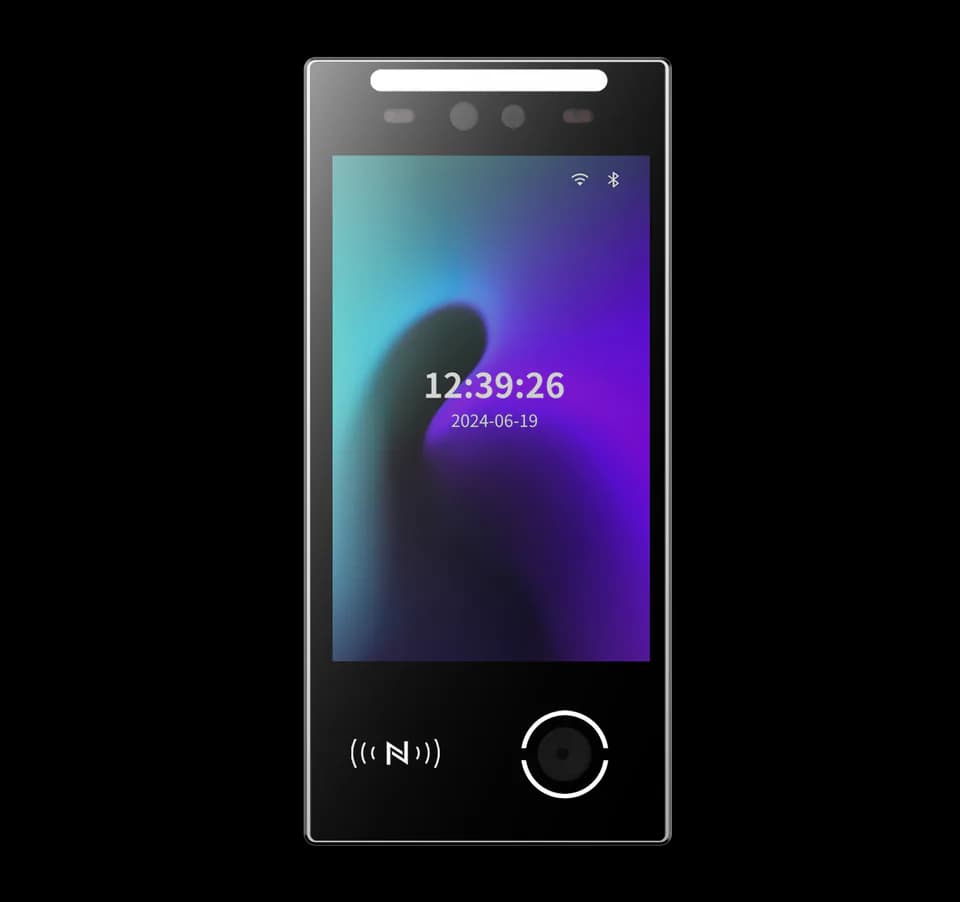
FCV4905

8-inch face authentication terminal

A clear welcome at every entrance.

An 8-inch face terminal for access, attendance and visitor interactions. Choose the credential modules and mounting arrangement, then connect the device to your access system.

  • 8-inch touch display
  • Linux platform
  • Multiple mounting options
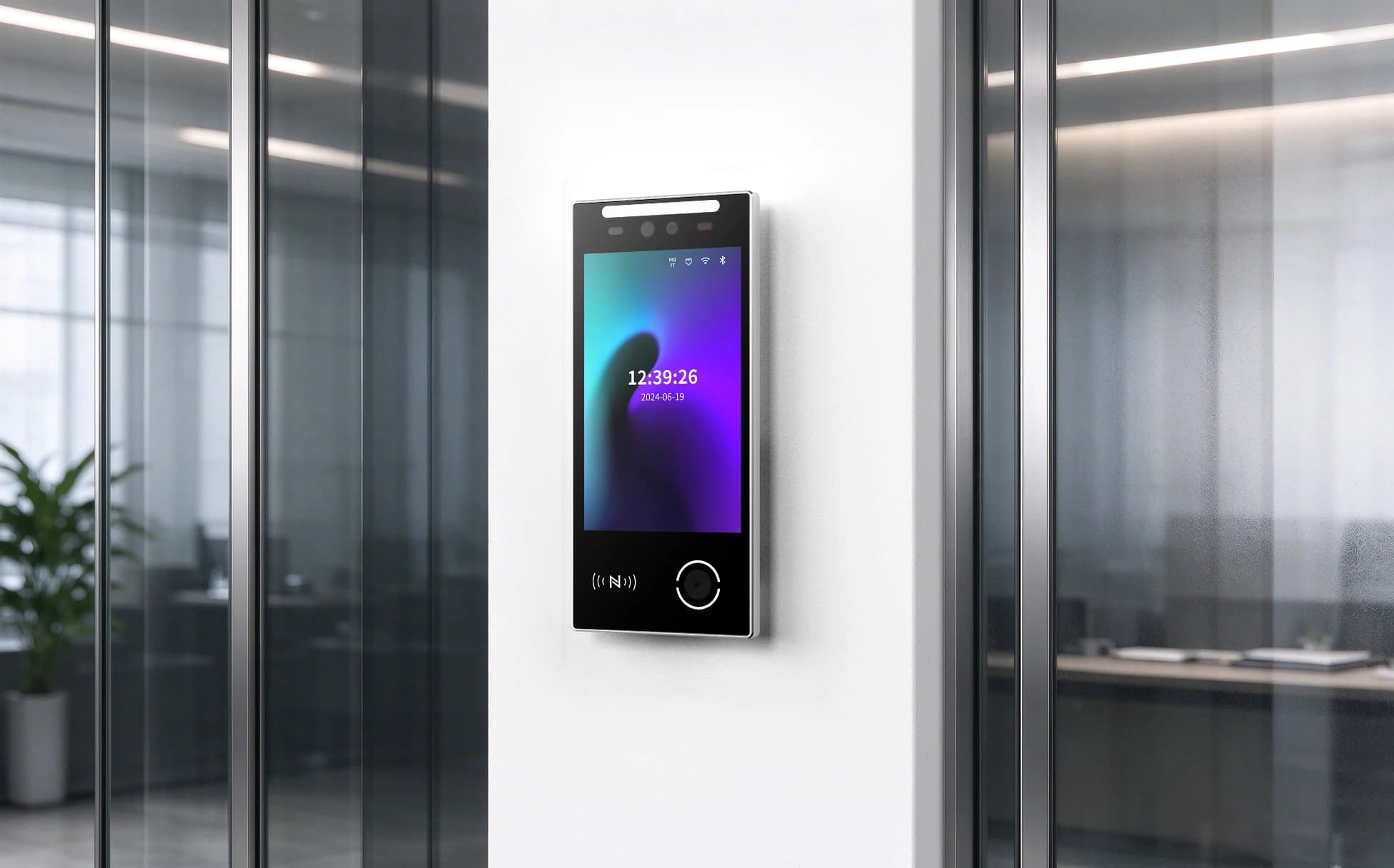
FCV4905 terminal beside a glass office entrance

A clear welcome.
Every day.

An 8-inch face terminal for workplace arrival, membership access and visitor entry.

Display
8-inch · 800 × 1280
Platform
Linux / DejaOS
Credentials
Face, QR & card options
Connections
Ethernet, RS485, Wiegand

Application illustration. Functions depend on configuration.

Technical specifications.

FCV4905

Functions, interfaces and mounting accessories depend on the selected configuration. Confirm them with the evaluation unit.

FCV4905 specifications
Operating systemLinux
Display8-inch touch screen · 800 × 1280 pixels
ProcessorDual-core ARM Cortex-A7 · 1 GHz
Storage8 GB; expanded storage is configuration dependent
Host interfacesEthernet, RS485 and Wiegand 26/34; configuration dependent
Wireless optionsWi-Fi and 4G options; confirm modules and regional availability
More specifications
FCV4905 additional specifications
Power input9–24 V DC · 12 V recommended
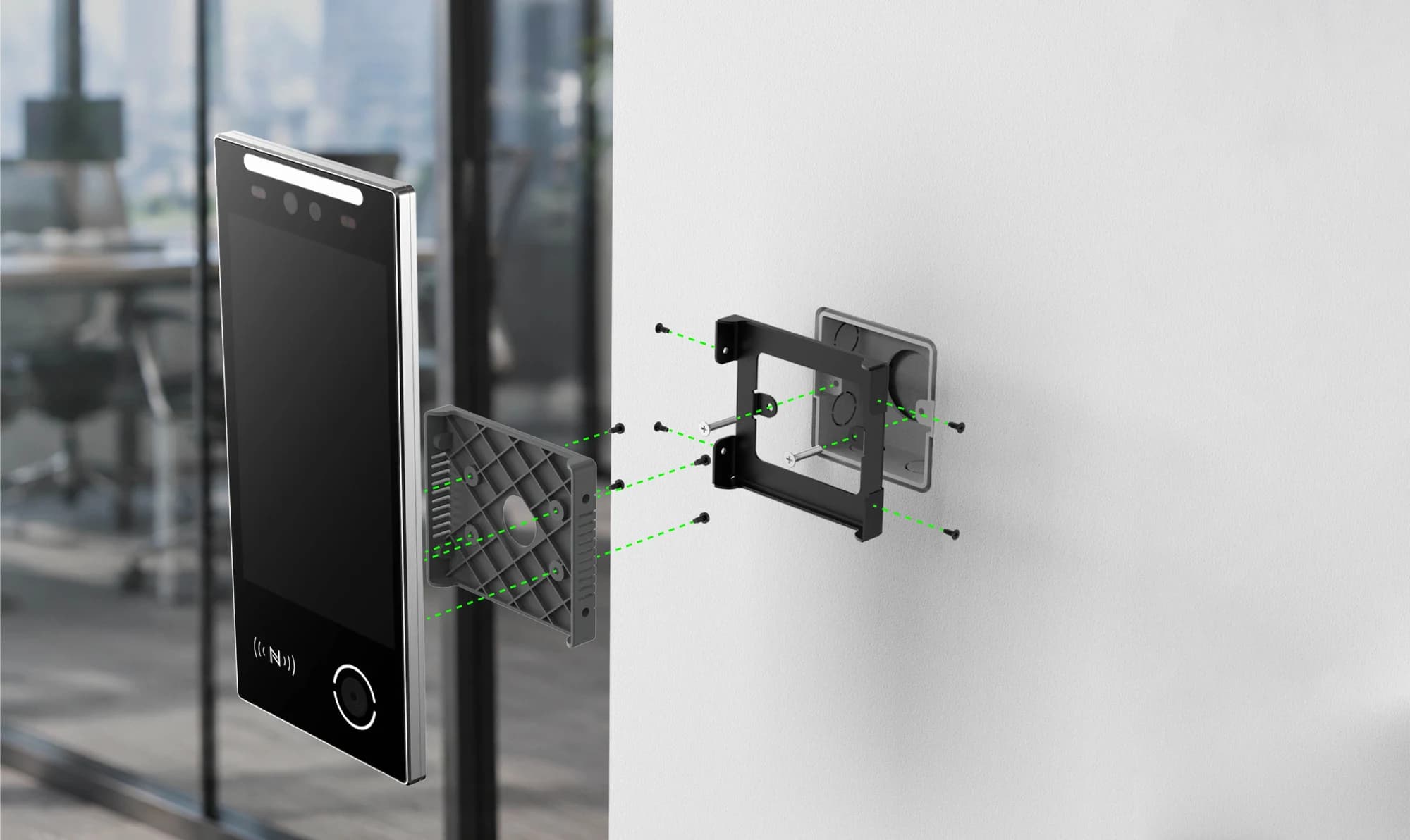
FCV4905 mounting illustration with an 86-type electrical box

Made to fit.
Beside the door.

Wall-mount installation with an 86-type electrical box, mounting plate and concealed cable route.

  • Match the mounting assembly to this device version.
  • Keep the camera clear of the door or gate movement.
  • Leave room for rear wiring and service access.
View installation reference

Installation illustration. Check the supplied drawing before preparing the opening.

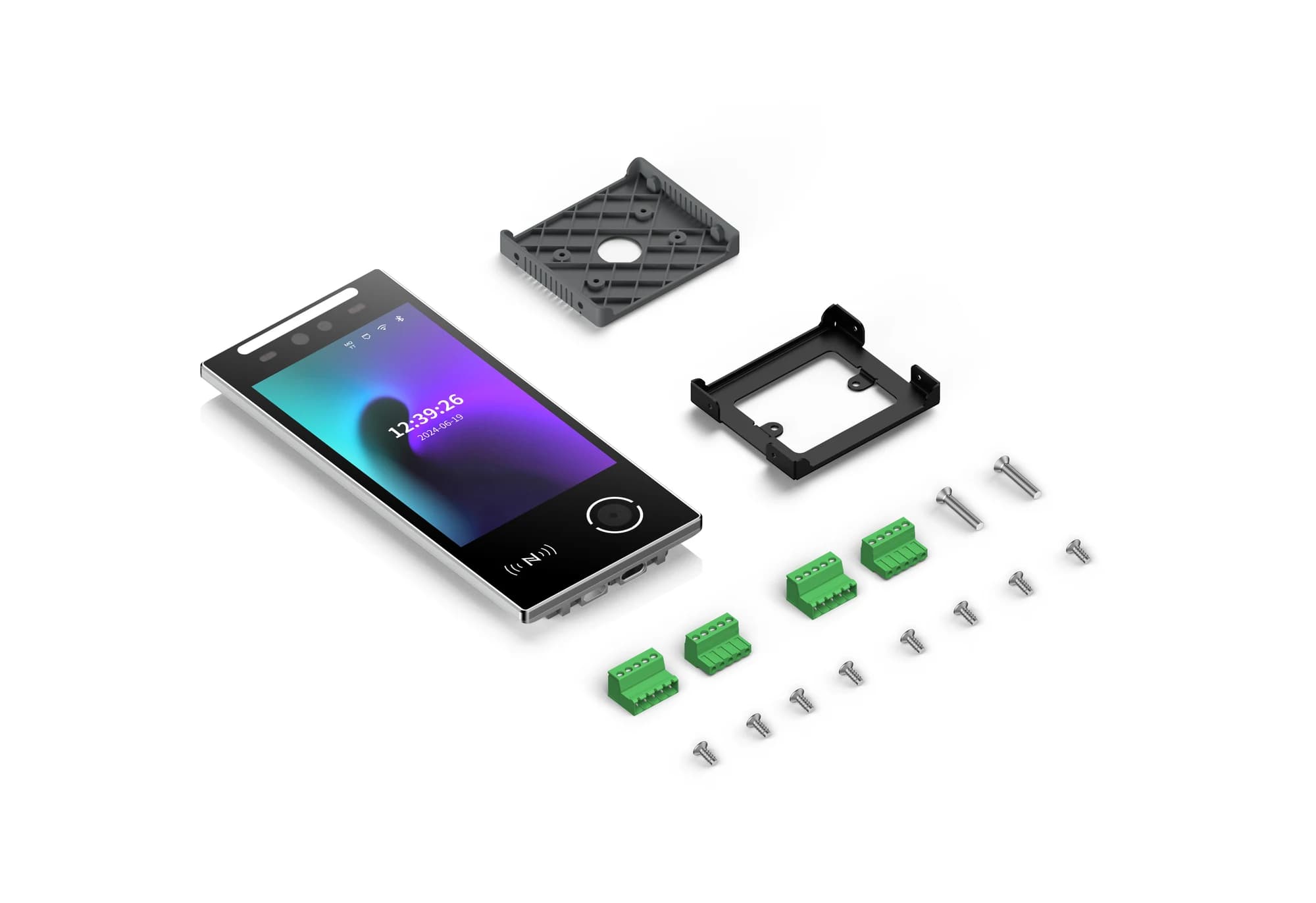
FCV4905 wall-mount configuration and pictured accessories

Wall-mount kit.

A compact arrangement for the entrance wall.

  • Terminal & mounting components
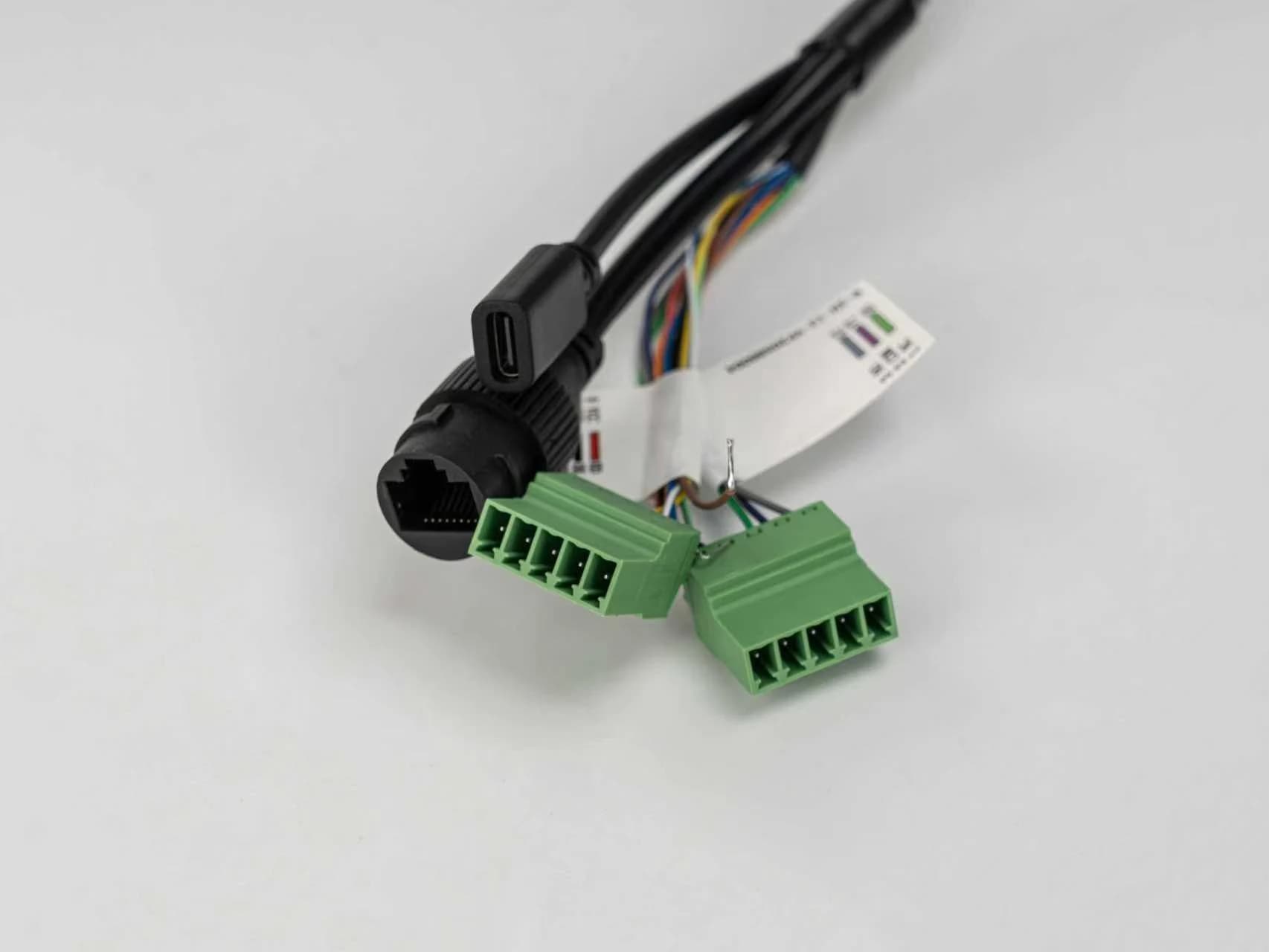
  • Pictured terminal connectors
  • Mounting fasteners

Supplied accessories and quantities depend on the selected order. Confirm the packing list with our team.

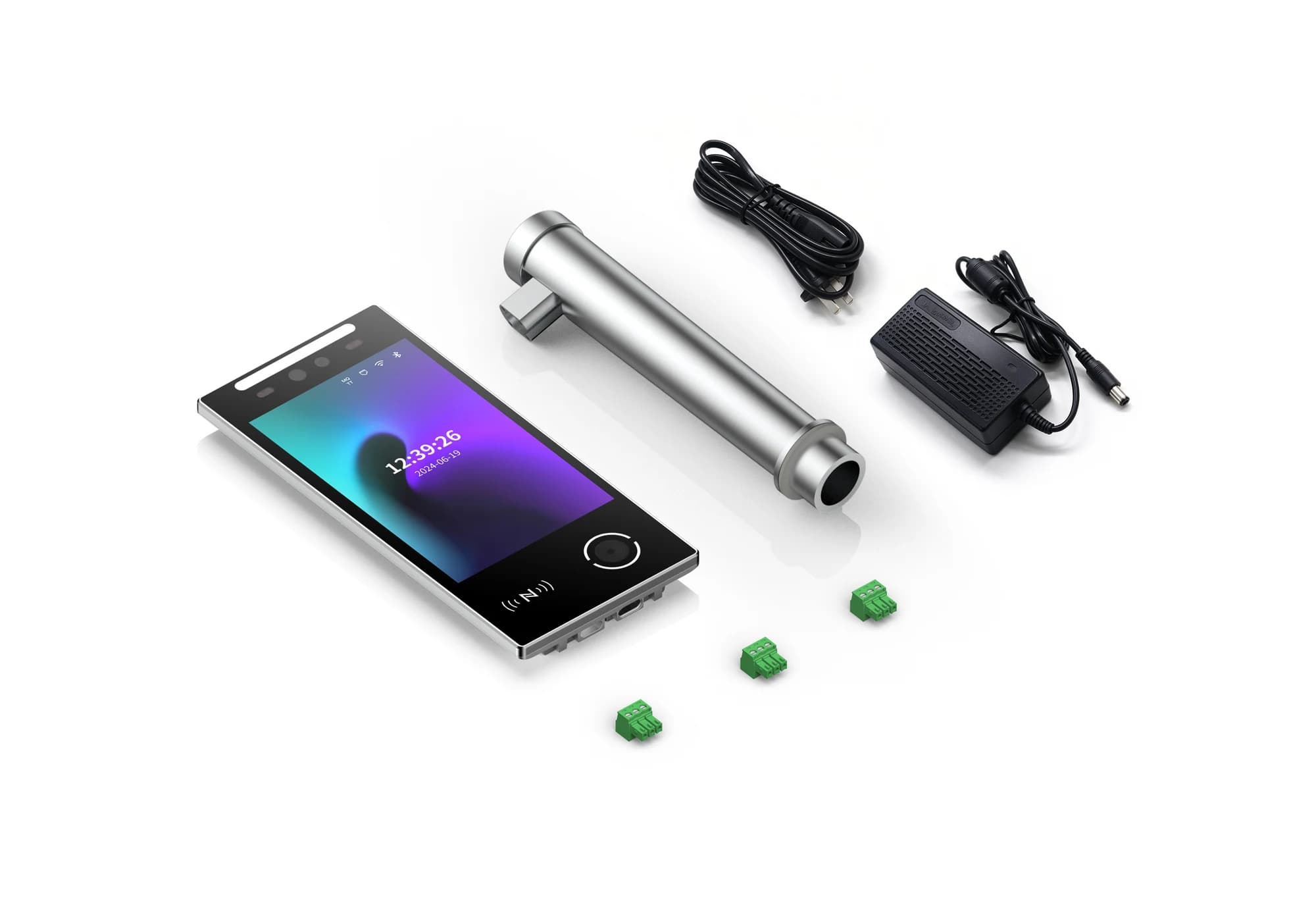
FCV4905 pedestal-mount configuration and pictured accessories

Pedestal-mount kit.

An elevated arrangement for gates and reception surfaces.

  • Terminal & pedestal assembly
  • Pictured power and cable components
  • Connectors & mounting fasteners

Supplied accessories and quantities depend on the selected order. Confirm the packing list with our team.

Your questions, answered.

What lighting conditions should we consider?

Strong backlight, direct sunlight, reflections and close-range lighting can reduce capture quality. Evaluate the terminal in its intended position and avoid pointing the camera directly toward a bright window or concentrated light source.

What kind of enrollment photograph should we use?

Use a clear, front-facing JPG without beauty filters, heavy makeup, sunglasses, a mask or other facial obstruction. File size and image dimensions can vary by software and model, so confirm the current import requirements before preparing a large enrollment set.

What should we confirm before connecting a face terminal to the network?

Confirm whether your configuration uses wired networking, Wi-Fi or another connection. Collect the network and platform settings for that system. Local network access does not prove a management-service connection. Check both states separately, using the matching setup reference.