Access Controllers

FCC4904

Access controller

Four doors. One connection point.

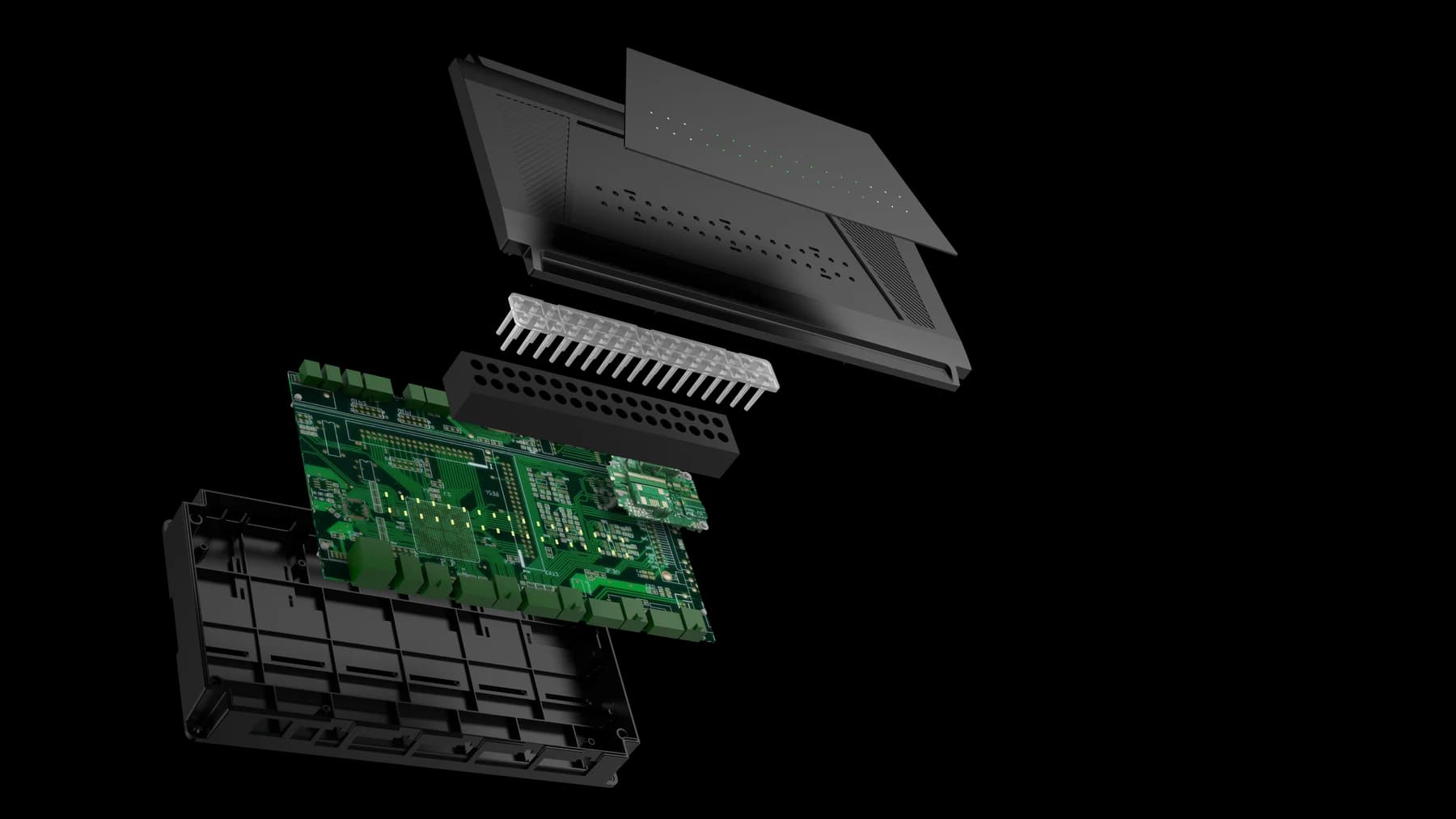
Bring readers, locks, door contacts and exit buttons together in a four-door access controller. Ethernet connects the controller to your system, with RS485 connections for the readers.

  • 4 door connections
  • 4 RS485 reader ports
  • Ethernet
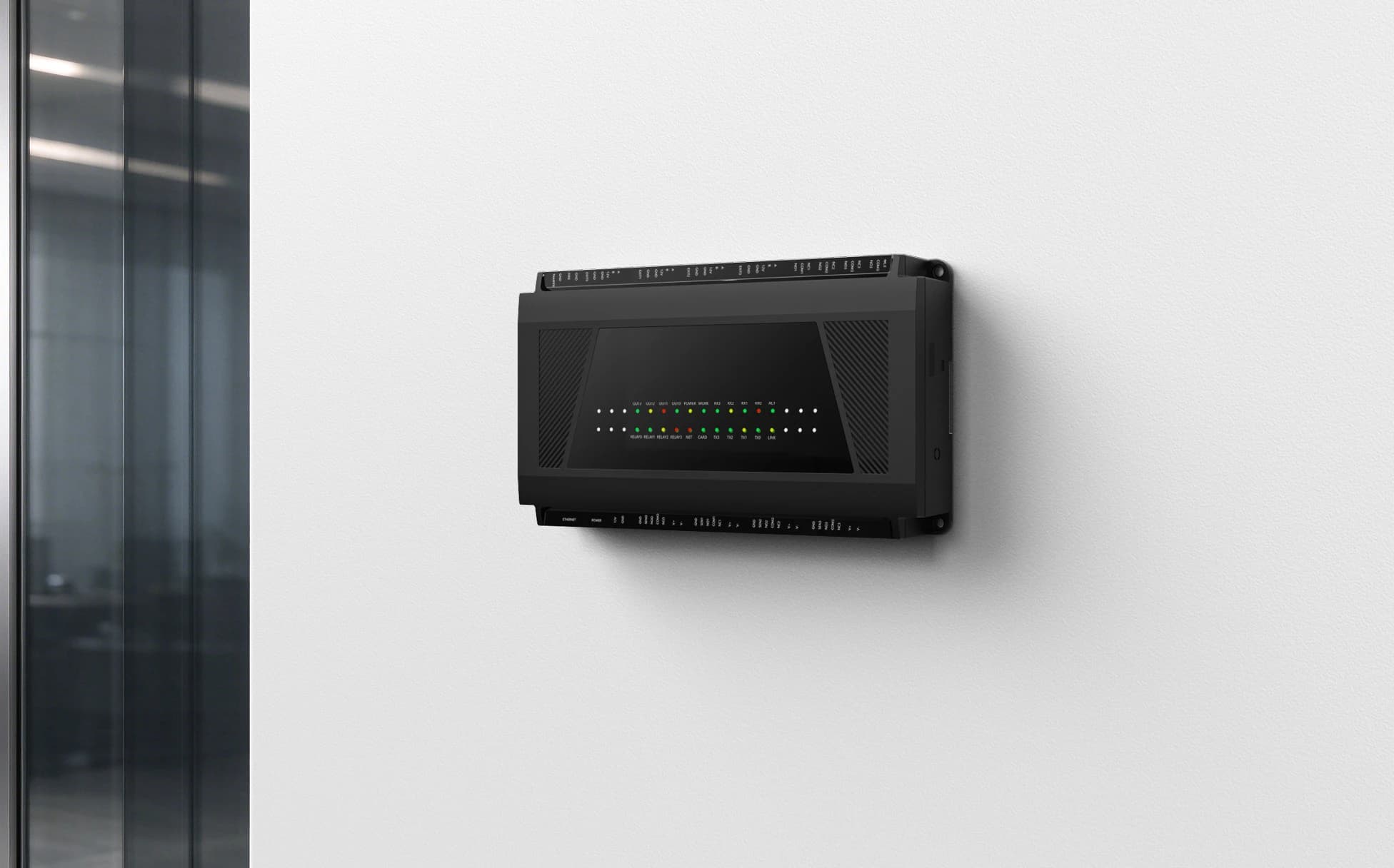
FCC4904 four-door controller in an office access installation
FCC4904 · office entrance scene

Four doors.
One connection point.

Bring readers, locks, door contacts and exit buttons together, with Ethernet connecting the controller to your host system.

Doors
Four door circuits
Readers
Four RS485 reader ports
Network
Ethernet
Inputs
Door contact, exit, fire & tamper

Technical specifications.

FCC4904

Use the approved port reference and wiring guide for connections. Confirm chassis and capacity for the supplied version.

FCC4904 specifications
Door connectionsFour lock connections with relay outputs and door-contact inputs
Reader connectionsFour RS485 reader ports
Exit buttonsFour exit-button inputs
Auxiliary inputsFire-alarm and tamper inputs
NetworkEthernet
Power connectionUse one of the two power inputs; external supply input is 12 V

Certifications

  • CE (EMC 2014/30/EU)HK2401220480EShenzhen HUAK
  • FCC Part 15B SDoCHK2505072329EShenzhen HUAK
All FCC4904 records on the certifications page
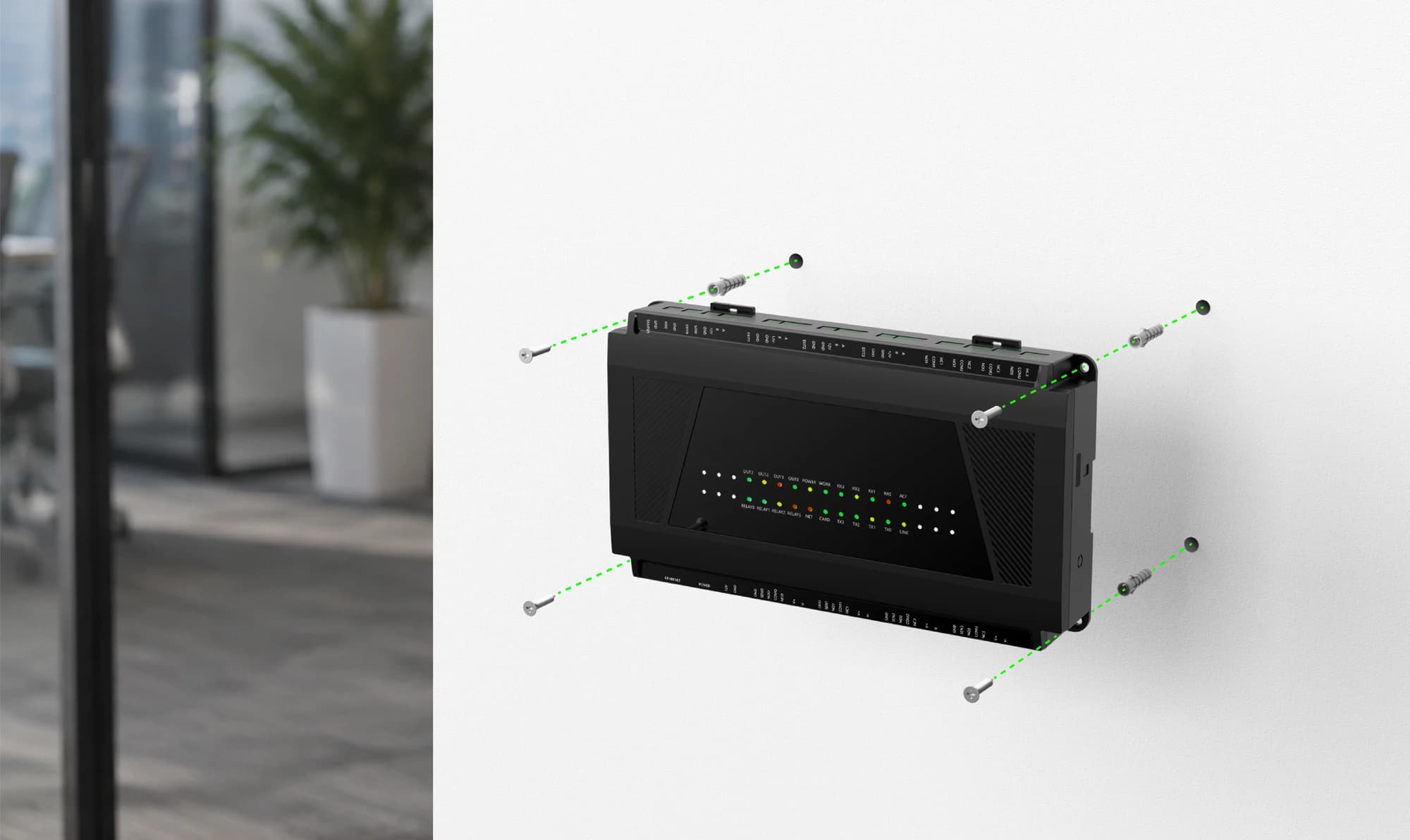
FCC4904 enclosure and fixings for direct wall mounting
FCC4904 · direct wall installation

A clear place.
For every connection.

Secure the enclosure to a suitable wall using the illustrated fixing points. Plan a clear cable route and leave access for service.

View installation reference

Mounting illustration. Confirm the enclosure, fixings and wall material before drilling.

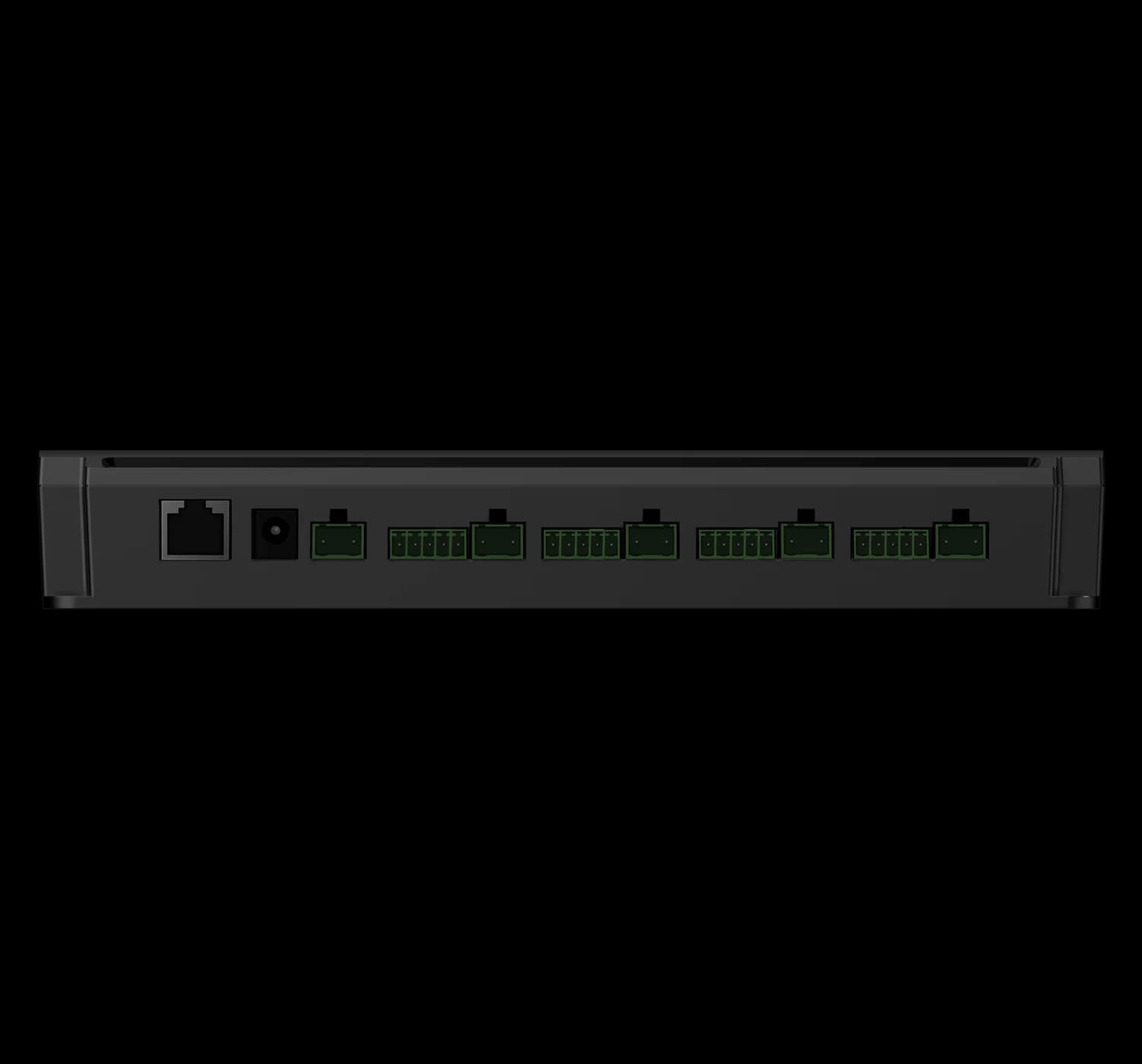
FCC4904 port and terminal connection view
FCC4904 · port and terminal connections

Connect carefully.
Commission each door.

Match each reader, lock, door contact and exit input to the approved port reference and wiring guide.

  • Disconnect control and lock power before wiring.
  • Use only one of the two alternative 12 V power inputs.
  • Test each door circuit, fire-alarm and tamper behaviour.
View installation reference

An RS485 interface alone does not confirm reader compatibility. Confirm reader protocol, lock loads and fire-alarm integration with your installer.

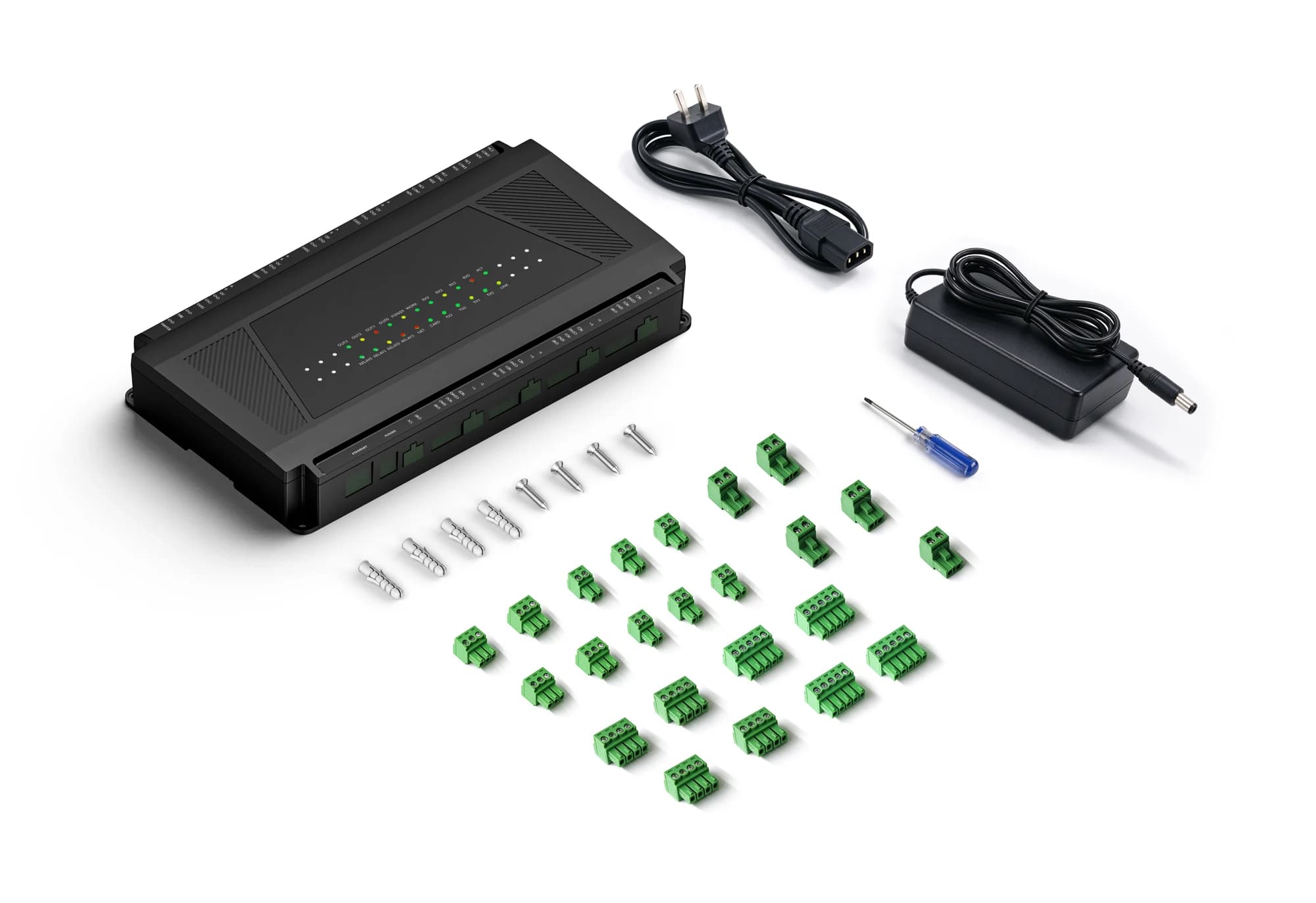
FCC4904 controller and pictured power, connector and mounting accessories
FCC4904 · controller accessories

The matching accessories.

Review the pictured configuration with your installer before ordering.

Supplied accessories and quantities depend on the selected order. Confirm the packing list with our team.

Your questions, answered.

Does every configuration include the same features?

No. Credential modules, interfaces, mounting parts, network options and software can vary within the same product family. Confirm the exact model and selected options in writing before designing an enclosure, cable set or integration around it.

Is a network connection the same as a connection to the management platform?

No. A device can have local network access without maintaining its platform or messaging connection. Check the physical network, IP settings and service connection separately, using the indicators or logs available for the selected system.

Why might a successful credential check not open the door?

Identity verification, access permission and the physical control output are separate parts of the workflow. Have a qualified installer check the operating mode, permission result, relay timing, controller output and lock wiring against the installation instructions.

Interested in this product?

Tell us the model and quantity.